Record a Process, Get the SOP
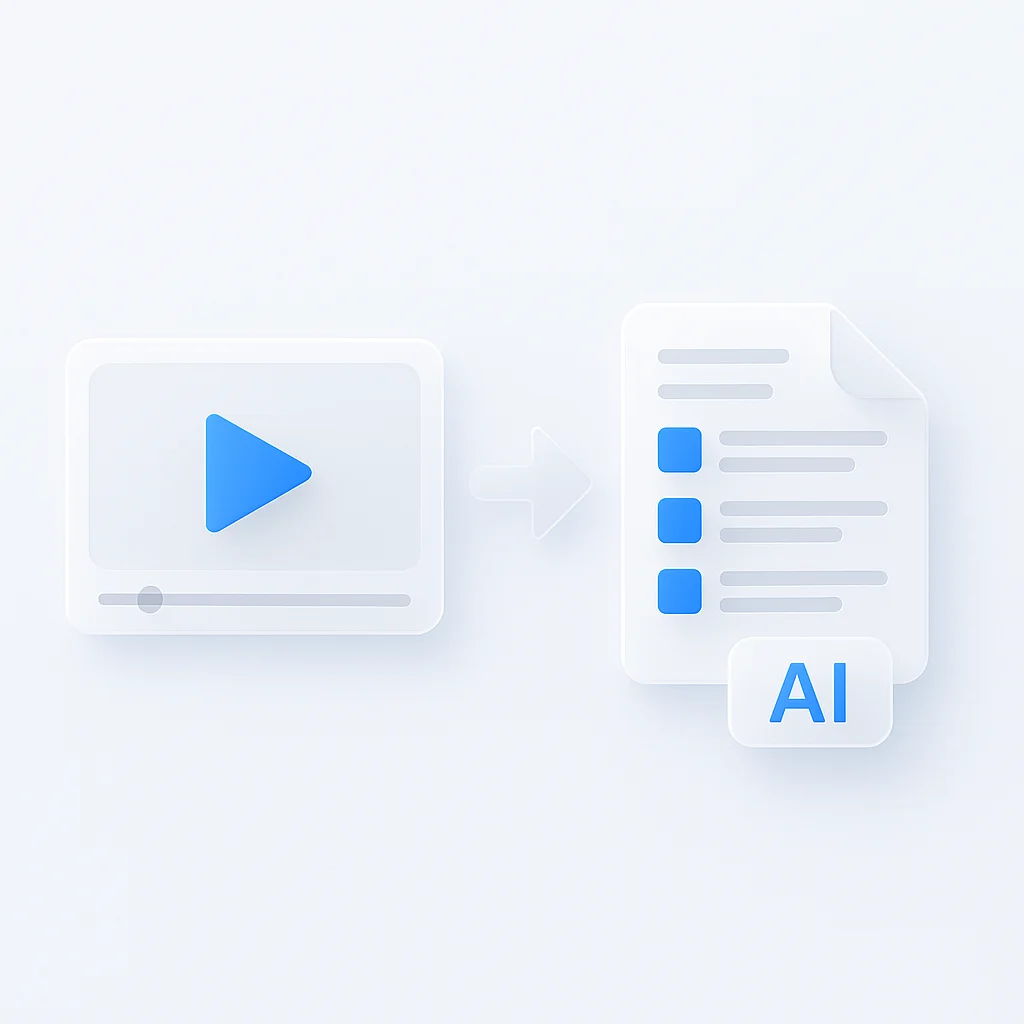
SOP generator takes a video of a process, a link to one, or a fresh screen recording, and writes it up as a standard operating procedure. Record the task once and read the finished SOP instead of writing the steps out by hand.
13,102 training and process recordings were made on ScreenApp in the last 90 days.
A written SOP
Numbered steps from a recording, so you are not documenting it by hand.
Chapters
chapters with timestamps, generated from the recording.
Questions about any step
AI chat with any recording, so you can ask what happened at a step.
Share or download
Through team workspaces and share links, or as PDF, Word, PowerPoint, Markdown or plain text.
How to Create an SOP From a Recording
- Record or upload: Capture your screen while performing the process, or upload an existing video from Loom, Zoom, Teams, or another source. You can also paste a video URL.
- Let AI write the SOP: A few minutes after the recording finishes processing, ScreenApp turns it into a formatted SOP with chapters.
- Review and export: Edit the generated SOP, adjust step descriptions, and export or share it with your team.
SOP quality depends on what the recording shows and says. A clear screen with a spoken explanation produces a more complete SOP than a silent recording of a fast, cluttered process. See how we measure accuracy.
For a full walkthrough with examples, see the guide to creating SOPs from video with AI.
Record a process that becomes a clean SOP
Narrate each step
Say what you do and why it matters.
One procedure per recording
Short recordings make cleaner chapters.
Show the end state
Let the screen settle on each result.
Keep the recording with the SOP. When the process changes, record again instead of rewriting.
Video First, Not Screenshot Per Click
A screenshot per click
Scribe and Tango document what you click through live in a browser, so an existing video file cannot become the source.
Any recording
A Loom video, a Zoom recording or training footage can become an SOP without re-recording.
What It Can and Cannot Do
Good at
- Writing an SOP from a recording
- Chapters and questions about any step
- Working from uploads, links or new recordings
- Downloading as PDF or Word, free
Not built for
- A screenshot per click: it works from video
- Silent, fast recordings: narration makes a better SOP
- Compliance sign-off: review the draft before you publish it
- Replacing a subject expert: they still check the steps
SOP Generator vs Other Apps
| Feature | ScreenApp | Scribe | Tango | Guidde |
|---|---|---|---|---|
| Capture method | Upload a video, paste a link, or record | a browser extension or desktop app that captures screen actions as you work, with no video upload described | live browser and desktop capture only, no video upload | accepts MP4 uploads, PPT and PDF conversions, in addition to live screen recording |
| Free plan | 2 transcriptions, up to 45 min each | Free (Basic) | 5 shared workflows | 25 how-to videos |
| AI-written steps | Yes | Yes, from captured screenshots | Yes, from captured screenshots | Yes, from the recording |
| Export formats | PDF, Word, PowerPoint, Markdown or plain text | PDF, HTML, Markdown | Not stated | Not stated |
| Shareable link | team workspaces and share links | shareable with link & embed | Not stated | Not stated |
| Paid plan | $19/month annual | $13/month annual (Pro Team, 5 seat minimum) | $15/user/month annual | $19/month annual |
Sources, checked 2026-09-19: ScreenApp document export formats, Scribe pricing, tango.ai/pricing, guidde.com/pricing, ScreenApp pricing
- vs Scribe: Scribe is a browser extension or desktop app that captures screen actions as you work, with no video upload described, so an existing video file cannot become the source. ScreenApp lets you upload any recording or paste a URL, so a Loom video, a Zoom recording, or training footage can become an SOP without re-recording.
- vs Tango: Tango is live browser and desktop capture only, no video upload, and its free plan is capped at 5 shared workflows. ScreenApp works from a video you already have and its free plan includes 2 transcriptions of recordings up to 45 minutes each with the SOP included.
- vs Guidde: Guidde accepts MP4 uploads, PPT and PDF conversions, in addition to live screen recording, so it accepts uploads as well as live capture. Guidde’s free plan is capped at 25 how-to videos; ScreenApp’s free plan includes 2 transcriptions of recordings up to 45 minutes each.
Who Uses an SOP Generator
Operations teams
Record a process once and distribute the SOP across locations.
Quality and compliance managers
Document procedures for audits, with the recording to verify against.
IT teams
Turn a workflow or fix into an SOP the next person can follow.
HR and onboarding
Build onboarding SOPs without editing screenshots by hand.
Customer support
Record a ticket resolution once and reuse it.
Manufacturing teams
Keep how a machine is really operated as video plus SOP.