


Scribe vs. ScreenApp
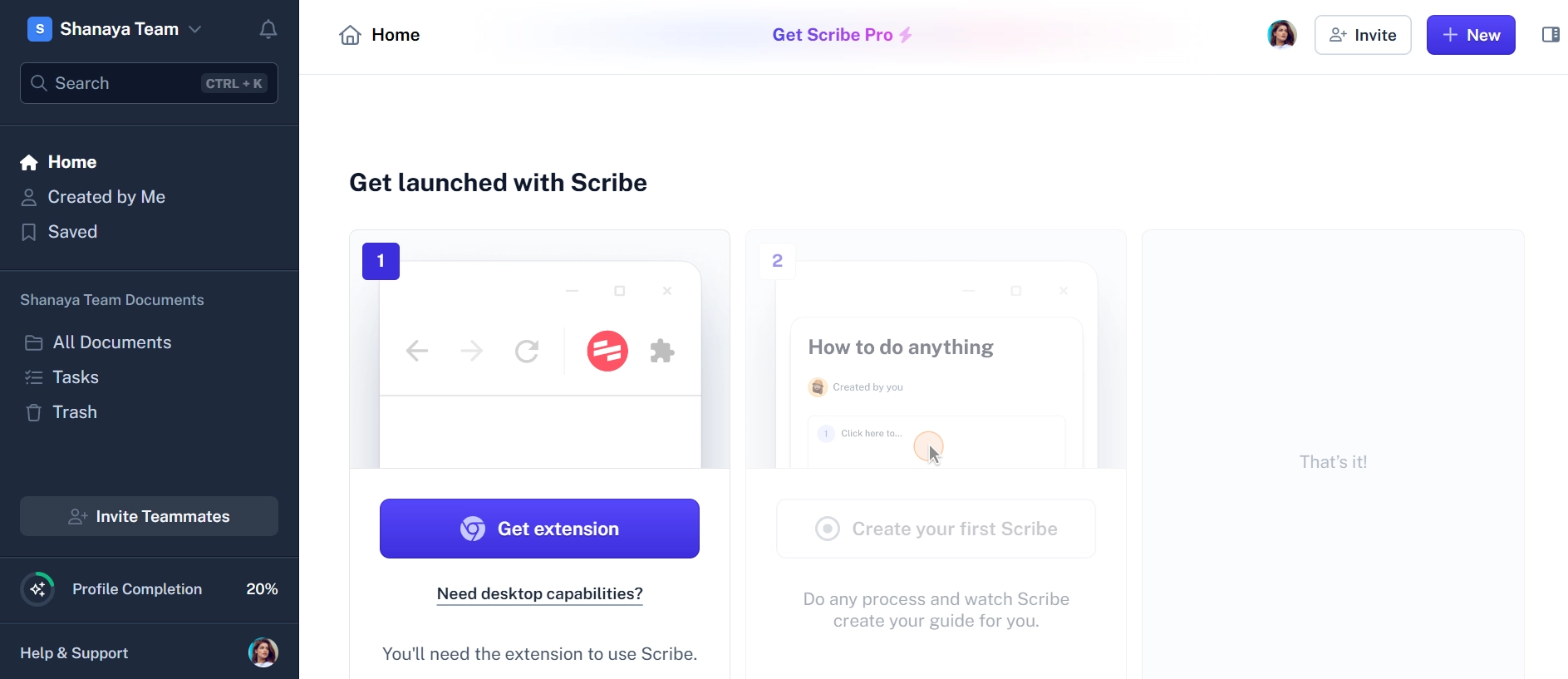
Scribe and ScreenApp both help you document a process, but they capture it differently. Scribe watches you click through a workflow and builds a step-by-step guide with a screenshot for each step. ScreenApp records a video of the process and then writes the steps out as text from that video.
ScreenApp did not test Scribe for this page. The Scribe details below come from Scribe’s own pages, checked 18 September 2026.
What is Scribe?
Scribe captures a workflow as you perform it and turns it into a guide with screenshots and written instructions. The free Basic plan includes unlimited guide creation and is shareable with link & embed, according to Scribe’s pricing page.
Scribe is no longer only a browser tool. Its paid plans work with web, mobile and desktop apps, and the pricing page lists on-screen walkthroughs, screenshot editing and redaction, and sharing a guide as a video. Paid plans export to PDF, HTML and Markdown. On the Mac and Windows desktop apps, you can narrate while you capture and Scribe transcribes your words into the matching steps, as described in Scribe’s help centre.
Scribe Pro Personal costs $25 per seat a month billed annually. Pro Team costs $13 per seat a month billed annually, with a 5 seat minimum.
What is ScreenApp?
ScreenApp records screen, window, browser tab, microphone and camera, with system audio, with your voice if you narrate. After recording, it transcribes the audio, and AI reads video frames, not just the audio. From that it can write the process out as numbered text steps with chapters with timestamps. See the SOP generator for how this works.
ScreenApp does not take a screenshot on each click, so its guides are written steps next to the video, not a screenshot for every step. It can also work from a video you already have: upload a file or import YouTube, Vimeo and direct media links. You can export as PDF, DOCX, TXT, SRT and VTT, or share with team workspaces and share links.
Where they differ
- Capture: Scribe is a browser extension or desktop app that captures screen actions as you work, with no video upload described. ScreenApp records a continuous video, or works from one you upload.
- Output: Scribe produces a screenshot for each step, which readers can scan quickly. ScreenApp produces a video, a transcript and written steps.
- Editing the guide: Scribe lets you edit steps and redact screenshots on paid plans. ScreenApp lets you trim recordings and make transcript corrections, line removal and speaker reassignment saved to the recording.
- Pricing: Scribe prices per seat. ScreenApp publishes a per-plan price: Pro at $19/month billed annually ($228/year) or $30/month monthly, Max at $34/month annually or $69/month monthly.
Pick Scribe or ScreenApp
Pick Scribe if you want click-by-click guides with a screenshot for every step, on-screen walkthroughs inside your apps, redacted screenshots, or exports to HTML and Markdown. It is built for this job.
Pick ScreenApp if the process is easier to show than to click through, you already have recordings of it, or you also want meeting recordings, transcripts and AI chat in the same tool.
Other Scribe alternatives
1. ScreenApp
Records screen and audio, transcribes it, and answers questions about the recording. Free plan: 2 transcriptions of recordings up to 45 minutes each.
2. Tango
Another tool that builds screenshot-based guides as you click through a process.
- Focus: Screenshot-based process documentation.
3. Loom
A screen and camera recorder for short video messages.
- Focus: Video messaging.
4. UserGuiding
A user onboarding tool for building in-app guides and walkthroughs.
- Focus: In-app onboarding.
5. Trainual
A platform for building training manuals and playbooks.
- Focus: Team training and knowledge management.
FAQ: Scribe vs. ScreenApp
1. What is the best free Scribe alternative?
Both have free plans. ScreenApp’s free plan gives you 2 transcriptions of recordings up to 45 minutes each and 3 uploads to try, plus 10 AI chats per month. No credit card to sign up. Scribe’s free Basic plan covers guide capture in the browser; desktop app capture and exports need a paid plan.
2. Is video or a screenshot guide better for documentation?
It depends on the reader. A screenshot guide is quick to scan and easy to follow one step at a time. A video shows cursor movement, timing and spoken context. Scribe can also share a guide as a video, and ScreenApp gives you written steps next to its video.
3. Can ScreenApp create screenshot guides like Scribe?
No. ScreenApp writes the steps out as text from the recording, with chapters and timestamps. It does not produce a screenshot for each step.
4. How do the prices compare for a team?
Scribe prices per seat, and Pro Team starts at 5 seats. ScreenApp prices per plan rather than per seat: Pro at $19/month billed annually ($228/year), Max at $34/month billed annually ($408/year). Compare the two at your own headcount.
5. What if I only need simple internal guides?
Scribe is a good fit for short, click-by-click internal guides. ScreenApp fits better when the process has spoken explanation, or when you already have a recording of it.
Which One to Pick
Scribe is the specialist for screenshot guides and in-app walkthroughs. ScreenApp is a recorder that turns a video into a transcript and written steps. Scribe details and prices are from Scribe’s own pages, checked 18 September 2026, and can change.