

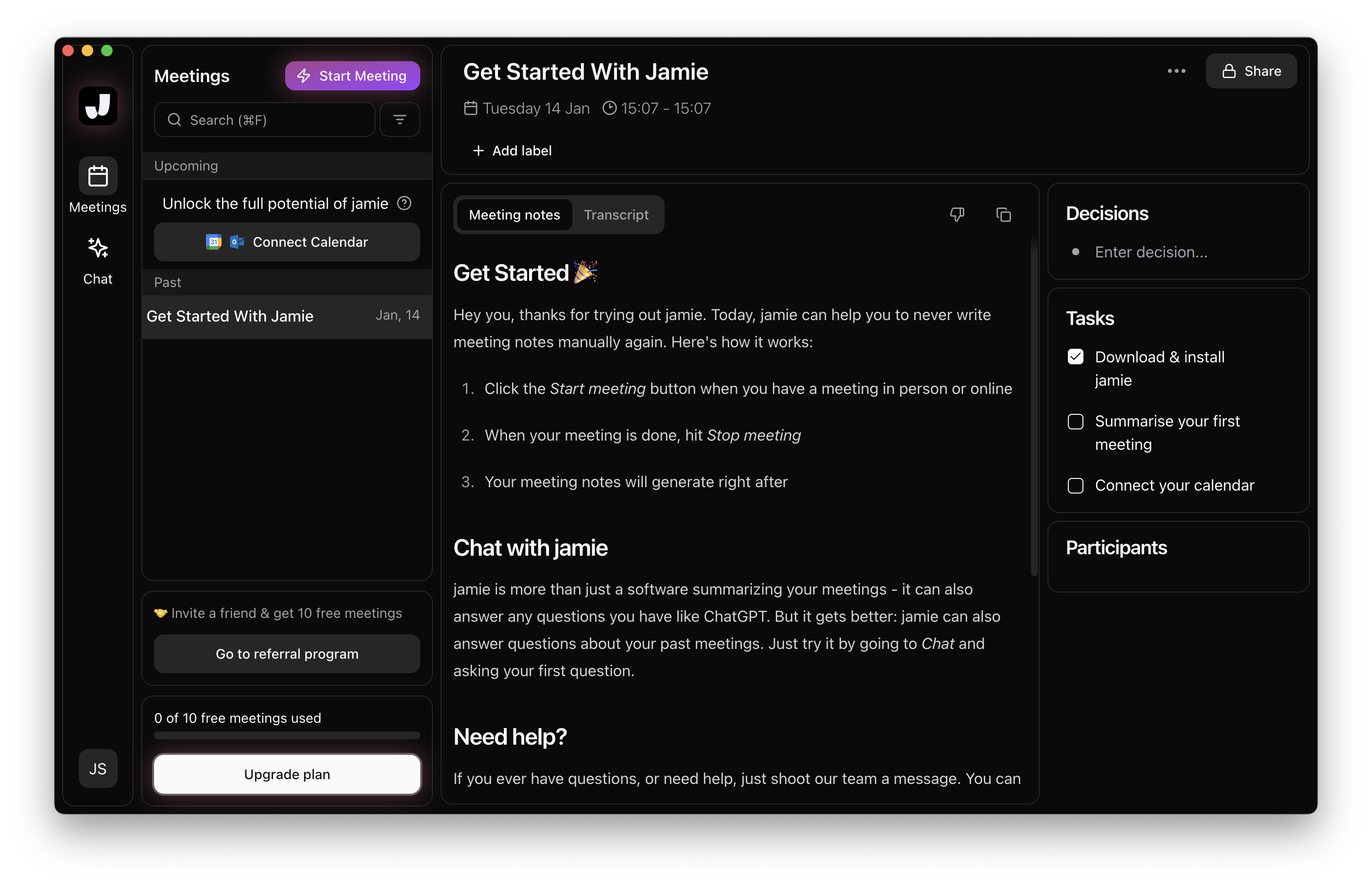

Jamie is an AI meeting notetaker. It runs on your device, with no bot joining the call, and it works with Zoom, Teams, Google Meet and any other online platform, plus in-person meetings. You get notes, a transcript and task detection in 99+ languages. ScreenApp also takes meeting notes, but it records the screen and video too, and it can send a bot to the call if you want one. This page sets out where each one fits.
What is Jamie?
Jamie records on your own device instead of sending a bot into the call, so other people in the meeting do not see a notetaker join. It comes as Mac, Windows and iPhone apps. After the meeting it writes notes and a transcript, and you can chat with your meetings through “Ask Jamie”.
Jamie puts weight on privacy: data hosted in the EU, audio not stored, ISO 27001 and GDPR. Integrations depend on the plan: Notion, Google Docs and OneNote on Plus; Salesforce, HubSpot, Asana, an API, webhooks and MCP for Claude, ChatGPT and Cursor on Pro and above.
Jamie’s free plan covers 10 AI notes a month, with meetings up to 30 minutes. Plus is €21 a month billed annually, for 20 AI notes a month and meetings up to 2 hours. Pro is €39 a month billed annually, with unlimited notes. Prices are in euros.
What is ScreenApp?
ScreenApp records screen, window, browser tab, microphone and camera, with system audio. It has a meeting bot for Zoom, Google Meet and Microsoft Teams, and you can also record without a bot from the web app, Chrome extension, Mac and Windows apps, or iOS and Android apps. The iOS and Android apps record audio, not the phone screen. There is a live transcript while recording (beta).
After a recording you get a transcript with speaker identification, chapters with timestamps, action items with an owner and deadline, and decisions listed separately, and AI chat with any recording. You can also use one AI chat that searches and answers from every recording in your library, or a single folder. Transcripts export as PDF, DOCX, TXT, SRT and VTT. ScreenApp reports up to 95.8% transcription accuracy on clear English audio in our April 2026 test on its accuracy page.
Jamie or ScreenApp: which fits
Sources, checked 2026-09-18: Jamie, Jamie pricing, Jamie pricing, ScreenApp Chrome extension, ScreenApp meeting bot repository, ScreenApp desktop apps, ScreenApp mobile apps, ScreenApp supported languages, ScreenApp MCP connector, ScreenApp pricing, ScreenApp trust center
Pick Jamie if you want notes without any bot in the call, you need your data kept in the EU, or you want native CRM and task tools such as Salesforce, HubSpot or Asana. Jamie also has webhooks on its Pro plan, which ScreenApp does not have.
Pick ScreenApp if you also need to record your screen or camera, for demos, walkthroughs or training, or you want the choice of a bot that joins Zoom, Google Meet or Teams for you. ScreenApp is also the fit if you want an Android app, or want to chat across a whole library of recordings.
Jamie details are from meetjamie.ai and Jamie pricing, checked 18 September 2026.
Other Jamie alternatives
Otter.ai
A meeting transcription and notes tool for general business use.
Fireflies.ai
An AI meeting assistant with conversation analysis, often used by sales and customer-facing teams.
Fathom
A meeting recorder and notetaker with a free plan.
Krisp
Noise cancellation plus meeting notes, with bot-free recording.
FAQ: Jamie vs. ScreenApp
Is Jamie a medical documentation tool?
No. Jamie is a general AI meeting notetaker for online and in-person meetings. It is not limited to clinical use.
Does Jamie use a meeting bot?
No. Jamie runs on your device, with no bot joining the call. ScreenApp lets you choose: a bot that joins the call, or bot-free recording on your own device.
What does each free plan include?
Jamie’s free plan has 10 AI notes a month, with meetings up to 30 minutes. ScreenApp’s free plan has 2 transcriptions of recordings up to 45 minutes each, 3 uploads and 10 AI chats a month, with no card needed.
Can I record my screen with Jamie?
Jamie’s site describes capturing meetings for notes and does not list screen recording. ScreenApp records screen, window, browser tab, microphone and camera, with system audio.
How does the pricing compare?
Jamie Plus is €21 a month and Pro is €39 a month, both billed annually. ScreenApp Pro is $19 a month and Max is $34 a month, both billed annually. The 7-day ScreenApp trial is on annual plans and needs a card.