Convert a Video to PDF
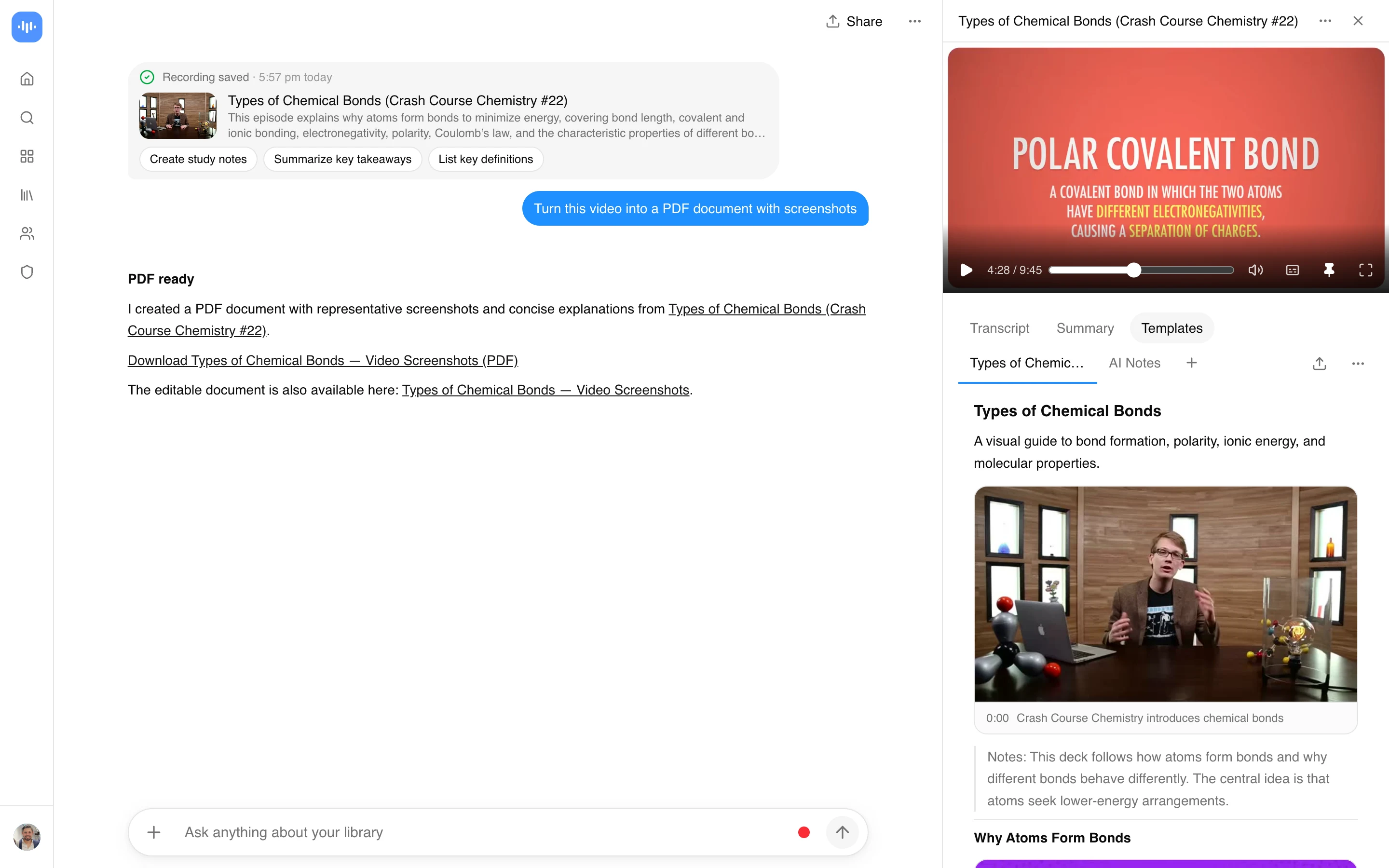
Upload a video or paste a link, and ScreenApp turns it into a PDF document with screenshots taken from the video. Ask for the kind of document you need: study notes from a lesson, a step-by-step guide from a tutorial, a summary of a talk with its slides, or a report of what a short clip shows. The AI writes it from the video’s transcript and places still frames where the picture matters.
3,860 people converted a video to PDF this way in the last 90 days.
What you get:
- A written document, not just a transcript: headings, bullet points and the key moments in order
- Screenshots from the video, placed next to the text they explain, when you ask for them
- A free download as PDF, Word, PowerPoint, Markdown or plain text
- The full transcript alongside, with speaker identification, in 100+ languages
- AI chat with any recording, to ask follow-up questions or rewrite the document
- Free plan: videos up to 45 minutes, 3 uploads, and YouTube link imports do not count against the upload limit
How to Convert a Video to PDF
- Upload or paste a link. Upload an MP4, MOV, AVI, WMV or WebM file, or paste a link from YouTube, Vimeo, TikTok, Instagram, Facebook and most other public video links (Twitch, Loom, Dropbox, Google Drive, Pinterest, X, Threads, Douyin, Kuaishou, Bilibili) through a generic importer. There is nothing to download first.
- Ask for the document. Say what the PDF is for, for example “make study notes with screenshots of the diagrams”. Include the word “screenshots” if you want frames from the video in it.
- Download the PDF. Open the document and download it as a PDF, free, or as Word, PowerPoint, Markdown or text.
The document is only as good as what the video says and shows. A lesson with a clear speaker and slides gives a better PDF than a noisy phone clip with no speech; for a clip with no speech, ask the AI to describe what happens and include screenshots. See how we measure accuracy.
Video to PDF Converter vs Other Tools
| Feature | ScreenApp | Video2PPT | Zamzar | Ticnote |
|---|---|---|---|---|
| Free tier | 3 free uploads (lifetime), videos up to 45 min; YouTube link imports do not count against the upload limit | 10 min per video, 3 conversions/month | 50 MB max file size, no account needed to convert | 50 MB max file size without an account |
| Signup required | Yes, free (no card) | No | Not stated to convert; a paid account is needed to download files over 50 MB | No, for files under 50 MB |
| Languages | 100+ | Not stated | Not stated | 120+ |
| Direct link import | YouTube, Vimeo, TikTok, Instagram, Facebook and most other public video links (Twitch, Loom, Dropbox, Google Drive, Pinterest, X, Threads, Douyin, Kuaishou, Bilibili) through a generic importer | YouTube links, plus MP4, WebM and MOV upload | Not stated | YouTube links, for registered users |
| Output | A written PDF with screenshots from the video, or the transcript | PDF (audio transcribed to text) | ||
| Paid plan | $19/month annual | $10 | Not stated | Not stated |
Sources, checked 2026-09-23: ScreenApp supported languages, ScreenApp recording limits, ScreenApp pricing, video2ppt.com/video-to-pdf, zamzar.com/convert/mp4-to-pdf/, ticnote.com/en/tools/video-to-pdf
- vs Video2PPT: Video2PPT’s free tier caps out at 10 minutes per video and 3 conversions a month. ScreenApp’s free plan takes videos up to 45 minutes, and a YouTube link import doesn’t use up the upload allowance.
- vs Zamzar: Zamzar converts files up to 50 MB for free and needs a paid account to download anything larger. ScreenApp writes the PDF from what the video says and shows, with screenshots, rather than converting the file format.
- vs Ticnote: Ticnote’s free tier is capped at 50 MB without an account and supports 120+ languages. ScreenApp transcribes in 100+ languages and adds chapters and AI chat on top of the transcript.
Who Converts Video to PDF
People with a short phone video are the largest group. They upload a WhatsApp video, a camera clip or a screen recording, often under a minute, and turn it into a PDF they can send or file: a record of damage or an incident with screenshots, a conversation captured on screen, or a short report.
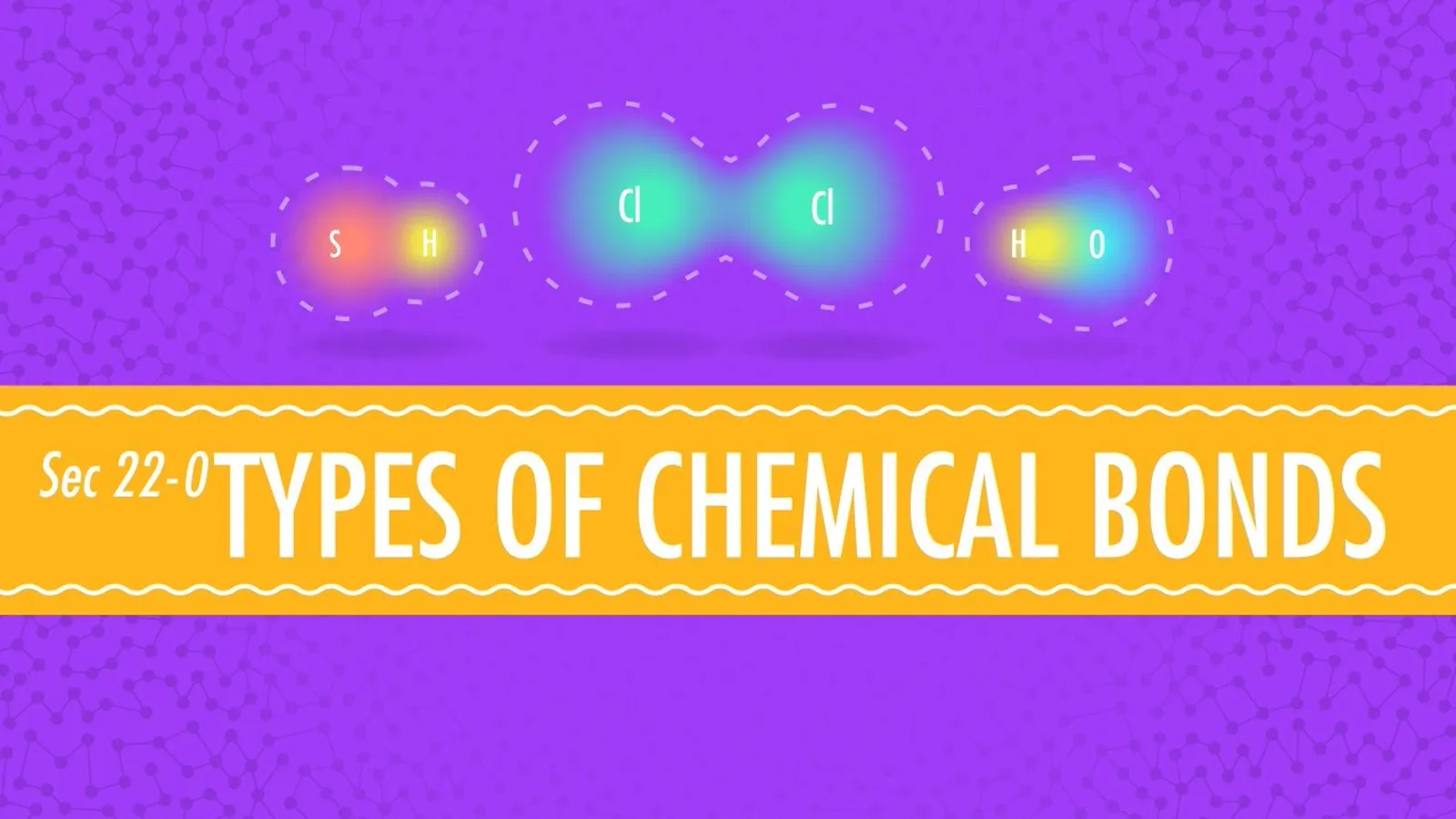
Students convert class recordings and lecture videos, some of them hours long, into study notes they can print, search and annotate instead of rewatching.
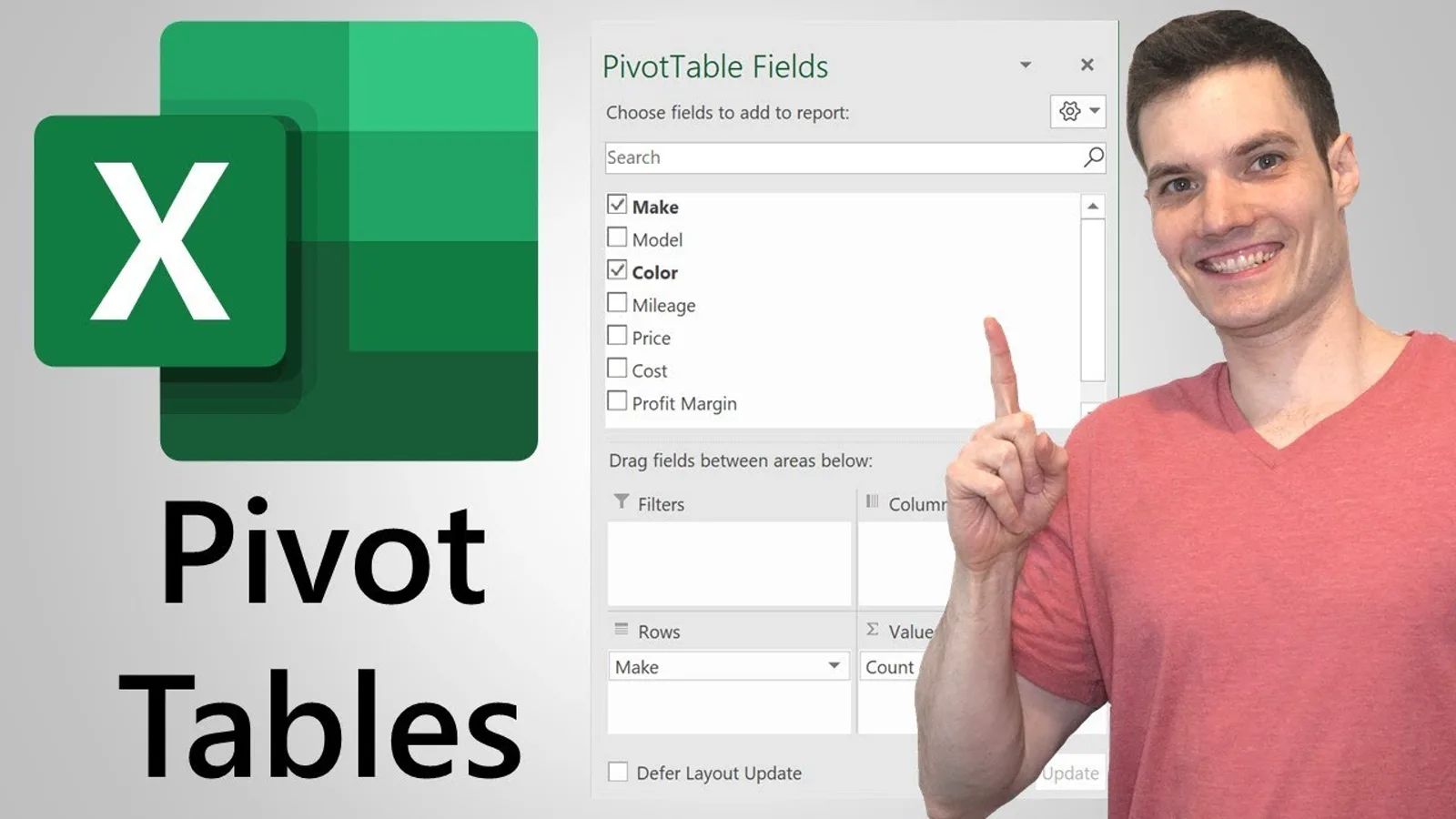
People learning software turn tutorials and screen recordings, such as an Excel or SQL walkthrough, into a step-by-step guide with a screenshot of each step.
Teachers and presenters turn a video made from slides, or a recorded presentation, into a PDF handout.
Teams turn a meeting or training recording into a written record for people who missed it.
If you need an editable Word file instead of a PDF, the video to document tool does that. For a PowerPoint deck built from key frames and bullet points, use the video to PPT converter. If you just want the plain transcript without timestamps or a document layout, the video to text converter does that. For ongoing meeting documentation, the meeting recorder handles the recording side too.