Read the Text a Video Shows On Screen
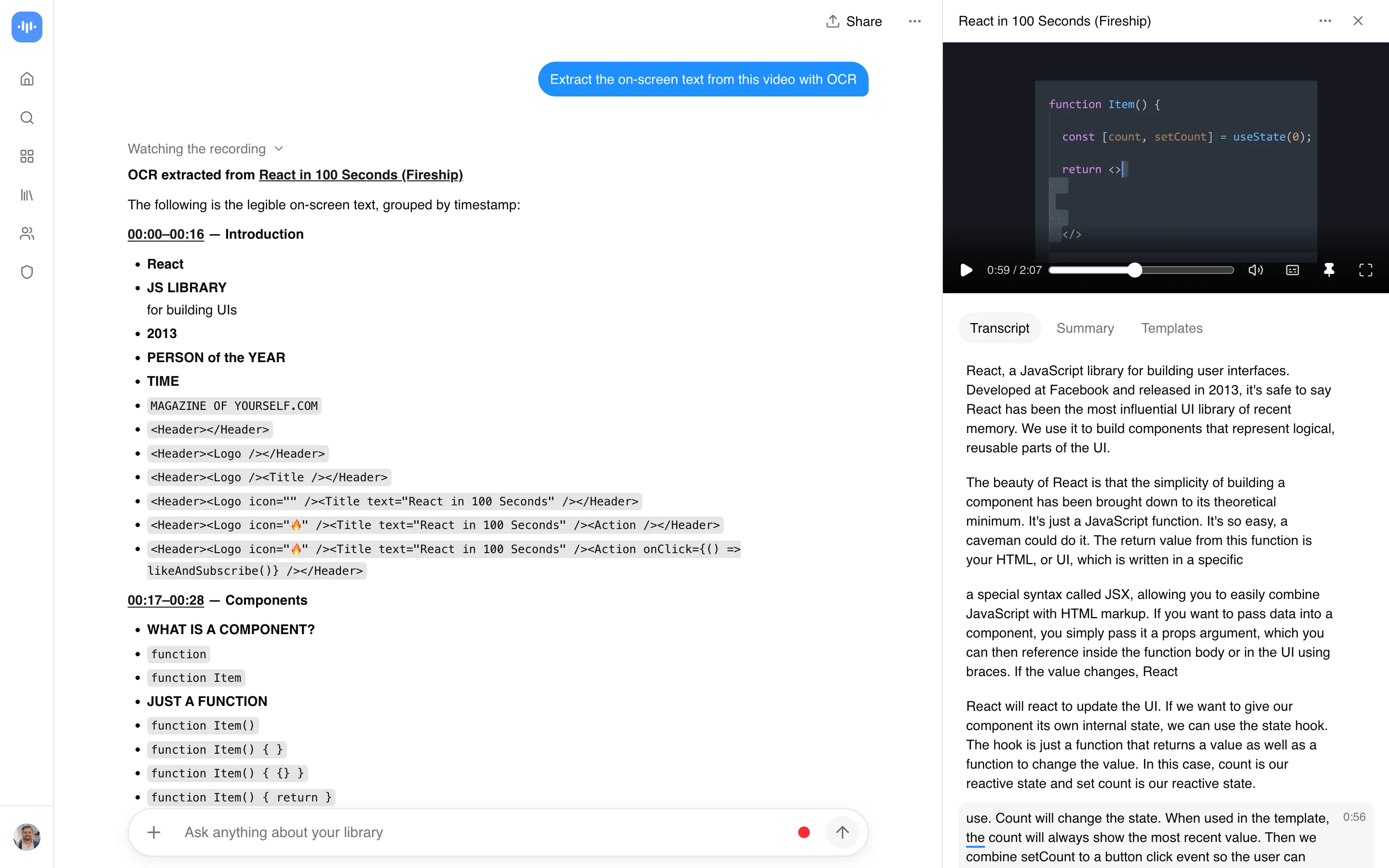
Video OCR pulls out the text that only ever appears visually in a video: slides, captions, on-screen labels, signage, and graphics. Upload a video or paste a link, and AI reads video frames, not just the audio Anything shown on screen but never said out loud still ends up somewhere you can find it.
AI chat with any recording through the same AI video chat, so instead of scrubbing back through the footage you can ask what a slide said or where a particular graphic appeared, and the answer points you to the moment it happened.
What you get:
- AI reads video frames, not just the audio
- AI chat with any recording
- search across recordings by name or transcript
- Export the transcript and notes as PDF, DOCX, TXT, SRT and VTT (Paid plans only)
- Free plan: 2 transcriptions of recordings up to 45 minutes each, with AI chat on it
How to OCR a Video
- Upload or paste a link: Add a video file, or paste a link from YouTube, Vimeo, TikTok, Instagram, Facebook and most other public video links (Twitch, Loom, Dropbox, Google Drive, Pinterest, X, Threads, Douyin, Kuaishou, Bilibili) through a generic importer.
- Let the AI read the frames: The AI goes through the video looking at both the picture and the audio, so text that only shows up on screen is not missed.
- Ask about it or export it: Search the transcript, ask the AI chat about a specific piece of on-screen text, or export the result.
Quality depends on the source: small text, low resolution, and fast cuts make text harder to read than a clear, static slide. See how we measure accuracy.
Video OCR vs Other Tools
| Feature | ScreenApp | Google Cloud Video Intelligence | Microsoft Azure Video Indexer | VideOCR (open source) |
|---|---|---|---|---|
| Free tier | 2 transcriptions, up to 45 min each | 1,000 minutes/month | 10 hours (website), 40 hours (API) | Free, no cap |
| Paid price | $19/month annual | Not stated for text detection | Not stated | Free |
| Output | PDF, DOCX, TXT, SRT and VTT | JSON via API | JSON via API | SRT file |
Sources, checked 2026-09-17: ScreenApp pricing, cloud.google.com/video-intelligence/pricing, azure.microsoft.com/en-us/pricing/details/video-indexer/, github.com/timminator/VideOCR
- vs Google Cloud Video Intelligence: Google’s API gives 1,000 minutes free a month, then charges per minute, and expects you to upload a file to a bucket and call the API yourself. ScreenApp is a browser tool: upload a file or paste a link and read the answer.
- vs Microsoft Azure Video Indexer: Azure includes OCR in its indexing presets and gives 10 free hours through its web portal, but its public pricing page does not list a per-hour rate, so budgeting past the free tier needs a sales quote.
- vs VideOCR: VideOCR is a Free, open-source tool that reads 200+ languages and burns the result out as an SRT file, but it is a desktop app you install and run locally rather than something you open in a browser and paste a link into.
Who Uses Video OCR
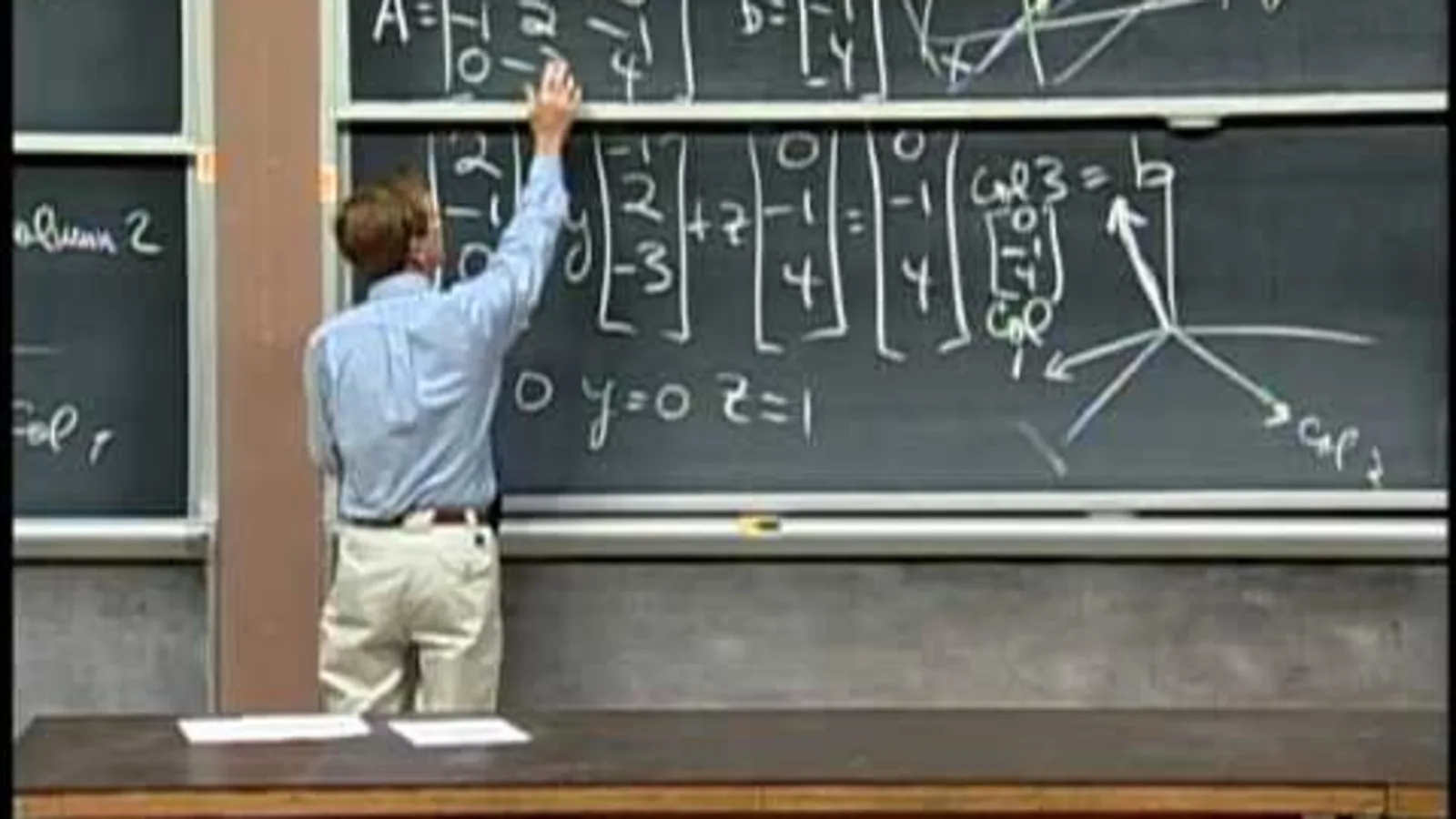
Students pull the text off slides in a recorded lecture instead of pausing the video to copy it down by hand.
Content marketers paste a competitor’s video link to see what text, captions, and on-screen calls to action they are running.
Sales teams go through product demo recordings to check exactly what pricing or feature copy was shown on screen, without rewatching the whole thing.
Researchers work through video archives to pull on-screen text such as chyrons or captions for content analysis.
Compliance and accessibility teams check what warnings, disclaimers, or graphics actually appeared in a video ad or a piece of training material.