YouTube Video to PDF

Paste a YouTube link and get back a PDF with the full transcript, timestamps, and key screenshots, without downloading the video first.

Loved by over 7.8 million people

Turn a YouTube video into a PDF

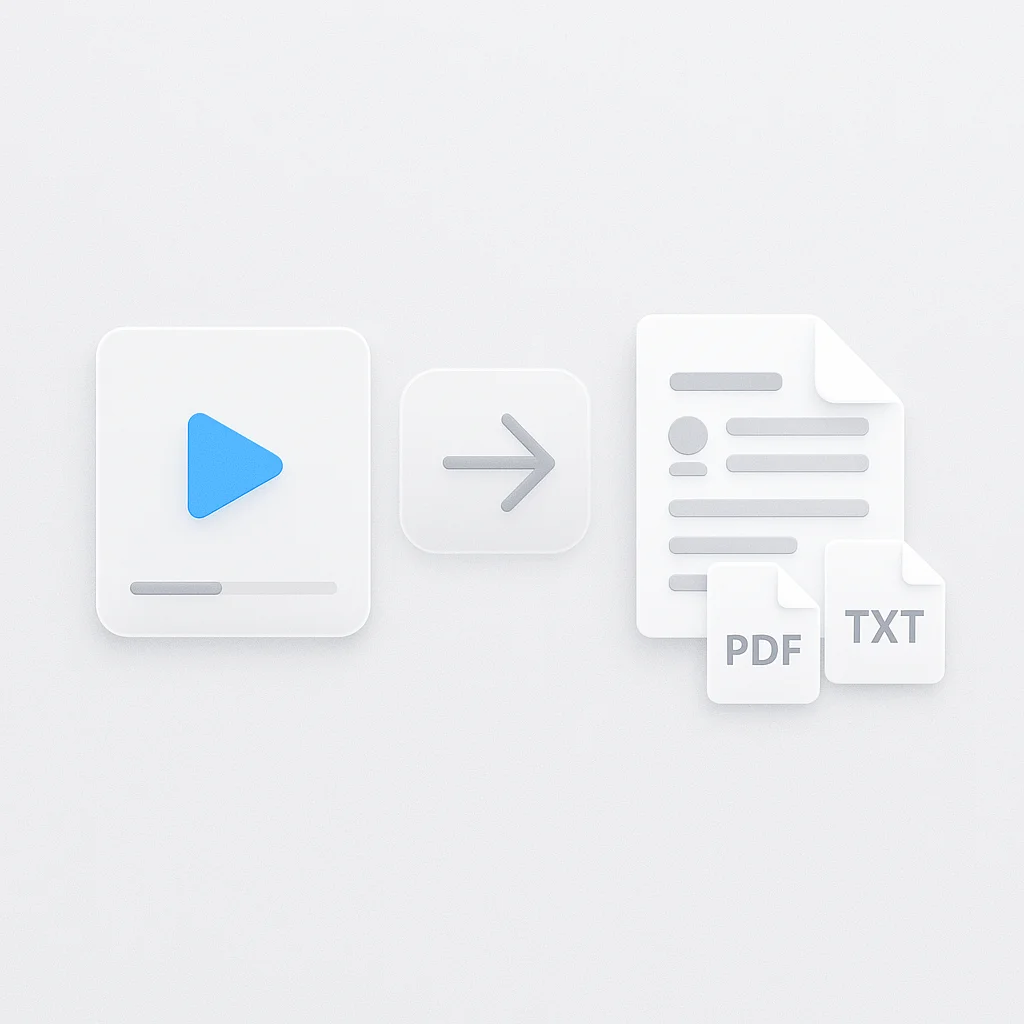
Paste the link. You get a PDF containing the spoken content as text, timestamps against each section, and screenshots pulled from the video, so a two-hour lecture becomes something you can read, search, and annotate.

You do not download the video first. Most YouTube to PDF workflows make you grab an MP4, then convert it, then find a separate tool for the transcript. This reads the video straight from the URL.

ChatGPT cannot do this. It has no access to YouTube and cannot open a video URL, transcribe the audio, or hand you a formatted PDF. Pasting a link into a chatbot gets you a guess based on the title.

How it works

  1. Paste the YouTube URL
  2. The audio is transcribed and the video is scanned for slide changes and key frames
  3. Review the sections it found, and drop any you do not want
  4. Export the PDF

Transcription runs on Whisper Large-v3, and you can check the current processing speed and accuracy figures before you rely on it for anything graded or billable.

What ends up in the PDF

  • The full transcript, broken into sections rather than one wall of text
  • Timestamps on each section, so you can jump back to the video to check a quote
  • Screenshots captured at slide changes and visual shifts
  • The video title and source URL on the first page, which matters if you are citing it

Who this is for

Students turning a recorded lecture or a long tutorial into revision material. Researchers who need a citable text version of a talk. Anyone sitting through a two-hour conference upload who would rather skim eight pages than scrub a timeline.

For a video already on your machine, or from Zoom, Teams, or Vimeo, use the video to PDF converter, which takes uploads and other sources. If you want a Word or Google Docs file instead of a PDF, the video to document converter exports those. For just the text with no formatting, the YouTube transcript tool is faster. And if you are capturing a live class rather than a recording, the lecture note taker records and builds notes as it happens.

FAQ

How do I convert a YouTube video to PDF?

Paste the YouTube URL, let it transcribe, then export. You do not need to download the video or install anything, and it runs in the browser.

Is the YouTube to PDF converter free?

Yes, the free tier converts YouTube links to PDF with the transcript included. Longer videos and higher monthly volume need a paid plan.

Does the PDF include the video transcript?

Yes. The transcript is the main content of the PDF, split into sections with timestamps, not dumped as one block of text.

Can I convert a long lecture or a two-hour video?

Yes. Long recordings are supported, and the section breaks are what make a long transcript readable. Very long videos take proportionally longer to process.

Does it work with private or unlisted YouTube videos?

Unlisted links generally work if the URL is reachable. Private videos, and anything behind a login or age restriction, cannot be accessed.

Can I get a Word file instead of a PDF?

Yes, through the video to document converter, which exports Word and Google Docs formats from the same transcript.

Do I need to sign up?

You can start a conversion without an account. Signing in keeps your converted files so you can come back to them later, and syncs them across devices.

FAQ

How do I convert a YouTube video to PDF?

Paste the YouTube URL, let it transcribe, then export. You do not need to download the video or install anything, and it runs in the browser.

Is the YouTube to PDF converter free?

Yes, the free tier converts YouTube links to PDF with the transcript included. Longer videos and higher monthly volume need a paid plan.

Does the PDF include the video transcript?

Yes. The transcript is the main content of the PDF, split into sections with timestamps, not dumped as one block of text.

Can I convert a long lecture or a two-hour video?

Yes. Long recordings are supported, and the section breaks are what make a long transcript readable. Very long videos take proportionally longer to process.

Does it work with private or unlisted YouTube videos?

Unlisted links generally work if the URL is reachable. Private videos, and anything behind a login or age restriction, cannot be accessed.

Can I get a Word file instead of a PDF?

Yes, through the video to document converter, which exports Word and Google Docs formats from the same transcript.

Do I need to sign up?

You can start a conversion without an account. Signing in keeps your converted files so you can come back to them later, and syncs them across devices.

Real Results from Real Users

Aaron photo

Aaron

Project Manager

★★★★★

Our overall experience with ScreenApp has been nothing but pleasant! Their support is terrific, and ScreenApp is a great recording system.

JP photo

JP

Operations Manager

★★★★★

Finally, a screen recorder that doesn't slap watermarks on everything. The free plan gives me 45 minutes of AI processing monthly - that's enough for most of my training videos.

Trina photo

Trina

Founder

★★★★★

I was skeptical about another AI notetaker, but ScreenApp's generous free tier completely won me over. The quality is professional-grade, and the AI features actually work as advertised. Now I use it for all my client presentations and team demos.

Kelvin photo

Kelvin

Software Engineer

★★★★★

The desktop and mobile apps are fantastic. Recording meetings while I'm mobile has never been easier, and the dictation feature is a huge time-saver.

Millie photo

Millie

Director

★★★★★

Our team was drowning in client feedback until we found ScreenApp. Now we record every presentation and client call, and the AI summaries are spot-on.

Tanmay photo

Tanmay

Marketing Guru

★★★★★

Makes recording and sharing guides effortless. I love how I can capture my screen and instantly turn it into step-by-step guides in any format I need. Smart, simple, and a brilliant use of AI.

Sav photo

Sav

Project Manager

★★★★★

Users consistently praise our web-based platform that requires no installation. Start recording in seconds, not minutes.

Nate photo

Nate

Video Creator

★★★★★

The ability to automatically transcribe and summarize recordings is a major time-saver, turning video content into searchable, useful data.

User
User
User
Join 7,828,065+ users

Ready to boost your productivity?

Try YouTube Video to PDF and 300+ other AI-powered features for free.

Start Free →

Start using in 60 seconds • No credit card required