How to Get a Recipe From a Video: YouTube, TikTok and Instagram

On this page
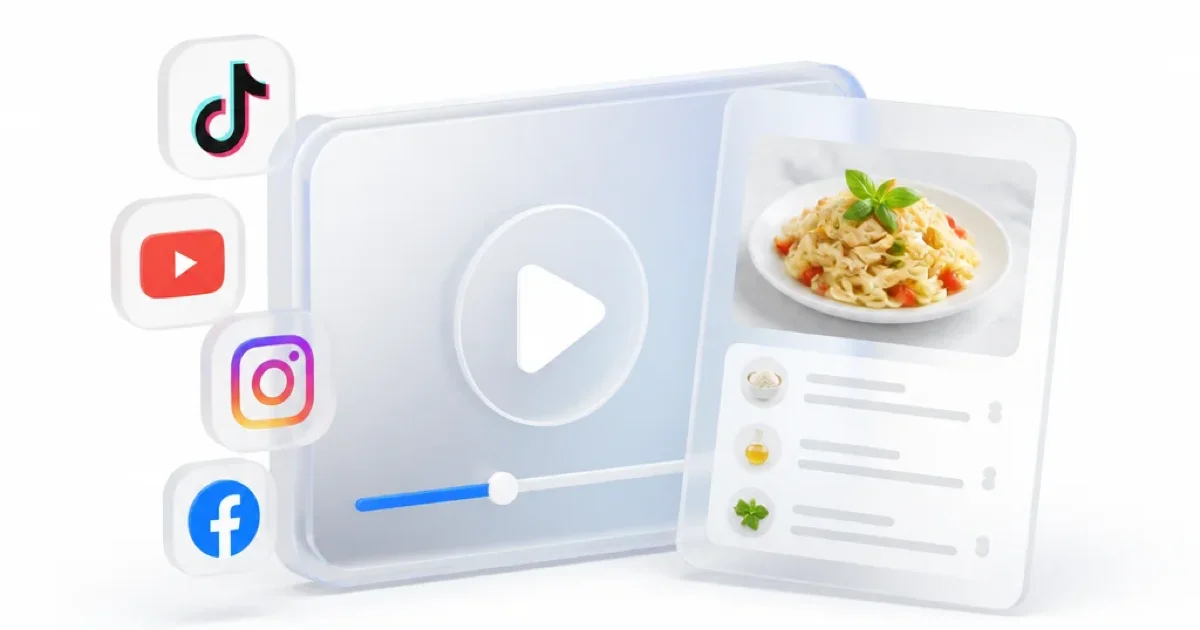
To get a recipe from a video, check the description for the creator’s written recipe first. If there isn’t one, use a video to recipe converter or work through the video with a notes app. Collect the ingredients and amounts, put the cooking steps in order, then check the result against what was said and shown.
That last check is where the work is. “Add the rest of the butter” makes sense while you’re watching someone hold a bowl. On a recipe card, you need to know how much butter you started with and how much has already gone into the pan.
Start with the creator’s recipe whenever you can. Extracting one from the footage is the fallback.
Before You Paste the Link, Look Below the Video
Open the full description or post caption. Follow any recipe link, then check for a pinned comment from the creator. You might find the ingredient list there, or a correction to an amount shown in the video.
Keep those corrections with your notes. If the caption says 250 g of flour and the video says 200 g, record the disagreement until you find an explanation. A tidy ingredient list that quietly picks one number hides the problem.
There’s also a difference between a post caption and subtitles. A transcript alone won’t collect all of them.
Post caption
Sits beside or below the video.
Subtitles
Follow the speech.
On-screen text
Text added over the footage can contain a third set of details.
How to Turn a Cooking Video Into a Recipe
If the recipe only exists in the video, open ScreenApp’s video to recipe tool and use its link or upload option. A free account is required to use and save results in the app. If a link won’t import, use a video file you already have permission to upload, or follow the manual method below.
-
1
Copy the link
Copy the link to the individual video. Keep the creator's name and original URL with it so you can find the source again.
-
2
Submit the link or file
Include the creator's written ingredient list or corrections if the tool lets you add context; otherwise, keep them beside the result for checking.
-
3
Ask for a structured draft
Ask for ingredients with quantities, followed by numbered instructions. Request timestamps and a separate list of anything the source leaves out. The prompt below gives you a starting point.
-
4
Replay the numbers
Replay the moments containing measurements and oven settings. Check each number, its unit, and which ingredient or step it belongs to.
-
5
Save it with its source
Save the corrected recipe with its source link. Put unresolved questions at the top, where you'll see them before you start cooking.
For videos with amounts written over the footage, ScreenApp’s documented capability is: AI reads video frames, not just the audio. Still check brief or blurry text yourself. Reading video frames doesn’t guarantee that every measurement is captured correctly.
A Prompt That Keeps Missing Details Visible
Use this in a video tool that accepts instructions. If you’re working with a transcript, replace “cooking video” with “transcript” and supply your notes about any on-screen text.
Copy this into a video tool that accepts instructions
Turn this cooking video into a recipe. List the ingredients with the exact quantities and units stated or shown, then write the cooking steps in order. Include preparation details, cooking times, temperatures and servings only when the source gives them. Keep the original units. Add a timestamp for each detail where available, and say whether it came from speech or on-screen text. Mark missing details as "not specified." If two sources disagree, show both versions. Keep suggested substitutions or estimates out of the extracted recipe.
The prompt asks for a checkable draft. You still need to verify the answer. If a quantity looks suspicious, ask a narrower follow-up: “Where does the video give the amount of cream? Quote the words or identify the on-screen text and timestamp.”
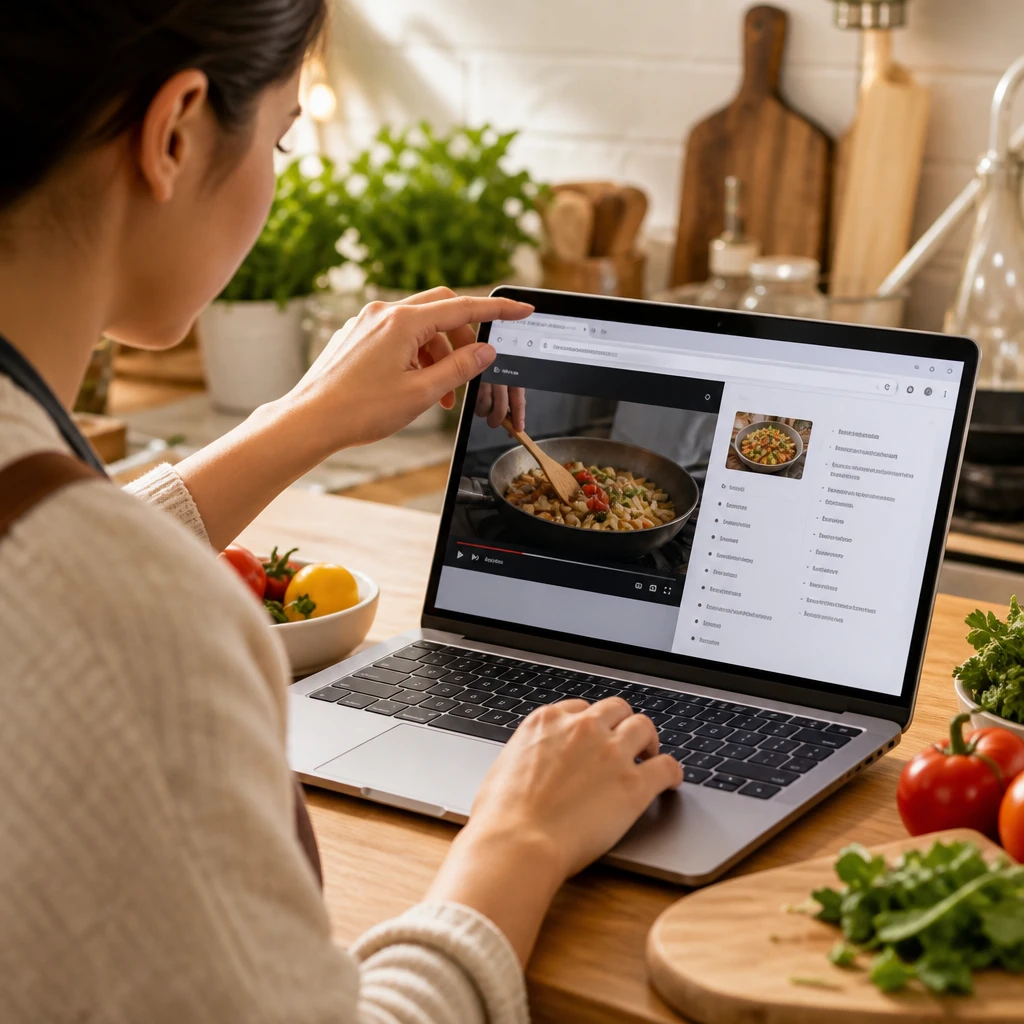
What a Useful Extraction Looks Like
Here’s an invented example to show how to handle gaps. These rows aren’t a tested recipe or output from a real conversion.
Invented extraction, not output from a real conversion
| Detail in the example clip | What to write down | Source note |
|---|---|---|
| "Cook 300 grams of pasta" | Pasta: 300 g | Spoken at 00:04 |
| Text reads "120 ml cream" | Cream: 120 ml | On screen at 00:18 |
| "Loosen with a splash of pasta water" | Pasta water: a splash; exact amount not specified | Spoken at 00:26 |
| Finished dish appears without a serving count | Servings: not specified | No serving count given in the example |
The useful detail is the source note. It lets you check whether “120” belonged to the cream or to something else on screen. And keeping “a splash” preserves what the creator actually said. Changing it to “2 tablespoons” would add a measurement the source never gave.
You can make your own cooking adjustments later. Label those as your notes so they don’t get confused with the original recipe.
The Free Manual Method, Starting With YouTube
For one video, a notes app and a few pauses may be all you need.
On YouTube videos with captions, open the description and select Show transcript. Clicking a transcript line jumps to that point in the video, according to YouTube’s transcript instructions. Use it to find ingredient mentions and replay unclear amounts. If that option is missing, watch and take notes, or use one of these YouTube transcription methods.
Make two sections in your notes: ingredients and method. As you watch, put each amount beside its ingredient and record its timestamp. Pause for text overlays. Keep preparation details attached to the ingredient: “melted butter” and “softened butter” are different instructions.
Then read the method without playing the video. Look for instructions that depend on something you haven’t written down:
"Add the remaining sugar."
How much went in earlier?
A sauce appears without its ingredients
The sauce is in the pan, but its ingredients are missing. Check whether the creator linked a separate sauce recipe.
"Bake until done."
Look for a written time, temperature and doneness cue in the description. Leave absent details marked as missing.
Two bowls, two parts of the dish
Keep their ingredient lists separate until the step where they are combined.
This pass catches gaps that are easy to miss while the pictures are doing half the explaining.
TikTok and Instagram: Pause for the Written Amounts
For a Reel or TikTok with text over the footage, take notes from those frames as well as the narration. A music-only clip can still contain a written recipe. A clip with no measurements in speech, text or its description gives you less to work with.
If you use an importer, check that it supports the platform and the particular post. Being able to open a private post in your own account doesn’t mean a separate converter can access it.
On TikTok, saving a file also depends on the creator allowing downloads; see TikTok’s download guidance. When a download isn’t available, use the manual method or ask the creator for the written recipe.
For a Facebook repost, look for the original creator or a linked recipe page before attempting another import. You need the recipe details that accompany the footage, too.
Which Tool Is Worth Using?
Choose around what you need after extracting the recipe. A single dinner idea doesn’t need the same setup as a collection you use for weekly meal planning.
Ways to save a recipe from a video
| Option | When to use it | What to check |
|---|---|---|
| ScreenApp | You want to work from a cooking video in your browser. | Check that your link imports, then verify the extracted amounts. Free plan: 2 transcriptions of recordings up to 45 minutes each. |
| ReciMe | You want saved recipes alongside grocery lists and meal planning. | Its website lists Instagram, TikTok, Facebook, Pinterest and YouTube imports, with 5 free recipe imports per week. Available on iOS, Android and web. |
| YouTube transcript and a notes app | You have one captioned video and want to write the recipe yourself. | The transcript covers speech. You must add amounts that appear only in the footage or description. |
Sources, checked 2026-09-17: ScreenApp pricing
ReciMe’s platform support and free allowance come from its own FAQ, checked on October 27, 2026. ScreenApp’s current allowances are on the pricing page. This is a comparison of documented options, not an extraction-accuracy test.
Before paying for any converter, try a video you can check yourself
A spoken amount
Said out loud in the narration.
A written amount
Shown as text over the footage.
An unspecified ingredient
Used without any amount given.
Does the result preserve all three correctly? That tells you more about its usefulness for your saved videos than a polished sample recipe does.
Check These Details Before You Start Cooking
Read the ingredients and method together once. Every ingredient should have a place in the instructions. If the list includes lemon juice but the method never uses it, go back to the source.
Pay particular attention to:
Units
Keep tsp and tbsp distinct, and check whether a temperature is marked °C or °F. If the video only says "180," the unit is still unresolved.
Divided ingredients
Butter used in the base and topping needs to be accounted for in both places without doubling the total.
Time
A timestamp of 02:30 tells you where to look in the video. It doesn't mean the food cooks for two minutes and thirty seconds.
Servings and equipment
Record the stated yield and pan size before changing quantities. Leave them blank if they aren't supplied.
Save the original quantities before making conversions or scaling the recipe. If your changes don’t work, you’ll want a clean version to return to.
FAQ
Can I Get a Recipe From a Video for Free?
Yes. Check the creator's description, use YouTube's transcript when available, and write the recipe in a notes app. That route doesn't require a paid converter. If you prefer an app, check its import allowance before adding a batch of videos; the documented options above have limits.
Why Did the Converter Miss an Ingredient Shown on Screen?
Check whether the tool processed the footage or only the transcript or post caption. Even a tool that reads frames can miss brief, obscured or blurry text. Pause at the ingredient, copy the visible wording, and add its timestamp to your recipe notes.
What if the Video Never Gives a Quantity?
Check the description, linked recipe and creator's comments. If none gives an amount, write "not specified" or preserve the wording, such as "a pinch." An estimate is a new cooking decision. Keep it separate from the extracted recipe.
Can I Print the Recipe or Save It as a PDF?
Copy your checked recipe into a document or notes app with a print option. Keep the source URL and unresolved details in the document. Use Print and choose the PDF option if your device provides one; a plain ingredients list followed by numbered steps is enough.
Which Video Platforms Can I Extract a Recipe From?
Any video with a clear voiceover or on-screen text works. That covers YouTube, TikTok, Instagram Reels, Facebook, and any other platform where you can play the clip, plus files you record or upload yourself. The approach stays the same across platforms. Read the spoken instructions and the written amounts together, then note the ingredients, quantities, and steps. Short clips often flash amounts on screen for a second, so pause and copy them before they disappear.
What if the Recipe Is Spoken in Another Language?
Get a transcript first, then translate the text instead of guessing from the audio. Keep the original cooking terms beside the translation when a word has no exact match, since an ingredient name or a technique can shift meaning. Check the on-screen amounts against the translated steps so a number does not get lost along the way.
How Do I Check the Extracted Recipe Is Accurate?
Watch the ingredient moments again with the recipe open next to the video. Confirm each quantity, the order of the steps, and the temperatures. On-screen text and the spoken instructions sometimes differ, so when they disagree, write down both and decide while you cook. A short second pass catches the one missed amount that would change the result.
Is There a Tool That Turns a Video Into a Recipe Automatically?
Yes. A video to recipe tool reads the audio and the frames, then drafts the ingredients and steps for you. Treat the draft as a starting point and review it against the video, because any tool can miss text that appears briefly or is hard to read. Keep the source link so you can return to a moment that needs a second look.