How to Convert Any Video Link to MP3: Free URL to MP3 Guide - 2026

On this page
You found a video you want to keep: a podcast episode on YouTube, a sound on TikTok, an interview clip on a news site. You do not need the video. You want the audio as an MP3, without downloading a two-gigabyte file to get it. That is a common job now that around 92 percent of internet users watch digital video every week (Statista), and it should take about ten seconds.
The reason it usually does not is the tools. Search for a link to MP3 converter and you land in a maze of pop-ups, fake download buttons, and files compressed until they sound like a phone call. Deceptive download pages are common enough that Google runs an entire Safe Browsing program to flag them.
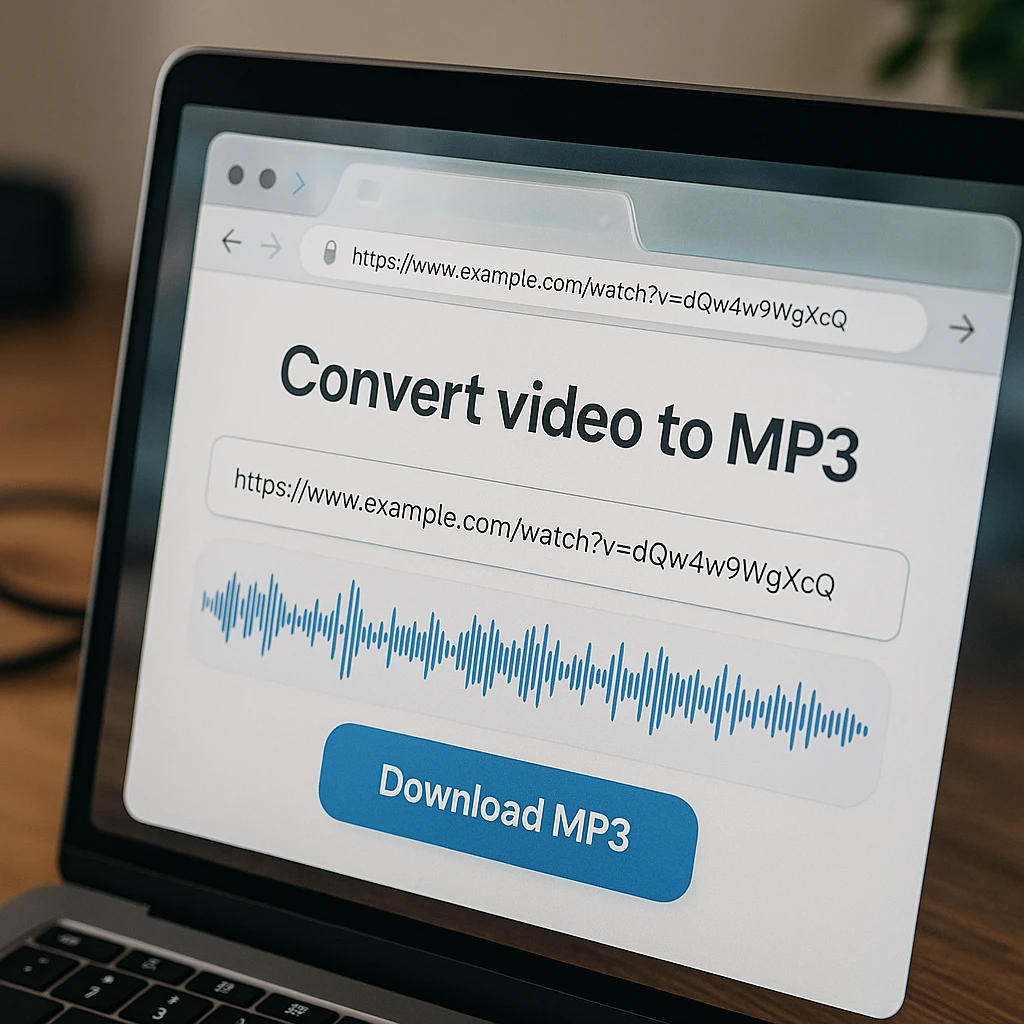
The fix is a converter that runs in your browser and pulls the audio straight from the source. ScreenApp’s link to MP3 converter does exactly that: paste a video URL, pick MP3 or WAV, and download the audio in seconds. No account for your first file, no installs, no ad maze. This guide covers the exact steps on any device, the platform-specific quirks, and how to tell a clean URL to MP3 converter from one that is quietly wrecking your audio.
How to convert a video link to MP3
Copy the video URL
Tap Share in the app, or copy the link from your browser's address bar.
Download the MP3
Pick MP3 at 320kbps (or lossless WAV) and save the file.
The Fastest Way to Extract Audio from a Video Link
ScreenApp’s link to MP3 tool is a free, browser-based audio extractor built to do this one job without the usual traps. You paste a URL, it pulls the original audio track from the source, and you download a clean file. There is nothing to install, so it works the same whether the link came from a desktop browser or a share sheet on your phone.
Zero ads or fake buttons
One URL box, one download button. No pop-ups, no redirects, and no second "Download" button that installs something you did not ask for.
320kbps MP3 or lossless WAV
It extracts the source track directly instead of re-encoding it, so you get high-quality MP3 at 320kbps, or WAV if you want the audio untouched for editing.
Works with 1000+ platforms
YouTube, TikTok, Instagram, Facebook, X (Twitter), Vimeo, Dailymotion, and most public video URLs all convert the same way: copy, paste, download.
No installation required
It runs entirely in the browser on Windows, Mac, iPhone, and Android. No desktop app, no browser extension, no permissions to grant.
How to Convert a Video Link to MP3 in 3 Steps
The whole workflow is copy, paste, download. Here is each step in enough detail that nothing trips you up.
Step 1: Copy the Video URL
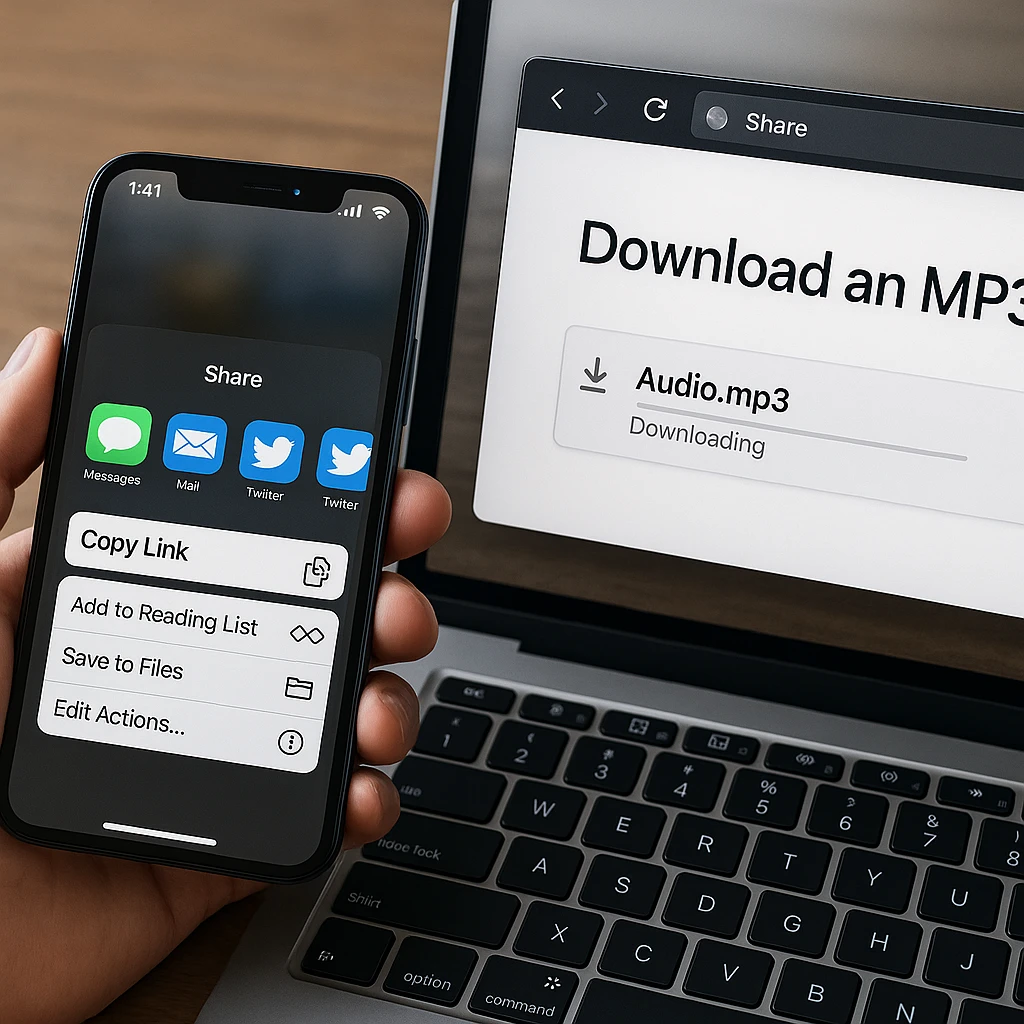
On a phone, open the video and tap Share, then Copy Link. Every major app (YouTube, TikTok, Instagram, Facebook, X) has this option in its share sheet. On a desktop, click the address bar and copy the URL with Ctrl + C (or Cmd + C on a Mac). That copy-paste URL is all the converter needs; it does not matter which device the link came from.
Step 2: Paste the Link into ScreenApp
Open the audio extractor in any browser and paste the link into the URL box. The tool reads the source stream directly, so there is nothing to upload and no software to install. This is also how you extract audio from a video link without software on a work or school computer where you cannot install anything.
Step 3: Choose Format and Download
Pick MP3 for everyday listening or WAV when you need lossless audio for a video editor or DAW. Hit convert and the file processes in seconds; a typical song-length clip is ready almost immediately, and the download lands in your Files app or Downloads folder like any other file.
How to Extract MP3s from Specific Platforms
The method is the same everywhere, but each platform has one or two quirks worth knowing.
TikTok to MP3
Tap the Share arrow on the video, then Copy Link, and paste it into the converter in Safari or Chrome. The audio comes out without a watermark. If you do this a lot for sounds, ringtones, or edits, our TikTok to MP3 guide covers the details, including what TikTok’s own “save sound” option does and does not give you.
YouTube to MP3
Copy the URL from the address bar or the Share button and paste it in. This replaces the classic sketchy-YouTube-downloader routine, where half the sites redirect you twice before showing a download button. Grabbing the audio track directly also means you skip downloading the full video, which matters on a 2-hour podcast. For a comparison of the tools in this space, see our YouTube to MP3 converter guide.
Instagram, Facebook, and X (Twitter)
Social videos convert the same way: share, copy link, paste. Extracting audio is handy for saving meme sounds, pulling a quote from a podcast clip, or keeping the audio of a live session that will disappear from the feed. Public posts work; private accounts do not, which brings us to the fallback.
Private or Gated Videos
A converter can only reach public URLs. If the video sits behind a login, a paywall, or a course portal (a university lecture, a paid webinar), the link method will refuse it.
The screen-record fallback
ScreenApp's online screen recorder captures the tab and its audio while the video plays, and you extract the audio afterward. It works on anything you can legitimately watch in a browser. If lectures are your use case, our guide on how to record lectures and convert them to text walks through that exact workflow.
ScreenApp vs. Traditional Link Converters
Free converter sites all promise the same thing, so the differences hide in how they handle quality and your data. Three things separate a safe video to audio converter from the rest.
The bitrate myth
The audio inside most online video is encoded somewhere between 128 and 320kbps, and 320kbps is the ceiling of the MP3 format itself. A tool that converts a video URL to MP3 at 320kbps is giving you everything the source has. A tool promising “512kbps MP3” is padding the file with empty data; the number goes up, the sound does not.
| Bitrate | Quality | Best for |
|---|---|---|
| 128kbps | Standard | Voice clips and spoken audio |
| 192kbps | Good | Casual listening |
| 320kbps | Best MP3 can do | Music, editing, archiving |
| WAV | Lossless | Video editors, DAWs, production |
Direct extraction vs. re-encoding
Cheap converters: record and re-compress
Many free tools effectively re-record the playback and compress it again. That second encoding pass is why their files sound muddy even when the label says 320kbps.
Result: two layers of compression stacked on the audio.
ScreenApp: pull the original track
The extractor reads the source stream and pulls the audio track as-is, then hands it to you as MP3 or untouched WAV. One encode, no generational loss.
Result: the same audio the platform serves, in a file you keep.
Security and privacy
Transfers run over SSL, converted files auto-delete after 24 hours, and no personal data is required to use the tool. That is worth checking on any converter you use: a free site with no visible business model usually monetizes through aggressive ad networks, and the worst of them push fake system warnings or bundled installers. If a converter ever asks you to install “codec software” to finish a download, close the tab.
Bonus: Turn Your New MP3 into Text
The MP3 is often only half the job. If what you extracted is a lecture, a podcast, or an interview, ScreenApp can transcribe the audio to text with timestamps in 100+ languages, then summarize it and answer questions about it in chat. Ask it to summarize the 2-hour podcast you just extracted, or to find the minute where the guest mentions a specific topic, and you get the answer without scrubbing through the file. And if your real goal is understanding a video rather than keeping its audio, an AI video watcher can skip the download step entirely.
Related guides
FAQ
Can I convert a video link to MP3 on my iPhone or Android?
Yes, directly in the browser. Copy the link from the app's Share menu, paste it into the converter in Safari or Chrome, and download. The MP3 saves to your Files app on iOS or the Downloads folder on Android, no app required.
Is it safe to use an online video to MP3 converter?
It depends on the site. A safe converter uses SSL, shows no pop-up ads or fake download buttons, and never asks you to install anything. ScreenApp meets all three. On ad-supported sites, use an ad blocker and never click a second "Download" button.
What is the best audio format to extract: MP3 or WAV?
MP3 at 320kbps for everyday listening; it plays everywhere and keeps files small. WAV for professional work in a video editor or DAW, since it is lossless and survives further editing without quality loss.
Can I extract audio without downloading the whole video?
Yes. The converter streams the source and only delivers the audio file, so you skip the video download entirely. Extracting the audio of a long video takes a fraction of the bandwidth of downloading it.
How do I download audio from a website link that is not a big platform?
Paste it anyway. The converter works with 1000+ platforms and most public video URLs, including news sites and embedded players. If the page is behind a login or paywall, use the screen-record fallback described above instead.
Is it legal to convert video links to MP3?
Converting audio you have the right to access, for personal use, is generally low-risk, the same as saving any file for yourself. Redistributing the audio or reusing copyrighted music commercially is a different matter; the platform's license does not travel with the file. When in doubt, stick to personal use or use royalty-free sources.