TikTok to MP3: How to Download the Audio from Any TikTok - 2026

On this page
You heard a sound on TikTok that stuck with you. Maybe it was a viral audio for your next video, a voiceover you wanted to study, or a song you could not shake. Now you want it as a real MP3 file you can keep, and TikTok gives you no button to save the audio on its own.
Here is the short version. Copy the video link, paste it into a TikTok to MP3 tool, and download the audio. No app to install, and it works the same on a phone or a computer. TikTok has close to two billion monthly active users (Statista), so a lot of people are chasing the same sounds you are, and most of the sites promising to help are buried in ads.
This guide covers the fastest method, how to do it on iPhone, Android, and desktop, the quality you can realistically expect, and the part most guides skip: whether you are actually allowed to reuse the sound. If you also pull audio from video sites, our YouTube to MP3 guide and best YouTube downloaders round-up cover the same ground.
How to get an MP3 from a TikTok
Copy the link
Open the TikTok video, tap Share, then Copy link.
Download the MP3
Pick MP3 (or WAV for lossless). It saves in a few seconds.
The Fastest Way to Download TikTok Audio (No Ads, No Apps)
ScreenApp’s TikTok audio downloader does exactly those three steps. Paste the TikTok URL, choose MP3 at 320kbps or WAV if you want lossless, and it pulls the audio track straight from TikTok and hands you a clean file. No re-encoding, and no ads pushing fake download buttons between clicks.
Original track, not a re-recording
It extracts the source audio instead of recording playback, so you do not stack a second round of compression on the sound.
320kbps MP3 or lossless WAV
Pick the highest standard MP3 bitrate, or WAV when you want the file left untouched for editing.
No fake buttons, no daily cap
No ad walls, no premium upsell after three files, and no mystery button that is not the one you came for.
Step-by-Step: How to Download TikTok Sounds on Any Device
You do not need an app. The link method works right in your phone or desktop browser. Copy the link once, then follow the card for your device.
On iPhone (iOS)
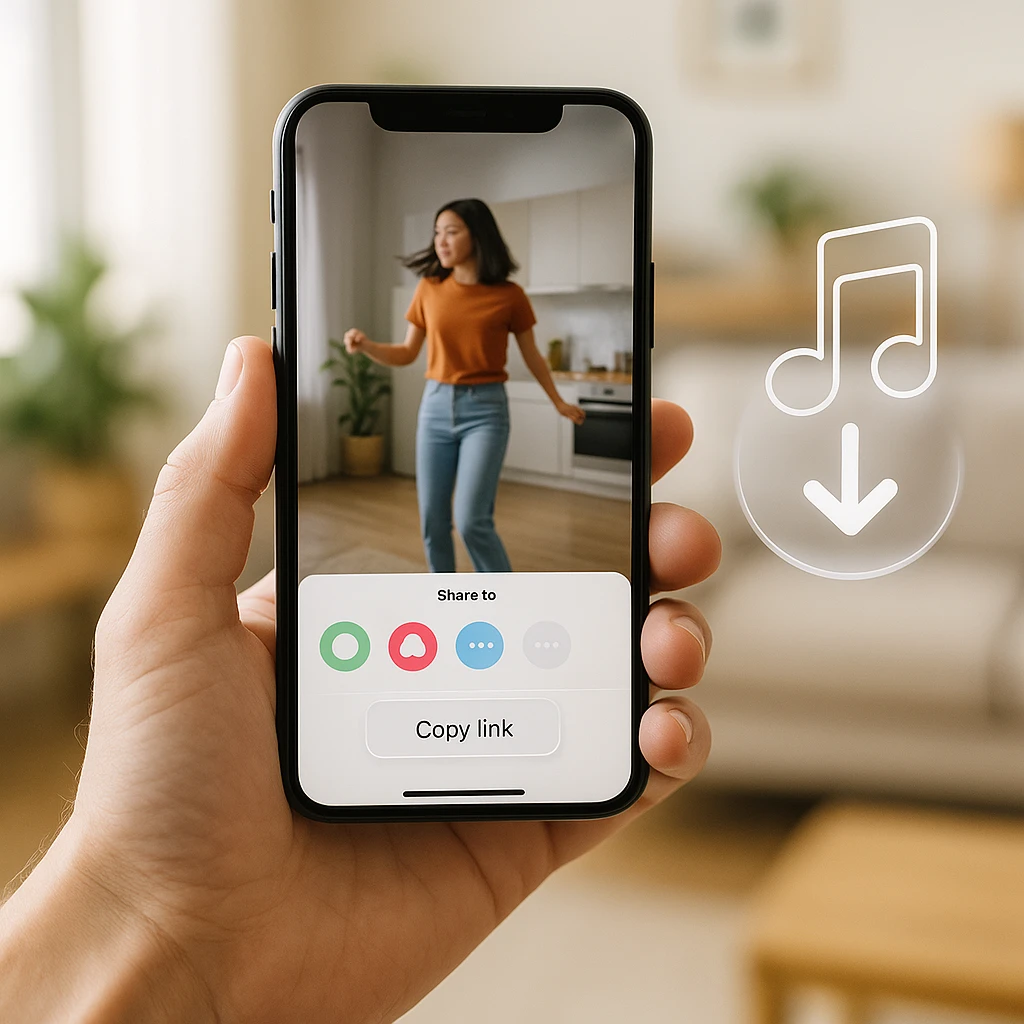
- In TikTok, tap Share on the video, then Copy Link.
- Open Safari and go to the TikTok downloader.
- Paste the link, choose MP3, and download. The file lands in your Files app.
On Android
- Tap Share, then Copy Link.
- Open Chrome and go to the downloader.
- Paste, choose MP3, and download. It saves to your Downloads folder.
On Desktop / Mac
- Copy the video link from the TikTok web page or app.
- Open the downloader in any browser (Chrome, Safari, Edge, or Firefox).
- Paste, choose MP3 or WAV, and download to your Downloads folder.
From there you can set it as a ringtone, drop it into a video editor, or just listen offline.
Alternative TikTok to MP3 Converters (And Their Trade-offs)
There are plenty of free converter sites, and they do work. The trade-off is ads. Most show pop-ups or fake “Download” buttons every few conversions, and several cap you at 128kbps or tag the file. Here is the honest lay of the land for the popular ones.
| Converter | Type | Watch out for | Typical cap |
|---|---|---|---|
| SnapTik | Online | Pop-up ads and redirects | 128kbps |
| SSSTik | Online | Fake download buttons | 128kbps |
| MusicallyDown | Online | Ad-supported, tags some files | 128kbps |
If you use one of these, protect yourself
What to Do If a TikTok Audio Won’t Download
Sometimes a specific video will not convert. The account is private, the video is region-locked, or the sound was pulled after a copyright claim. When that happens, screen recording is the fallback that always works.
The record-and-trim fallback
Our online screen recorder captures the tab and its audio while the video plays. Record the clip, trim it down to just the part you need, and export the audio. It is lower quality than pulling the original track, but it works even when a converter refuses the link.
Understanding TikTok Audio Quality
TikTok audio tops out around 320kbps, the highest standard MP3 bitrate, so a downloader that offers 320kbps or WAV gives you everything the source has. You cannot get “better than the original,” and any tool that promises higher numbers is just padding the file.
| Bitrate | Quality | Best for |
|---|---|---|
| 128kbps | Standard | Voiceovers and spoken clips |
| 192kbps | Good | Casual listening |
| 320kbps | Best | Music and editing |
The thing that actually degrades quality is re-encoding. A converter that records the playback instead of pulling the track adds a second layer of compression, which is why pulling the original audio matters more than the bitrate label on the button.
Saving a Sound vs. Downloading an MP3
These sound the same but they are not. One keeps the sound inside TikTok for your own videos, the other gives you a real file you can use anywhere.
Add to Favorites (inside the app)
Open the video, tap the spinning record icon at the bottom right, and tap Add to Favorites. The sound stays in your TikTok account, ready to reuse in your next post.
Best for: reusing a sound inside TikTok. You do not get a file.
Download an MP3 (a real file)
Use the link-to-MP3 method above to save an actual audio file to your device.
Best for: ringtones, podcasts, and video editors like Premiere or CapCut.
Is It Legal to Download and Reuse TikTok Audio?
Here is the honest version. Most TikTok sounds are copyrighted music, licensed for use inside TikTok, not for you to redistribute. Downloading a sound to listen to it yourself is low-risk, the same as saving any audio for personal use. Reusing it in your own content, especially anything commercial, is where you can run into trouble, because the TikTok license does not travel with the file.
Making something commercial? Use cleared music.
Bonus: Turn Your TikTok Audio into Text
Once you have the MP3, you can do more than listen to it. ScreenApp can transcribe the audio into text, which helps when you are pulling a voiceover, an interview clip, or a tutorial and want the words as well as the sound. If you do this often with longer recordings, our guide on how to record lectures and convert them to text walks through the same workflow for classes and talks.
Related guides
FAQ
How do I download the sound from a TikTok?
Copy the video link (Share, then Copy Link), paste it into a TikTok to MP3 downloader, choose MP3, and download. The audio file saves in a few seconds, on phone or desktop.
Can I download TikTok audio on my iPhone?
Yes, with no app. Copy the link in TikTok, open Safari, paste it into the downloader, and pick MP3. The file saves to your Files app. Same idea on Android through Chrome.
What is the best quality for TikTok audio?
320kbps MP3, or WAV if you want lossless. TikTok audio does not go higher than that, so a tool offering 320kbps captures everything the source has.
Can I download TikTok audio without a watermark?
Yes. Audio files do not carry a visual watermark, but some converter sites tag the file or add an audio stinger. A downloader that pulls the original track gives you clean audio with nothing added.
How do I convert a TikTok to MP3 without an app?
Use a browser-based tool. Paste the TikTok link into an online TikTok downloader, choose MP3, and download. There is nothing to install on iPhone, Android, or desktop.
Can I use a downloaded TikTok sound in my own video?
You can technically add the MP3 to any editor, but most TikTok sounds are licensed music, so reusing them (especially commercially) can infringe copyright. For your own TikTok posts, favoriting the sound inside the app is the safe route. For other platforms, use royalty-free music.
Why did my TikTok to MP3 conversion fail?
Usually the video is private, deleted, or region-locked, or the sound was removed after a copyright claim. Try a different video, make sure you copied the full share link, or screen record the clip and extract the audio as a fallback.
Where do downloaded TikTok sounds save on my phone?
On iPhone, browser downloads land in the Files app under Downloads. On Android, they go to the Downloads folder, and most music players and video editors can open them from there. If you cannot find the file, check your browser's download history for the direct link.
Can I turn a TikTok sound into a ringtone?
Yes. Download the sound as an MP3, trim it to about 30 seconds, and set it as your ringtone through your phone's sound settings. On iPhone you may need to convert it to an M4R file first, which most free audio tools can do.