Watch a YouTube Video With Translated Captions
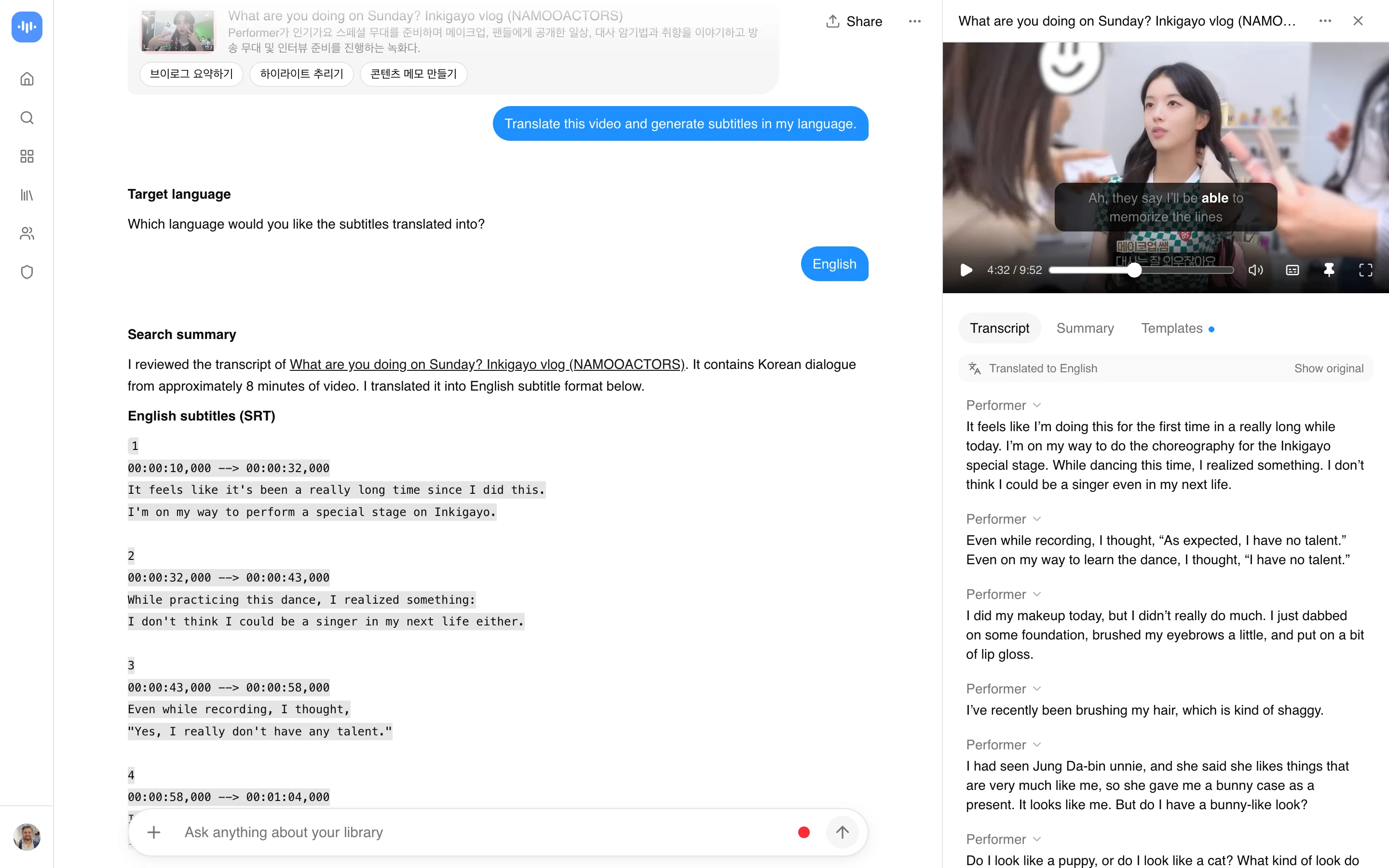
Paste a YouTube link, pick a language, and read the translation as the video plays. The video needs captions already available, either ones the creator added or YouTube’s own auto-generated captions, since the translator works from the caption track rather than re-transcribing the audio itself.
- Translate YouTube captions into any of 100+ languages
- Captions stay synced to the video as it plays
- Works on phone, tablet, and computer, no install
- No account needed to try it
- Free preview on part of the video; sign up to translate the rest
How to Translate a YouTube Video’s Captions
- Paste the YouTube URL: Copy a YouTube video link and paste it into the translator above.
- Choose your language: Pick a language from the list. The tool pulls the video’s existing captions and translates them.
- Read along as it plays: The translated captions appear under the video, timed to what’s being said. Toggle between the translation and the original text.
Translation quality depends on the source captions. A video with clear, creator-added captions translates better than one relying on YouTube’s auto-captions on noisy audio. See how we measure accuracy.
Who Needs a YouTube Video Translator
Students and researchers watch lectures and presentations with captions in their own language, instead of stopping to look up unfamiliar terms.
Business professionals follow conference talks and training videos from other countries by reading the translated captions alongside the video.
Language learners compare the original captions with the translation to check vocabulary and phrasing while they watch.
Content creators review videos from creators in other languages to understand what is being said, without waiting on a full translated transcript.
Journalists read translated captions on foreign-language interviews and clips to check what a speaker said before quoting it.
Can this dub a live stream?
This live preview translates captions. To create translated spoken audio from a saved recording, use AI dubbing: translated synthetic speech with a separate voice for each speaker, saved as a new audio or video file.