

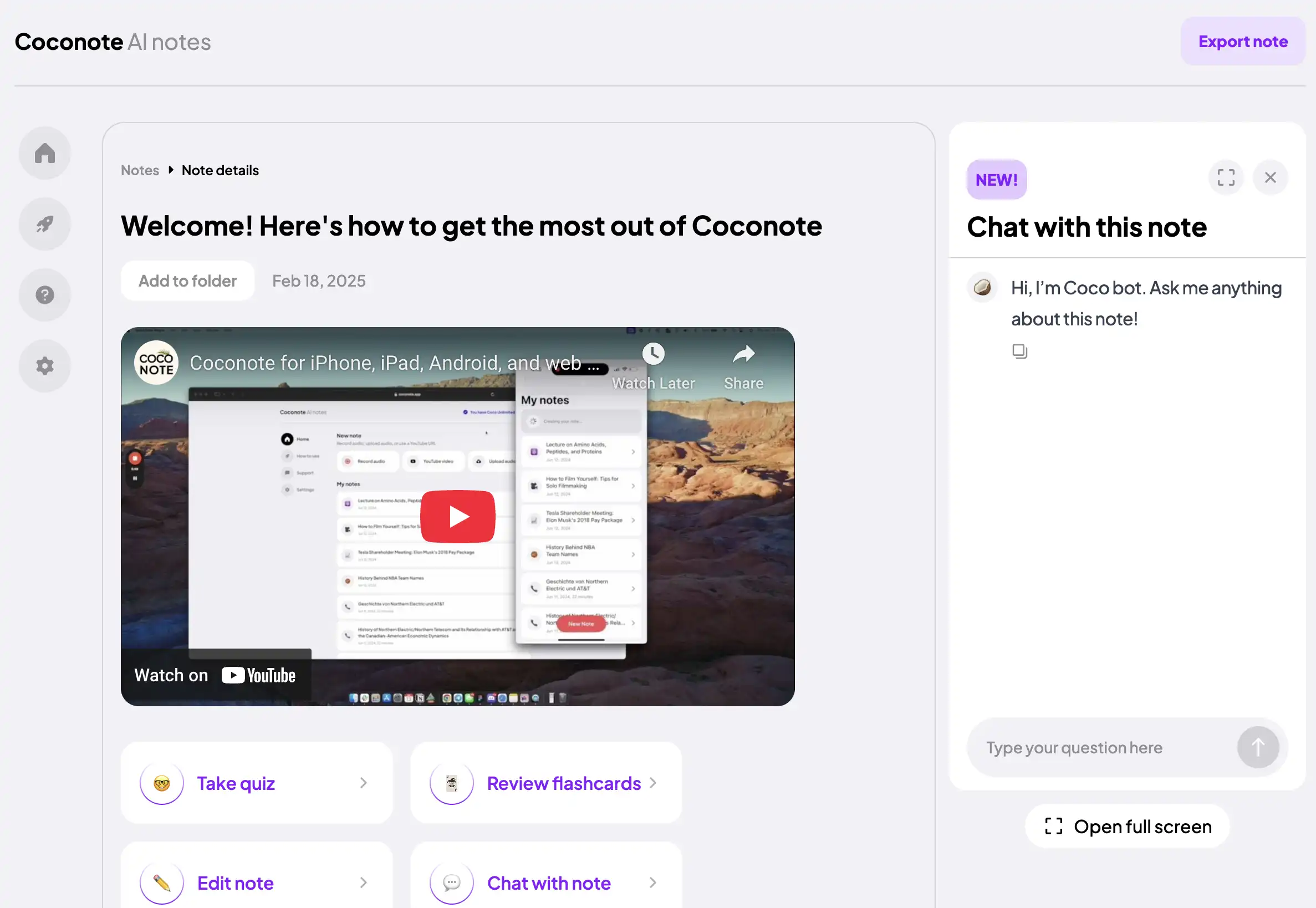
Coconote is built around studying. It takes lectures, audio, video, PDFs and other documents, websites and links and turns them into notes, transcripts and study material: quizzes, practice exams, flashcards, podcasts, videos and study games. It is made by Quizlet. ScreenApp is a general recorder and transcriber that is strongest on meetings and video. If you are moving from one to the other, the questions that matter are what gets recorded, what comes out the other end and what it costs.
Coconote or ScreenApp: which fits
Sources, checked 2026-09-18: Coconote, AI chat troubleshooting, ScreenApp meeting bot repository, ScreenApp Chrome extension, ScreenApp desktop apps, ScreenApp mobile apps, ScreenApp supported languages, ScreenApp pricing
Pick Coconote if you want flashcards, quizzes and practice exams from your lectures today. That is Coconote’s core, and ScreenApp does not have it yet. Coconote also has an Apple Watch app and study games, which ScreenApp does not.
Pick ScreenApp if you also record meetings and want a bot that joins Zoom, Google Meet or Teams for you, or you need to capture your screen and video, not only audio. ScreenApp is also the better fit if you want to search and chat across a library of recordings, or connect it to Claude or ChatGPT through an MCP connector that lets Claude, ChatGPT and other assistants that support the Model Context Protocol search and read your recordings.
Coconote details are from coconote.app, checked 18 September 2026. Coconote does not publish Unlimited Pass prices on its website, so we do not quote one here.
What ScreenApp records
ScreenApp captures screen, window, browser tab, microphone and camera, with system audio. There is a meeting bot for Zoom, Google Meet and Microsoft Teams with Google Calendar and Microsoft Calendar, and you can record without a bot from the Mac (Apple silicon) and Windows apps or the Chrome extension that records tab, screen, mic and camera. There is live transcript while recording (beta).
The iOS and Android apps record voice and audio and transcribe it, which covers a lecture hall or an in-person meeting. They do not record the phone screen. ScreenApp records offline on iOS and Android and uploads when the connection returns.
Bringing in material you already have
ScreenApp imports YouTube, Vimeo and direct media links, covering YouTube, Vimeo, TikTok, Instagram, Facebook and most other public video links (Twitch, Loom, Dropbox, Google Drive, Pinterest, X, Threads, Douyin, Kuaishou, Bilibili) through a generic importer, which is the usual route for a recorded lecture or a YouTube explainer. YouTube link imports do not count against the upload limit. Uploads have no set file size limit. PDFs and office documents are converted so they can be read and chatted with, the same as a recording.
What you get after a recording
- Speakers: speaker identification, and you can click a speaker label to rename it, match it to a team member, or reassign a single segment
- Action items: action items with an owner and deadline, and decisions listed separately
- Chapters: chapters with timestamps
- AI templates and documents, 21 built in
- AI chat with any recording, plus one AI chat that searches and answers from every recording in your library, or a single folder
- Search: search across recordings by name or transcript
- Playback sync: clicking a moment in the transcript jumps the player to that point in the recording
- Exports in PDF, DOCX, TXT, SRT and VTT
Transcription covers 100+ languages and the language is detected automatically per file. Speaker diarization works on 25 of them. ScreenApp’s accuracy page reports 95.8% on English studio audio, from ScreenApp’s April 2026 test, run before xAI Grok Speech-to-Text became the default transcription provider. Conference audio and field recordings score lower. This is ScreenApp’s own testing, not a third-party benchmark, and no head-to-head test against another tool has been run for this page. Note that overlapping speech can confuse the diarization system.
Security
ScreenApp holds SOC 2 Type 2 and encrypts data with AES-256. Recordings and content are not used to train AI models.
ScreenApp pricing
Free includes 2 transcriptions of recordings up to 45 minutes each and 3 uploads to try, plus 10 AI chats per month. No card is needed to sign up.
Pro is $19 a month billed annually ($228 a year) or $30 billed monthly, with recordings up to 2 hours, 50 transcriptions a month and 50 AI chats a month.
Max is $34 a month billed annually ($408 a year) or $69 billed monthly, with recordings up to 3 hours. AI chats on Max are Unlimited.
Enterprise is sales-led, from $199 a month. The 7-day trial is on annual Pro and Max plans and needs a credit card to start.
FAQ
Does ScreenApp make quizzes and flashcards?
ScreenApp lists quiz and flashcard generation (coming soon). What works today is AI chat with any recording and the built-in AI templates, which will summarise a lecture and pull out the points worth revising.
Can I record a lecture on my phone?
Yes. The iOS and Android apps record voice and audio, and ScreenApp records offline on iOS and Android, uploading when the connection returns.
Can I feed it a recorded lecture I already have?
Yes. ScreenApp imports YouTube, Vimeo and direct media links and accepts uploads with no set file size limit.
How many languages?
100+, with the language is detected automatically per file.
Try ScreenApp or see the iOS app listing.