Turn a Meeting Recording into Action Items
This AI action item generator reads a meeting recording or transcript and pulls out the commitments people made: who agreed to do what, and by when. Upload a Zoom, Teams, or Google Meet recording, or import one from a link, and the tool transcribes it and lists the action items separately from the rest of the notes.
Reviewing a list of action items takes less time than replaying a meeting or reading a full transcript to find what was agreed.
What you get with every recording:
- action items with an owner and deadline, and decisions listed separately
- A transcript with speaker labels, in 100+ languages
- chapters with timestamps, so a long meeting is split by topic
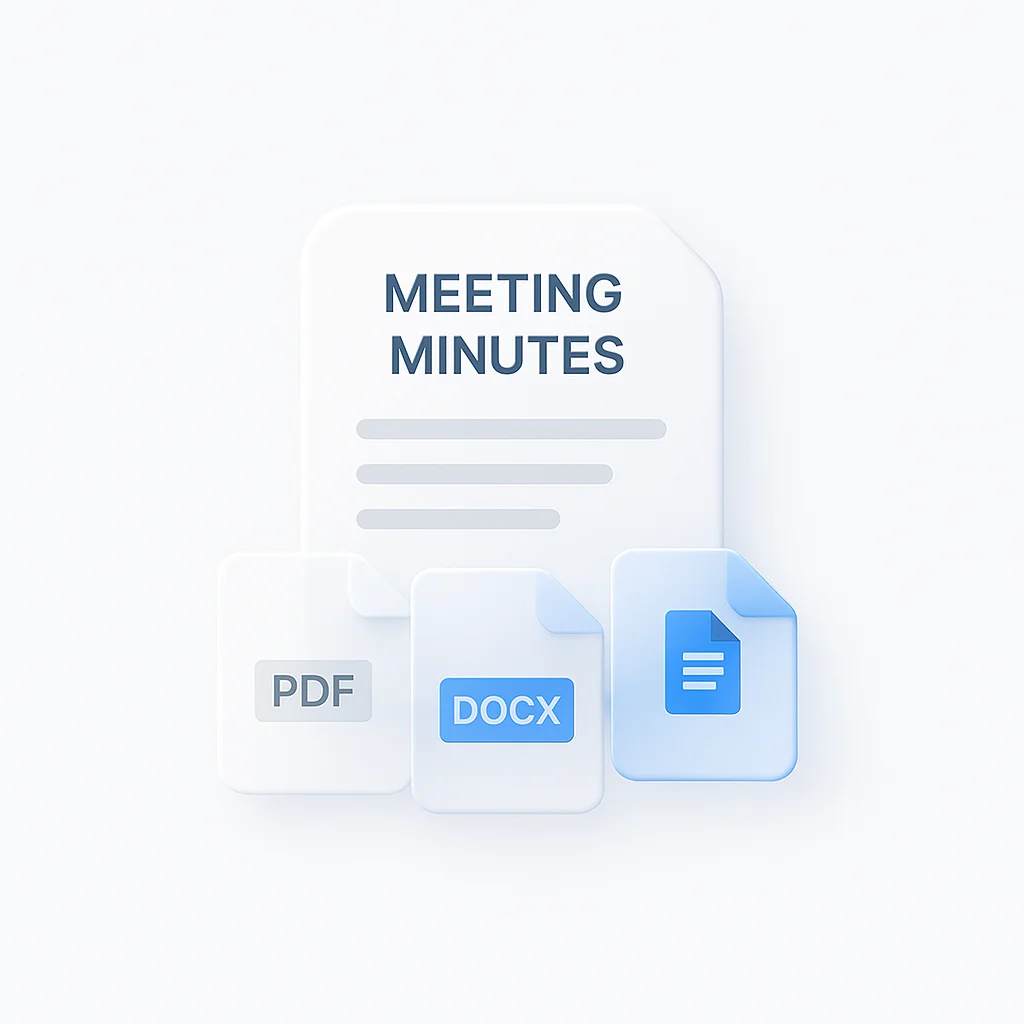
- Export as PDF, DOCX, TXT, SRT and VTT
- Free plan: 2 transcriptions of recordings up to 45 minutes each
For a broader set of recording tools, including capturing calls as they happen, see the meeting recorder.
How to Generate Action Items from a Meeting
- Upload the meeting: Add a Zoom, Teams, or Meet recording, an audio or video file, or import one from a URL.
- The AI extracts the action items: The system transcribes the conversation and picks out commitment phrases such as “I’ll send that report” or “we need to follow up,” listing each as an action item with the person who said it.
- Review and export: Check the list against the transcript, then export it as PDF, DOCX, TXT, SRT and VTT or share a link with the team.
Accuracy depends on the audio. Clear speech with one person talking at a time works best; overlapping speakers or background noise create gaps. See how we measure accuracy.
AI Action Item Generator vs Other Apps
| Feature | ScreenApp | Fireflies.ai | Otter.ai | Fathom | Tactiq |
|---|---|---|---|---|---|
| Free plan | 2 transcriptions, up to 45 min each | 400 min storage per seat | 300 min/month | Unlimited recordings and transcriptions | 10 transcripts/month |
| Action items generated | Included | Included | Included, automatically assigned | Included | Included |
| Uploaded file support | Yes | Free plan and up | 3 lifetime audio/video file imports | Not stated | Free plan and up |
| Paid plan | $19/month annual | $19/month annual | $8.33/month billed annually, or $16.99 monthly | $16/month annual | $8 per user/month annual |
Sources, checked 2026-10-09: ScreenApp pricing, Fireflies pricing, Otter pricing, fathom.ai/pricing, Tactiq plan guide, Fireflies home page, otter.ai, fathom.ai, Tactiq home page, Fireflies upload guide
Key differences:
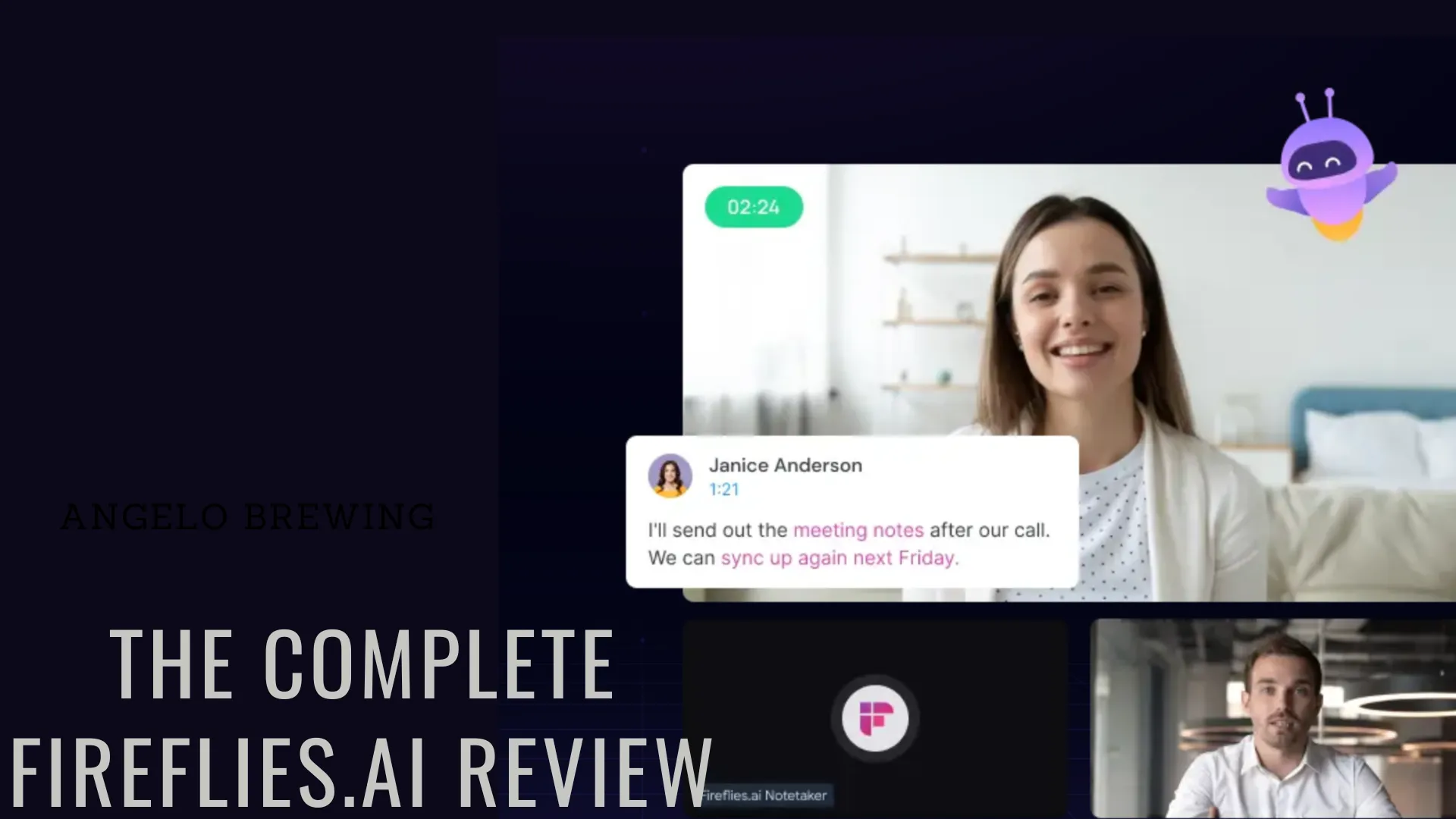
- vs Fireflies.ai: Fireflies generates action items too, but uploading a recording that was not captured by its bot needs the Free plan and up. ScreenApp accepts an uploaded file on the free plan.
- vs Otter.ai: Otter’s free plan caps transcription at 300 minutes a month and allows 3 lifetime audio/video file imports. ScreenApp’s free plan is 2 transcriptions of recordings up to 45 minutes each, uploaded or recorded.
- vs Fathom: Fathom’s action items come from its own meeting bot; its pricing page does not state upload support for recordings made elsewhere. ScreenApp works from an uploaded file or a URL.
- vs Tactiq: Tactiq generates action items from live or uploaded transcripts. Uploads are available on its Free plan and up, subject to meeting credits. ScreenApp also includes uploads on its free plan.
Who Uses an AI Action Item Generator
Sales teams review a discovery call and pull out what they promised a prospect, so a follow-up email does not miss a commitment.
Project managers turn a status meeting or sprint planning call into a list of who owns the next step, instead of retyping it from memory afterward.
Customer success teams document what was agreed on a support call, so the resolution task and the person responsible for it are both on record.
Executive assistants pull tasks out of a leadership meeting or board call and pass them to the right team with the context attached.