Generate a Transcript from Any Recording
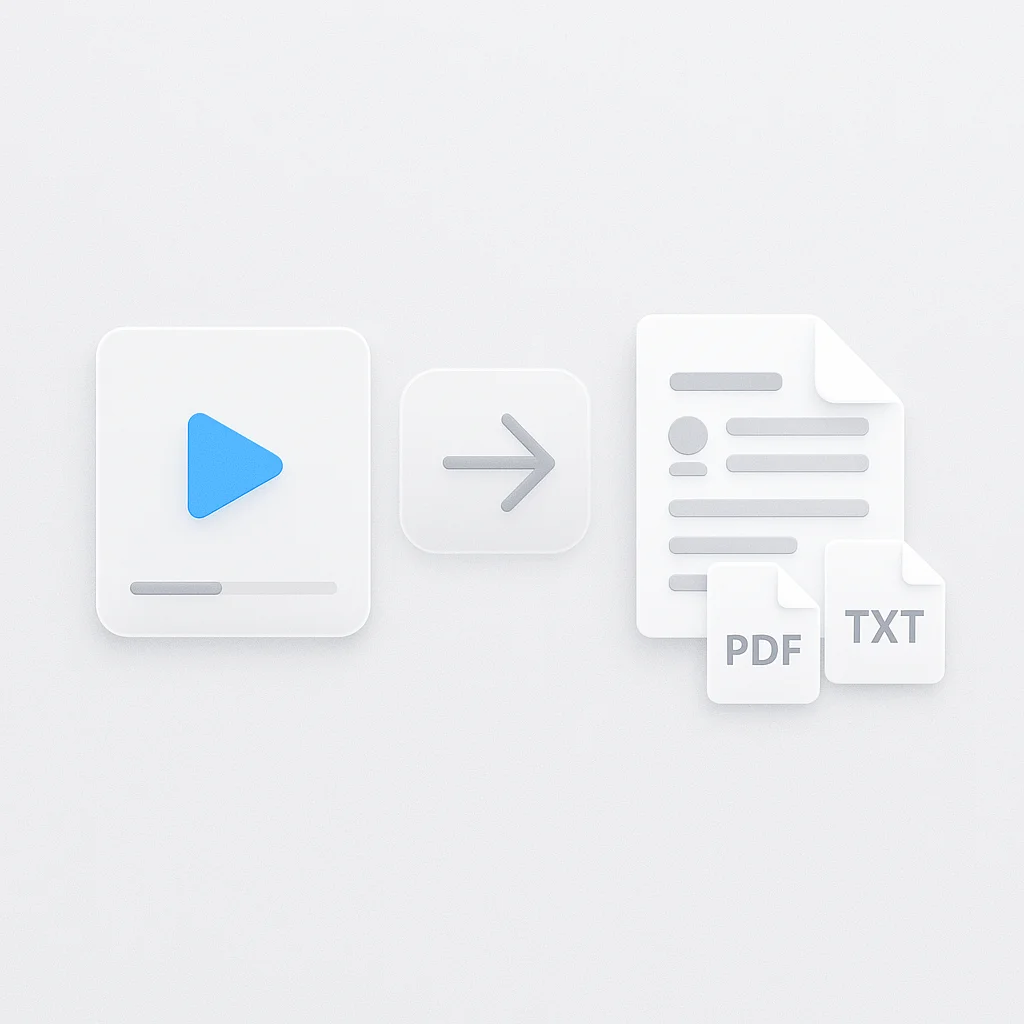
The transcript generator turns a recording into text with speaker labels and timestamps. Record a session in the browser, upload a file you already have, or paste a link, and read the transcript instead of listening or watching back to find a quote.
A searchable transcript beats scrubbing through a recording to find the minute you need.
What you get:
- A transcript with speaker labels and timestamps, in 100+ languages
- Export as PDF, DOCX, TXT, SRT and VTT
- Ask AI questions about the recording and get answers that point to the moment it happened
- Record live, upload MP3, M4A, MP4A, M4B, AAC, WAV, OGG, OPUS, FLAC, AIFF, WMA, WEBMA, MKA, AC3, EAC3, WV, AMR, DSF, DFF or MP4, M4V, MOV, AVI, WEBM, MKV, FLV, TS, MTS, M2TS, 3GP, 3GPP, 3G2, WMV, ASF, VOB, OGV, RM, RMVB, MPG, MPEG, M2V, F4V, MXF files, or paste a link to import from elsewhere
- Free plan: 2 transcriptions of recordings up to 45 minutes each, with AI chat on it
How to Generate a Transcript
- Record, upload, or paste a link: Record a session in the browser, drag in an audio or video file, or paste a link to import it from elsewhere. No account setup is needed to start.
- Let it transcribe: The audio is converted to text, speakers are separated, and every sentence gets a timestamp.
- Search, edit, export: Read the transcript in the browser, edit it if needed, and export as PDF, DOCX, TXT, SRT and VTT.
Accuracy depends on the audio. Clean, single-speaker audio with no background noise transcribes best; a phone recording from across a noisy room will have more gaps. See how we measure accuracy.
Transcript Generator vs Other Apps
| Spec | ScreenApp | NoteGPT | YouTubeToTranscript | UniScribe |
|---|---|---|---|---|
| Free plan | 2 transcriptions, up to 45 min each | no login, installation, plugin or extension required | free, no limit on the number of transcripts | 120 min/month, 30 min per file |
| Length limit | 45 min on Free | no length limit stated | Not stated | 30 min per file |
| Speaker detection | speaker identification | Not stated | Not stated | Not stated |
| Export formats | PDF, DOCX, TXT, SRT and VTT | TXT, or copy without timestamps | copy to clipboard only, no file download | Word, CSV, PDF, TXT, SRT, and VTT |
| Paid plan | $19/month annual | $9/month annual | Not stated | $6/month annual |
Sources, checked 2026-10-06: ScreenApp pricing, NoteGPT YouTube transcript generator, youtubetotranscript.com, uniscribe.co/pricing, ScreenApp recording limits, Transcription accuracy and languages, NoteGPT pricing
- vs NoteGPT: NoteGPT’s YouTube transcript generator needs no login, installation, plugin or extension required, and exports as TXT, or copy without timestamps. It only takes a YouTube link. ScreenApp also records live and takes an upload, and exports as PDF, DOCX, TXT, SRT and VTT.
- vs YouTubeToTranscript: YouTubeToTranscript is free, no limit on the number of transcripts, but it works from a YouTube link only and exports as copy to clipboard only, no file download. ScreenApp adds speaker labels, timestamps, and a downloadable file.
- vs UniScribe: UniScribe’s free plan gives 120 minutes a month split across files of up to 30 minutes each. ScreenApp’s free plan is 2 transcriptions of recordings up to 45 minutes each, and also records live.
Who Generates Transcripts
Content creators and YouTubers turn a video into a transcript to write a blog post or captions without retyping the audio by hand.
Students transcribe recorded lectures and course videos into a searchable transcript instead of scrubbing through the recording for a term.
Podcasters get a transcript of an episode to write show notes and pull quotes for social posts, and to have a text version for anyone who would rather read the episode than listen to it.
Business professionals record or upload a meeting and get a transcript to share with people who could not attend, instead of taking notes during the call.
Researchers and journalists transcribe interviews and focus groups, then search across the transcripts to find where a topic came up.
Reporters covering live events record a call or a press conference directly in the browser and get the transcript right after, with no separate recording app needed.