Fill a Meeting Notes Template From a Recording
A meeting notes template only saves time if someone still has to fill it in. This tool does that part: pick a template, record the call or upload one you already have, and the AI writes the transcript into the template’s sections.
11,733 meetings were recorded on ScreenApp in the last 90 days. Reading a filled template afterward is faster than writing notes during the call, and it catches details a person taking notes while talking will miss.
What you get with every recording:
- A transcript with speaker labels, in 100+ languages
- AI templates and documents: 21 built-in templates, including Meeting Minutes, Meeting Action Items, Executive Briefing and Sales Interaction
- Minutes with action items with an owner and deadline, and decisions listed separately
- chapters with timestamps, so a long meeting is split by topic
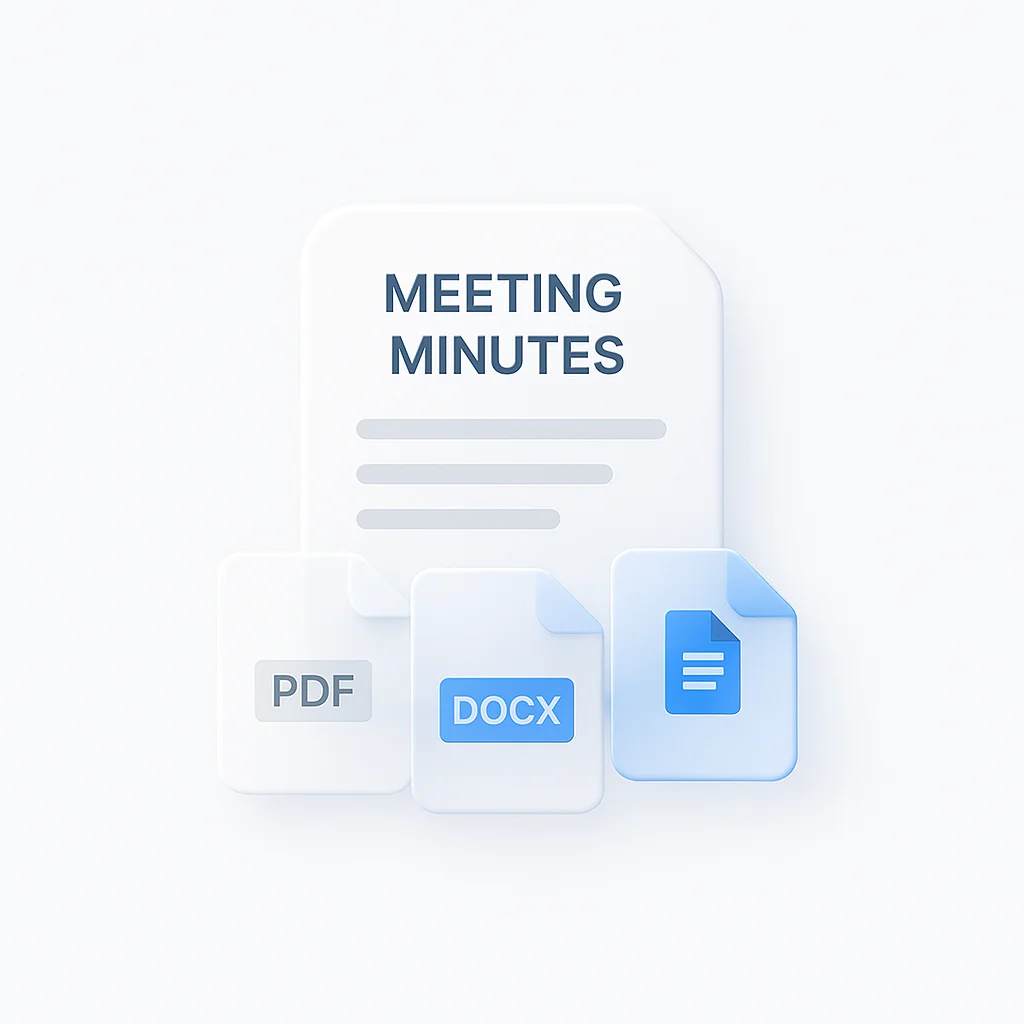
- Export as PDF, DOCX, TXT, SRT and VTT
- Free plan: 2 transcriptions of recordings up to 45 minutes each, with AI chat on it
Recordings are stored in your account and open on any device where you sign in.
How to Fill a Meeting Notes Template
- Pick a template: choose Meeting Minutes, Meeting Action Items, or another from the 21 built-in options, or let the AI pick the closest match.
- Record or upload: press record before the call, or upload a recording you already have.
- Read the filled template: the transcript and the completed template are ready a few minutes after you stop, with each section written from what was actually said.
Accuracy depends on the audio. A laptop mic in a quiet room works well; a call with several people talking over each other will leave gaps in the transcript the template draws from. See how we measure accuracy.
Meeting Notes Template vs Other Apps
| Feature | ScreenApp | Otter.ai | Fireflies.ai | Tactiq | Template.net |
|---|---|---|---|---|---|
| Input | Record or upload audio/video | Record or upload audio/video | Meeting bot or upload | Live transcript in browser | a text prompt, voice instructions or an uploaded file |
| Built-in templates | 21 | Not stated | Not stated | Not stated | Yes, template library |
| Action items | action items with an owner and deadline, and decisions listed separately | Included, automatically assigned | Included | Included | Not stated |
| Languages | 100+ | 6 | 100+ | 60+ | Not stated |
| Free plan | 2 transcriptions, up to 45 min each | 300 min/month | 400 min storage, 20 AI credits/month | 10 transcripts/month | Free, no signup, with an upgrade option for quality and speed |
| Paid plan | $19/month annual | $8.33/month annual | $19/month annual | $8 per user/month annual | Not stated |
Sources, checked 2026-10-09: ScreenApp supported languages, ScreenApp pricing, template.net/ai-document-generator, otter.ai, Fireflies home page, Tactiq home page, Otter pricing, Fireflies free plan guide, Fireflies pricing, Tactiq plan guide
- vs Otter.ai: Otter’s free plan caps you at 300 minutes a month in 6 languages, and its notes are not built from a selectable template. ScreenApp’s free plan is 2 transcriptions of recordings up to 45 minutes each with 21 templates to choose from.
- vs Fireflies.ai: Fireflies gives 400 minutes of storage and 20 AI credits a month on its free plan; its Business plan is $19 a month annual. ScreenApp’s templates and action-item extraction are both on the free plan.
- vs Tactiq: Tactiq’s free plan is 10 transcripts a month from a live browser transcript. ScreenApp works from a recording you already have as well as a live one, and fills a template rather than handing back a plain transcript.
- vs Template.net: Template.net takes a text prompt, voice instructions or an uploaded file and outputs PDF, DOCX and Google Docs, but its own page does not mention audio or video transcription. ScreenApp starts from the recording itself, so nobody has to type up notes before the template can be filled.
Who Fills Meeting Notes Templates
Project managers run standups and planning calls, then get the Meeting Action Items template filled with owners and deadlines instead of chasing that information after the call.
Executive assistants record leadership meetings and use the Executive Briefing template to produce something they can send to stakeholders without rewriting it first.
Remote teams upload Zoom, Teams, and Google Meet recordings and get the same template filled the same way regardless of which platform the call happened on.
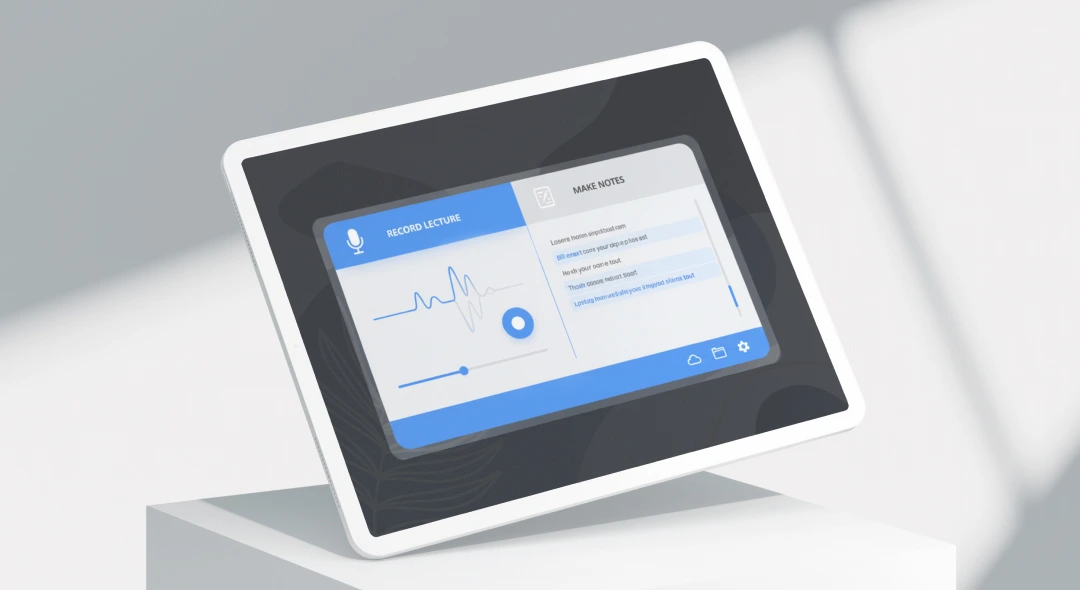
Students record a lecture and use the Lecture Notes template to get a study document with the main points and any deadlines the lecturer mentioned.
Sales teams run the Sales Interaction template on a discovery call recording and get the prospect’s requirements and next steps written up without a manual recap.
HR and hiring teams run the Interview Analysis template on a recorded interview and get a structured writeup they can compare against other candidates.