Store Every Meeting in a Searchable Library
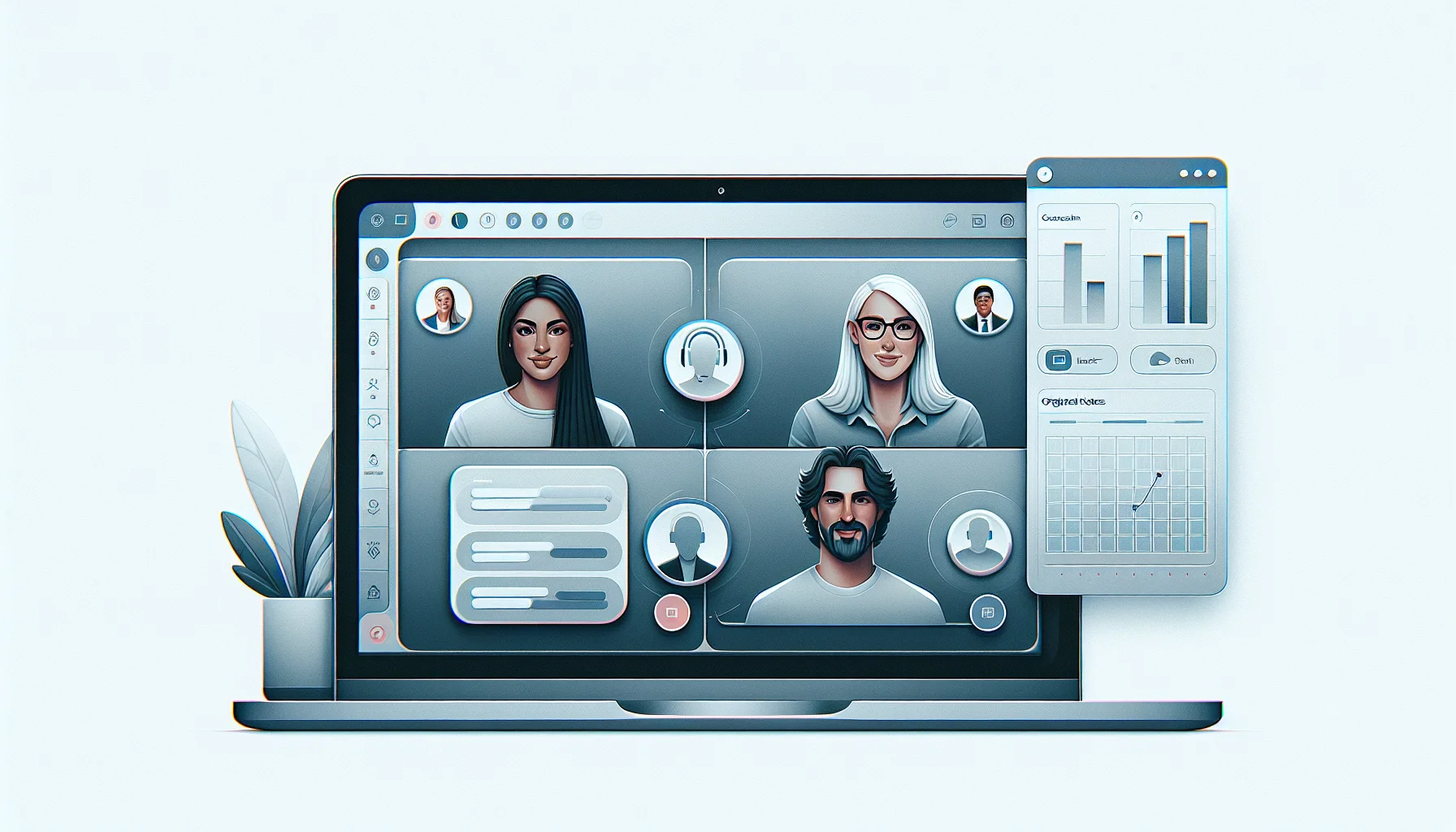
A meeting library is one place where your Zoom, Microsoft Teams and Google Meet recordings collect automatically, instead of scattered across each tool’s own history. Connect a Google Calendar and Microsoft Calendar and meeting bot for Zoom, Google Meet and Microsoft Teams, and each meeting is recorded, transcribed and filed for you.
11,929 meetings were recorded into ScreenApp libraries in the last 90 days. Every recording gets a transcript, so you can find a decision or a comment by typing what you remember instead of scrubbing through the video.
What you get with every meeting:
- A transcript with speaker labels and timestamps, in 100+ languages
- AI notes: a summary, action items with an owner and deadline, and decisions listed separately
- search across recordings by name or transcript
- one AI chat that searches and answers from every recording in your library, or a single folder
- team workspaces and share links
- Export as PDF, DOCX, TXT, SRT and VTT
- Free plan: 2 transcriptions of recordings up to 45 minutes each, with AI chat on it
How to Build a Searchable Meeting Archive
- Connect your calendar: Link your Google Calendar and Microsoft Calendar so ScreenApp knows about upcoming Zoom, Teams and Google Meet calls. You can also upload a recording you already have.
- Let it record and process: The meeting bot for Zoom, Google Meet and Microsoft Teams joins the call, records it, and the transcript and AI notes are ready a few minutes after the meeting ends.
- Search and ask: Find a meeting by typing a name, date or topic, or open the AI chat and ask a question across your whole library, or one folder.
Transcript quality depends on the audio: a clear microphone with one person speaking at a time transcribes well, while a noisy room or people talking over each other leaves gaps. See how we measure accuracy.
Meeting Library vs Other Apps
| Feature | ScreenApp | Otter.ai | Fathom | Fireflies.ai |
|---|---|---|---|---|
| Free plan | 2 transcriptions, up to 45 min each | 300 min/month, 30 min per conversation | Unlimited recordings and transcriptions | 400 min storage per seat |
| Meeting platforms | meeting bot for Zoom, Google Meet and Microsoft Teams | Zoom, Microsoft Teams, and Google Meet | Google Meet, Zoom, and Microsoft Teams | Zoom, Google Meet, and Microsoft Teams |
| Search and AI chat across the whole library | one AI chat that searches and answers from every recording in your library, or a single folder | Not stated | Not stated | Not stated |
| Action items | action items with an owner and deadline, and decisions listed separately | Included, automatically assigned | Included | Included |
| CRM integration | Not offered (works with Zapier, Slack and Notion through the API) | Salesforce and HubSpot | Salesforce, HubSpot, and others | Salesforce, HubSpot, and others |
| Paid plan | $19/month annual | $8.33/month annual | $16/month annual | $19/month annual |
Sources, checked 2026-10-14: ScreenApp meeting bot repository, ScreenApp pricing, Otter pricing, fathom.ai/pricing, Fireflies pricing, Otter meeting assistant, fathom.ai, Fireflies integrations, otter.ai, fathom.ai, Fireflies home page, Slack integration options, Fireflies home page
- vs Otter.ai: Otter’s free plan caps recordings at 300 minutes a month and 30 minutes per conversation, and Pro is $8.33 a month billed annually. ScreenApp’s library adds one AI chat that answers across every meeting, not just the one you are viewing.
- vs Fathom: Fathom’s free plan is Unlimited recordings and transcriptions, with Premium at $16 a month billed annually. Fathom syncs to CRMs like Salesforce, HubSpot, and others natively; ScreenApp’s automation runs through works with Zapier, Slack and Notion through the API instead.
- vs Fireflies.ai: Fireflies’ free plan gives 400 minutes of storage per seat, and its Business plan is $19 a month billed annually. ScreenApp’s plans are set by recording length and count rather than a shared storage-minute pool.
Who Uses a Meeting Library
Compliance teams keep a searchable transcript of client and internal calls, so a specific statement can be found by typing a phrase instead of rewatching a recording.
Project managers search past calls for a decision or an action item instead of asking the team to remember what was agreed and when.
HR departments file interviews, performance reviews and training sessions in one place and search across them when writing up notes later.
Legal teams keep timestamp-accurate transcripts of client consultations and internal discussions for case files, searchable by name or topic.
Remote teams catch up on a meeting they missed by reading the transcript and AI notes instead of watching the whole recording, then ask the AI chat a follow-up question.
Sales teams search past call transcripts for how a customer described an objection or a question, useful for coaching and for writing follow-up emails.