How Minutes AI Works
Minutes AI works in three steps to transform meetings into organized minutes. First, record your meeting through the platform or upload existing audio and video files. The AI processes recordings automatically using advanced speech recognition trained on professional meeting audio.
Second, the AI analyzes audio in real-time with 96% accuracy, identifying individual speakers by voice patterns and extracting key discussion topics with timestamps. The system detects action items, decisions, and follow-up tasks without requiring manual tagging or intervention.
Third, review your AI-generated minutes with highlighted action items, decisions, and follow-up tasks organized by topic. The summary includes speaker names, verbatim quotes for important statements, and automatic categorization of discussion points. Share or export minutes in PDF, Word, or directly to Slack, Notion, and CRM systems - the entire process completes in under a minute after your meeting ends.
Benefits of Minutes AI Meeting Note Taker
ChatGPT cannot join your Zoom calls or transcribe meetings because it requires manual chat interaction and cannot access video conferencing platforms. ScreenApp Minutes AI automatically joins meetings, records audio, and generates structured minutes with action items - capabilities that text-based AI chatbots don’t have for live meeting documentation.
Gemini cannot record or transcribe live meetings. Google Gemini processes text and images but cannot connect to Zoom, Google Meet, or Teams to capture meeting audio, identify speakers, or generate structured minutes with action items. Minutes AI integrates with all major platforms and produces formatted minutes automatically.
Minutes AI eliminates manual note-taking and captures every important detail while you focus on the conversation. Upload meeting recordings or connect directly to Zoom, Google Meet, and Microsoft Teams for automatic transcription with 96% accuracy. The intelligent minutes recorder app organizes insights into searchable, shareable formats with one-click export to PDF, Word, or your CRM.
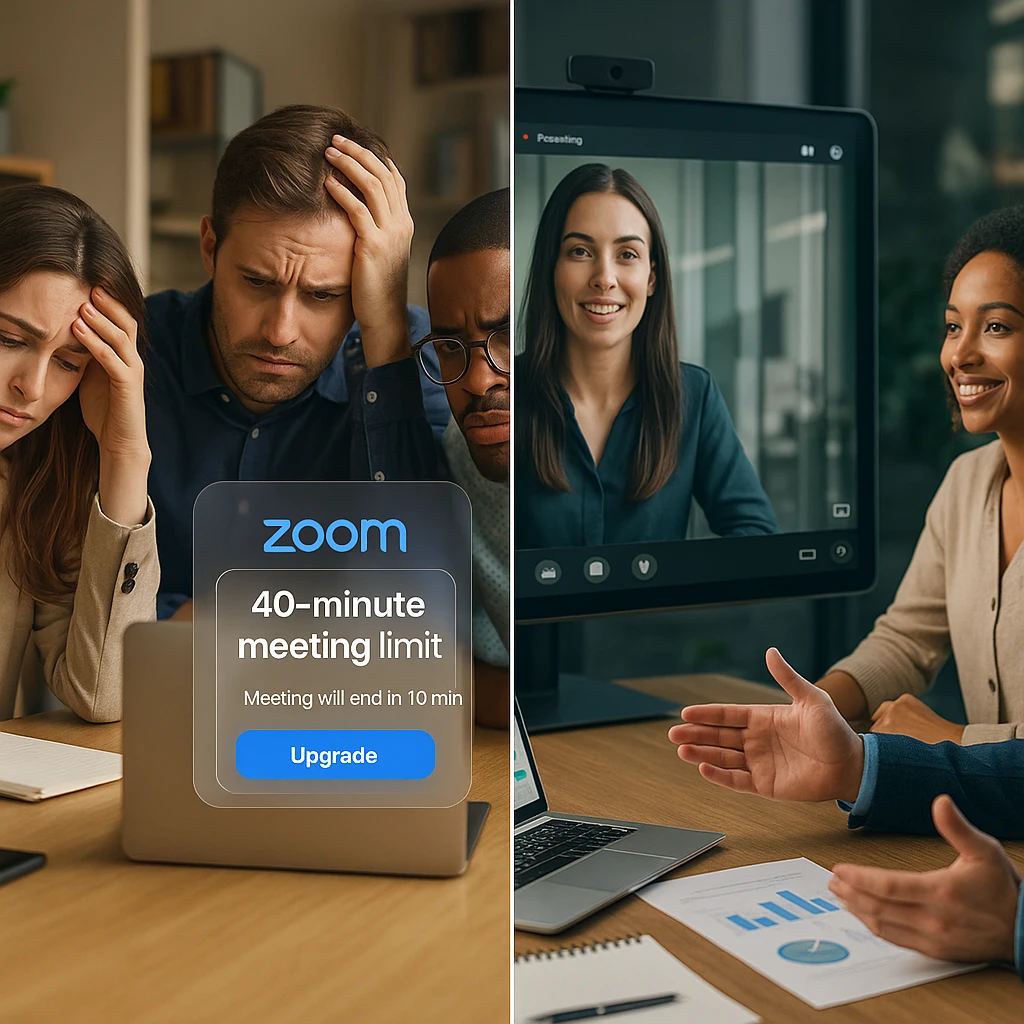
Business professionals save 5+ hours weekly by automating meeting documentation. Unlike Otter.ai’s 300 minute monthly limit or Fireflies.ai’s paid plan requirements, ScreenApp provides unlimited meeting transcription with AI-generated summaries at no cost. Remote teams get clear communication records without assigning a dedicated note-taker, and project managers track decisions across multiple meetings in a centralized dashboard.
Minutes AI for Windows and Cross-Platform Access
Minutes AI works on Windows, Mac, and mobile devices with full feature parity across platforms. The Windows desktop app supports Windows 10 and Windows 11 with automatic updates and offline recording capabilities. Install the lightweight desktop client for system-wide audio capture or use the browser-based version for quick access without installation.
The minutes ai app integrates directly with Microsoft Teams, Zoom, and Google Meet through native plugins and browser extensions. Windows users can enable local audio recording to capture meetings without sending a bot participant, maintaining privacy while documenting discussions. The desktop app requires .NET 6.0 runtime, which installs automatically during setup.
For mobile professionals, the iOS and Android apps provide full recording, transcription, and editing capabilities synchronized across devices. Access your meeting minutes library from any device with automatic cloud backup and end-to-end encryption. The cross-platform architecture ensures consistent performance whether recording on desktop, joining via mobile, or reviewing minutes on a tablet.
Minutes AI vs Other Meeting Tools
| Feature | ScreenApp | Otter.ai | Fireflies.ai | Fathom |
|---|---|---|---|---|
| Free tier | Unlimited transcription | 300 min/month | 800 min storage | Unlimited (5 AI summaries) |
| Pricing (paid) | Free | $16.99/month Pro | $10/month Pro | $14/month Team |
| Transcription accuracy | 96% | 95% (best-in-class) | 88-92% | 93% |
| Bot joins meetings | Optional | Yes (native Zoom API) | Yes (auto-join) | Yes (browser extension) |
| Upload recordings | Yes | Yes | Yes | Limited |
| Real-time transcription | Yes | Yes | Yes | Yes |
| Speaker identification | 94% accuracy | 94% accuracy | 91% accuracy | 93% accuracy |
| Languages | 12 | 15 (with translation) | 100+ | 28 |
| Data retention | 30 days (configurable) | 3 years default | User-controlled | User-controlled |
| GDPR/HIPAA compliance | Yes (on-premise available) | Under review | US-hosted only | US-hosted only |
Key differences:
- vs Otter.ai: ScreenApp is free with unlimited transcription vs Otter.ai’s $16.99/month Pro plan (free tier capped at 300 minutes monthly). Otter.ai excels in language support with 15 languages and real-time translation, while ScreenApp provides comparable accuracy with stronger privacy options including EU hosting and on-premise deployment.
- vs Fireflies.ai: ScreenApp offers free unlimited meeting transcription vs Fireflies.ai’s $10/month Pro plan required for unlimited AI summaries. Fireflies.ai provides superior CRM integrations with 90+ native connectors including Salesforce, HubSpot, and Dynamics 365, while ScreenApp prioritizes privacy-first architecture with GDPR compliance and optional on-device processing.
- vs Fathom: ScreenApp provides free unlimited AI summaries vs Fathom’s free plan limited to 5 AI summaries per month ($14/month Team plan for unlimited). Fathom’s instant 30-second highlight reel feature and free HubSpot sync make it attractive for sales teams, while ScreenApp supports broader file upload options for any recording source without requiring bot participants.
Who Needs Minute AI
Minute AI is essential for business executives and managers attending 5+ meetings daily who need efficient documentation without hiring dedicated note-takers. The AI captures 40% more key information than manual notes including decisions and discussion points humans typically miss while multitasking.
Remote teams working across time zones require clear communication records for asynchronous collaboration. Distributed team members review meeting summaries instead of attending every call, reducing meeting fatigue while maintaining alignment. Project managers track action items and decisions across multiple projects in searchable archives.
Administrative staff responsible for board meetings, client calls, and internal reviews generate professional minutes automatically. Sales teams document discovery calls and client meetings for CRM integration without manual data entry. HR departments record interviews and performance reviews with compliant documentation.
FAQ
How accurate is Minutes AI?
Minutes AI achieves 96% transcription accuracy in professional meeting environments with clear audio. The AI is trained on domain-specific terminology for healthcare, legal, technical, and business discussions to improve accuracy in specialized fields. Accuracy remains above 85% even in noisy conference environments with multiple speakers.
Is Minutes AI safe and secure for confidential meetings?
Yes, Minutes AI implements enterprise-grade AES-256 encryption for all meeting data at rest and TLS 1.3 encryption for data in transit. Files are processed securely and automatically deleted after 30 days (configurable to 7 days). The platform is GDPR and CCPA compliant with optional on-premise deployment for organizations with strict data residency requirements. Customer audio data is never used to train AI models without explicit opt-in consent.
Does a bot join my meetings?
Optional. You can connect Minutes AI to automatically join Zoom, Google Meet, or Microsoft Teams calls, or simply upload existing recordings afterward. The upload method provides full privacy without any visible bot participant. Windows users can also enable local system audio capture to record meetings without sending a bot.
Can I use Minutes AI for multiple languages?
Yes, Minutes AI supports 12 languages including English, Spanish, French, German, Portuguese, and Mandarin. The platform automatically detects the language being spoken and applies the appropriate transcription model with consistent accuracy across supported languages.
Is Minutes AI free?
Yes, ScreenApp Minutes AI is completely free with unlimited meeting transcription and AI-generated summaries. No credit card required, no monthly minute limits, and no watermarked outputs. The free tier includes full speaker identification, action item extraction, and export capabilities.