AI Answer Picture

Upload any photo or screenshot and get instant AI answers. Picture answer AI works with homework, documents, charts, and handwritten content in 99 languages.

Loved by over 7.3 million people

What AI Answer Picture Does

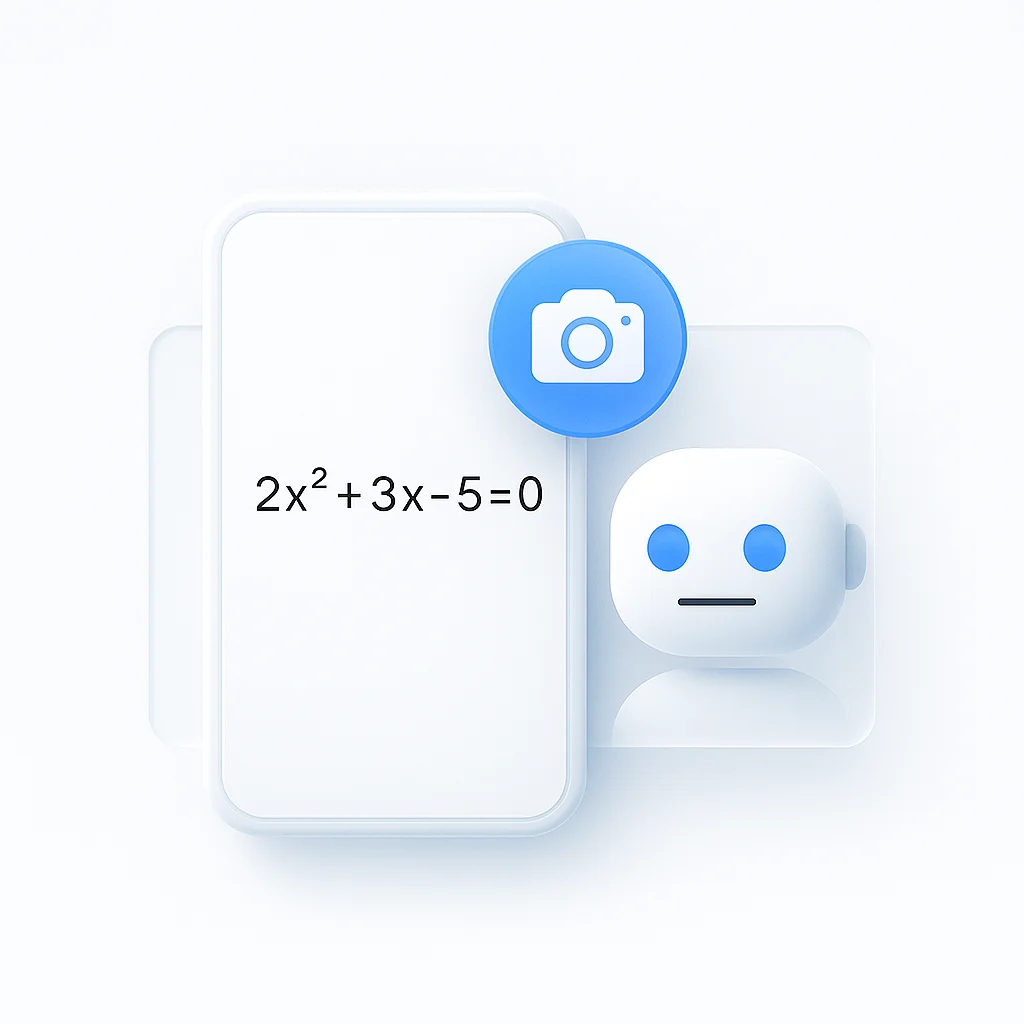
Upload a photo or screenshot, type a question about it, and get a plain-English answer in seconds. It reads printed text, handwriting, math, tables, charts, diagrams, and app screenshots, so you can ask about a homework problem, a contract clause, a lab result, an error message, or a slide without retyping anything. No signup, and it works in 99 languages, so you can photograph text in one language and ask about it in another.

Snap or screenshot what you are stuck on, ask “what does this clause mean” or “solve step 3”, and the answer comes back referencing the part of the image it used so you can check it yourself.

You can also ask about a video: upload a clip or paste a URL and the same chat answers from the spoken and on-screen content. For long recordings with timestamped citations, the video Q&A tool is purpose-built for that.

What you can ask about:

  • Homework and study problems: math working, science diagrams, language exercises
  • Documents: contracts, forms, statements, policy screenshots
  • Data: charts, graphs, tables, dashboards
  • Handwriting: notes, whiteboards, filled-in forms
  • Screens: error messages, settings pages, app interfaces you need explained

What each answer gives you:

  • A direct response in plain English, usually two to four sentences
  • A pointer to the region or line of the image it read
  • A note when the image does not contain enough to answer
  • Follow-up questions you can ask without re-uploading

How the Tool Works

  1. Upload an image or screenshot, or take a photo on your phone
  2. Type your question in the chat panel
  3. The AI reads the text, layout, and visuals in the image and answers in plain English
  4. Ask follow-ups in the same chat without re-uploading

The chat keeps the context of the current image, so after “what is this error” you can ask “how do I fix it” and it stays on the same screenshot.

Question styles it handles cleanly:

  • Factual lookups: “what is the total on this invoice”
  • Explanations: “explain what this diagram is showing”
  • Step-by-step: “walk me through solving this equation”
  • Reading messy input: “transcribe this handwritten note”
  • Translation: ask in English about text photographed in another language

How it differs from ChatGPT and Gemini

ChatGPT and Gemini can both read an image, so the real difference is access and focus. This tool needs no account or app: open the page, drop the screenshot, ask. It is built around the common cases (homework, documents, charts, handwriting, error screens) and answers by pointing back to the part of the image it used, instead of a general chat where the image is one attachment among many. To pull raw text out of an image, the image to text converter is the cleaner path, and the image analyzer handles description and tagging.

Who Uses AI Answer Picture

Students

Photograph a problem from a textbook or worksheet and ask for a worked explanation, not just the answer. It handles math notation, science diagrams, and language exercises, so a screenshot of question 4 becomes a step-by-step walkthrough you can check against your own working.

Professionals

Screenshot a contract clause, an invoice, a dashboard, or a policy and ask what it means or what the numbers say. Useful when the document is a scan or an image and copy-paste is not an option.

Anyone stuck on a screen

Paste a screenshot of an error message, a settings page, or an app you do not understand and ask what to do next. The answer references the part of the screen it read, so the fix is easy to follow.

If your source is shaped differently, swap to a sibling tool: the AI answer generator for general multimodal Q&A, the image to text converter to pull clean text out of a picture, the image analyzer for description and tagging, and the video Q&A tool when the source is a recording.
No signup for the first questions. Paid plans remove limits and add commercial-use rights.

FAQ

What is AI answer picture?

An image Q&A tool. Upload a photo or screenshot, type a question in plain English, and the AI answers from the text and visuals in the image. It works on homework, documents, charts, handwriting, and app screens.

How do I get an answer from a picture?

Open the page, upload the image or take a photo, and type your question. The answer comes back in seconds with a pointer to the part of the image it used. No account needed to start.

Can ChatGPT answer questions from a picture?

ChatGPT and Gemini can read images too. The difference here is no signup or app, a layout built around homework, documents, charts, and screenshots, and answers that point back to the region of the image they came from.

Can it read handwriting?

Yes. It handles handwritten notes, whiteboards, and filled-in forms, though very messy or faint writing lowers accuracy. Ask it to transcribe first if you want to check what it read before it answers.

Can I ask follow-up questions?

Yes. The chat keeps the context of the current image, so you can ask “explain that differently” or “what about the second chart” without uploading again.

Does it work on mobile?

Yes. It runs in any phone or desktop browser. Take a photo or pick one from your camera roll and ask from the same screen.

What languages does it support?

99 languages. You can photograph text in one language and ask about it in another, and the answer comes back in your question language.

Can it answer questions about a video?

Yes. Upload a clip or paste a URL and the same chat answers from the spoken and on-screen content. For long recordings with timestamped citations, use the video Q&A tool.

Is it private?

Uploads are processed on encrypted servers and deleted after 24 hours by default. Your images are not used for AI training. The service is GDPR and CCPA compliant.

FAQ

What is AI answer picture?

An image Q&A tool. Upload a photo or screenshot, type a question in plain English, and the AI answers from the text and visuals in the image. It works on homework, documents, charts, handwriting, and app screens.

How do I get an answer from a picture?

Open the page, upload the image or take a photo, and type your question. The answer comes back in seconds with a pointer to the part of the image it used. No account needed to start.

Can ChatGPT answer questions from a picture?

ChatGPT and Gemini can read images too. The difference here is no signup or app, a layout built around homework, documents, charts, and screenshots, and answers that point back to the region of the image they came from.

Can it read handwriting?

Yes. It handles handwritten notes, whiteboards, and filled-in forms, though very messy or faint writing lowers accuracy. Ask it to transcribe first if you want to check what it read before it answers.

Can I ask follow-up questions?

Yes. The chat keeps the context of the current image, so you can ask "explain that differently" or "what about the second chart" without uploading again.

Does it work on mobile?

Yes. It runs in any phone or desktop browser. Take a photo or pick one from your camera roll and ask from the same screen.

What languages does it support?

99 languages. You can photograph text in one language and ask about it in another, and the answer comes back in your question language.

Can it answer questions about a video?

Yes. Upload a clip or paste a URL and the same chat answers from the spoken and on-screen content. For long recordings with timestamped citations, use the video Q&A tool.

Is it private?

Uploads are processed on encrypted servers and deleted after 24 hours by default. Your images are not used for AI training. The service is GDPR and CCPA compliant.

Real Results from Real Users

Aaron photo

Aaron

Project Manager

★★★★★

Our overall experience with ScreenApp has been nothing but pleasant! Their support is terrific, and ScreenApp is a great recording system.

JP photo

JP

Operations Manager

★★★★★

Finally, a screen recorder that doesn't slap watermarks on everything. The free plan gives me 45 minutes of AI processing monthly - that's enough for most of my training videos.

Trina photo

Trina

Founder

★★★★★

I was skeptical about another AI notetaker, but ScreenApp's generous free tier completely won me over. The quality is professional-grade, and the AI features actually work as advertised. Now I use it for all my client presentations and team demos.

Kelvin photo

Kelvin

Software Engineer

★★★★★

The desktop and mobile apps are fantastic. Recording meetings while I'm mobile has never been easier, and the dictation feature is a huge time-saver.

Millie photo

Millie

Director

★★★★★

Our team was drowning in client feedback until we found ScreenApp. Now we record every presentation and client call, and the AI summaries are spot-on.

Tanmay photo

Tanmay

Marketing Guru

★★★★★

Makes recording and sharing guides effortless. I love how I can capture my screen and instantly turn it into step-by-step guides in any format I need. Smart, simple, and a brilliant use of AI.

Sav photo

Sav

Project Manager

★★★★★

Users consistently praise our web-based platform that requires no installation. Start recording in seconds, not minutes.

Nate photo

Nate

Video Creator

★★★★★

The ability to automatically transcribe and summarize recordings is a major time-saver, turning video content into searchable, useful data.

User
User
User
Join 2,147,483+ users

Ready to boost your productivity?

Try AI Answer Picture and 300+ other AI-powered features for free.

Start Free →

Start using in 60 seconds • No credit card required