Can ChatGPT Watch and Analyze Videos? What Actually Works

On this page
People ask this as one question and it is really six, with six different answers.
Can ChatGPT watch a video, analyze it, summarize it, transcribe it, translate it, understand it. Those are not the same task, and ChatGPT is genuinely good at some of them and genuinely bad at one in particular. Treating them as a single yes or no is why so many people end up frustrated, staring at a summary that clearly missed half the video.
The short version: it is strong on anything that starts from text, weak on anything that starts from a media file, and the gap between those two is where every complaint comes from.
Quick Answer
ChatGPT can reason about a video's content very well once that content is text. It samples frames and audio from an uploaded clip, which works for short videos, but it is not a transcription engine and it does not reliably watch a long recording end to end. The dependable path is transcript first, ChatGPT second.
- Best at: summarising, translating, and restructuring text you give it
- Partial: watching and describing short clips by sampling frames
- Worst at: producing an accurate, timestamped transcript
- Free tier reality: 3 file uploads per day, so a batch is out
Six Questions, Six Answers
Here is the whole article in one table. The rest is detail.
| You want to | Answer | The catch |
|---|---|---|
| Summarise it | Yes, well | Only as good as the text you feed it |
| Translate it | Yes, well | Translates a transcript, not the audio itself |
| Understand it | Partly | Reasons about content, does not perceive it |
| Analyse it | Partly | Good on themes, weak on visual detail |
| Watch it | Short clips | Samples frames, does not play the video |
| Transcribe it | Not reliably | It is not a speech recognition system |
Notice the shape of that. The two things it does best both start from text. The one thing it does worst is the one that turns media into text. That is not a coincidence, and it is the single most useful thing to understand here.
Can ChatGPT Watch a Video?
Not the way you watch one. It samples.
When you hand it a clip, it pulls frames at intervals and reads whatever audio signal it can, then reasons over that sample. For a 30-second product demo that is often enough to describe what happens. For a 40-minute webinar it is closer to flipping through a handful of stills and guessing at the rest.
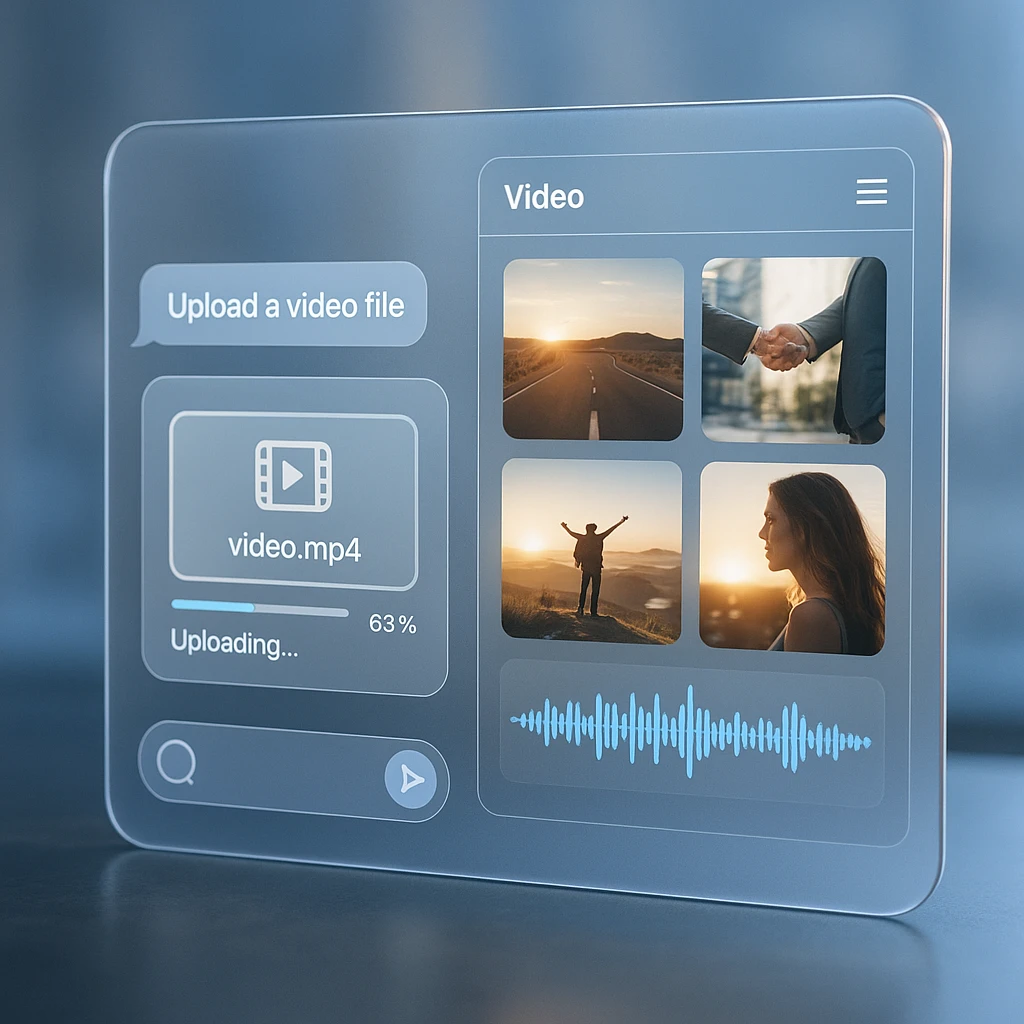
This matters most for anything brief. A caption that flashes for half a second, a quick cut, a number on screen for one beat: those live between samples and simply do not exist as far as the model is concerned. If a specific frame matters, screenshot it and paste the image. You will get a far better answer than asking about the video as a whole.
For upload mechanics, formats, and the device-by-device differences, we already have a full walkthrough on uploading video and audio to ChatGPT. This piece is about what happens after the file is in.
If what you actually want is ChatGPT answering questions about a long recording, sampled frames are the wrong tool. Transcribe it first, then connect ChatGPT to the transcript with ScreenApp’s MCP connector, and it reads the whole thing instead of a handful of stills.
Can ChatGPT Understand a Video?
It understands the content. It does not perceive the video.
That distinction sounds pedantic until you hit it. Ask about the argument someone makes and you will get a genuinely sharp answer, because arguments live in language. Ask which of the two people on screen was nodding while the other spoke and you will get something that sounds confident and is basically invented.
So the rule I use: if the answer lives in the words, ChatGPT is excellent. If it lives in the picture, in the timing, or in the space between what was said and what was shown, go and look yourself. For the middle ground, where you want questions answered against both the audio and the visuals, a purpose-built AI video watcher is doing a different job than a chat model with a file attached.
Can ChatGPT Transcribe a Video?
This is the one to be blunt about. No, not reliably, and it is the wrong tool for the job.
ChatGPT is a language model, not a speech recognition system. It can report roughly what was said in a short clip, and that report will read fluently, which is exactly the problem. Fluent and accurate are different things. What you will not get is the stuff that makes a transcript useful: timestamps that line up, speaker labels that hold across a conversation, or a guarantee that a sentence in the output was actually spoken.
For a two-minute clip where you just want the gist, fine. For anything you are going to quote, caption, or act on, run it through an actual video to text converter first. Take the transcript to ChatGPT afterwards. That order is the whole trick.
If you are choosing what to transcribe with, the comparison of AI transcription tools covers accuracy and export formats across the main options.
Can ChatGPT Summarise a Video?
Yes, and this is where it earns its keep. With one condition attached.
Give it a clean transcript and the summary is genuinely good: it holds the thread of an argument across 5,000 words, picks out decisions, and restructures material for a different audience without being told twice. Give it a video file and ask the same thing, and it summarises the sample it managed to take, which on a long recording means it confidently describes the first few minutes and the general vibe of the rest.
The failure is quiet, which is what makes it dangerous. You do not get an error. You get a plausible summary that is missing the thing decided at minute 34.
If a summary of a long video looks thin or oddly weighted toward the opening, that is the tell. It summarised a sample, not the video. Feed it the transcript and ask again.
For a comparison of dedicated tools built for this, the roundup of AI video summarizers covers what a purpose-built summariser does differently.
Can ChatGPT Translate a Video?
Yes, and it is very good at it, as long as you understand what is being translated.
It translates text. So the real workflow is transcribe first, correct the transcript, then translate. That middle step is the one people skip, and skipping it means you carefully translate your own errors into a second language. A misheard product name in English becomes a misheard product name in Spanish, now harder to spot.
Where ChatGPT beats a straight machine translation is tone and context. Ask it to keep the register formal, preserve technical terms, or shorten lines so they fit as subtitles, and it will. That is a real advantage over pasting into a generic translator.
For subtitle files specifically, you want the timings preserved, which means generating the SRT or VTT from a video translator rather than asking a chat model to reconstruct timecodes it never saw.
Can ChatGPT Watch a YouTube Link?
Pasting a URL is not the same as giving it the video, and this trips up more people than anything else on this list.
With browsing available it can reach the page. A page is a title, a description, some metadata, maybe visible captions. That is not the video. So you can get an answer that references the right topic and sounds informed while being assembled from the description box.
The tell is specificity. Ask what the presenter said at 12:40. If the answer is confident but vague, it never had the content. And when a video has captions disabled, is private, is age-restricted, or is a livestream replay, there is nothing on that page to work from at all.
Generate a transcript and paste that in. It takes an extra minute and it converts a guess into an answer.
What the Upload Limits Actually Are
These are the documented numbers, from OpenAI’s file uploads FAQ, and they explain most of the failures people report.
| Limit | Value | What it means for video |
|---|---|---|
| Per file | 512 MB | A 1080p screen recording hits this fast |
| Free plan uploads | 3 per day | Batch work is off the table on free |
| Upload rate | 80 per 3 hours | Fine for people, tight for pipelines |
| Text per file | 2M tokens | A transcript will never come close |
| Storage per user | 25 GB | Roughly 50 medium recordings |
Read the last two rows together and the argument makes itself. A transcript of a two-hour meeting is a few hundred kilobytes of text against a 2M token ceiling. The video of that same meeting might be 800 MB, which is over the file limit before you start. Converting to text is not a workaround for the limits, it removes them.
That “3 per day on free” number is also the honest answer to whether you can do this for free. You can, three times, once a day.
The Workflow That Actually Works
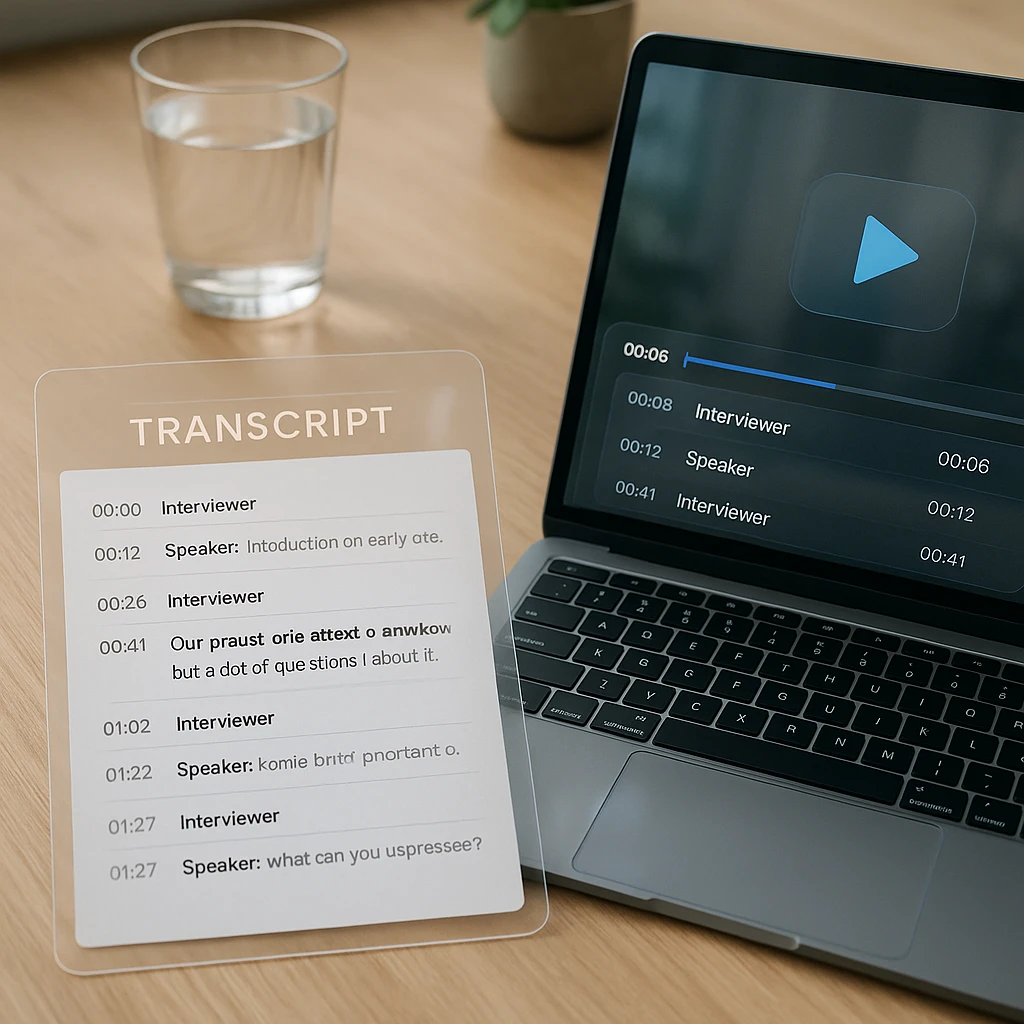
Transcript first. Everything follows from that.
Get the text out first
Upload the recording to a transcription tool and export with timestamps and speaker labels if the audio has more than one voice. This is the step that decides the quality of everything after it, so do not skip straight to pasting a file into a chat window.
Read enough of it to spot the errors
Skim for proper nouns, product names, and numbers. Those are what transcription gets wrong, and they are what a summary will repeat with total confidence. Two minutes here saves you from quoting something nobody said.
Now bring in ChatGPT
Paste the corrected transcript and ask for whatever you actually needed: a summary, action items, a translation, a blog outline. This is the part it is good at, and now it is working from something real.
If you want that first step handled properly, ScreenApp does the transcript, the summary, and the translation in one pass, and exports to TXT, PDF, SRT, or VTT. Take whichever output you need into ChatGPT from there. It is not a competing tool, it is the step before.
The same sequence works for AI-generated footage, which has its own quirks: converting a Gemini or Veo clip to text runs into different problems, mostly because the clips are seconds long and often have no dialogue at all.
Prompts worth keeping
Once you have the transcript, these four cover most of what people want. Adjust and reuse.
"Summarise this transcript in five bullets. Cover the whole thing, including the final third. Quote the exact wording for any decision or commitment, and say explicitly if something was left unresolved."
"List every action item, who owns it, and any deadline mentioned. If an owner was never named, write 'unassigned' rather than guessing. Add the timestamp for each one."
"Translate this into Spanish. Keep the timestamps and speaker labels exactly as they are, leave product names in English, and keep each subtitle line under 42 characters."
"From this transcript produce four outputs: a blog outline with headings, a LinkedIn post under 200 words, three short-video hooks, and an email summary for someone who missed the call. Use only what is in the transcript."
The phrase doing the work in three of those is the instruction about what to do when information is missing. Left alone, a model fills gaps smoothly. Told to flag them, it flags them.
When It Goes Wrong
Almost every complaint about this maps to one of these, and most are not really failures.
| What you see | Why | Fix |
|---|---|---|
| Summary misses the ending | It sampled, it did not watch | Give it the full transcript |
| Upload rejected | Over the 512 MB file cap | Upload the transcript instead |
| Out of uploads | Free plan allows 3 per day | Paste text, which does not count the same |
| Vague answer from a link | It read the page, not the video | Paste a transcript |
| Wrong names throughout | Errors were in the transcript | Correct proper nouns before asking |
| Invented on-screen text | Text fell between sampled frames | Screenshot the frame, paste the image |
| Speakers mixed up | No diarisation in the source | Use a transcript with speaker labels |
What I Would Actually Do
Short clip, and you want to know roughly what is in it: upload it and ask. Thirty seconds of work, good enough answer, no reason to build a pipeline.
Anything you will quote, publish, caption, or act on: transcribe it properly first, skim the transcript for wrong names, then hand that to ChatGPT. The extra two minutes is the difference between a summary you can trust and one that reads well.
And if you only remember one line from this: never ask it to transcribe. That is the single task on the list it is worst at, and the output is fluent enough that you might not notice.
FAQ
Can ChatGPT watch a video?
Not the way a person does. It samples frames and audio from an uploaded clip and reasons over that sample. Short videos work reasonably well. Long ones get skimmed, and it will not tell you that it skimmed.
Can ChatGPT transcribe an MP4?
Not reliably. It is a language model, not speech recognition. You may get something readable from a short clip, but no dependable timestamps or speaker labels, and no guarantee the words were actually said.
Can ChatGPT summarise a video?
Yes, and it is one of its strengths, but the summary is only as complete as what you give it. From a full transcript it is genuinely good. From a long video file it summarises the part it sampled.
Can ChatGPT translate a video?
It translates text very well. Transcribe first, fix the errors, then translate. It handles tone and technical terms better than a generic translator, which is the real reason to use it here.
Can ChatGPT analyse a YouTube link?
It can reach the page, which is the title, description, and metadata. That is not the video. If captions are disabled or the video is private, there is nothing usable there at all. Paste a transcript instead.
How large a video can I upload to ChatGPT?
Files cap at 512 MB each, per OpenAI's documented limits. A long 1080p screen recording clears that easily, which is one more reason to work from the transcript.
Can I do this on the free plan?
Three file uploads per day on free. Pasted text does not consume that allowance the same way, so a transcript-based workflow goes much further on a free account than uploading video does.
Can ChatGPT read text shown on screen?
Sometimes, if the text is on screen long enough to land in a sampled frame. Anything that flashes briefly gets missed. When a specific frame matters, screenshot it and paste the image.
Can ChatGPT tell speakers apart?
Only if the transcript you give it already has speaker labels. It cannot separate voices from audio on its own, so diarisation has to happen upstream.
Why did my summary miss half the video?
Because it summarised a sample rather than the whole recording. A summary that is oddly weighted toward the opening is the classic sign. Feed it the full transcript and ask again.
Can ChatGPT analyse a Zoom or screen recording?
Same rules apply. Export the recording, transcribe it, then work from the text. Meeting recordings are usually long and multi-speaker, which is exactly where direct upload performs worst.
What is the fastest reliable way to analyse a video?
Transcribe, skim for wrong proper nouns, paste into ChatGPT with a specific question. That sequence takes a couple of minutes and beats every shortcut I have tried.