AI Homework Helper

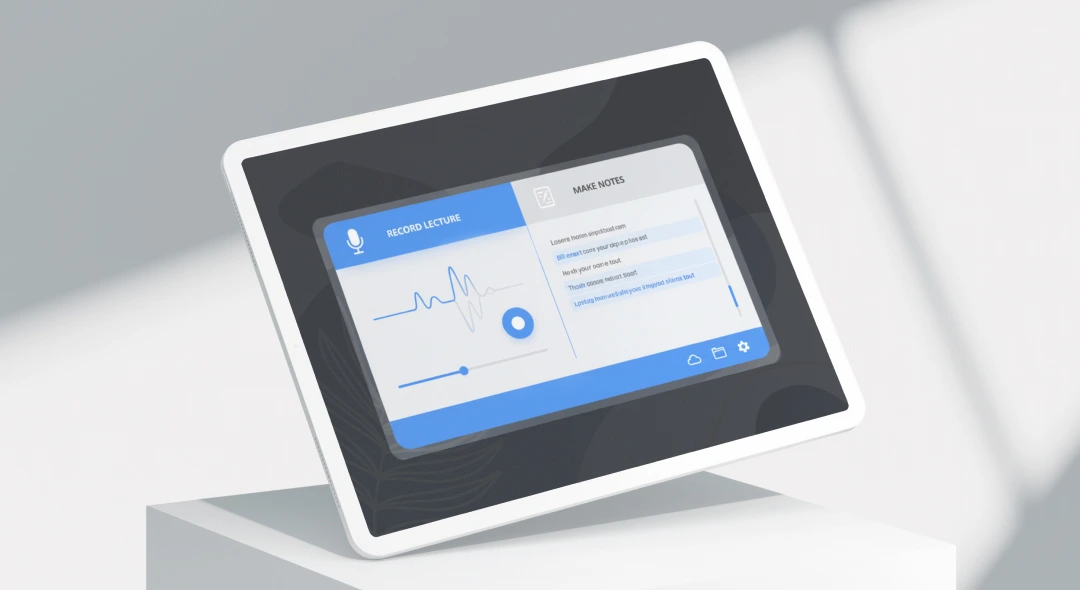
Upload a recorded lecture or a PDF, ask your homework question in plain English, and get an answer that points back to where it came from.

Upload a video, paste a link, or add a PDF. Free to try, one recording up to 45 minutes with AI chat.

Or paste a video link

YouTube, TikTok, Instagram, Vimeo, Google Drive, Dropbox, direct links

Recordings are encrypted in transit and at rest and are not used to train AI models. Privacy · Security

Happy ScreenApp User
Online Screen Recorder avatar
Accountant using Screen Recording

8.2 million registered accounts

Get Homework Answers from a Lecture or a PDF

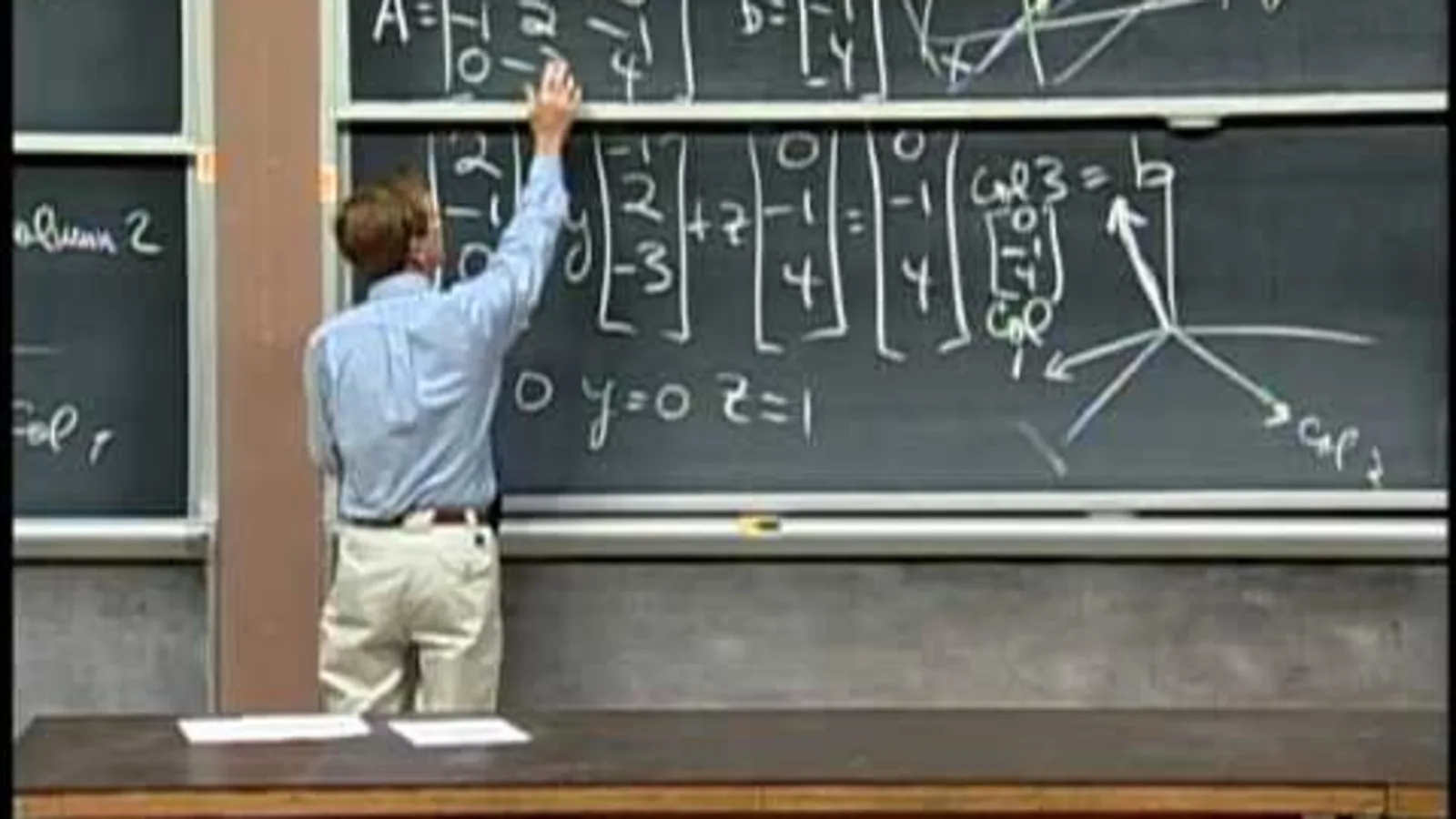
A general chatbot only sees what you type. This homework helper reads the actual class material: upload a recorded lecture, paste a YouTube link, or add a PDF, and ask your question about it directly. The AI AI reads video frames, not just the audio in a video, and PDFs and office documents are converted so they can be read and chatted with, the same as a recording for a PDF, so it can answer from what your instructor actually said or wrote, not a generic explanation of the topic.

Ask a question once and the chat stays open, so a follow-up like “what about the next step” does not need a re-upload. Every answer that comes from a recording links back to the moment it was said.

What you get:

How to Get Homework Help from Your Class Materials

  1. Add your material: upload a video of a lecture, paste a YouTube link, or upload a PDF study guide or textbook chapter.
  2. Let it process: the recording is transcribed and the PDF is read by the AI, ready a few minutes after upload.
  3. Ask your question: type it in plain English, the same way you would ask a classmate. Ask for a definition, a worked example, or what the professor said about a specific topic. The answer comes back with a link to the exact moment in the recording, or the page of the document, it came from.

Answer quality follows source quality. A clear recording with one speaker at a time gives better answers than a noisy hall recording, and a scanned PDF reads better than a blurry photo of a page. See how we measure accuracy.

AI Homework Helper vs Other Tools

FeatureScreenAppChatGPTNoteGPTMindgrasp
Free tierone recording, up to 45 min, with AI chatFree (text and file uploads)20 free answers a dayFree, no sign-up
Video file uploadYesYes, up to 512 MB, but may not analyze the entire video or accurately interpret its audioYouTube link onlyYes, up to 100 MB
PDF question answeringYesYesNot statedYes
Timestamp referencesYesNoYesNot stated
Follow-up questions, same chatYesYesNot statedcreates flashcards, quizzes, and an AI tutor from lecture content
Paid plan$19/month annual$20/month$9/month annualNot stated

Sources, checked 2026-09-12: screenapp.io/pricing, screenapp.io/help/how-many-minutes-can-i-record, notegpt.io/ai-answer-generator, help.openai.com/en/articles/8555545-file-uploads-faq, mindgrasp.ai/note-taking/video, mindgrasp.ai/note-taking/lecture, openai.com/chatgpt/pricing/, notegpt.io/pricing

  • vs ChatGPT: ChatGPT can take a video file now, up to 512 MB, but OpenAI’s own help center says it may not analyze the entire video or accurately interpret its audio. ScreenApp transcribes the whole recording first, then answers from that transcript with a link to the exact moment.
  • vs NoteGPT: NoteGPT’s homework helper gives you 20 free answers a day and takes YouTube links and PDFs, but not an uploaded video file. ScreenApp accepts an uploaded video directly and does not reset your recording on a daily clock.
  • vs Mindgrasp: Mindgrasp is free with no sign-up and accepts video, audio, and PDF files up to 100 MB, plus a separate AI tutor for follow-up questions. ScreenApp keeps the question-and-answer chat in the same place as the transcript and timestamp links.

Who Uses AI Homework Helper

High school students record a class on a phone, then ask about the parts they missed instead of rewinding through the whole video to find one explanation.

College and university students upload lecture recordings from large classes, ask questions while writing an essay or working through a problem set, and check the answer against the timestamp in the original recording.

Online learning students paste a link to a recorded Zoom class or a YouTube lecture and ask questions about it the same way they would about an uploaded file.

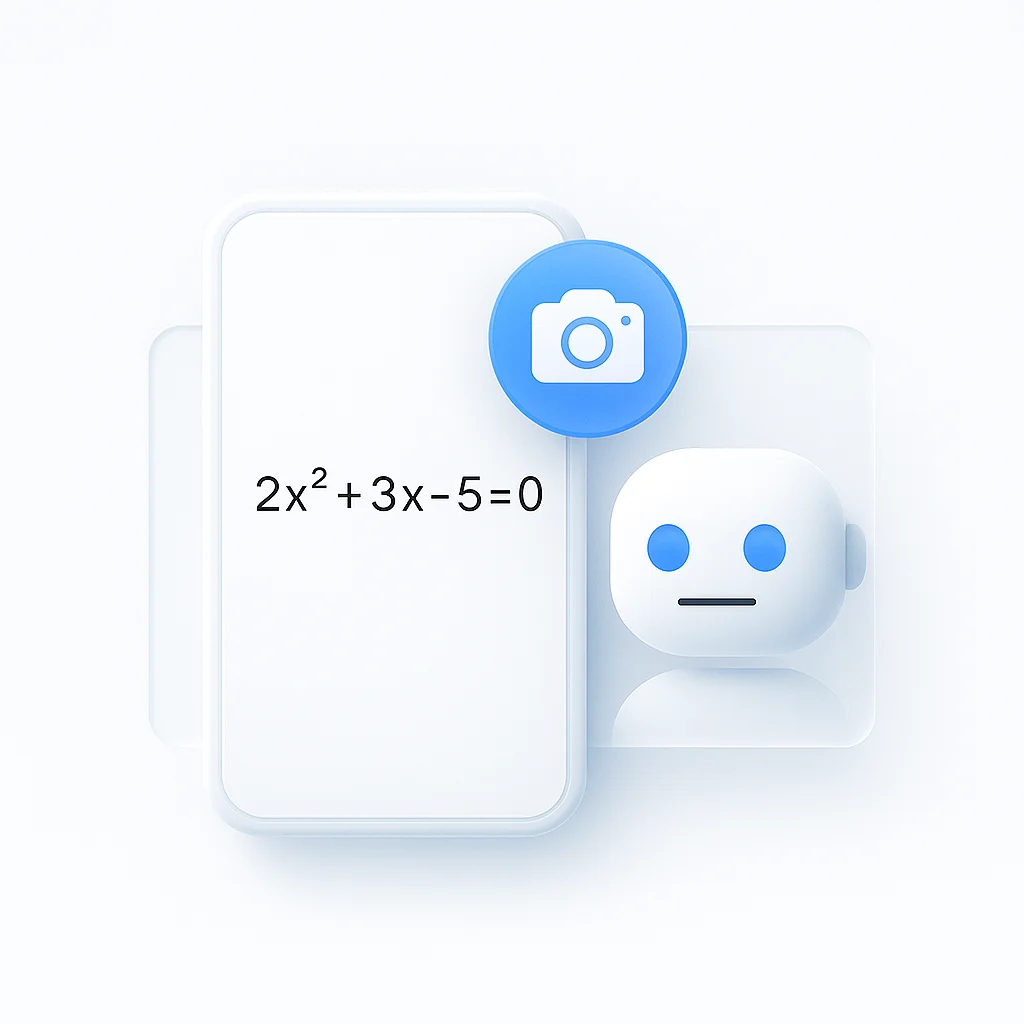
Visual learners rely on the AI reading diagrams and equations shown on screen during a lecture, not just the spoken audio, when they ask about a specific demonstration.

Study group members share access to one uploaded lecture or PDF and take turns asking questions when preparing for a test together.
FAQ

What is an AI homework helper?

A tool that reads a recorded lecture, a video, or a PDF, and answers questions about it. Upload the material, ask what you want to know, and get an answer with a link back to where it came from, in 99 languages.

How does AI homework helper work?

Upload a video, paste a link, or add a PDF. The video is transcribed and the PDF is read by the AI. Ask a question in plain English and the AI answers from that specific material, with a timestamp link for a recording or the page it came from for a document.

Is there a free AI homework helper?

Yes. The free plan includes one recording of up to 45 minutes, with AI chat on it. Paid plans start at $19 a month billed annually and remove the per-recording limit.

Can it answer questions about a video lecture?

Yes. Upload the video or paste a link to it, and ask a question about anything covered in it. The AI AI reads video frames, not just the audio, so it can also answer about a diagram or an equation shown on screen, not only what was said.

Does it work with PDFs?

Yes. PDFs and office documents are converted so they can be read and chatted with, the same as a recording A PDF study guide or textbook chapter works the same way as a video: upload it, then ask a question about the content.

Can I use it for college-level material?

Yes. It works with any recorded lecture or PDF regardless of subject or level. Upload a seminar recording, a lab video, or a set of course notes and ask about what is in it.

Is using an AI homework helper cheating?

Using it to understand material you already have access to, your own recorded lecture or your own PDF, is study assistance rather than someone else doing the work for you. It answers from what your instructor actually said or wrote, with a link so you can check it yourself.

What subjects does it cover?

Any subject that shows up in your uploaded material. The AI reads what is in the recording or the document rather than answering from general knowledge of the topic, so accuracy depends on your source material being clear.

How accurate are the answers?

Transcription accuracy is 99% on clear audio. Answer accuracy depends on the AI correctly matching your question to the relevant part of the recording or document, which is why every answer includes a link back to the source so you can verify it.

What’s the difference between this and typing my question into ChatGPT?

ChatGPT can now take an uploaded video file, up to 512 MB, though OpenAI’s help center notes it may not analyze the entire video or accurately interpret its audio. This tool transcribes the whole recording first and keeps a timestamp link on every answer, so you can jump straight to the moment it came from.

FAQ

What is an AI homework helper?

A tool that reads a recorded lecture, a video, or a PDF, and answers questions about it. Upload the material, ask what you want to know, and get an answer with a link back to where it came from, in 99 languages.

How does AI homework helper work?

Upload a video, paste a link, or add a PDF. The video is transcribed and the PDF is read by the AI. Ask a question in plain English and the AI answers from that specific material, with a timestamp link for a recording or the page it came from for a document.

Is there a free AI homework helper?

Yes. The free plan includes one recording of up to 45 minutes, with AI chat on it. Paid plans start at $19 a month billed annually and remove the per-recording limit.

Can it answer questions about a video lecture?

Yes. Upload the video or paste a link to it, and ask a question about anything covered in it. The AI AI reads video frames, not just the audio, so it can also answer about a diagram or an equation shown on screen, not only what was said.

Does it work with PDFs?

Yes. PDFs and office documents are converted so they can be read and chatted with, the same as a recording A PDF study guide or textbook chapter works the same way as a video: upload it, then ask a question about the content.

Can I use it for college-level material?

Yes. It works with any recorded lecture or PDF regardless of subject or level. Upload a seminar recording, a lab video, or a set of course notes and ask about what is in it.

Is using an AI homework helper cheating?

Using it to understand material you already have access to, your own recorded lecture or your own PDF, is study assistance rather than someone else doing the work for you. It answers from what your instructor actually said or wrote, with a link so you can check it yourself.

What subjects does it cover?

Any subject that shows up in your uploaded material. The AI reads what is in the recording or the document rather than answering from general knowledge of the topic, so accuracy depends on your source material being clear.

How accurate are the answers?

Transcription accuracy is 99% on clear audio. Answer accuracy depends on the AI correctly matching your question to the relevant part of the recording or document, which is why every answer includes a link back to the source so you can verify it.

What's the difference between this and typing my question into ChatGPT?

ChatGPT can now take an uploaded video file, up to 512 MB, though OpenAI's help center notes it may not analyze the entire video or accurately interpret its audio. This tool transcribes the whole recording first and keeps a timestamp link on every answer, so you can jump straight to the moment it came from.

Real Results from Real Users

I have tried at least 6 different ways to transcribe meetings and get summaries: Notion with AI, HiNotes with HiDock as hardware, Plaud with different hardware, Teams agents. Every tool did a part of the job, but not one of them delivered on all my requirements. ScreenApp goes far beyond my expectations. It has the video ready if I need to re-watch a meeting.
AK
Andreas Kroll
Chrome Web Store, May 29, 2026
Our overall experience with ScreenApp has been nothing but pleasant! Their support is terrific, and ScreenApp is a great recording system.
Aaron
Aaron, Project Manager
Nice app for important summaries.
S
Sahil
User
User
User
8,287,508 registered accounts

Ready to boost your productivity?

Try AI Homework Helper and 300+ other AI-powered features for free.

Start Free →

Start using in 60 seconds • No credit card required