

Download the Vimeo Video, Then Get the Point in Minutes
Vimeo is where the long stuff lives: conference talks, full tutorials, film-maker portfolios, recorded workshops. Great for depth, rough on your afternoon. This tool downloads a public Vimeo video from its link, and then the AI transcribes and summarizes it, so an hour-long talk becomes a summary you skim and a transcript you search.
That is the whole pitch. Anyone can hand you a file. The useful part is turning a 55-minute Vimeo workshop into the five things it actually taught, with timestamps so you can jump to the one that matters.
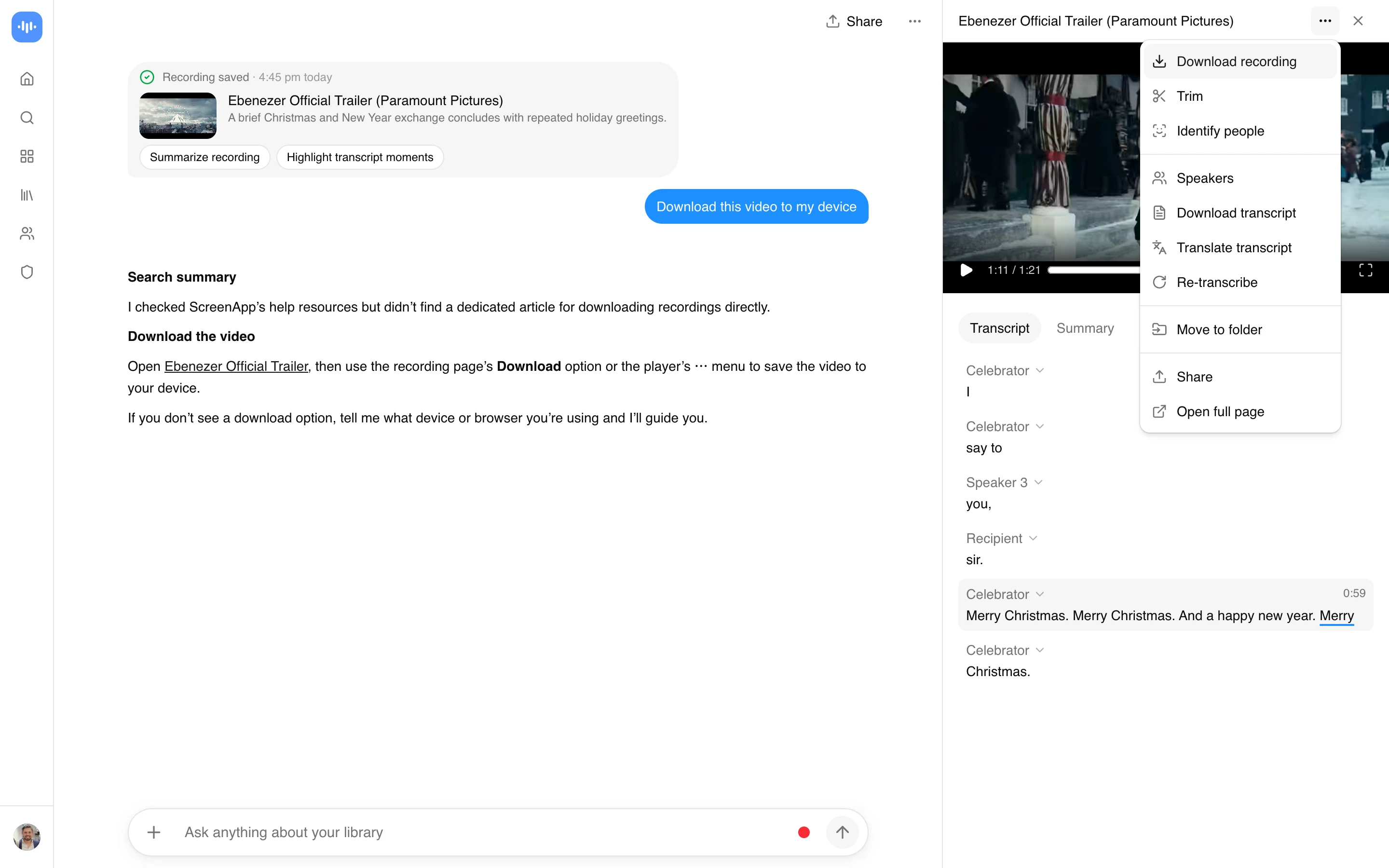
- Paste a public Vimeo URL and download the MP4, no install
- Automatic transcript, generated in the same step
- A summary and key moments, so you do not watch the whole hour
- Ask a question, get a timestamped answer you can click
- Public videos the uploader allows, which is the honest line
For a plain file across 1000+ sites, the general video downloader covers it. This page is for when you want to understand a long Vimeo video fast. Comparing tools first? Our best Vimeo video downloaders roundup lays out the field.
Why the Vimeo Download Button Is Often Missing
On Vimeo, whether you can download a video is the creator’s choice, not a fixed feature. Vimeo gives uploaders a download toggle, and plenty of professionals switch it off to protect paid or client work. So the “no download button” you run into is usually a deliberate setting, and that is worth respecting rather than routing around.
This tool works with public Vimeo videos that Vimeo will serve to a normal web request. It does not crack password-protected videos, domain-locked embeds, or private staff-review links, and it should not. If a film-maker locked a video down, that is their call. The honest use here is public talks, tutorials, and content shared to be seen, where the value you add is the transcript and the summary, not bypassing a lock.
Download, Transcribe, Skim
- Copy the public Vimeo video URL (the
vimeo.com/...link). - Paste it here. The tool pulls the video and starts a transcript.
- Download the MP4 if you want it, then read the summary or search the transcript for the section you came for.
Vimeo hosts a lot at high bitrate, so the file is the clean source, not a re-compressed copy. And with transcription across 100+ languages, a talk in any language becomes readable text you can question in your own.
When the AI Is Worth It
On Vimeo specifically, almost always, because Vimeo skews long and substantive. A recorded workshop, a design talk, a full tutorial: these are exactly the videos where reading a summary first saves real time, and where jumping to a cited timestamp beats scrubbing. For a shorter portfolio reel you were going to admire anyway, just watch it. The AI is for the videos you need to learn from, not the ones you want to enjoy. The AI video watcher goes deeper on a single video, and the Vimeo video summarizer is the page for a written summary.
Who Uses This
Designers, developers, and creatives pulling from the talks and tutorials that live on Vimeo rather than YouTube. Download the workshop, read the summary, skip to the technique.
Students and researchers citing recorded lectures and conference sessions, who need the file plus a searchable transcript to quote from accurately. And teams doing competitive or creative research, batching public Vimeo videos and reading summaries instead of watching every one end to end.
Privacy and Copyright
Download only what you have the right to keep: your own videos, public content you are authorized to use, or material in the public domain. Vimeo hosts a lot of professional and client work, and its creators deliberately turn downloading on or off per video, so a missing download option is a choice to respect. Saving copyrighted video without permission can infringe the creator’s rights and breach Vimeo’s terms, and this tool does not touch password-protected, domain-locked, or private videos.
On privacy, the import runs on ScreenApp’s servers: the link is sent to your ScreenApp account, the video is fetched there, and you download it from your library. So the video does pass through your ScreenApp account, and it, along with any transcript or summary you generate from it, is covered by ScreenApp’s privacy policy.