Dub a Video Into Another Language
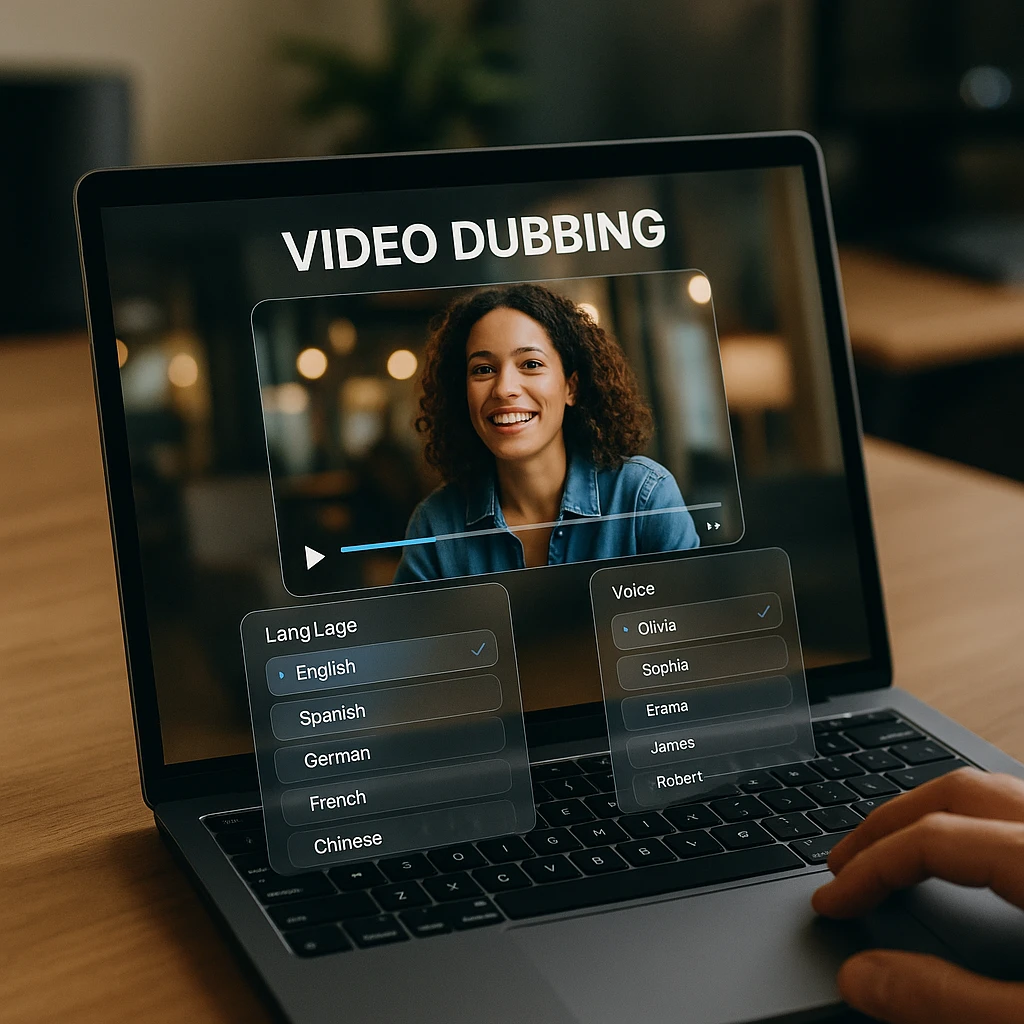
AI video dubbing turns the speech in a video or audio recording into another language, spoken by AI voices and timed to the original. Upload a file or paste a link, ask for the language you want, and ScreenApp saves a dubbed copy next to the original.
Each speaker gets their own voice, chosen to match how they sound, so a two-person interview still sounds like two people. You decide what happens to the original sound: replace it completely, or keep it quietly underneath so music and ambience carry on under the new voices.
What you get:
- A dubbed copy in any of 99 languages, saved as a new file; the original is untouched
- A separate synthetic voice for each speaker, from 13 voices matched to each speaker’s pitch
- The original sound removed, or kept underneath at 15% volume
- Video keeps its picture; audio files come back as MP3
- A translated transcript on the dubbed copy, so you can search it and ask AI about it in the new language
- Recordings up to 2 hours long
- The dubbed copy has no watermark on any recording or export
How to Dub a Video
- Add the recording: Upload a video or audio file, or paste a link. ScreenApp transcribes it first, because dubbing works from the transcript.
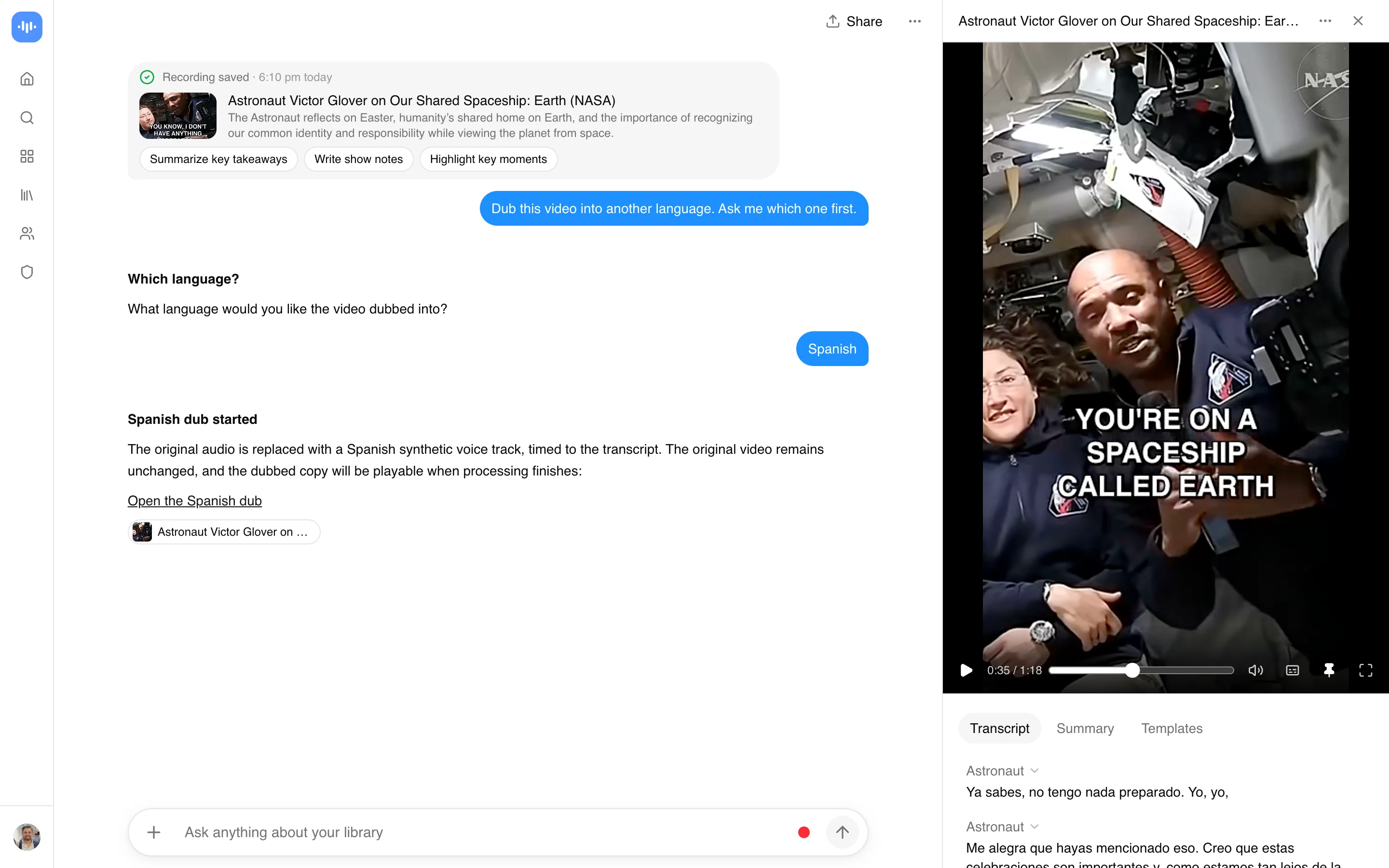
- Ask for the language: In the recording’s chat, ask for the dub, for example “Dub this into Spanish”. Say whether to keep the original sound underneath, or ask for one kind of voice throughout.
- Watch the dubbed copy: It runs in the background and appears in your library as a new file, named after the original and the language.
Timing follows the original. Each translated line starts where the original line did; a line that runs longer is sped up to at most 1.35x, and anything still over pushes the next line back rather than talking over it. A clean transcript gives a better dub, so check the transcript before you ask. See how we measure accuracy.
ScreenApp vs Other AI Dubbing Tools
| Feature | ScreenApp | Synthesia | ElevenLabs | Canva |
|---|---|---|---|---|
| Dubbing languages | 99 | 140+ | 90+ | 29 listed |
| Free dubbing | A recording up to 45 min | First 1 min | 0.4 min a month | Videos up to 1 min |
| Watermark on free | No | Yes | Not stated | Not stated |
| Clones the original voice | No | Yes | Yes | Yes |
| Lip sync | No | Yes | Not stated | Not stated |
| Paid plan | $19/month annual | $18/month annual | $5/month annual | $12/month annual |
Sources, checked 2026-09-23: AI video dubbing, ScreenApp pricing, synthesia.io/features/ai-dubbing, elevenlabs.io/dubbing-studio, canva.com/features/ai-dubbing/, ScreenApp recording limits, synthesia.io/pricing, elevenlabs.io/pricing, canva.com/pricing/
- vs Synthesia: Synthesia dubs into 140+ languages with voice cloning and lip sync, which ScreenApp does not do. Its free dub covers the first 1 minute and carries a watermark; ScreenApp dubs a whole recording up to 45 minutes free with no watermark on any recording or export.
- vs ElevenLabs: ElevenLabs clones the original speaker’s voice across 90+ languages. Its free tier includes 0.4 minutes of dubbing a month, so it suits a short test; ScreenApp’s free plan fits a full recording.
- vs Canva: Canva keeps the original speaker’s voice and names 29 languages. Free dubbing is for videos up to 1 minute long; longer videos need a paid plan.
Who Dubs Their Videos
People watching videos in a language they don’t speak are the biggest group. They paste a link to a clip in Spanish, Chinese or Indonesian and dub it into English, or into their own language, so they can follow it by ear instead of reading subtitles.
Social video creators dub short clips made for TikTok, Douyin, X or Instagram for an audience in another language. Most of these clips run a few minutes, which the free plan covers.
Explainer and review channels dub science explainers, product reviews, lessons and talks, so the same video works for viewers in another country without re-recording it.
Businesses dub software walkthroughs, product demos and onboarding videos for clients and teams who speak another language, and search the translated transcript when they need a line from it.
Fans of dramas and series dub episodes of Asian dramas and animated series into their own language, keeping the original music underneath so the scene still sounds like the show.