
Turn a DIY Tutorial Into a Shopping List
You are in the hardware store aisle with a twelve minute shelf tutorial paused on your phone, scrubbing back to find out whether the creator said 2 inch or 2 1/2 inch screws. The list is in the video. It is just spread across narration, a close-up of a box label, and a board size written on screen for three seconds.
This reads the tutorial and writes it out: the materials with their quantities and sizes, the tools used, and the steps in order. Every line keeps the timestamp it came from, so when something is unclear you open the video at that second instead of hunting for it.
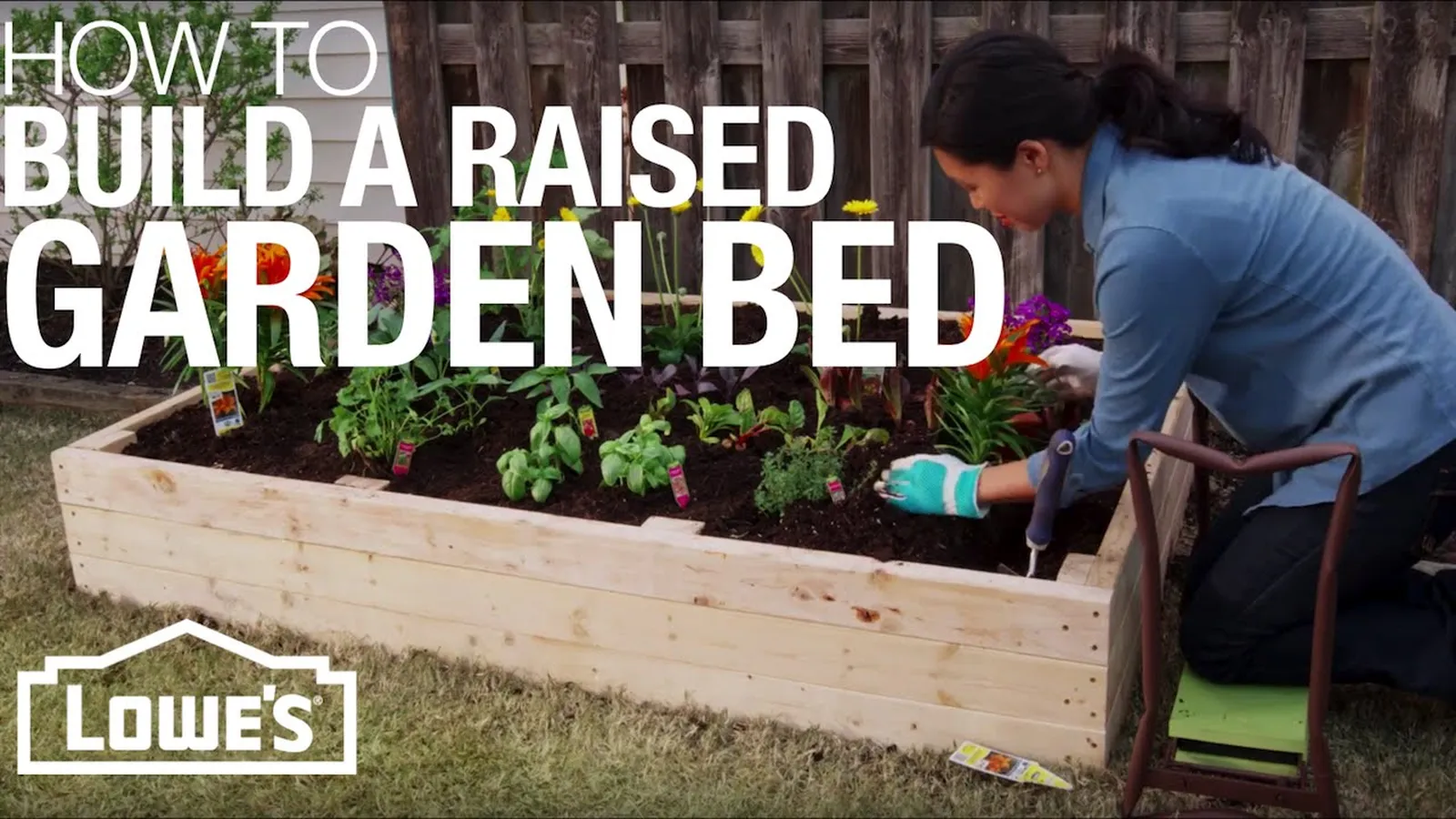
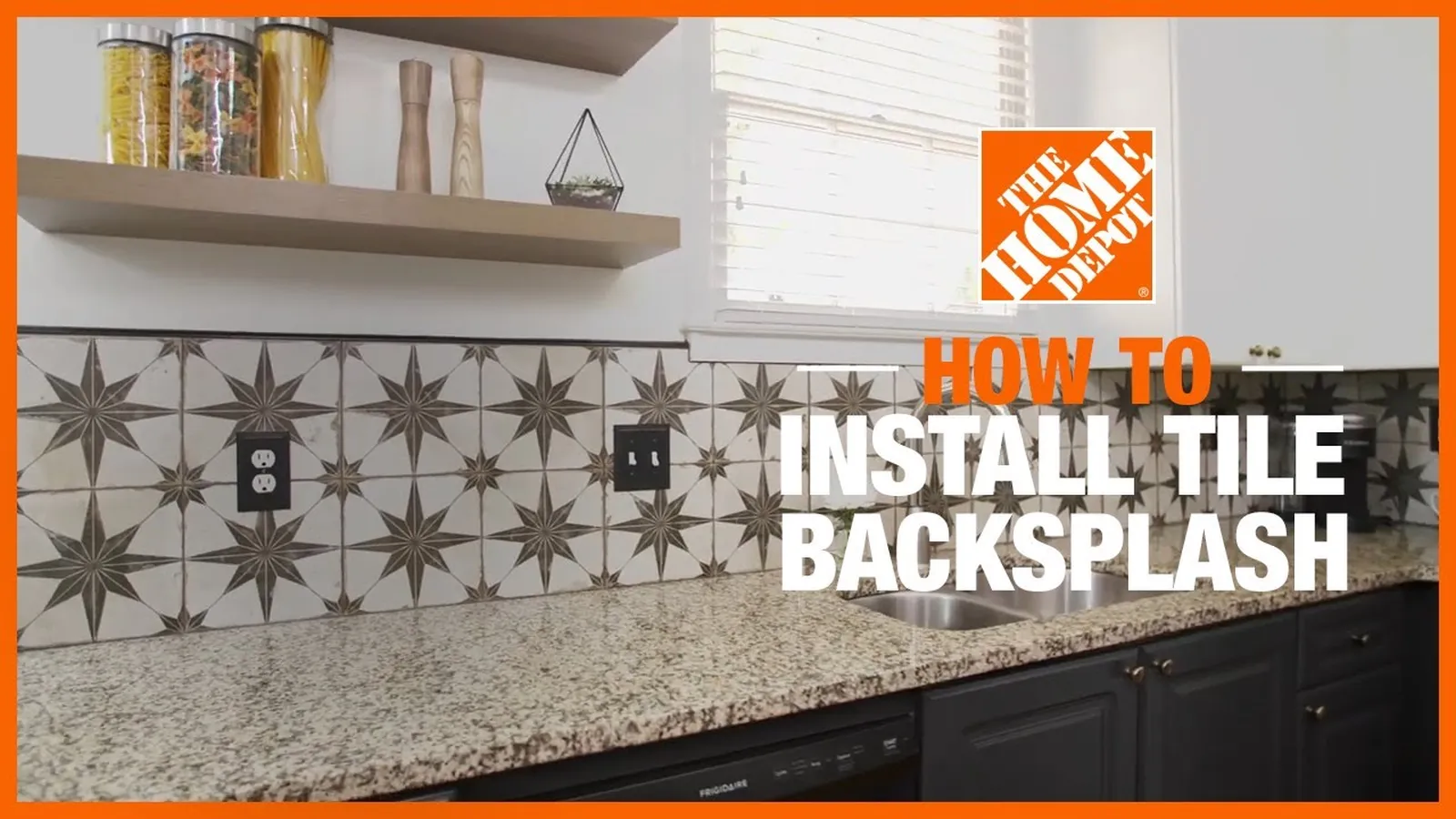
It works on woodworking builds, home repairs, tiling, garden projects, crafts and furniture flips: anything where someone shows you how to make a thing and you need to know what to buy first.
Materials with quantities
Boards, screws, tile, grout and paint, with the counts and sizes the creator gave.
Tools listed separately
What you need to own, borrow or rent, kept apart from what you need to buy.
Steps in order
The build written out, so you can read ahead before you start cutting.
A timestamp on every line
Open the video at the exact moment an item or size was mentioned.
How It Reads a DIY Video
DIY creators give their measurements in two different places, so the list is only right if both get read.
It listens
The narration is transcribed, which is where most of the method lives: what to cut first, how long glue needs, what to check before the next step. Spoken sizes are the most reliable, because the creator said them on purpose.
It looks
AI reads video frames, not just the audio. That matters on DIY videos, because many creators show sizes instead of saying them: a board dimension written on screen, or a close-up of a screw box.
A long build video leans on the narration. A short reel leans on the text overlays. Reading both is what stops the list arriving half finished.
Some videos defeat it anyway. A time-lapse cut to music with no voice and no text has very little to read. A creator who says “a few screws” and never shows the box has given no number to find. The honest failure mode is a short list with gaps in it, not a wrong one, because a size that was never given comes back marked rather than guessed.
What the List Looks Like
This list is made up to show the format. It is not taken from a real video, and what you get back depends on the tutorial you paste.
floating-shelf-build.mp4, 5 materials, 4 tools
| Item | Quantity and size | Type | Time |
|---|---|---|---|
| Pine board | 1 board, 1 x 8, 6 ft | Material | 00:22 |
| Wood screws | 2 1/2 in, count not specified | Material | 01:05 |
| Wood glue | Not specified | Material | 02:40 |
| Wall anchors | 4 | Material | 05:12 |
| Wood stain | Colour named, amount not specified | Material | 06:30 |
| Circular saw | Not applicable | Tool | 00:48 |
| Drill and driver | Not applicable | Tool | 01:05 |
| Stud finder | Not applicable | Tool | 04:55 |
| Level | Not applicable | Tool | 05:20 |
Sizes come back the way the creator gave them. An American channel works in inches and nominal lumber sizes, a European one in millimetres, and a list that mixes both stays mixed, because converting silently would hide which number the video actually said. Ask for a conversion once you have read it and you get both, side by side.
Turn the list into a shopping trip
Check the gaps
Look for items marked not specified.
Open that second
The timestamp shows the box or board.
Export the list
Save it as a PDF or paste it into notes.
A size you decide on yourself is your call, not the creator’s, so note it as your own.
DIY Video to Materials List From YouTube, TikTok and Instagram
Paste a DIY video link from
YouTube builds are the long ones. A twenty minute shelf or deck build mentions materials across the whole video, and many creators also put a list or a plan link in the description. Paste that description into the chat as well and ask for the two to be merged, so nothing in it gets missed.
TikTok and Instagram Reels are short DIY hacks with no time to talk. The sizes get flashed on screen or only shown on the packaging. AI reads video frames, not just the audio, so a quick reel can still come back with numbers.
Facebook DIY groups share a lot of home repair videos. Those work the same way, as long as the post is public.
Links have to be public. A private account or a members-only group will not import. If you can watch it but cannot share the link, screen record it or upload the file instead.
How to Get a Materials List From a Video
-
1
Paste the link or upload the file
Links work for YouTube, TikTok, Instagram, Facebook and Vimeo. Uploads take common video formats, and there is no set file size limit.
-
2
Ask for the materials list
The question is already filled in. It asks for materials with quantities and sizes, the tools, and the steps in order, and tells the AI to mark anything it cannot confirm.
-
3
Read it with the video open
Check the items marked not specified, then export it as PDF, Word, PowerPoint, Markdown or plain text.
Questions to Ask After the First List
The first answer is a starting point. Because the video stays open in the chat, you can ask follow-up questions about the same tutorial:
“Group the materials by store section: lumber, fasteners, paint, hardware.”
“List every cut the creator makes, with the length and the timestamp.”
“Convert all the measurements to metric and keep the originals beside them.”
“What safety gear does the creator wear or mention?”
“Which steps need a second person?”
“What did the creator say to do differently next time?”
Anything you ask it to add, like a spare quantity or a substitute material, is your decision rather than the creator’s, so keep those notes apart from the original list.
Printing the Shopping Checklist
There is no special checklist mode. The list arrives as text in the chat, and you take it from there:
-
1
Export it
Download the answer as PDF, Word, PowerPoint, Markdown or plain text, then print the PDF.
-
2
Or paste it into notes
Plain text pastes cleanly into a notes app, where you can turn each line into a checkbox.
-
3
Keep the source link
Leave the video link at the top, so you can check a size from the aisle.
What It Can and Cannot Do
Good at
- Listing materials and tools the creator says or shows
- Reading sizes on screen, like a written board size or a legible box label
- Writing the steps in order, with a timestamp on each
- Marking missing quantities instead of guessing them
Not built for
- Prices, stock or where to buy an item
- Measuring boards or spaces from the footage
- Optimising a cut list from stock lengths
- Building, electrical or safety advice for your project
A materials list from a video is a reading of what the creator used, not a plan for your space. Measure your own wall, floor or bed before you buy, because the creator’s dimensions fit their project, not yours.
Who Uses a Video to Materials List Tool
Weekend DIYers
Get the full list before the store trip, instead of discovering a missing bracket halfway through the build.
Renters and first-time homeowners
Read the whole repair before starting, and see which tools you would need to borrow.
Crafters and makers
Pull the supplies out of a craft or sewing tutorial, including the ones only shown on the table.
Anyone sending someone else to the store
Hand over a written list with sizes, instead of a video link and a description.