AI Video Translator: How to Translate Videos Into Any Language

On this page
A video speaks exactly one language, and that costs you most of the planet. CSA Research surveyed 8,709 consumers across 29 countries and found that 76% prefer buying with information in their own language, and 40% will not buy at all from content they cannot read. The same logic applies to whether anyone finishes your tutorial, webinar, or course.
An AI video translator closes that gap in one pass: it listens to the video, writes down what was said, translates the text, and hands you subtitles in the target language, with AI-dubbed audio as an optional extra step. What used to be a four-vendor workflow (transcriber, translator, subtitler, editor) is now an upload and a language menu.
The honest version of that promise, including where it breaks, is what this guide covers: how the pipeline works, the actual steps, which tools do which parts, subtitles versus dubbing, and what accuracy really depends on.
The traditional workflow
Send the video for manual transcription. Send the transcript to a human translator. Send the translation to a subtitler for timing. Review, fix, re-export. Days per language, and the cost multiplies by every language you add.
The AI workflow
Upload the video. AI transcribes the speech, translates the transcript, and generates timed subtitles in the target language. Minutes per language, and the marginal cost of language number twelve is close to zero. Your job shifts from producing the translation to reviewing it.
What an AI Video Translator Actually Does
One tool, five jobs chained together. Knowing the chain matters, because when a translation comes out wrong, the fix depends on which link failed.
Language detection. The system identifies the spoken language from the audio, or you tell it, which is more reliable for accented speech and mixed-language recordings.
Speech recognition. The audio becomes a timestamped transcript. Every downstream step inherits this transcript's quality, which is why audio quality decides more than any other single factor.
Translation. The transcript is translated with sentence context, so "How does AI understand videos?" comes out as a natural question in Spanish, not a word-by-word substitution.
Subtitle generation. The translated text is cut into timed lines and exported as SRT or VTT, or burned into the video.
Voice dubbing, optional. A synthetic voice speaks the translation over the video. The most impressive step in demos, and the one where quality varies most between tools.
Steps one through four are mature and cheap. Step five is where tools differentiate and where budgets go, so decide early whether you need dubbed audio at all; for most tutorials, lectures, and business recordings, translated subtitles do the job at a fraction of the cost.
How to Translate a Video With AI
The working steps, with the decisions that actually matter called out.
Upload the original video, not a compressed copy
MP4, MOV, WebM, and AVI all work in most tools. What matters is the audio inside: a screen recording with clear narration translates well, a phone video of a conference speaker across the room does not, and no translation model repairs audio the transcription step could not hear.
Set the source language yourself when you know it
Auto-detection is right most of the time and wrong at the worst times: heavy accents, code-switching between two languages, and short clips with little speech. Telling the tool "this is Hindi" removes a whole category of garbage-in errors.
Review the transcript before translating
This is the step everyone skips and the cheapest fix in the whole pipeline. A mis-heard product name in the source transcript becomes a confidently wrong word in every language you export. Two minutes correcting names, numbers, and technical terms in the original pays off across all twelve translations.
Pick the target language and generate
English to Spanish, Japanese to English, English to Hindi: the direction matters less than the pair's training data, which I get into in the accuracy section. Generate the translated subtitles, and the dubbed track too if you have decided you need one.
Have a speaker of the language skim it before publishing
Not a full review, a skim. A native reader catches the mistranslated idiom or the formal-register mismatch in minutes. If nobody on the team reads the language, publish with subtitles rather than dubbing, because a text error is a typo while a spoken error is a voice confidently saying the wrong thing.
Export what the destination needs: an SRT or VTT file for YouTube and video players, burned-in subtitles for social clips where players ignore caption files, or the translated transcript as plain text when the video was really a container for the words.
The Tools, Sorted by What They Actually Do
| Tool | Transcribes | Translated subtitles | AI dubbing | Best for |
|---|---|---|---|---|
| ScreenApp | Yes, 100+ languages | Yes | No | Transcript-first workflows: meetings, lectures, recordings (we build it, so test the free tier and judge) |
| HeyGen | Yes | Yes | Yes, with voice cloning | Dubbed talking-head and marketing videos |
| Rask AI | Yes | Yes | Yes | Localization at volume, many target languages per video |
| VEED | Yes | Yes | Yes | Creators who also want editing in the same tool |
| Kapwing | Yes | Yes | Yes | Social content and quick subtitle jobs |
Sources, checked 2026-09-16: ScreenApp supported languages
Scores below are our editorial judgment of each tool’s fit for the translation workflows in this guide, not lab measurements.
1. ScreenApp
Transcript-first translation: subtitles and translated text in 100+ languages
ScreenApp covers the transcript side of the pipeline: upload a recording or record in the browser, get the transcript, translate it across 100+ languages, and export subtitles or translated text. The transcript stays searchable and feeds summaries and notes, which matters when the video is a meeting or lecture rather than a marketing asset. The free plan includes 2 transcriptions of recordings up to 45 minutes each and 3 uploads.
Transparency note: we build ScreenApp and placed it first, so test the free tier and judge it yourself. It deliberately does not do dubbing; if a translated voice track is your deliverable, pair it with one of the dubbing tools below.
Pros
- •Free plan to try it: 2 transcriptions and 3 uploads
- •Translation bundled with transcripts, summaries, and notes
- •Nothing to install, records in the browser too
- •Subtitle and text export in one pass
Cons
- •No AI dubbing or voice cloning
- •Wrong pick when a spoken translation is the deliverable
Best For
Meetings, lectures, webinars, and screen recordings where translated subtitles and searchable text are the goal.
2. HeyGen
Voice-clone dubbing with lip sync for talking-head video
HeyGen is the tool people mean when they say "the dubbed video where the speaker seems to speak Spanish." Its video translate feature clones the original speaker's voice, generates the translated speech in that voice, and adjusts lip movement to match. On a clear talking-head video the effect is genuinely convincing; on noisy multi-speaker footage it degrades like everything else.
Pricing is credit-based with a limited free allowance, and dubbing minutes are the expensive kind, so it earns its cost on content where production polish is the point.
Pros
- •The most convincing voice-clone dubbing in the mainstream field
- •Lip-sync included
- •Good language coverage
Cons
- •Costs scale with minutes fast
- •Overkill for internal or instructional content where subtitles do the job
Best For
Marketing videos, course promos, and talking-head content where a natural dubbed experience is the deliverable.
3. Rask AI
Localization at volume: one video into many languages
Rask AI is built for the localization workflow rather than the one-off translation: take one video, push it into many target languages at once, with dubbing, subtitles, and a translation editor for correcting the output before export. That editor is the underrated part, because it makes the review step a first-class feature instead of an afterthought.
Trial credits let you test your specific language pair before paying, which is exactly how you should evaluate any tool on this page.
Pros
- •Purpose-built for multi-language output
- •In-tool editor for fixing translations before export
- •Broad language list
Cons
- •Subscription pricing aimed at teams doing this regularly
- •A single video to a single language is cheaper elsewhere
Best For
Channels and companies localizing a content library into several languages on a schedule.
4. VEED
Editor-first: translate, style, and publish in one tab
VEED is a browser video editor that grew translation features, and that ancestry shows in a good way: after translating, you style, burn in, trim, and publish without leaving the tab. Auto-subtitles, subtitle translation, and AI dubbing all live inside the editing workflow.
The trade is that you are paying for an editor whether or not you need one, and the free tier's export limits push real use toward the paid plans quickly.
Pros
- •Translation and editing in one place
- •Good subtitle styling controls
- •Easy burned-in captions for social clips
Cons
- •Free tier is a demo more than a tool
- •Pure translate-and-export jobs carry the editor overhead
Best For
Creators who edit and translate the same clip in one sitting, especially for social formats.
5. Kapwing
Fast subtitle translation with team collaboration
Kapwing covers the same editor-plus-translation ground as VEED with a lighter, faster feel for quick jobs: upload, auto-subtitle, translate the track, restyle, export. Dubbing is available too, and the collaborative workspace makes it the more natural pick when a small team shares the account.
Like every freemium editor, the free tier watermarks and caps things; treat it as the trial it is.
Pros
- •Quick from upload to translated captions
- •Collaboration built in
- •Approachable for non-editors
Cons
- •Watermarked free exports
- •Long-form content runs into plan limits sooner than the marketing suggests
Best For
Teams turning around subtitled and translated social clips quickly.
The pattern to notice: every tool transcribes and subtitles; dubbing is the differentiator, and it is also the feature you pay for. If subtitles cover your use case, the field is wide and cheap. If dubbing is the requirement, shortlist by voice quality in your specific target language, because a tool with beautiful Spanish dubbing can have wooden Hindi. We keep a deeper roundup with per-tool detail in our top 10 video translators comparison, and a dubbing-specific one in the best free video dubbing tools.
Subtitles or Dubbing?
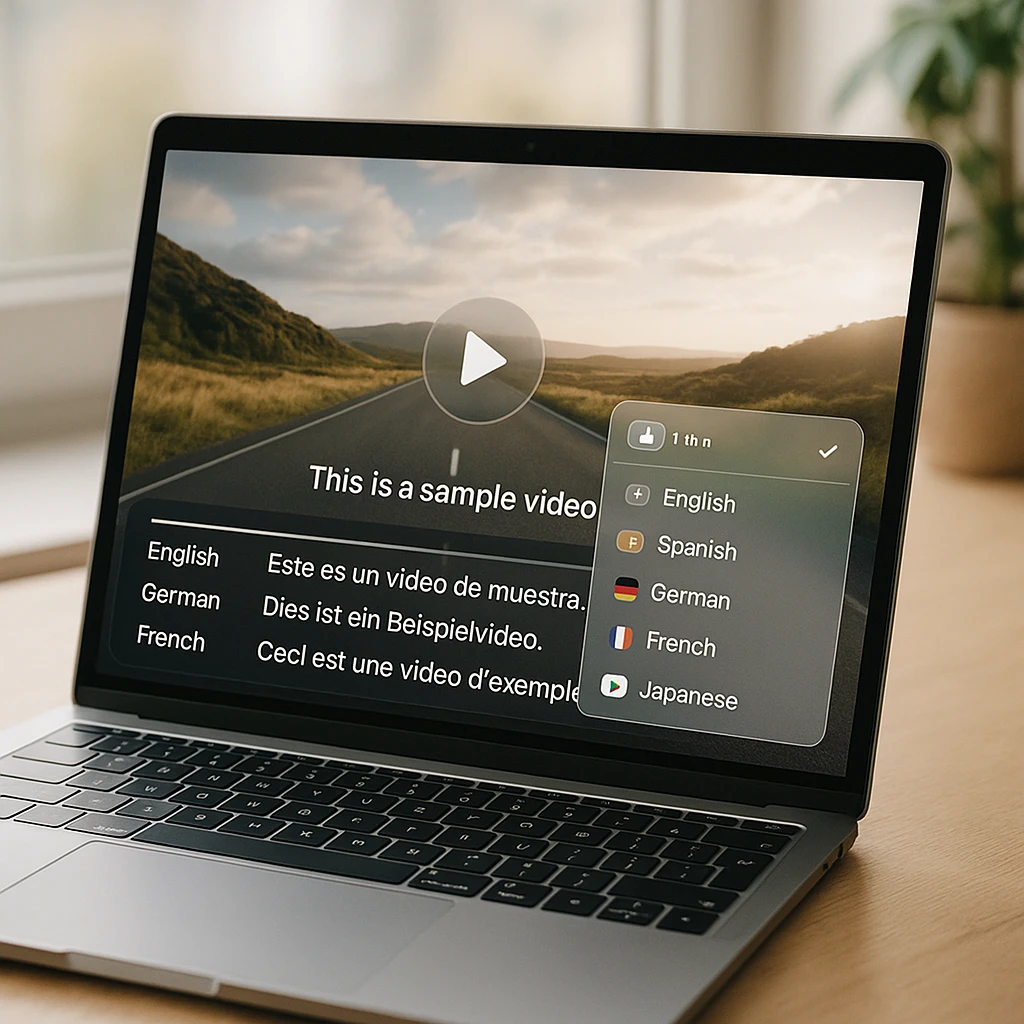
The most consequential decision in the whole project, and it is a trade, not a ranking.
Translated subtitles
Cheap, fast, and editable: fixing a bad line is a text edit. The original voice stays, which keeps the speaker's credibility and emotion intact. The cost is reader effort, and viewers on phones with the sound off actually prefer them. For tutorials, lectures, meetings, and anything instructional, subtitles are the right default.
AI dubbing
A natural viewing experience with zero reading, which matters for marketing content, entertainment, and audiences with low literacy in any of your languages. The costs: higher price per minute, synthetic voices that still miss emotional register, and errors that are spoken aloud instead of sitting quietly in a caption. Fixing one requires regenerating audio.
My rule: subtitle everything, dub the content where viewing comfort is the product. A course intro or brand film earns dubbing; the 40-minute internal training does not. And if you dub, keep the translated subtitles available anyway, because dubbing and captions serve different viewers, and the caption file costs you nothing extra at that point. For subtitle tooling on its own, our roundup of free AI subtitle generators covers the field.
Translating Into English, and Out of It
The two directions behave differently, and it is worth knowing why before you judge a tool on the wrong job.
Into English is the strong direction. Speech models have seen more English than anything else, and translation into English benefits from the same imbalance, so a Japanese lecture or Spanish interview usually comes out clean. This covers the biggest real-world use case: understanding foreign-language recordings, research interviews, and courses.
Out of English into major languages (Spanish, French, Hindi, Portuguese, Japanese) is nearly as good. Out of English into lower-resource languages is where honesty is due: Sinhala and Tamil are supported (they sit inside the 100+ languages our video translator handles), and the translations are useful, but expect more edits per hundred lines than you would see in Spanish, especially for idioms and technical vocabulary. The review-by-a-native-reader step goes from nice-to-have to necessary at exactly this point.
That is not a reason to skip those languages. A Sinhala or Tamil subtitle track that needs twenty minutes of cleanup still reaches an audience the English original excluded entirely, and the CSA numbers above say that audience largely will not meet you in English.
What About YouTube Videos?
Half the searches in this space are really “translate this YouTube video,” and that job has its own shortcuts, because most YouTube videos already have a caption track you can translate directly instead of re-transcribing the audio. The full workflow, including the without-captions case, is in our guide to translating YouTube videos to English, and for watching a live stream in another language as it happens, the live YouTube translator handles the real-time case, which is a genuinely different problem from translating a file.
What Accuracy Actually Depends On
Vendors quote accuracy as one number. In practice it is five variables, and you control three of them.
Audio quality, the biggest lever you control: clear narration beats room echo by a wide margin
Speaker overlap: two people talking at once degrades transcripts in every language
Technical terms and names: fix them in the source transcript once, before translating
Language pair: high-resource pairs translate better; budget review time for the rest
Idioms, jokes, culture: the category AI still translates literally; a native skim catches these
Background music and noise: strip or duck it before upload when you can
Where does that leave human translators? Still in the loop for anything with legal weight, marketing nuance, or brand voice: AI produces the volume, a human reviews the stakes. The workflow that has replaced pure human translation is not pure AI translation; it is AI first pass plus human review, which costs a tenth of traditional translation and catches the errors that matter.
Where ScreenApp Fits
Our lane is the transcript-first side of this pipeline. Upload a meeting, lecture, webinar, or screen recording, and ScreenApp transcribes it (the free plan covers 2 transcriptions of recordings up to 45 minutes each and 3 uploads), translates the transcript across its 99 supported languages, and exports subtitles or translated text, alongside the summaries and notes the recording was probably destined for anyway. No dubbing; when a client needs a dubbed track we point them at the dubbing tools above, and our AI video dubbing guide compares the free options honestly.
The practical pattern for a recorded talk: transcribe, fix the three mis-heard names, translate to the languages your audience actually speaks, export SRTs, and publish the original voice with translated subtitles. One recording, every audience, no studio.
FAQ
Can AI translate a video?
Yes, as a chain: speech recognition turns the audio into a transcript, the transcript is machine-translated, and the result becomes subtitles or a dubbed voice track. Quality depends mostly on the audio clarity and the language pair, not on the video itself.
How can I translate a video into English?
Upload it to an AI video translator, set the source language manually if you know it, and generate the English transcript and subtitles. Into-English is the strongest direction most tools have, so foreign lectures, interviews, and courses usually come out clean enough to publish after a light review.
How do I translate a video for free?
Free tiers cover the transcript-and-subtitles path: ScreenApp's free plan includes 2 transcriptions with translation, and several tools in the comparison above have free allowances. Dubbing is where free runs out fastest across the whole market.
Can AI translate video audio into another language, not just subtitles?
Yes, that is AI dubbing: the translated text is spoken by a synthetic voice, with some tools cloning the original speaker's voice. It works, it costs more than subtitles, and errors are spoken aloud rather than sitting in a caption, so review matters more.
Can Google Translate translate a video?
Not directly; Google Translate works on text and live speech, not video files. The workaround is translating the video's transcript or caption file through it, which loses subtitle timing. A video-native tool keeps the timing intact.
Can ChatGPT translate a video?
Not from the file: ChatGPT does not process video uploads end to end for translation. Give it the transcript and it translates well, so the working pattern is transcribe first, then translate the text with whatever model you prefer.
How do I translate a YouTube video?
If it has captions, translate the caption track directly, which skips transcription entirely. If it does not, run the audio through the transcribe-translate pipeline. Our YouTube-specific guide covers both routes, and live streams need a real-time translator rather than a file workflow.
Can AI translate subtitles automatically?
Yes, and it is the easiest job in this space: an SRT or VTT file in, the same file out in the target language with timing preserved. If you already have subtitles, never re-transcribe; translate the file you have.
Can AI translate a video in real time?
Live translation exists (it is how live-stream translators work) but adds a processing delay and loses the review step, so accuracy trails file-based translation. Use it for live events; for anything recorded, the file pipeline gives strictly better results.
Which languages can AI video translators handle?
The major tools cover dozens to around a hundred; ScreenApp's transcription and translation covers 99. The honest caveat is that support is not uniform: high-resource languages translate noticeably better than low-resource ones, so test your specific pair with a short clip before committing a whole library.