YouTube Summarizer Chrome Extension

Free YouTube summarizer Chrome extension. Get AI-generated video summaries and timestamped notes instantly while you browse - works on YouTube, Vimeo, and online courses.

Loved by over 3 million people

YouTube Summarizer - Get AI Video Summaries in Seconds

This YouTube summarizer Chrome extension generates AI-powered summaries of any YouTube video without watching the full content. Install it once and summarize YouTube videos, Vimeo clips, online courses, and most streaming platforms directly from your browser.

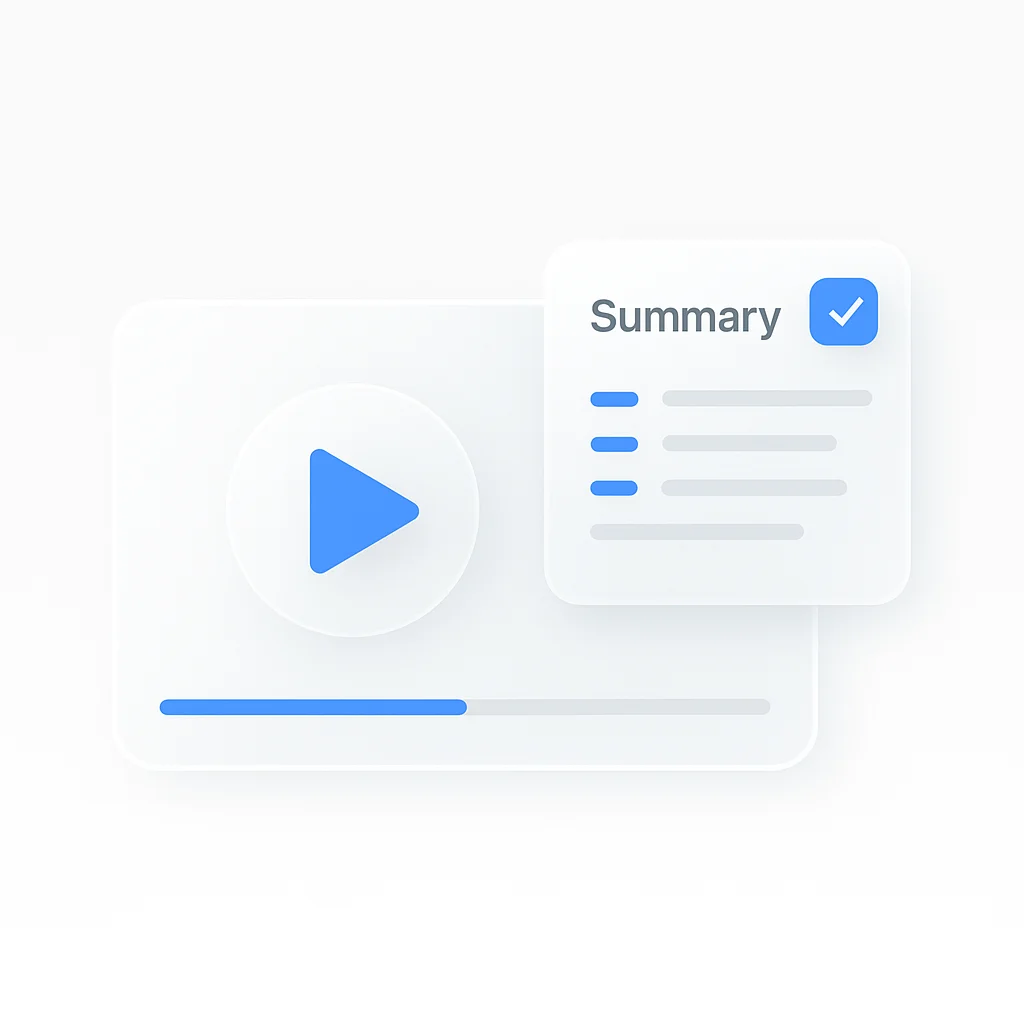
Instead of spending 30 minutes on a YouTube video, get the key points in 30 seconds. The AI reads the video transcript and produces structured summaries with chapter breakdowns and timestamped notes.

What the YouTube summarizer does:

  • Summarizes YouTube videos instantly with one click
  • Generates timestamped notes you can click to jump to specific moments
  • Creates chapter breakdowns for longer videos
  • Works on YouTube, Vimeo, Coursera, Udemy, and most video sites
  • Exports summaries as text for use in notes or documents
  • No signup or account required for basic summarization

Students use it to review lecture recordings before exams. Professionals use it for meeting replays and webinar summaries. Researchers process multiple videos quickly without manual viewing.

How the YouTube Summarizer Extension Works

Install the ScreenApp YouTube summarizer from the Chrome Web Store. The extension icon appears in your browser toolbar after installation.

Open any YouTube video and click the extension icon to summarize it. The AI reads the video transcript and generates:

  • A concise summary of the main content
  • Key points and takeaways
  • Timestamped notes for specific moments
  • Chapter breakdowns for longer videos

View your summary in the extension popup without leaving YouTube. Save notes or export them as text for your documents and note-taking apps.

YouTube Summarizer vs Other Tools

FeatureScreenAppChatGPTGlaspEightifyNoteGPT
Chrome extensionYesNoYesYesYes
Works on YouTubeYesVia pasteYesYesYes
Works on VimeoYesVia pasteLimitedNoLimited
Timestamped notesYesNoYesYesYes
Chapter breakdownYesNoNoYesNo
Free tierYes, unlimitedLimitedYes, limited10/monthYes, limited
Export to textYesYesYesYesYes
No signupYesNoNoNoNo

Key differences:

  • vs ChatGPT: ChatGPT can summarize YouTube videos if you paste the transcript manually, but this requires extra steps and ChatGPT does not install in your browser as an extension. ScreenApp works directly on YouTube pages with one click, no manual transcript copying needed.
  • vs Glasp: Glasp is a social highlighting tool that includes YouTube summaries. ScreenApp focuses entirely on video summarization with better chapter detection and works without an account.
  • vs Eightify: Eightify offers 10 free summaries per month before requiring payment. ScreenApp provides unlimited free YouTube summaries with no monthly cap.
  • vs NoteGPT: NoteGPT limits the free tier and requires signup. ScreenApp summarizes YouTube videos without account creation on the free tier.

Who Needs a YouTube Summarizer

Students: Summarize lecture recordings and YouTube tutorials. Review course material faster before exams without rewatching hours of content. Get timestamped notes to find specific topics quickly.

Professionals: Extract action items from recorded webinars and training videos. Get the key points from hour-long YouTube presentations in minutes before deciding whether to watch in full.

Researchers: Process multiple YouTube videos quickly. Pull relevant information from interviews, conference talks, and educational material without manual viewing.

Content Creators: Analyze competitor YouTube channels efficiently. Identify trending topics and video structure without watching every video.

Language Learners: Summarize YouTube content to understand main points before watching for comprehension practice.

FAQ

What is a YouTube summarizer?

A YouTube summarizer is a tool that reads a YouTube video’s transcript and generates a condensed written summary of the main points. This lets you understand a video’s content in seconds instead of watching the full length. AI-powered summarizers like this extension also add timestamps and chapter breakdowns.

How do I install the YouTube summarizer Chrome extension?

Visit the Chrome Web Store and search for “ScreenApp.” Click “Add to Chrome” to install. The extension icon appears in your toolbar immediately. Navigate to any YouTube video and click the icon to summarize it.

Does the YouTube summarizer work on videos without captions?

The extension works best on videos with auto-generated or manual captions. YouTube provides auto-captions for most English videos. Videos without any captions may produce limited summaries.

Can I summarize YouTube videos from online courses?

Yes. The extension handles videos from Udemy, Coursera, LinkedIn Learning, and other platforms that use standard video players.

Is the YouTube summarizer free?

Yes, basic YouTube video summarization is free with no daily limits. No signup required to start. Premium features include longer export formats and integrations with note-taking apps.

How accurate are the AI-generated YouTube summaries?

The AI extracts key points from the video transcript with high accuracy for clear speech. Summaries include timestamps so you can verify specific sections in the original video. Technical jargon may require manual review.

Can I save and export my YouTube video notes?

Yes. Save summaries within the extension and export them as text files for use in Notion, Obsidian, Google Docs, or any note-taking app.

FAQ

What is a YouTube summarizer?

A YouTube summarizer is a tool that reads a YouTube video's transcript and generates a condensed written summary of the main points. This lets you understand a video's content in seconds instead of watching the full length. AI-powered summarizers like this extension also add timestamps and chapter breakdowns.

How do I install the YouTube summarizer Chrome extension?

Visit the Chrome Web Store and search for "ScreenApp." Click "Add to Chrome" to install. The extension icon appears in your toolbar immediately. Navigate to any YouTube video and click the icon to summarize it.

Does the YouTube summarizer work on videos without captions?

The extension works best on videos with auto-generated or manual captions. YouTube provides auto-captions for most English videos. Videos without any captions may produce limited summaries.

Can I summarize YouTube videos from online courses?

Yes. The extension handles videos from Udemy, Coursera, LinkedIn Learning, and other platforms that use standard video players.

Is the YouTube summarizer free?

Yes, basic YouTube video summarization is free with no daily limits. No signup required to start. Premium features include longer export formats and integrations with note-taking apps.

How accurate are the AI-generated YouTube summaries?

The AI extracts key points from the video transcript with high accuracy for clear speech. Summaries include timestamps so you can verify specific sections in the original video. Technical jargon may require manual review.

Can I save and export my YouTube video notes?

Yes. Save summaries within the extension and export them as text files for use in Notion, Obsidian, Google Docs, or any note-taking app.

Real Results from Real Users

Aaron photo

Aaron

Project Manager

★★★★★

Our overall experience with ScreenApp has been nothing but pleasant! Their support is terrific, and ScreenApp is a great recording system.

JP photo

JP

Operations Manager

★★★★★

Finally, a screen recorder that doesn't slap watermarks on everything. The free plan gives me 45 minutes of AI processing monthly - that's enough for most of my training videos.

Trina photo

Trina

Founder

★★★★★

I was skeptical about another AI notetaker, but ScreenApp's generous free tier completely won me over. The quality is professional-grade, and the AI features actually work as advertised. Now I use it for all my client presentations and team demos.

Kelvin photo

Kelvin

Software Engineer

★★★★★

The desktop and mobile apps are fantastic. Recording meetings while I'm mobile has never been easier, and the dictation feature is a huge time-saver.

Millie photo

Millie

Director

★★★★★

Our team was drowning in client feedback until we found ScreenApp. Now we record every presentation and client call, and the AI summaries are spot-on.

Tanmay photo

Tanmay

Marketing Guru

★★★★★

Makes recording and sharing guides effortless. I love how I can capture my screen and instantly turn it into step-by-step guides in any format I need. Smart, simple, and a brilliant use of AI.

Sav photo

Sav

Project Manager

★★★★★

Users consistently praise our web-based platform that requires no installation. Start recording in seconds, not minutes.

Nate photo

Nate

Video Creator

★★★★★

The ability to automatically transcribe and summarize recordings is a major time-saver, turning video content into searchable, useful data.

User
User
User
Join 2,147,483+ users

Ready to boost your productivity?

Try YouTube Summarizer and 300+ other AI-powered features for free.

Start Free →

Start using in 60 seconds • No credit card required