Echo Cancellation - Real-Time Audio Cleanup
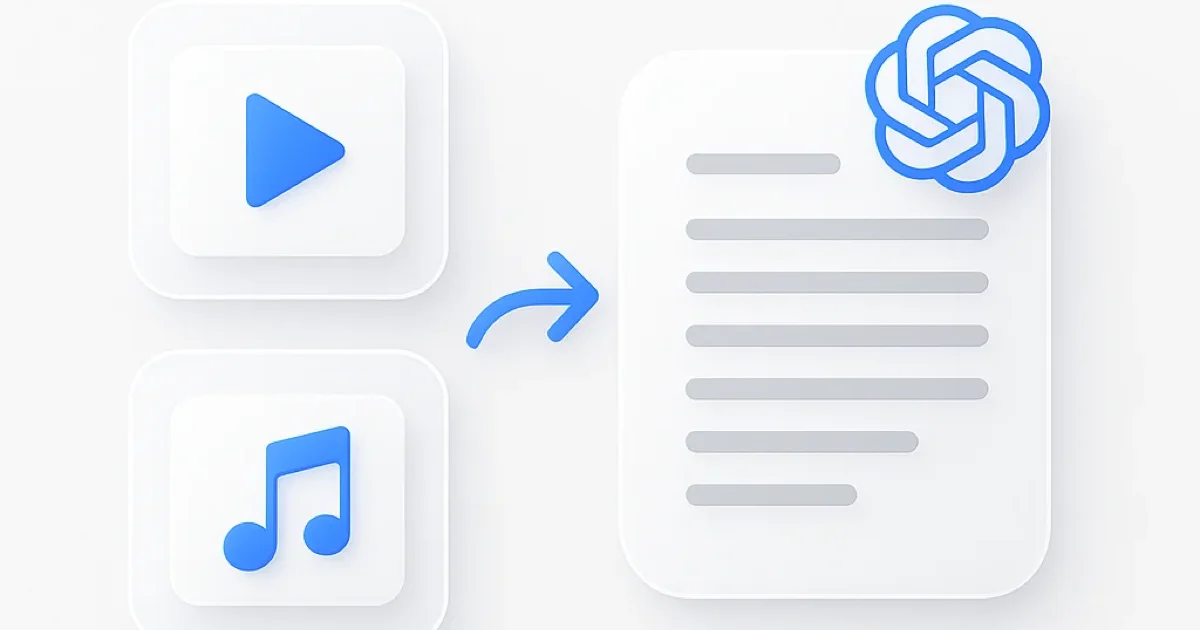
ChatGPT and AI assistants cannot process your audio or video files because they only accept text and image input. This echo cancellation tool analyzes uploaded files directly, removes acoustic echo, and provides clean audio - capabilities that text-based AI chatbots don’t have for audio processing.
Free echo cancellation eliminates acoustic echo from recordings instantly. Upload audio or video files and AI removes speaker feedback, microphone echo, call echo, and acoustic feedback loops. Download echo-free files in seconds with pristine audio quality.
Why use this echo cancellation tool:
- Echo cancellation works entirely in your browser
- Remove echo from video online free with no limits
- AI processes live recordings and pre-recorded files
- Free echo cancellation with 95%+ clarity preservation
- Download MP3, WAV, or original format
- Echo cancellation supports 100+ formats
- No signup required for online processing
Streamers clean live broadcasts with acoustic feedback. Podcasters fix echo from remote guest calls. Content creators remove speaker echo from screen recordings and tutorials.
How Echo Cancellation Works
Using this free echo cancellation tool takes three simple steps:
-
Upload audio or video file - Echo cancellation accepts MP3, WAV, M4A, MP4, MOV, and 100+ formats. Drag files directly or paste YouTube URLs for instant import.
-
AI cancels echo automatically - Adaptive algorithms identify and eliminate acoustic echo caused by speaker feedback, microphone loops, and call echo. The tool processes simultaneous speaker playback, headphone leakage, and feedback loops while preserving voice clarity.
-
Download echo-canceled audio instantly - Click download to get clean files in seconds. Export as MP3 for smaller files or WAV for highest quality. The tool processes efficiently while maintaining audio fidelity.
Echo cancellation completes in 30-90 seconds for most files. Unlike real-time processing software requiring installation, this tool works in any browser without configuration.
Free Echo Cancellation vs Other Tools
| Feature | ScreenApp | Krisp | Descript | Adobe Audition | Auphonic |
|---|---|---|---|---|---|
| Free tier | Unlimited files | 60 min/day | 10 files/month | Trial only | Limited |
| Browser-based | Yes | Desktop app | Desktop app | Desktop app | Yes |
| Video file support | Yes | Audio only | Yes (paid) | Yes (paid) | No |
| Real-time capable | Yes | Yes (paid) | No | No | No |
| No signup required | Yes | No | No | No | No |
| Pricing (paid) | $19/month | $8/month | $24/month | $22.99/month | Custom |
Key differences:
- vs Krisp: Krisp costs $8/month Pro for real-time echo cancellation during calls. ScreenApp provides free echo cancellation with video support and browser access without desktop software installation.
- vs Descript: Descript charges $24/month Creator for Studio Sound echo removal and limits free tier to 10 files. This echo cancellation tool offers unlimited free processing online.
- vs Adobe Audition: Adobe Audition costs $22.99/month and requires desktop software installation. ScreenApp works in browser free with no software download or subscription.
- vs Auphonic: Auphonic offers custom pricing for automated echo cancellation. ScreenApp provides free echo cancellation accessible to everyone with transparent pricing for unlimited use.
Who Needs Echo Cancellation
Live Streamers: Cancel acoustic echo during live broadcasts on Twitch, YouTube, or Facebook. Fix feedback loops from speakers and microphones. Eliminate echo caused by monitoring without headphones.
Remote Workers: Clean video call recordings with speaker echo. Remove acoustic feedback from Zoom, Teams, or Google Meet recordings. Fix echo caused by laptop speakers during screen shares.
Content Creators: Remove echo from video tutorials and screen recordings. Fix speaker playback echo in reaction videos and commentary. Clean audio from live streams archived for YouTube.
Podcasters: Cancel echo from remote guest calls and interviews. Fix acoustic feedback in co-host conversations. Clean recordings where guests weren’t using headphones.
FAQ
Is echo cancellation really free?
Yes, ScreenApp offers 3 free files with AI echo cancellation included. For unlimited files, the Growth plan costs $19/month (annual billing) or $30/month and includes 50 AI credits monthly, unlimited recordings, and transcription features. No watermarks on any tier.
What’s the difference between echo removal and echo cancellation?
Echo cancellation targets acoustic echo caused by speaker feedback and microphone loops (common in calls and live streams). Echo removal targets room reverb and acoustic reflections (common in large spaces). Both processes clean audio but address different echo sources.
Can echo cancellation fix call recordings?
Yes, the tool excels at canceling acoustic echo from video calls, phone recordings, and conference calls. Fixes speaker feedback, simultaneous talk echo, and headphone leakage. Upload Zoom, Teams, Meet, or phone recordings for cleaning.
Does echo cancellation work in real-time?
The tool processes uploaded files quickly (30-90 seconds). For live echo cancellation during active calls or streams, desktop software like Krisp provides real-time processing. This tool offers fast post-processing without software installation.
Can I remove echo from live stream recordings?
Yes, upload archived live streams from Twitch, YouTube, Facebook, or any platform. Echo cancellation processes speaker feedback, microphone echo, and acoustic loops common in live broadcasts. Download cleaned audio for highlights or reuploads.
Will echo cancellation affect voice quality?
No, AI preserves 95%+ voice clarity while removing acoustic echo. Adaptive algorithms distinguish direct sound from feedback loops. Voice remains natural without robotic artifacts or quality degradation.
What audio formats can I upload?
Upload MP3, WAV, M4A, AAC, FLAC, OGG, WMA, AIFF, and 100+ audio formats. For video files, use MP4, MOV, AVI, MKV, WebM, or any standard format. Echo cancellation converts formats automatically and lets you download in MP3 or WAV.