AI Meeting Notetakers: Otter vs Fireflies vs Fathom vs MeetGeek vs tl;dv (2026)


On this page
Meeting notes are a tax on productivity. The average knowledge worker spends 4-6 hours per week in meetings, and according to Statista, 71% of those meetings are considered unproductive. But the bigger problem is not the meetings themselves. It’s what happens after. Someone has to take notes, summarize the key points, track action items, and share them with the team. That work can take another hour per meeting.
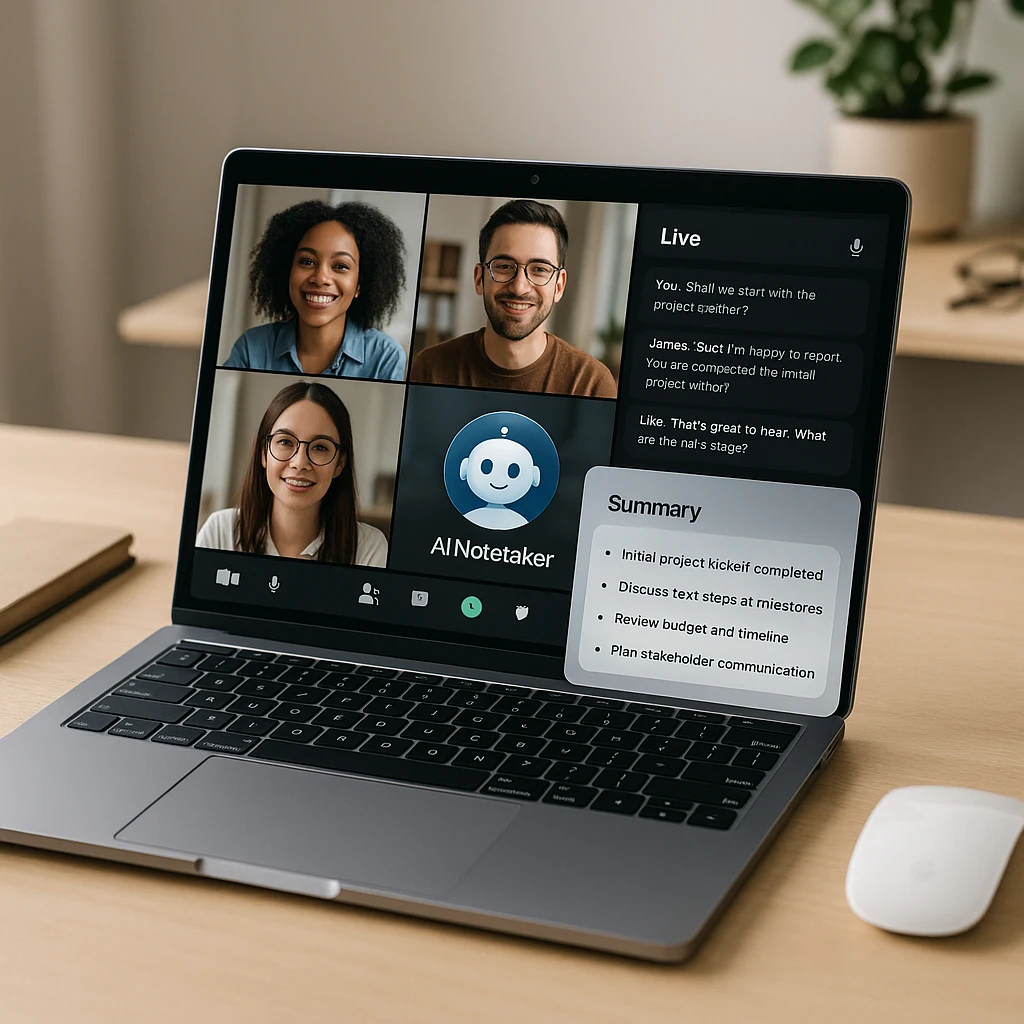
AI meeting notetakers automate all of that. They join your calls, record the audio and video, transcribe what everyone said, and run it through a large language model to pull out summaries, decisions, and next steps. This comparison covers the tools people actually pit against each other: Otter, Fireflies, Fathom, MeetGeek, and tl;dv, plus Grain and our own ScreenApp. For a deeper look at video analysis, OCR, and the shift from bots to agents, see our best AI meeting agents guide. If you’re comparing plan caps and buyer trade-offs, read our Otter.ai pricing and alternatives guide. For platforms beyond meeting-specific tools, see our AI video intelligence tools comparison. Need a meeting assistant right now? Try our AI note taker or the meeting recorder.
Quick Picks
- Fathom. Best free option. Unlimited recording, solid summaries, works with Zoom/Meet/Teams. $0 forever.
- Otter.ai. Best for live collaboration. Real-time transcription you can edit during the call. Free 300 min/mo, $16.99/mo paid.
- ScreenApp. Best for video workflows. Records meetings plus full video analysis, searchable transcripts, AI clips. Pro is $19/mo billed annually.
The short version: which one wins
If you do not want to read all seven reviews, here is the one-liner on each:
- Fathom is the best free option. Unlimited recording, though the deep AI summaries are capped at five meetings a month on the free plan.
- Otter.ai is the one to pick if you want to read and edit the transcript live, while the call is still happening.
- Fireflies.ai is the sales pick. It logs everything to your CRM and adds conversation intelligence across your pipeline.
- MeetGeek is the most hands-off. It emails the notes and action items to you the moment the call ends and tracks meeting KPIs, so you rarely open the app.
- tl;dv is built for user research. Unlimited free recording and strong search across many calls.
- Grain is the one for cutting and sharing short video clips from your meetings.
- ScreenApp is ours. Pick it when you need meeting notes plus screen recording and video analysis in one place.
The rest of this guide is the detail behind those calls: free-tier limits, pricing, and where each one actually falls down.
Comparison Table
| # | Tool | Free Tier | Paid Price | Best for |
|---|---|---|---|---|
| 1 | Fathom | Unlimited (5 AI summaries/mo) | Free / Premium | Budget-conscious teams |
| 2 | Otter.ai | 300 min/mo | $16.99/mo | Live collaboration |
| 3 | Fireflies.ai | 800 min/mo | $10/mo | CRM integration |
| 4 | Grain | Limited trial | $19/mo | Sales teams, video clips |
| 5 | tl;dv | Unlimited recording | $20/mo | Customer research |
| 6 | MeetGeek | 3 hrs/mo (unlimited summaries) | $15.99/mo | Auto-emailed notes + insights |
| 7 | ScreenApp | 2 transcriptions, up to 45 min each | $19/mo annual | Video analysis workflows |
How this comparison was put together
I am not going to pretend I ran a controlled lab test on all seven. This comes from each tool’s current pricing and plan limits (checked in June 2026, and these pages change often, so confirm before you buy), their feature and integration docs, and hands-on use of the one flow that matters: join a call, transcribe it, and get a summary and action items you can actually send. Full disclosure, we make ScreenApp, so read its entry as the one with a house bias and try the others yourself.
Fathom - Best Free Option
Unlimited recording and clean summaries, at no cost
Fathom is the only free AI meeting notetaker with no usage limits. It joins your Zoom, Google Meet, or Microsoft Teams calls, records everything, and sends you a transcript and summary afterward. Its summaries are surprisingly good for a free tool, pulling out decisions, action items, and key points in a clean bulleted format.
Key Features
Pros
- •Genuinely free with unlimited recording
- •Solid AI summaries for a free tool
- •Clean, uncluttered interface
- •Integrates with Salesforce and HubSpot
Cons
- •No video playback, audio-only after the call
- •Summaries are shorter than paid tools
- •No advanced search
Best For
Budget-conscious teams who want unlimited meeting notes without paying a cent.
Otter.ai - Best for Live Collaboration
Read and edit the transcript while the call is happening
Otter.ai pioneered real-time transcription you can see and edit during the call. It shows live captions as people speak, and you can highlight moments, add photos, or assign action items without waiting for the meeting to end. The free tier gives you 300 minutes a month, about 6-7 typical meetings. Paid plans start at $16.99/month and add custom vocabulary, advanced search, and priority support.
Key Features
Pros
- •Live transcription you can edit during calls
- •Excellent speaker identification
- •Mobile app works well
- •Integrates with Slack and Salesforce
Cons
- •Free tier runs out fast with daily meetings
- •Summaries are less detailed than Fireflies or Grain
- •Video playback is limited
Best For
Anyone who wants to read, edit, and act on the transcript live, while the meeting is still happening.
Fireflies.ai - Best for CRM and Sales
Logs every call to your CRM with conversation intelligence
Fireflies.ai is the most popular AI notetaker for CRM workflows. It automatically logs call notes to Salesforce, HubSpot, or Pipedrive, and tracks talk time, sentiment, and topic mentions across all your calls. The free plan is generous at 800 minutes a month, and paid plans start at $10/month for unlimited transcription, custom topic tracking, and conversation intelligence.
Key Features
Pros
- •Best-in-class CRM integration
- •Generous free tier (800 min)
- •Conversation intelligence for sales teams
- •Supports more platforms than competitors
Cons
- •Interface is busier than Fathom or Otter
- •Video search only on higher plans
- •Some report the bot joining Teams calls late
Best For
Sales teams who want every call logged to the CRM automatically, with intelligence across the pipeline.
Grain - Best for Video Clips
Cut and share short clips from your meetings
Grain is built for teams that want to create and share video clips from their meetings. It records the call, transcribes it, and lets you highlight specific moments to turn into shareable clips. Sales teams use it to pull customer objections, onboarding demos, or feature requests into short videos for product or marketing. It costs $19/month per user, with no free tier beyond a limited trial.
Key Features
Pros
- •Best-in-class video clipping
- •AI highlights for sales moments
- •Integrates with Notion and Slack
- •Searchable library of customer insights
Cons
- •No free tier
- •Expensive for individuals
- •Summaries less detailed than Fireflies
- •Limited export formats
Best For
Teams who turn customer moments into shareable clips for product, sales, or marketing.
tl;dv - Best for User Research
Unlimited free recording and search across every call
tl;dv (short for "too long; didn't view") started as a meeting recording tool for customer research and product teams. It gives you unlimited free recording on Zoom and Google Meet, which makes it one of the best free options alongside Fathom. The $20/month plan adds AI summaries, topic tagging, and multi-meeting search. Its strength is organizing insights across many calls, which is gold if you run a lot of user interviews.
Key Features
Pros
- •Genuinely unlimited free tier
- •Great for user research workflows
- •Tag and search across all your calls
- •Clickable timestamps jump to the moment
Cons
- •AI summaries are paid-plan only
- •Interface takes some getting used to
- •Fewer integrations than Fireflies or Otter
Best For
Researchers and product teams running lots of user interviews who need to search across many calls.
MeetGeek - Most Hands-Off
Notes and action items emailed to you automatically
MeetGeek is the most hands-off notetaker here. It joins the call, records and transcribes, then emails the summary and action items to you (and optionally the attendees) the moment it ends, so you never open the app for routine notes. It also tracks meeting analytics over time, like talk ratio and how many hours you are losing to meetings, which most of the others do not.
Key Features
Pros
- •Notes land in your inbox with no clicks
- •Unlimited AI summaries even on free
- •Meeting analytics and KPIs
- •Global search across every meeting
Cons
- •Free plan caps transcription at 3 hours a month
- •Video storage is short on lower tiers
- •Fewer deep CRM features than Fireflies
Best For
People who want the notes to arrive on their own, plus analytics on where meeting time goes.
ScreenApp - Best for Video Workflows
Meeting notes plus screen recording and video analysis
ScreenApp is a full video workflow platform: meeting recording, transcription, AI summaries, and video analysis in one place. Unlike the others here, it also records your screen, webcam, or both at once, which is handy for product demos, tutorials, or async updates. You can upload existing videos and run AI analysis on them, or use the built-in recorder for live meetings. The free plan gives you 2 transcriptions of recordings up to 45 minutes each and 3 uploads to try it.
Key Features
Pros
- •Works with any platform via screen recording
- •Meeting notes plus full video editing and analysis
- •AI clips, summaries, transcripts, searchable video
- •Supports 100+ languages
Cons
- •Not as laser-focused on meetings as Fathom or Otter
- •Free plan limited to 2 transcriptions of recordings up to 45 minutes each
- •Manual start unless you use calendar integration
Best For
Teams who need more than meeting notes: product demos, tutorials, async updates, and video analysis in one place.
How to Choose the Right Tool
Pick based on what you actually need:
If you just want free meeting notes with no limits: Use Fathom or tl;dv. Both offer unlimited free recording. Fathom has cleaner summaries. tl;dv is better if you do a lot of user research and want to search across many calls.
If you want to collaborate live during calls: Use Otter.ai. The real-time transcription is the best in the category, and you can assign action items or highlight quotes while the meeting is still happening.
If you need CRM integration for sales: Use Fireflies.ai. It logs everything to Salesforce or HubSpot automatically and gives you conversation intelligence across your pipeline.
If you want notes that email themselves, plus meeting analytics: Use MeetGeek. The summary and action items hit your inbox the moment the call ends, and it tracks KPIs like talk time across your meetings.
If you need video clips for training or product feedback: Use Grain. Its clipping workflow is the slickest of the bunch. You can pull a 30-second clip out of an hour-long call and share it with your team in seconds.
If you need meeting notes plus full video workflows: Use ScreenApp. It handles meeting recording, screen recording, transcription, summaries, and video editing in one platform.
What You Get with AI Meeting Notes
Every tool on this list gives you:
- Auto-join: The AI bot joins your scheduled calls automatically
- Transcription: Word-for-word text of everything said, with speaker labels
- Summaries: AI-generated bullet points covering key topics, decisions, and action items
- Search: Find specific moments by keyword or topic
- Sharing: Send notes to teammates or integrate with Slack, Notion, or your CRM
The differences come down to pricing, platform support, and whether you need extras like video clipping, live collaboration, or conversation intelligence.
Recording with ScreenApp
If you want to try ScreenApp for your meetings:
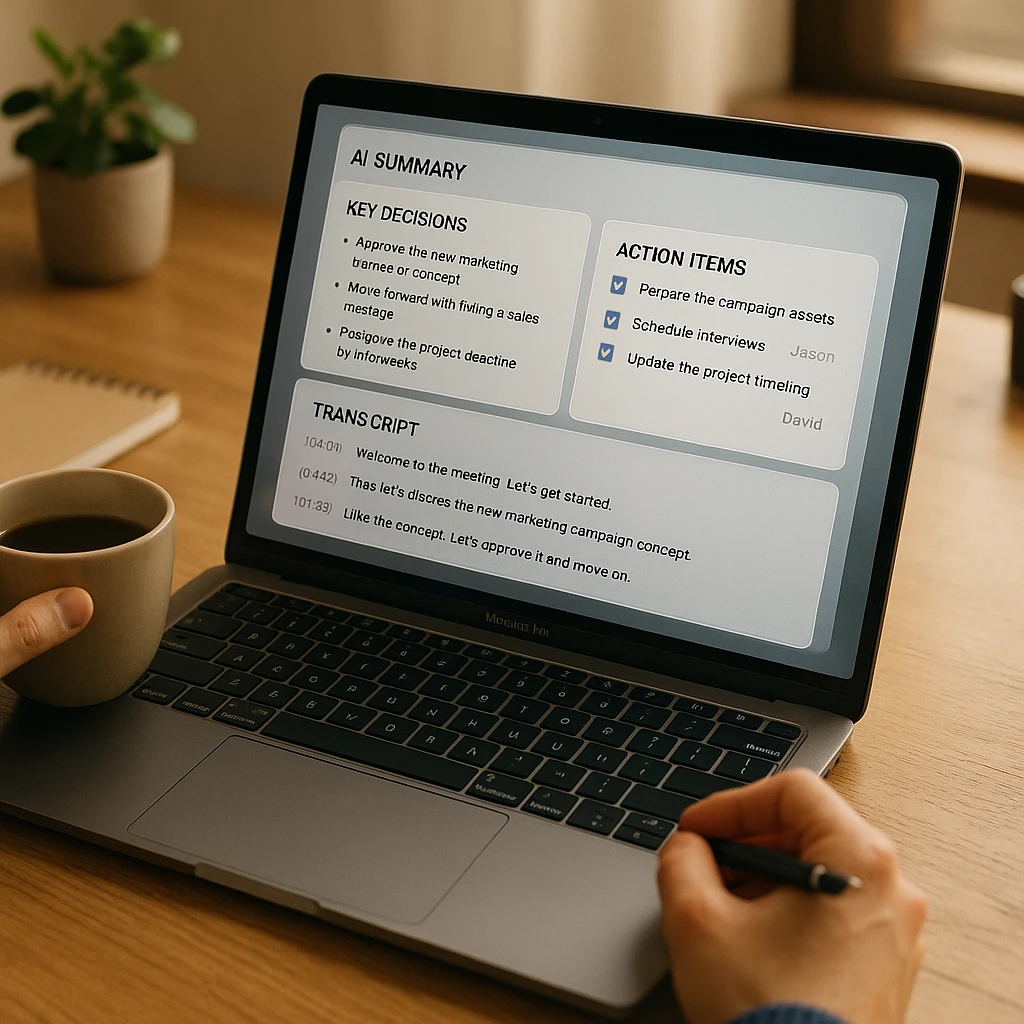
- Sign up free at screenapp.io/features/meeting-recorder and connect your calendar.
- Let it auto-record your next Zoom, Google Meet, or Teams call, or start a manual screen recording.
- Get AI summaries immediately after the call ends, with searchable transcripts and action items.
After the Meeting
Once you have your notes, you might also want:
- AI Meeting Summarizer: Turn hour-long recordings into 2-minute summaries
- Video to Document: Export full transcripts with timestamps as PDF or DOCX
- AI Note Taker: Generate structured notes from any video or audio file
FAQ
Which AI meeting notetaker is free?
Fathom and tl;dv both offer unlimited free recording and transcription, though Fathom limits its deep AI summaries to five meetings a month on the free plan. MeetGeek's free plan gives you 3 hours of transcription a month with unlimited AI summaries. Fireflies covers 800 minutes free, and Otter.ai limits you to 300 minutes a month.
Can AI notetakers join Google Meet and Microsoft Teams?
Yes. All seven tools support Google Meet and Microsoft Teams: Fathom, Otter.ai, Fireflies.ai, MeetGeek, Grain, tl;dv, and ScreenApp. Fireflies also supports Webex and Skype.
Do AI meeting bots record video or just audio?
Most AI notetakers record audio and transcribe it. Fathom is audio-only after the call ends. Otter, Fireflies, Grain, tl;dv, and ScreenApp all save the video so you can replay specific moments or create clips.
Can I use AI notetakers for Zoom webinars or large meetings?
Yes, but some tools have participant limits on lower-tier plans. Fathom, Otter, and Fireflies all support webinars and large meetings. ScreenApp works with any Zoom meeting size since it records your screen and audio directly.
Do AI meeting notetakers work in languages other than English?
Yes. ScreenApp supports 100+ languages including Spanish, French, German, Portuguese, Japanese, Korean, Russian, and Chinese, and MeetGeek handles 30+. Otter.ai supports English, Spanish, and French. Fireflies is English-first. As of mid-2026, Fathom, Grain, and tl;dv are primarily English.
Are AI meeting notes secure and private?
All six tools use encryption in transit and at rest. Fathom, Otter, Fireflies, and ScreenApp are SOC 2 compliant. If you work in a regulated industry (healthcare, finance), check whether the tool offers a BAA (Business Associate Agreement) or GDPR compliance. Otter and Fireflies both offer enterprise plans with enhanced security controls. For comprehensive workplace compliance guidance, see our AI Transcription Privacy and Compliance Guide.
Can I edit the AI-generated summaries?
Yes. All tools let you edit the transcript and summaries after the call. Otter.ai is unique in letting you edit the transcript in real-time during the call itself.