Top 10 Call Recording Apps: What Still Works in 2026

On this page
Most call recording listicles are recommending apps that stopped working years ago. Before picking one, three things changed underneath this whole category.
Google’s Play policy update of 6 April 2022 said the Accessibility API “is not designed for and cannot be requested for remote call audio recording” (Google Play policy announcement), which closed the workaround most Android recorders relied on. Apple went the other way and built recording into the phone itself in iOS 18.1 (Apple Newsroom). And two apps that show up in nearly every roundup, Rev Call Recorder and Truecaller’s iPhone recording, have since been switched off.
So the honest first step is not choosing an app. It is checking whether your phone already does this.
Vendor information last verified: 18 September 2026.
The short version
iOS 18.1 and later can record a call with one other person and save it to Notes, with a transcript in supported languages. Both people hear an audio notice. Not available in the EU and some other countries (Apple Support).
Google's 2022 policy cut off the Accessibility API workaround for downloaded apps. Google's own Phone app can record on supported phones and countries, and tells both people (Google Phone app help).
Many business calls now run through Zoom, Meet or a VoIP softphone, which sidesteps the phone-network problem.
Some places require every party to agree. Getting this wrong is a legal problem, not a settings problem.
What Actually Changed
Three separate events gutted this category between 2022 and 2025, and most roundups have not caught up.
Android lost the workaround. Developers had used the Accessibility API to capture call audio, and Google’s policy announcement of 6 April 2022 stated that the API “is not designed for and cannot be requested for remote call audio recording” (Google Play policy announcement). Dialer apps are a separate case. Google’s own Phone app has a record option on Pixel 6 and later with Android 14, and on other phones with Android 9 and later, in countries where Google supports it, and it notifies both parties when recording starts and stops (Google Phone app help). Other manufacturers’ dialers vary by model and country.
Apple built it in. iOS 18.1 arrived in October 2024 with call recording in the Phone app, and Apple says participants are automatically notified when a recording starts (Apple Newsroom). Recordings save to a Call Recordings folder in Notes, with a transcript in supported regions and languages and, on Apple Intelligence devices, a summary. It works when you are talking to one other person, and it is not currently available in the European Union and several other countries (Apple iPhone User Guide). There is a catch worth knowing: both people hear an audio notice, so this is not a discreet option, by design. FaceTime audio calls can be recorded too (Apple Support), and we walk through the steps in our guide to recording FaceTime calls with audio on iPhone and Mac.
The apps started shutting down. Rev ended support for its Call Recorder app on 31 October 2025 and told users to download recordings before the cutoff (Rev support). Truecaller stopped iPhone call recording from 30 September 2025, according to TechCrunch’s report of the company’s announcement (TechCrunch). Both still appear in listicles today.
Before You Record Anything
This part matters more than which app you pick, and it is the part most articles reduce to one line.
Consent law splits roughly two ways. Some jurisdictions need only one party to agree (you count), others need everyone on the call to agree. In the US, federal law requires the consent of at least one party (18 U.S.C. 2511), and the Reporters Committee for Freedom of the Press counts about 11 states that primarily require all-party consent: California, Delaware, Florida, Illinois, Maryland, Massachusetts, Michigan, Montana, New Hampshire, Pennsylvania and Washington (RCFP Reporters Recording Guide). The RCFP also notes that many of these laws carry criminal penalties and some allow civil lawsuits. Outside the US the rules differ again. In Victoria, Australia, for example, it is legal to record a private conversation you are a party to (Victoria Legal Aid).
Two practical rules that keep you clear. Say it out loud at the start, every time, even where the law does not require it, because it costs three seconds and removes most of the problem. And if the call crosses a state or national border, assume the stricter rule applies, which is the same advice the RCFP gives for calls between US states.
This is general information, not legal advice. Check the law where each person on the call is, or ask a lawyer. We went through the wider question of when recording is fair as well as legal in our guide to ethical meeting recording.
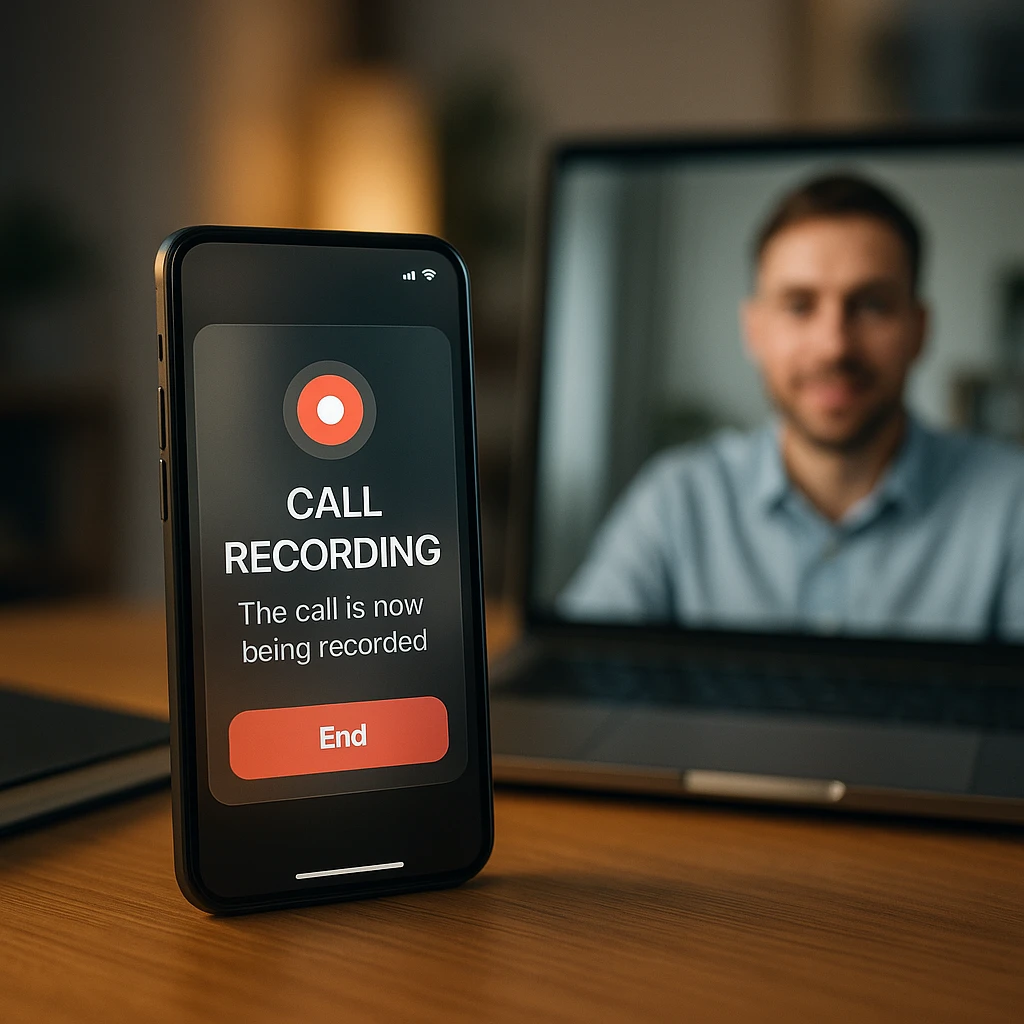
Worth adding: the iOS audio notice is Apple making that decision for you. Some people find it annoying. It also means the other person always knows.
The Apps At A Glance
Status is the column to read first. “Device dependent” means the app itself is fine but Android will only let it record if your manufacturer’s dialer allows it.
| App | Platform | Cost | Status in 2026 | Best for |
|---|---|---|---|---|
| ScreenApp | Browser, desktop apps | Free plan (2 transcriptions, up to 45 min each) | Works | Calls you can join on a computer |
| Cube Call Recorder ACR | Android | Free with ads | Device dependent | Older or manufacturer-supported Androids |
| Automatic Call Recorder | Android | Free with ads | Device dependent | Set and forget capture (no Play Store update since November 2022) |
| TapeACall | iOS and Android | Free trial, then paid | Works where carrier conferencing is available | iPhone users who need a merged-call recording |
| CloudTalk | Cloud phone system | From €19/user/mo billed annually | Works | Sales and support teams |
| Amie | Mac, Windows, iOS | Paid, 7-day trial | Works | Calendar-driven work calls |
| Truecaller | Android only now | Free and paid | Android only | Caller ID first, recording second |
| Rev Call Recorder | Retired | Gone | Discontinued | Nobody, it shut down in 2025 |
| CallApp | Android | Free with ads | Device dependent | Caller ID plus call recording |
| Callnote | Desktop | Unverified | Vendor site gone | Nobody until its status is clear |
Sources, checked 2026-09-17: ScreenApp pricing
The Apps, Ranked
Ordered by whether they solve the problem you actually have. Two of the ten are here as warnings rather than recommendations.
The order is editorial judgement, not a test score: tools that still record both sides of a call according to their vendor’s own documentation come first, then platform reach, then price. ScreenApp is listed first because it is our product and it fits calls that happen on a computer.
Status was checked against each vendor's own pages and app store listings on 18 September 2026. Android behaviour varies by manufacturer, so test before relying on any of these.
1. ScreenApp
Records the call on a computer, then transcribes it
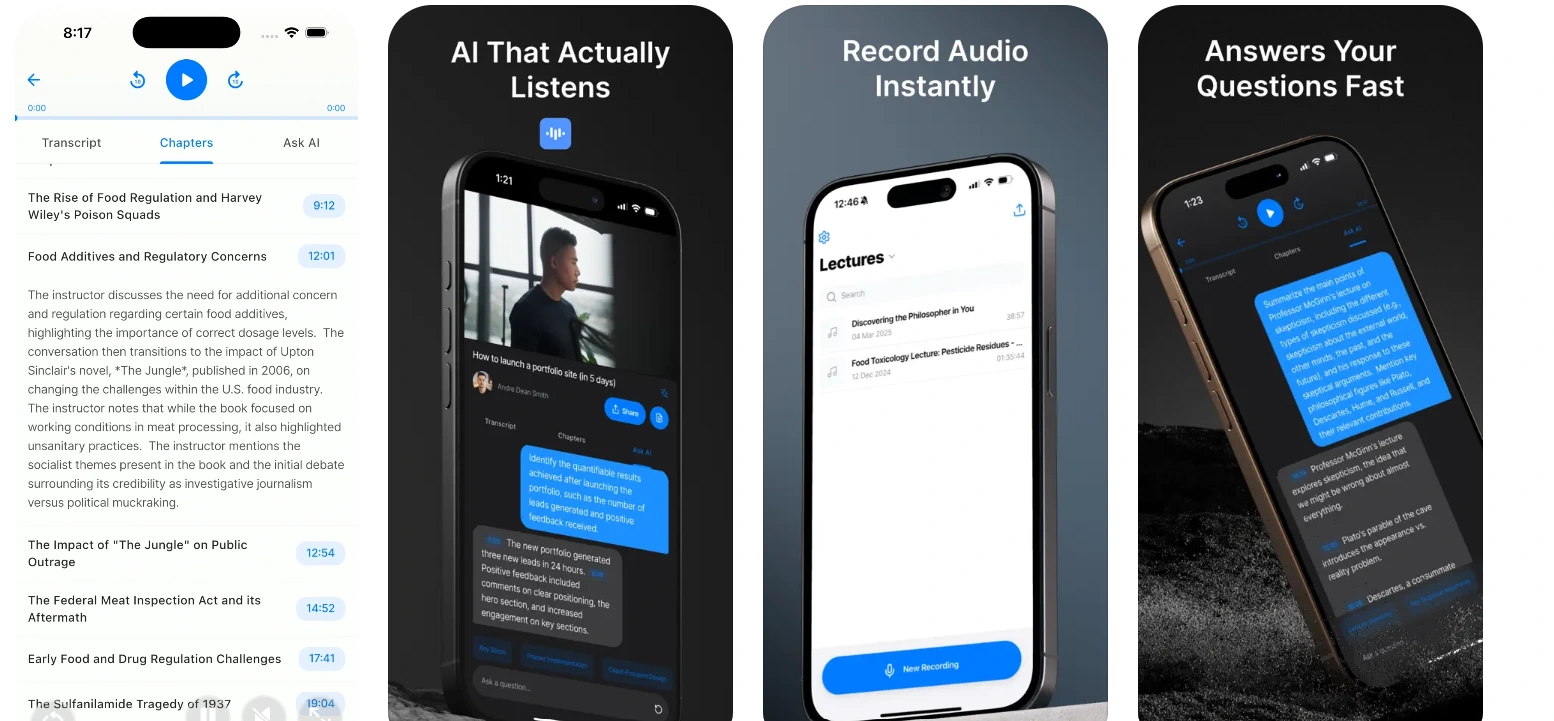
ScreenApp runs in the browser, with Mac (Apple silicon) and Windows apps as well, so it sidesteps the phone-network problem by recording the call as it plays on your computer. That covers Zoom, Meet, Teams and VoIP softphones, and for Zoom, Google Meet and Microsoft Teams there is also a meeting bot that can join and record for you. The free plan includes 2 transcriptions of recordings up to 45 minutes each, with no card required. We built it, so treat this as an explanation rather than a review: it fits when the call is on a screen, and it does not record a cellular call on your phone. ScreenApp's iOS and Android apps record audio in the room, not phone calls. Recording comes with a transcript and a summary rather than an audio file you still have to listen back to.
Pros
- -No install, works from a browser tab
- -Transcript and summary, rather than raw audio
- -Unaffected by the Android API ban
- -Recordings stay searchable afterwards
Cons
- -Cannot record a cellular call on a phone
- -Needs the call to be on a computer
Best For
Sales, support and client calls that already happen on a laptop.
2. Cube Call Recorder ACR
The long-running Android recorder, if your phone allows it
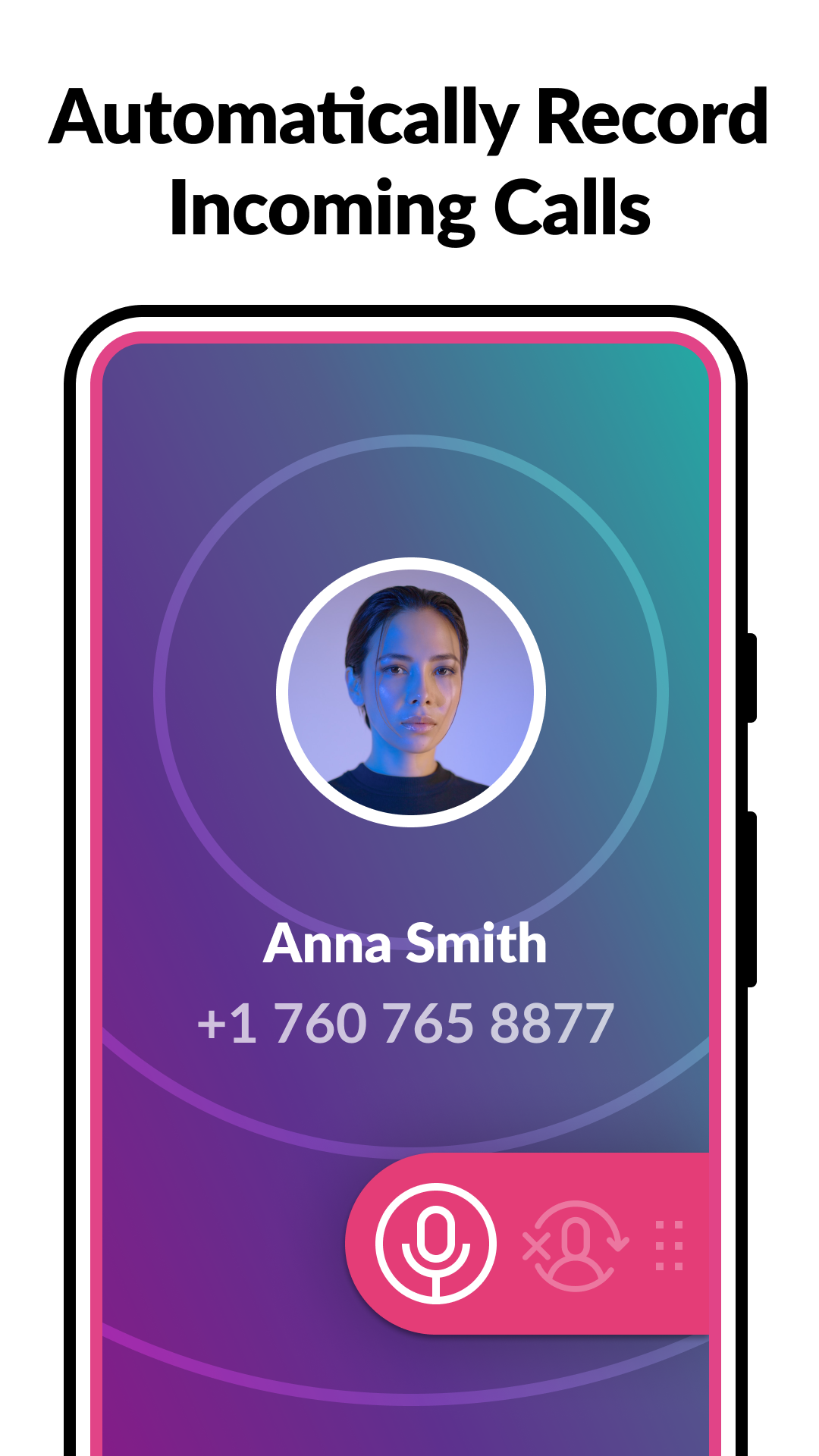
Cube Call Recorder ACR was for years the default recommendation on Android. Its Google Play listing describes automatic recording of phone calls and manual recording of VoIP (Voice over Internet Protocol) apps such as WhatsApp, Google Meet and Viber, with cloud saving, ads and in-app purchases (Google Play listing). Since the 2022 policy change its behaviour depends on your device. The listing itself says that if you hear only yourself on playback, you should try a different recording source or speaker mode. Test it on a call to yourself before trusting it with anything important.
Pros
- -Handles VoIP apps as well as phone calls
- -Automatic recording once configured
- -50M+ downloads on Google Play (listing checked 18 September 2026)
Cons
- -May capture only your side after the API change
- -Behaviour varies by manufacturer
- -Ads unless you pay
Best For
Android users on a device whose dialer still permits recording.
3. Automatic Call Recorder
Set it once and forget it, where it works
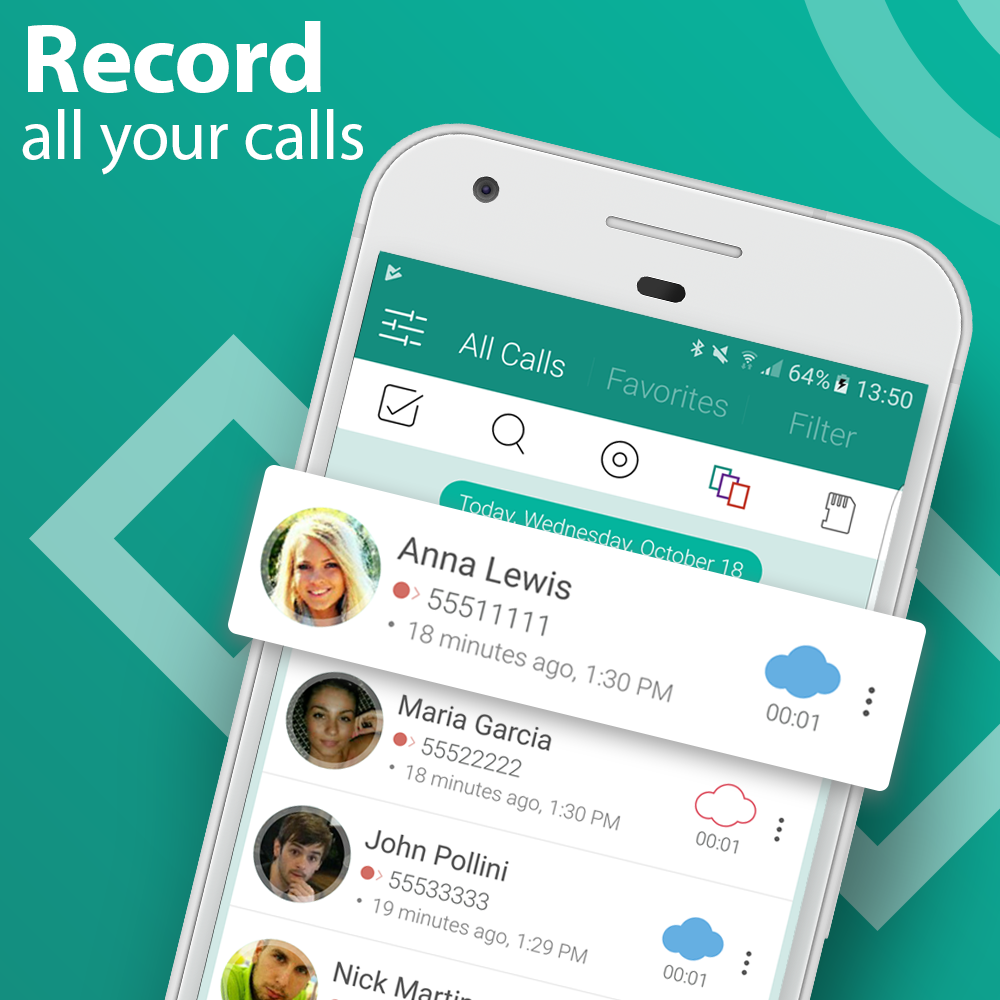
Automatic Call Recorder, listed on Google Play as Automatic Call Recorder Pro, records incoming and outgoing calls without you touching anything, with rules per contact and sharing to Dropbox and Google Drive. The listing shows ads and in-app purchases, and its last update was 1 November 2022 (Google Play listing). Same caveat as every Android recorder now: whether it gets the other party depends on your phone.
Pros
- -Genuinely automatic, no per-call action
- -Simple interface with little to configure
- -Shares recordings to Dropbox and Google Drive
Cons
- -Same post-2022 recording limits as its rivals
- -Free version is ad-supported
- -No Play Store update since November 2022
Best For
Someone who wants every call captured without thinking about it.
4. TapeACall
Merges a second line in, which is why it still works
TapeACall gets around the iPhone restriction the old-fashioned way: it adds a recording line to your call using your carrier's conference calling feature, so the recording happens on their server rather than on your phone (TapeACall compatibility). That is why it survived when app-based recorders did not. It is on iOS and Android, offers a free trial, and lists transcription and cloud storage on its site, which carries a Bending Spoons copyright (TapeACall). It only works if your carrier supports conference calling, and it is only in a country's App Store if TapeACall has an access number there.
Pros
- -Works on iPhone without OS support
- -Unaffected by the Android API change
- -Cloud storage and transcription, per the vendor
Cons
- -Needs carrier conference calling
- -Not available in every country
- -Extra step at the start of every call
Best For
iPhone users on a carrier that supports conference calling.
5. CloudTalk
Business call recording with conversation intelligence on top
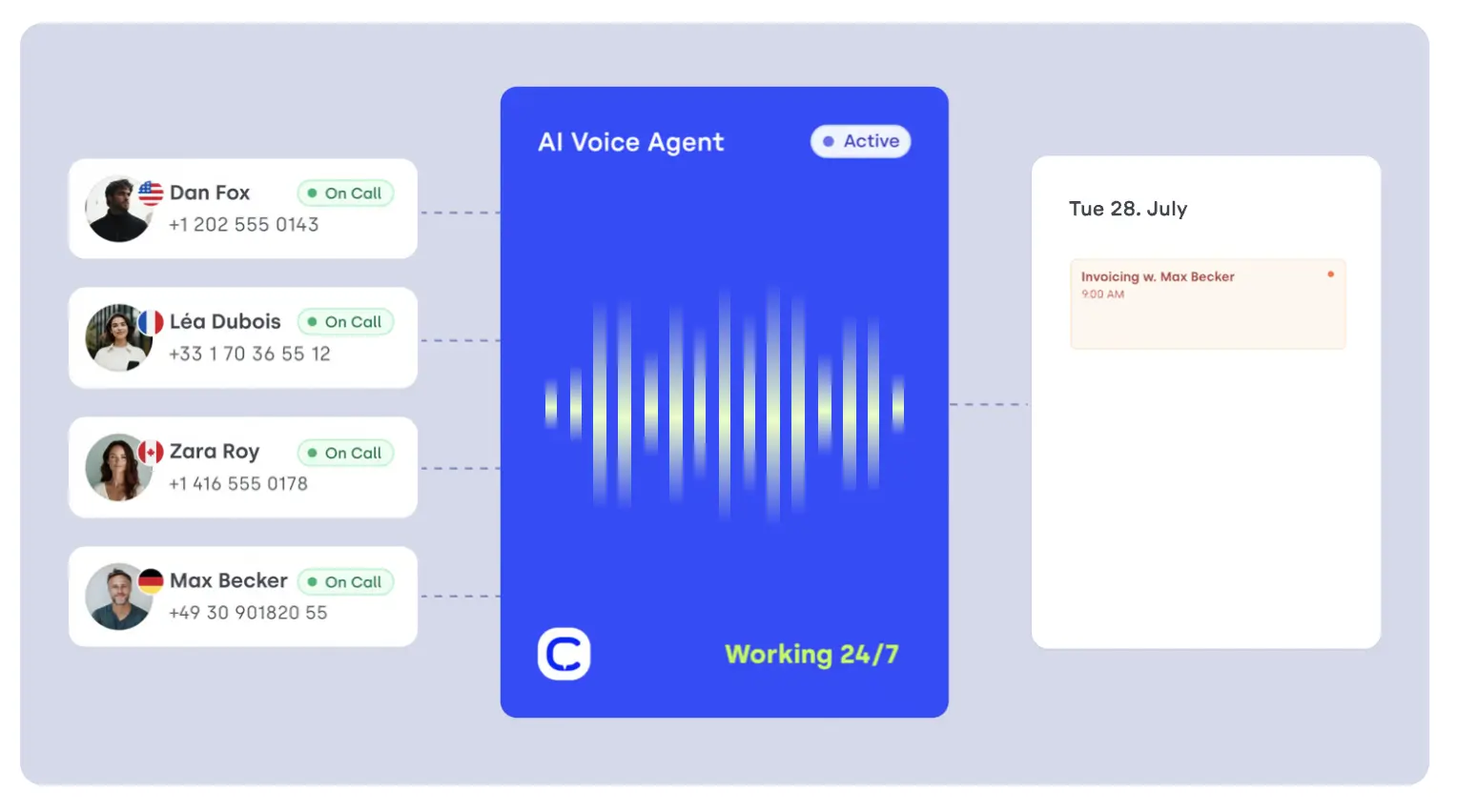
CloudTalk is a cloud phone system rather than a recorder, which is the reason it belongs on this list at all. Because calls run through its own network instead of the handset, none of the Android or iOS restrictions above apply. CloudTalk says every inbound and outbound call is recorded automatically on every plan, with automated disclosure prompts in the IVR (CloudTalk call recording). Transcripts, summaries and sentiment analysis come with the AI Conversation Intelligence add-on, and local numbers cover 160+ countries. Plans start at €19 per user a month billed annually (Lite), with a 14-day trial (CloudTalk pricing). The point is what happens after the call: recordings feed coaching, quality assurance and CRM records instead of piling up as audio nobody replays. We put it beside its rivals in our [conversation intelligence software review](/blog/best-conversation-intelligence-software-review).
Pros
- -Records every inbound and outbound call with no per-call action
- -Transcripts, summaries and sentiment with the AI add-on
- -Automated disclosure prompts, which matters in all-party consent states
- -HubSpot, Pipedrive and Zendesk integrations on all plans; Salesforce on the Expert plan
Cons
- -Built for teams, so it makes little sense for one person
- -Not built for personal calls
- -Per-user pricing adds up across a large team
- -Conversation intelligence is a paid add-on
Best For
Sales and support teams where call quality affects revenue, and regulated businesses that need auditable records. If you are recording your own calls, this is far more platform than you need.
6. Amie
Calendar first, recording as part of the workflow
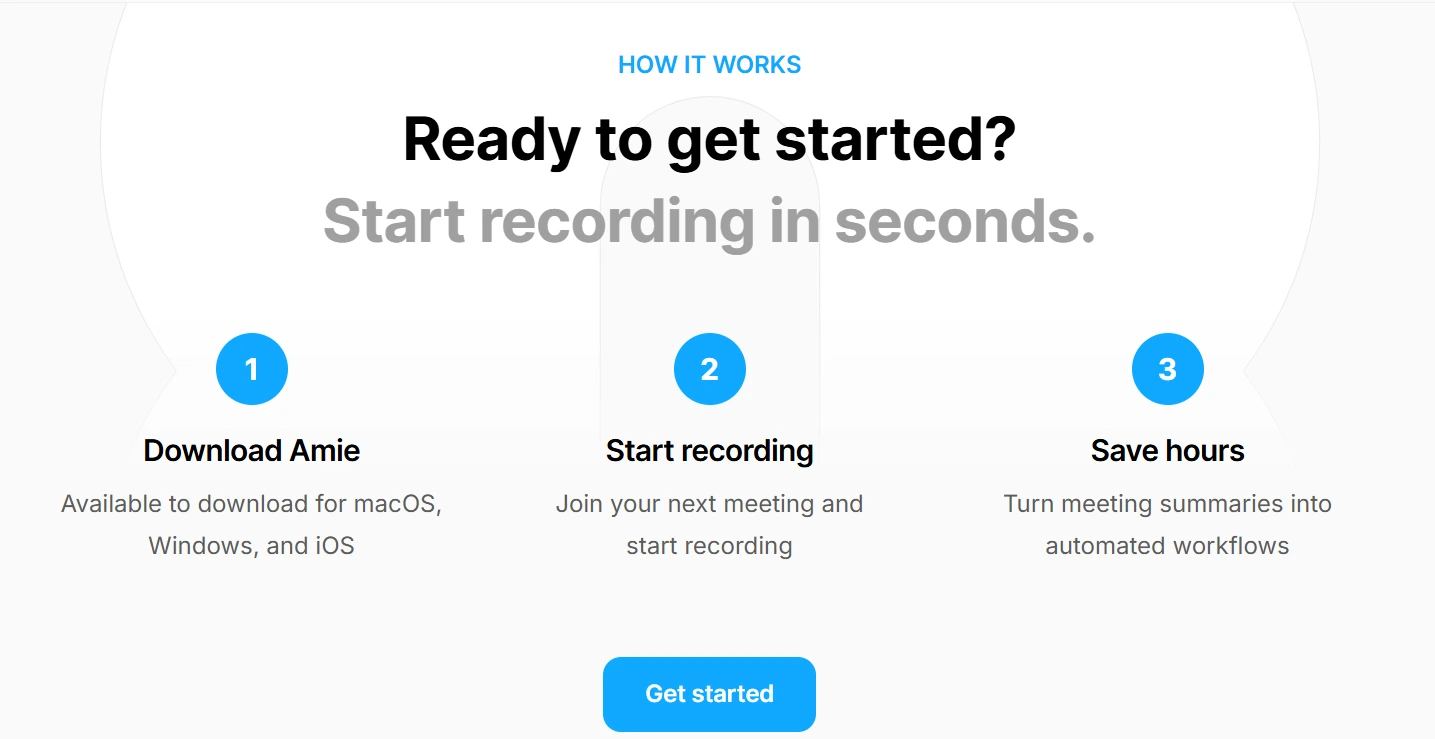
Amie is a calendar and workflow tool that happens to record, rather than a recorder with a calendar bolted on. It records meetings, generates transcripts, summaries and action items, and runs on macOS, Windows and iOS (Amie). Its Pro and Business plans include bot-free recordings and meeting notes, with a 7-day free trial (Amie pricing). Amie is aimed at people whose calls are scheduled work meetings, so it makes little sense for spontaneous mobile calls.
Pros
- -Recording sits inside a real workflow
- -Notes and tasks link back to the meeting
- -Good fit for scheduled work calls
Cons
- -No use for cellular calls
- -Paid plans only, after a 7-day trial
- -You are adopting a calendar, rather than only a recorder
Best For
Professionals whose calls are all scheduled meetings anyway.
7. Truecaller
Caller ID first, and Android only for recording now
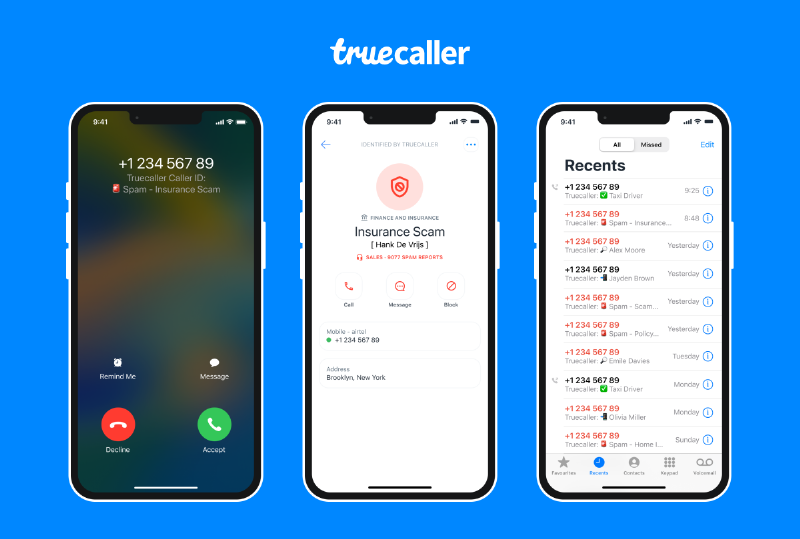
Truecaller is mainly a caller ID and spam blocker. Its Android listing describes a call recorder with transcripts and summaries, and lists call recording among Premium features (Google Play listing). The important update: Truecaller told TechCrunch that call recording would stop working on iPhone from 30 September 2025 (TechCrunch). On Android it continues, subject to the same device limits as everything else here. If you already pay for it for spam blocking, the recording is a bonus rather than a reason to subscribe.
Pros
- -Caller ID and spam blocking are the core product
- -Recording with transcripts and summaries on Android
- -Spam database updated by its users, per the listing
Cons
- -iPhone recording ended in September 2025
- -Recording is listed as a Premium feature
- -Asks for broad contact permissions
Best For
Android users who already want caller ID and spam blocking.
8. Rev Call Recorder
Shut down in 2025, listed here so you stop looking
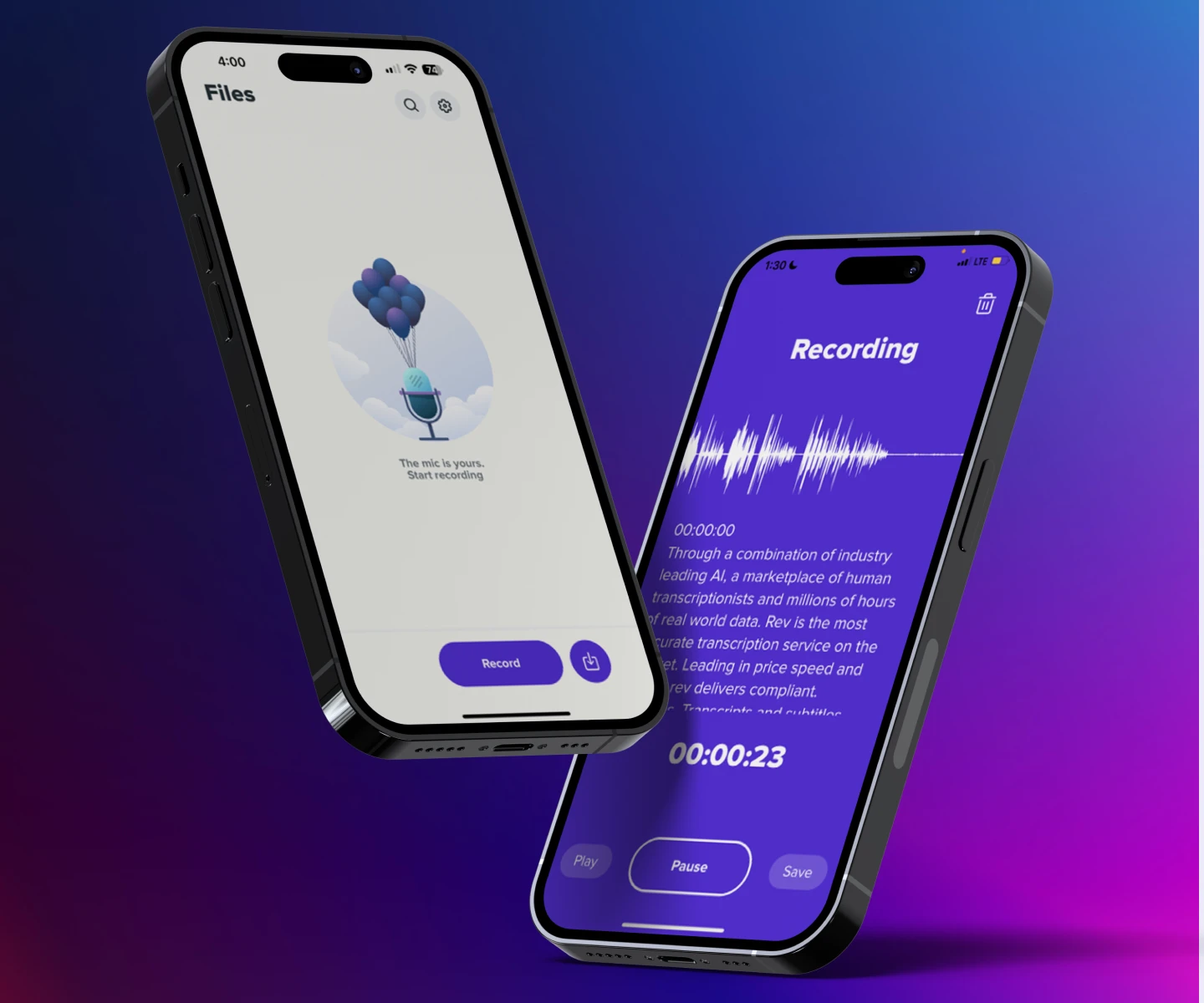
Rev Call Recorder was the free iPhone recorder most people recommended, paired with Rev's paid human transcription. Rev ended support on 31 October 2025 and told users to download recordings before that date, saying its support team could not recover them. Rev also says the app will not restore on new phones (Rev support). Rev's current app is a voice recorder with transcription, and its app page does not list phone call recording (Rev app page). It stays on this list only because it is still being recommended elsewhere.
Pros
- -Was free to download while it ran
- -Linked to Rev's paid transcription
Cons
- -Discontinued on 31 October 2025
- -Will not restore on a new iPhone
- -Recordings not backed up before the deadline are gone
- -Rev's current app is a voice recorder, not a call recorder
Best For
Nobody. If a listicle still recommends it, that listicle is stale.
9. CallApp
Recording bundled with caller ID and SMS
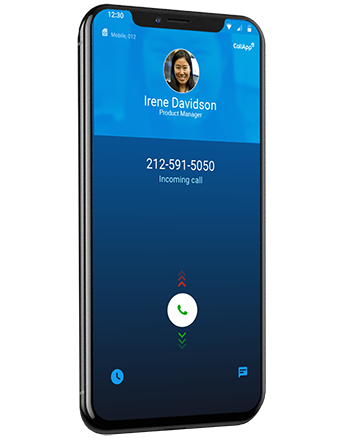
CallApp bundles automatic call recording with caller ID, spam blocking and a default SMS app, and says recordings can be saved to the cloud on most Android devices (Google Play listing). As with the other Android entries, recording reliability comes down to your device. The app shows ads and has in-app purchases.
Pros
- -Can replace your SMS app as well
- -Caller ID and spam blocking included
- -Cloud saving for recordings
Cons
- -Ad-heavy without the subscription
- -Recording limited by the 2022 policy change
- -Wants a lot of permissions
Best For
Android users wanting one app for caller ID, spam blocking, SMS and recording.
10. Callnote
Recorded meeting apps, but its status is now unclear
Callnote was a desktop recorder for Skype, Zoom, Google Meet and similar calls, the same structural workaround ScreenApp uses: capture what is on the computer instead of fighting the phone network. We could not verify it for 2026. Its old domain, callnote.net, showed an unrelated casino review site when we checked on 18 September 2026, and Skype itself was retired on 5 May 2025 (Microsoft Support). Until the developer publishes a current site, avoid installers from third-party download mirrors.
Pros
- -Desktop capture is not affected by mobile OS restrictions
- -Covered several meeting platforms
Cons
- -Official website no longer about Callnote
- -Skype, one of its main targets, is retired
- -Install required, unlike browser tools
Best For
Nobody until the developer confirms it is still maintained. For desktop calls, pick a tool with a current vendor site.
Record The App, Not The Line
Here is the shift worth making if most of your calls are for work.
The reason mobile call recording is such a mess is that it fights the phone network, and on both iPhone and Android the dependable option is now the recorder built into the phone. Meanwhile, many business calls stopped being phone calls. They run through Zoom, Meet, Teams or a softphone connected to VoIP services, all of which are just audio on a computer.
Audio on a computer is a much easier problem. The mobile call-recording policies above do not apply, and you capture the call audio as your computer plays it instead of whatever the handset allows.
So if you are trying to record client calls, sales calls or interviews, moving them onto a platform you can record is a far better use of an afternoon than testing six Android apps to find which one your phone tolerates. A browser-based call recorder or a dedicated meeting recorder covers it, and neither cares what phone you own.
One thing to check before you pick: some tools join the call as a visible bot participant, which changes the room. We rounded up the meeting recorders that work without a bot if that matters to your clients.
Mobile-only calls are the genuine exception. For those, use whatever your handset provides natively and accept the announcement.
From Recording To Notes
A recording you never listen to again is just storage costs.
That is the part the app list above mostly ignores. Several of the phone apps capture audio and stop there, which means the work of finding the one thing you needed still falls to you, scrubbing a timeline weeks later.
Transcription changes the economics. Once a call is text, you can search it, quote it and paste the relevant part into a CRM note in seconds. A meeting summarizer cuts a 40-minute call down to the decisions and the follow-ups, which is the version anyone will actually read.
The pattern that actually sticks, from watching people do this badly: record everything, transcribe everything, keep almost nothing. Skim the summary the same day, save the two lines that matter into wherever the work lives, and let the audio expire.
If your calls are mostly team meetings rather than one-to-one, our roundup of AI meeting assistants for Teams covers the tools built for that.
FAQ
Why did my call recorder app stop working on Android?
Google's Play policy announcement of 6 April 2022 said the Accessibility API "cannot be requested for remote call audio recording", which was the workaround most downloaded recorders used (Google Play policy announcement). Many of those apps now record only your own microphone, or nothing at all.
Can iPhones record calls now?
Yes, natively, from iOS 18.1 onwards, when you are talking to one other person. During the call, tap the recording control on the call screen, then Call Recording. The recording lands in a Call Recordings folder in Notes, with a transcript in supported regions and languages, and a summary on Apple Intelligence devices. Both people hear an audio notice that the call is being recorded.
What is the best free call recording app?
Our editorial judgement, based on cost and whether the tool still records both sides: on iPhone, the one already on your phone, because iOS 18.1 recording is built in at no extra cost where Apple offers it. On Android it depends on your phone's own dialer rather than on any app you can download. For calls on a computer, browser-based tools with free plans are not affected by either restriction.
Is Rev Call Recorder still available?
No. Rev ended support on 31 October 2025 and told users to download recordings before that date, saying its support team could not recover them. Rev also says the app will not restore on new phones (Rev support).
Is it legal to record a phone call?
It depends on where everyone on the call is. US federal law needs the consent of at least one party, which can be you, but about 11 states primarily require everyone's consent, and many of these laws carry criminal penalties (RCFP Reporters Recording Guide). Other countries, and states within them, have their own rules.
Can ChatGPT record my phone calls?
Not a phone call on your phone. ChatGPT has a record mode in its macOS desktop app, for Plus, Pro, Business, Enterprise and Edu workspaces, that transcribes and summarises meetings and voice notes using your Mac's microphone and system audio (OpenAI Help Center). For a cellular call you still need something in the phone's audio path, which in practice means your phone's own recorder.
How do I record a Zoom or Teams call if I am not the host?
The meeting app's own record button may need the host's permission. A browser or desktop recorder captures the audio playing on your own machine instead, but that does not change the law or the meeting's terms. Tell the other participants and get their agreement, because the consent rules apply the same way they do on a phone call.
Do call recording apps capture both sides of the conversation?
That is exactly what broke on Android. Since the 2022 change, many apps record only your own microphone, so you hear yourself clearly and the other person faintly or not at all. Cube ACR's own listing tells users what to try if they hear only themselves on playback (Google Play listing). Test with a call to a second phone before you rely on it.
Can I record calls without the other person knowing?
Legally, often no, and technically it is getting harder. iOS and Google's Phone app both notify the other person when recording starts, and all-party consent jurisdictions require everyone's agreement regardless of what your software allows (RCFP). Treat covert recording as a legal question rather than a feature question.
What happens to my recordings if an app shuts down?
You lose them unless you exported first, which is what caught out Rev users in 2025. Anything stored only in a vendor's cloud is only as durable as that vendor. Download anything you would be unhappy to lose, and keep the transcript as well as the audio, since text survives format changes better.