Best AI YouTube Scrapers and Transcript Extractors for Video Research

On this page
Researching a topic on YouTube means confronting an unpleasant ratio: the answers you need are spread across forty videos averaging eighteen minutes each, and you do not have twelve hours. The tools that fix this get lumped together under “YouTube scraper,” and that lumping is exactly why people end up with the wrong one.
Three different jobs hide under that label. A YouTube scraper collects data about videos: titles, channels, view counts, upload dates, comments, at volume. A transcript extractor gets you what was actually said inside one video, as text. And an AI video research tool takes that text and does the part you actually wanted: tells you what the videos argue, what questions they answer, and what they missed. Most “best YouTube scraper” lists review the first category and quietly ignore that most searchers need the second or third.
This guide covers all three layers, with the honest boundaries: which tools scrape, which extract, which analyze, what each costs in setup effort, and where the official API quietly refuses to help.
Scraper, Extractor, or AI Analyzer: Which One Do You Actually Need?
The fastest way to pick is to look at the question you are trying to answer.
"Which videos exist?"
That is a scraping job. You want metadata at volume: every video a channel published, titles, dates, views, maybe comments. Output is a CSV or JSON you filter and sort. The video content itself stays unread.
"What was said in them?"
That is transcript extraction. Most YouTube videos carry a caption track (uploaded or auto-generated), and extractor tools pull it as timestamped text without downloading the video at all.
"What does it all mean?"
That is AI analysis: summaries, recurring topics, the questions every competitor answers, the claims worth checking. It runs on the transcripts, which is why the second layer feeds the third.
One more distinction that saves people from the wrong tool entirely: scraping is not downloading. Scraping collects information about and inside videos; downloading obtains the media file itself, which is a different job with different tools and different rules, covered in our roundup of YouTube downloaders. For research, you almost never need the file. The words and the metadata carry the value.
What Can You Actually Extract From YouTube?
More than most people assume, and knowing the full menu changes what you ask your tools for.
Video metadata. Title, description, URL, channel, upload date, duration, view count, thumbnail, and tags where exposed. The backbone of any channel or competitor dataset.
Transcripts and captions. The spoken words with timestamps, from uploaded or auto-generated caption tracks, plus available translations. The highest-value layer for research.
Channel data. Full video lists with dates and stats, which is how you read a competitor's publishing cadence and topic strategy at a glance.
Comments. The best free source of audience questions and objections anywhere. Treat them as personal data for privacy purposes, because they are.
AI-derived information. Everything the raw layers cannot give you directly: main topics, key claims, questions answered, named entities, quotable lines, and the gaps nobody covers. This layer is computed from the transcripts, which is why transcript quality caps everything above it.
Quick Comparison
| Tool | Metadata scraping | Transcripts | AI analysis | Best for |
|---|---|---|---|---|
| Apify | Yes, at scale | Yes, via actor | No | No-code bulk data collection |
| yt-dlp | Yes, 88 fields per video | Yes, caption files | No | Developers, free and open source |
| YouTube Data API | Yes, official and structured | Only for your own videos | No | Compliant apps and dashboards |
| youtube-transcript-api | No | Yes, in Python | No | Bulk transcripts for scripts |
| ScreenApp | No | Yes, from a pasted link | Yes, summaries and Q&A | Understanding what videos say |
Scores in the reviews below are our editorial judgment of fit for video research, not lab measurements.
The Tools, Reviewed
1. Apify
No-code YouTube data scraping at scale
Apify is a scraping platform where prebuilt "actors" do the work: point the YouTube Scraper actor at a search term, channel, or list of URLs and it returns titles, descriptions, view counts, upload dates, and channel data as JSON or CSV. A separate transcript actor pulls caption text, and scheduled runs with webhooks turn one-off scrapes into a monitoring pipeline.
The free tier gives you platform credits to test with; real research volumes run into paid usage. The other cost is conceptual: Apify hands you excellent raw data and no interpretation, so plan the analysis layer separately.
Pros
- •Handles channels and bulk URL lists without writing code
- •Scheduling, webhooks, and API delivery built in
- •Exports clean JSON and CSV for spreadsheets
Cons
- •Credits run out fast at research volumes
- •Raw data only; no summaries or analysis
Best For
Marketers and researchers who need metadata from hundreds of videos without writing a scraper themselves.
2. yt-dlp
The open-source standard for metadata and caption extraction
yt-dlp is the command-line tool the rest of this field quietly builds on. One command returns 88 metadata fields per video with no API key, and the same tool downloads uploaded or auto-generated caption tracks as subtitle files, which makes it a transcript extractor as much as a scraper. It is free, actively maintained, and scriptable into any pipeline.
The honest cost is the interface: it is a terminal tool with hundreds of flags, and the first hour is spent reading documentation. For a developer that hour pays back permanently; for everyone else it is the reason the no-code tools exist.
Pros
- •Completely free with no usage caps of its own
- •Richest per-video metadata of anything here
- •Grabs caption files without downloading the video
Cons
- •Command line only, real learning curve
- •You maintain the scripts when YouTube changes something
Best For
Developers and technical researchers building repeatable extraction pipelines at zero tool cost.
3. YouTube Data API
The official, compliant way to get structured YouTube data
The YouTube Data API is Google's sanctioned route: search, video details, channel uploads, and comments as clean JSON, with a free daily quota that covers modest research (heavy use requires quota planning, since a search request costs far more units than a video lookup).
The limitation nobody mentions until it bites: the captions endpoint only serves videos you own. For pulling transcripts of other people's videos, the official API is a dead end by design, which is exactly why the transcript tools in this list exist.
Pros
- •Fully compliant with YouTube's terms
- •Stable, documented, and free within quota
- •The right base for anything user-facing
Cons
- •No transcripts for videos you do not own
- •Quota accounting makes search-heavy research fiddly
Best For
Developers building apps or dashboards that need to stay unambiguously inside the rules.
4. youtube-transcript-api
Bulk transcript extraction for Python scripts
youtube-transcript-api does exactly one thing: give it a video ID in Python and it returns the caption track as timestamped text, including auto-generated captions and available translations. Loop it over fifty video IDs and you have a research corpus in minutes, which is the whole pitch.
It rides on YouTube's undocumented internals rather than an official API, so heavy use can hit blocking, and it inherits whatever errors live in the auto-captions it fetches. Budget a cleaning pass before the transcripts feed anything downstream.
Pros
- •Free and absurdly simple for what it does
- •Timestamps preserved for citation and clipping
- •Fetches translations of caption tracks too
Cons
- •Requires basic Python
- •No metadata, no analysis, and rate limits at volume
Best For
Anyone comfortable with a script who needs transcripts from many videos at once.
5. ScreenApp
The understanding layer: from a YouTube link to answers
ScreenApp is deliberately not a scraper, and we build it, so weigh this entry accordingly. Its job is the layer the scrapers stop at: paste a YouTube link into the YouTube Ask AI tool and it pulls the video's content into a transcript, summarizes it, and lets you ask questions ("what tools does she recommend?", "where does he disagree with the previous video?") instead of watching. The free plan includes 2 transcriptions and 3 uploads, which also covers recordings that have no captions at all.
For a research corpus, the working pattern is hybrid: collect the candidate videos with a scraper or yt-dlp, then run the ones that matter through the understanding layer and keep the notes. Asking questions across what a set of videos actually says is the part no scraper on this list can do.
Pros
- •Zero setup: paste a link, get transcript and summary
- •Question-answering over the content, not just text dumps
- •Handles caption-less videos by transcribing the audio
Cons
- •No bulk metadata scraping or channel crawling
- •One video at a time, not a 500-URL pipeline
Best For
Researchers, content strategists, and students who need to know what videos say without watching them.
How to Extract a YouTube Transcript for Research
The part most guides overcomplicate: the transcript usually already exists. YouTube generates automatic captions for most videos, and creators upload corrected tracks for plenty more, so extraction is retrieval, not transcription.
Check what the video carries. A one-off can be grabbed from YouTube's own transcript panel; anything at volume goes through a tool. A YouTube transcript extension handles the one-at-a-time case from the watch page itself; the guide to downloading YouTube subtitles covers every route including bulk.
Keep the timestamps. They cost nothing to preserve and they are what let you cite a claim at 14:32 or clip the moment later.
Clean before you analyze. Auto-captions mangle names, drop punctuation, and guess at jargon. A pass fixing the recurring product names and terms is the cheapest quality upgrade in this whole workflow, because every downstream summary inherits the transcript's errors.
No captions at all? Some videos disable them. Then you need actual transcription from the audio, which is where a video to text converter takes over from every extractor on this page.
How to Use AI to Analyze YouTube Videos: Prompts That Work
The difference between a summary and research is the question you ask. These five, run against a transcript or through a tool that answers questions about the video, cover most research jobs:
Summarize this video and list the five most important points with their timestamps.
Find every mention of pricing in this video and quote what was said, with timestamps.
Compare the main arguments across these three transcripts. Where do they disagree?
List the topics these competitor videos cover that my article outline below does not.
Extract every question the presenter asks or answers, phrased as the audience would search it.
The last one quietly produces FAQ sections and long-tail keyword lists in one pass, and it is the prompt I reach for first on competitor research.
Turning Transcripts Into SEO and Content Research
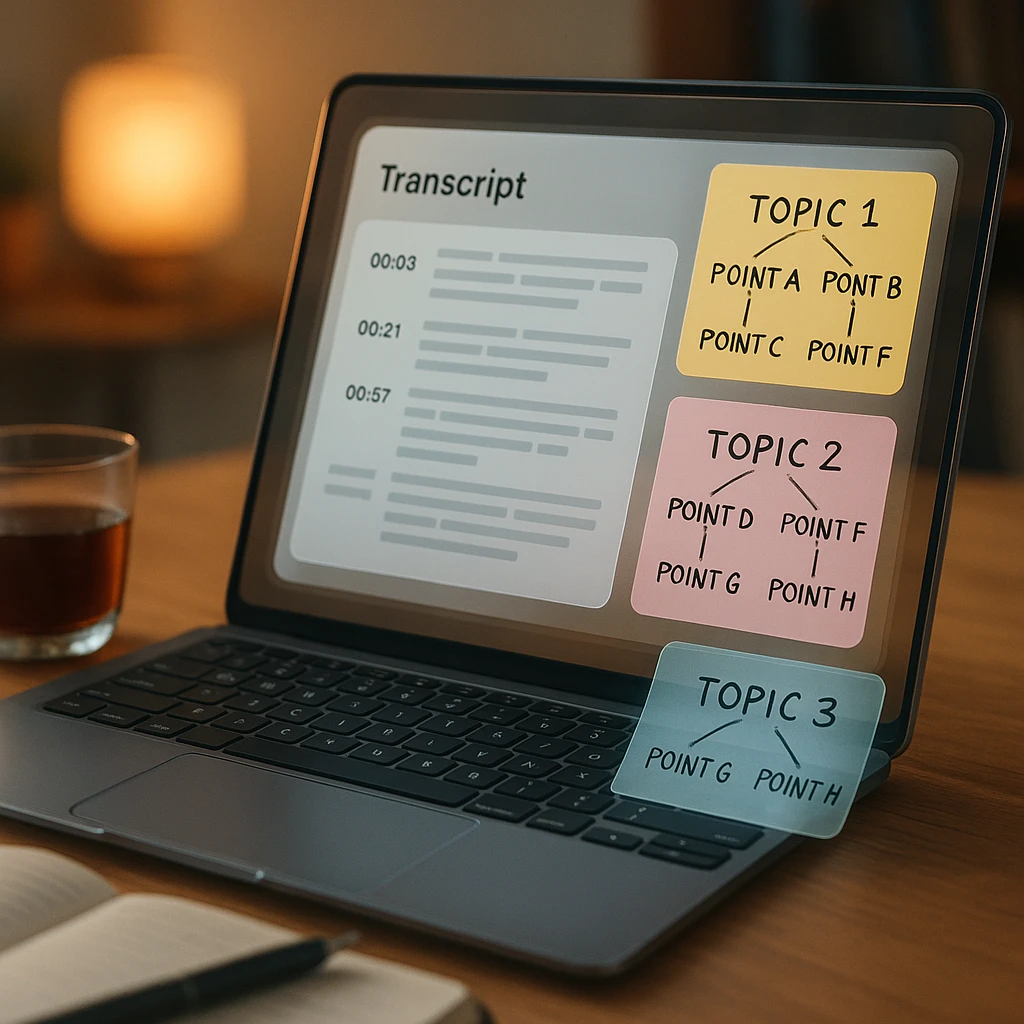
This is where the three layers pay off together, and the workflow is concrete enough to run this afternoon.
Say the topic is “AI video transcription.” Scrape or search out 30 relevant videos and pull their transcripts. Then put the corpus through AI analysis with questions that produce research, not summaries: which subtopics appear in more than half the videos, which questions do commenters and hosts keep asking, which terms do practitioners use that the blog posts in the SERP do not, and what does nobody cover. That last list is your content plan; the terminology list feeds your keyword research; the recurring questions become FAQ sections that match real phrasing.
Two habits make this materially better. Compare the video findings against the current Google results for the same topic, because the gap between what YouTube discusses and what the SERP covers is where the winnable content lives. And keep the transcripts, because a corpus you can re-query beats a one-time report; the same principle that makes your own video library worth transcribing, which we covered in how to make video content searchable. For asking questions across videos interactively rather than in batch, the workflow in how to chat with YouTube videos is the hands-on version.
Which Tool for Which Job
The scenario version, for anyone who skipped to the end of the reviews:
| You need | Reach for |
|---|---|
| Bulk metadata or channel research, no code | Apify |
| The best free option, and the developer pick | yt-dlp |
| Transcripts from many videos, in a script | youtube-transcript-api |
| A compliant base for a user-facing app | YouTube Data API |
| To know what videos say without watching them | ScreenApp |
Before committing to any of them, four questions settle the choice: do you need metadata at volume or the content of specific videos; do you need an API and structured export, or a paste-a-link answer; will the videos have captions, or does audio need real transcription; and is anyone going to ask “were we allowed to collect this,” in which case start from the official API and work outward.
Is Scraping YouTube Legal?
The careful answer, because the blanket answers you see elsewhere are both wrong.
There is no law called “scraping is illegal,” and there is no exemption called “public data is fair game.” What actually governs this: YouTube’s Terms of Service restrict automated access outside the official API, so scraping can breach the contract even where no law is touched. Copyright still applies to video content and transcripts regardless of how you obtained them; extracting a transcript for your own research analysis is a very different act from republishing it. Privacy law can reach scraped comments and personal data. And platform enforcement (rate limits, bot detection, blocking) operates independently of all of it.
The practical posture for research: use the official API where it covers your need, keep volumes reasonable where it does not, treat extracted content as reference material rather than republishable text, and do not scrape private, age-restricted, or paywalled content at all. If the output of your research is commercial and substantial, that is the point where a lawyer beats a blog post, this one included.
Where These Tools Break
Rate limits and bot detection hit every unofficial route eventually, and they hit harder at volume. Auto-generated captions run from excellent to gibberish depending on audio quality and accents, and roughly nothing warns you which you got. Some videos have no captions to extract. Channels delete videos mid-project. The official API’s quota math punishes search-heavy workflows. And page-structure changes periodically break scrapers until maintainers catch up, which is an argument for tools with active maintenance (yt-dlp’s release cadence is the reassuring example) and against the abandoned GitHub project with 40 stars.
None of these are reasons to skip the workflow. They are reasons to build the cleaning pass and the re-check into it.
So the selection rule, compressed: raw data at volume, use Apify or yt-dlp. Transcripts at volume, use youtube-transcript-api. Compliance, use the official API and accept its transcript wall. And when the actual question is “what do these videos say,” skip the scraping entirely, paste the link, and ask; that layer, the understanding one, is the piece we build, and the roundup of AI tools that can watch videos compares everyone who lives there.
FAQ
What is an AI YouTube scraper?
A tool or workflow that collects YouTube data (titles, metadata, channels, transcripts) and applies AI to interpret it: summarizing videos, extracting topics, or answering questions about the content. In practice most "AI scrapers" are a scraper and an AI layer glued together, and it helps to evaluate the two halves separately.
Can AI scrape YouTube videos?
AI tools analyze what scrapers and extractors collect; the collection itself is ordinary automation. The useful division of labor: a scraper or transcript tool gathers the data, and AI turns it into summaries, topics, and answers.
How do I extract a YouTube transcript?
For one video, YouTube's own transcript panel or a browser extension does it from the watch page. For many videos, a Python library like youtube-transcript-api or a scraping platform's transcript actor pulls caption tracks in bulk. For videos without captions, transcribe the audio with a video-to-text tool instead.
Is there a free YouTube scraper?
yt-dlp is genuinely free and open source, with the richest metadata output of anything in this list, at the cost of a command-line learning curve. youtube-transcript-api is free for transcripts. The no-code platforms have free tiers that function as trials.
Can I scrape YouTube with Python?
Yes, and it is the standard approach: yt-dlp for metadata and caption files, youtube-transcript-api for transcript text, and the official Data API client where compliance matters. Between those three, most research pipelines need nothing else for collection.
Can I scrape an entire YouTube channel?
Channel-level collection (every video's title, date, views, and URL) is a standard scraper job; Apify's actors and yt-dlp both handle it. Pulling every transcript from a large channel is heavier and more likely to hit rate limits, so batch it.
Does the YouTube API provide transcripts?
Only for videos you own. The captions endpoint requires ownership, which is the single most misunderstood limitation in this space and the reason third-party transcript tools exist at all.
Can AI summarize scraped YouTube transcripts?
Yes, and that is where the research value concentrates: feed the transcripts to an AI tool and ask for recurring topics, claims, unanswered questions, and gaps. One transcript summarizes; a corpus of thirty reveals patterns no single video shows.
Can I scrape YouTube comments?
Comments are available through the official API within quota and through scraping platforms at scale. They are the best source of audience questions in this whole workflow; treat them as personal data for privacy purposes, because they are.
What is the best AI YouTube scraper?
It depends on which layer you need. For collection, Apify is the strongest no-code option and yt-dlp the strongest free one. For understanding what the collected videos say, an AI analysis tool is the "best scraper" in the sense searchers usually mean, because raw data was never the actual goal.
How do I scrape YouTube videos?
Pick the layer first: metadata comes from Apify, yt-dlp, or the official API; transcripts come from a transcript tool or Python library. Then run a small batch, check the output quality, and only then scale up, because errors at 500 videos are expensive to discover late.
Is there a YouTube scraper API?
Several. The official YouTube Data API is the compliant one, with quotas and no third-party transcripts. Scraping platforms like Apify expose their own APIs over their actors, which trade official blessing for fewer gaps.
Can AI analyze YouTube videos?
Yes, through the transcript: summaries, topic extraction, claim identification, and question answering all work well on caption text. Analysis of the visual track is a separate, harder problem, and for research purposes the transcript carries most of the value anyway.
Can I use YouTube transcripts for SEO research?
They are one of the best under-used sources for it: transcripts surface the exact phrasing practitioners use, the questions audiences ask, and the subtopics every competitor covers, which feeds keyword research and content-gap analysis directly. The workflow section above walks the full loop.
What is the difference between a YouTube scraper and a transcript extractor?
A scraper collects data about videos: metadata, statistics, channel listings, at volume. A transcript extractor retrieves the spoken content of a specific video as text. They answer different questions ("which videos exist" versus "what was said"), and serious research usually needs both, plus an AI layer to interpret the results.