Record an Interview, Get the Transcript and Notes
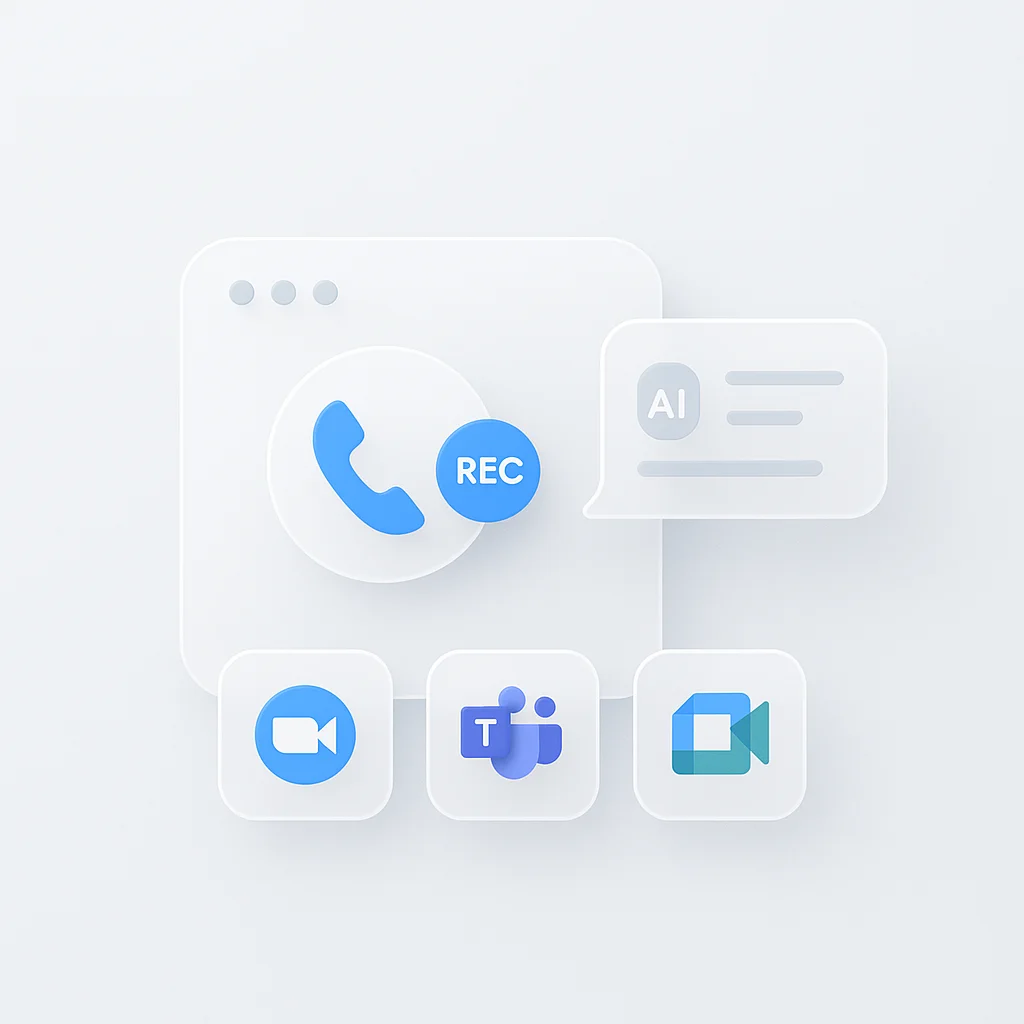
An interview recorder captures a job interview, a practice session, or a candidate call, and turns it into a searchable transcript with AI notes. ScreenApp’s meeting bot joins your Zoom, Google Meet, or Microsoft Teams call and records it, or the Chrome extension records the tab, your screen, and your microphone directly from the browser, no bot required.
1,211 interviews were recorded on ScreenApp in the last 90 days. Reading the transcript afterward lets you check exactly what was said and asked, instead of relying on memory once the call ends.
What you get with every recording:
- A transcript with speaker labels and timestamps, in 100+ languages
- live transcript while recording (beta), so you can follow along as the call happens
- AI notes: a summary of the conversation and the main points each person raised
- Ask AI questions about the interview and get answers that point to the moment in the recording
- Export as PDF, Word, or text
- Free plan: 2 transcriptions of recordings up to 45 minutes each, with AI chat
Recordings are stored in your account and open on any device where you sign in.
How to Record an Interview
- Start recording: Add the meeting bot to your video call, or use the Chrome extension to capture the tab, your screen, and your microphone. For an in-person interview, record on your phone or in the browser instead.
- Let it run: Recording continues until the call ends. If you already have a recording from another app, upload it instead.
- Read the notes afterward: The transcript and AI notes are ready a few minutes after you stop. Search for a question, jump to a timestamp, or ask the AI what was covered.
Accuracy depends on the audio. A clear microphone close to the speaker works well; a call with cross-talk or a noisy room will have gaps. See how we measure accuracy.
Interview Recorder vs Other Apps
| Feature | ScreenApp | Otter.ai | Fireflies.ai | Notta |
|---|---|---|---|---|
| Free recording | 2 transcriptions, up to 45 min each | 300 min/month, 30 min per conversation | 400 min stored | 120 min/month, 3 min per conversation |
| Live transcript | live transcript while recording (beta) | Not stated | Not stated | Not stated |
| Languages | 100+ | 6 | 100+ | 58 |
| Paid plan | $19/month annual | $8.33/month annual | $19/month annual | $8.17/month annual |
Sources, checked 2026-10-13: ScreenApp supported languages, ScreenApp pricing, Otter pricing, Fireflies pricing, Notta pricing, Fireflies free plan guide, Notta
- vs Otter.ai: Otter’s free plan caps you at 300 minutes a month and 30 minutes per conversation, in 6 languages. ScreenApp’s free plan is 2 transcriptions of recordings up to 45 minutes each, in 100+ languages.
- vs Fireflies.ai: Fireflies stores 400 minutes on its free plan and can join calls the same way ScreenApp’s meeting bot does. ScreenApp’s paid plan is $19 a month annual against Fireflies Business at $19.
- vs Notta: Notta’s free plan is 120 minutes a month, capped at 3 minutes per conversation, transcribing 58 languages. ScreenApp transcribes 100+ languages.
Who Uses an Interview Recorder
Job seekers record a practice interview with a friend or a career coach, then read the transcript to spot filler words, weak answers, and questions they need to prepare better for.
Recruiters and hiring managers record candidate interviews with the meeting bot to keep accurate notes, instead of writing everything down while trying to listen. A general call gets the same treatment with the meeting recorder.
Career coaches record client mock interviews and send back the transcript with timestamps, so the client can review specific answers instead of the whole session again.
Students and graduates preparing for scholarship, internship, or graduate school interviews use the transcript to check how they answered a hard question and rehearse a better version.
People interviewing in a second language read the transcript alongside the recording to check pronunciation and word choice after the call.
Panel interview teams record a shared session so every panellist can review the same transcript afterward instead of comparing separate handwritten notes.