Echo Removal

ScreenApp doesn't remove echo from audio, but a recording with echo still turns into a clean transcript and AI notes.

Upload MP3, WAV, M4A, MP4 or MOV. Free to try, up to 45 minutes. No install.

Or paste an audio link

YouTube, TikTok, Instagram, Vimeo, Google Drive, Dropbox, direct links

Recordings are encrypted in transit and at rest and are not used to train AI models. Privacy · Security

Happy ScreenApp User
Online Screen Recorder avatar
Accountant using Screen Recording

8.2 million registered accounts

Get a Transcript When a Recording Has Echo

ScreenApp does not remove echo from audio or video. If a recording has bathroom echo, hallway reverb, or the empty-room sound of a large space, the audio stays exactly as it was recorded. What ScreenApp does is turn that recording into a transcript and AI notes, so the echo does not stop you from getting the content out of it.

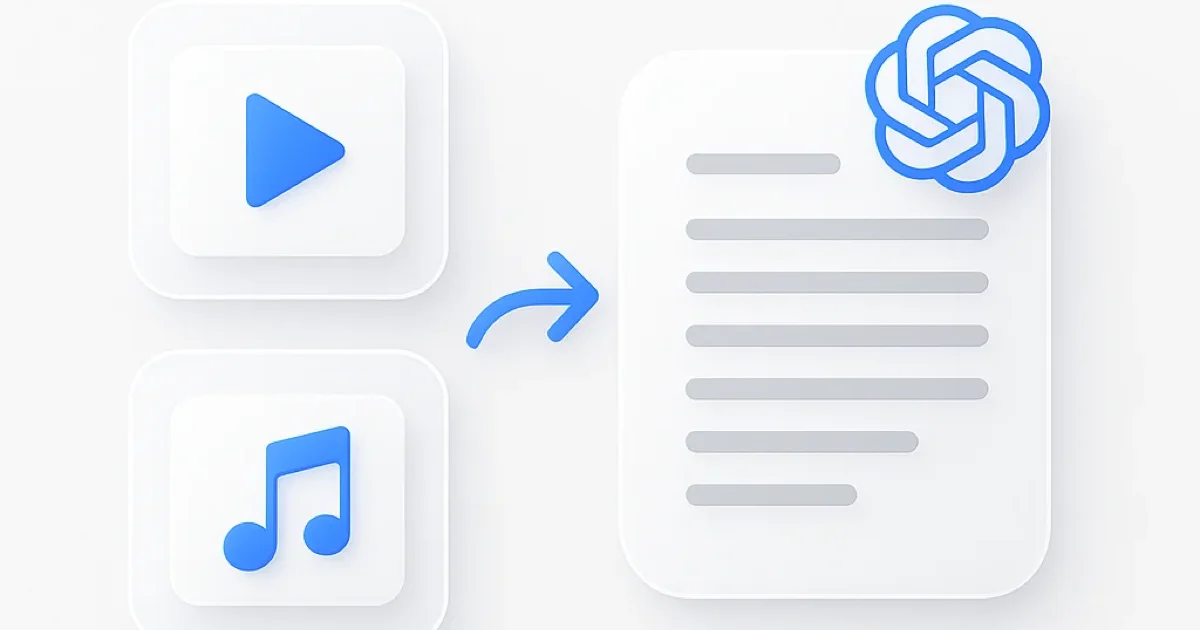
Upload the file, or paste a link to it, and the transcript comes back with speaker labels and timestamps even when the room sounds hollow or bounces sound back into the mic. You read the words instead of straining to hear them through the echo.

What you get:

  • A transcript with speaker labels and timestamps, in 99 languages
  • AI notes: a summary and the main points from the recording
  • Ask AI questions about the recording and get answers that point to the moment it happened
  • Export as PDF, Word, or text
  • Free plan: one recording of up to 45 minutes, with AI chat on it

How to Get a Transcript From a Recording With Echo

  1. Upload the recording or paste a link: Drag in an audio or video file, or paste a link to where it’s hosted. There’s no need to fix the audio first.
  2. Let ScreenApp transcribe it: The transcript and AI notes are generated from the audio as it is. Echo and room reflections are not removed, only transcribed around.
  3. Read the transcript, skip the audio: Search the text, jump to a timestamp, or ask AI a question about what was said, instead of replaying an echoey recording.

Heavy echo, distance from the microphone, and overlapping speakers reduce transcript accuracy the same way they make audio hard to follow by ear. See how we measure accuracy.

Echo Removal vs Tools That Actually Remove Echo

FeatureScreenAppAdobe Podcast Enhance SpeechDescriptAuphonic
Free planone recording, up to 45 minFree, no limit stated60 min/month2 hours/month
Removes echo or reverb from the audioNoYesYes, Studio Sound (Creator plan and up)Yes, on the free plan too
TranscriptionIncludedNot statedIncludedPaid plans only
AI notes and chatIncludedNot statedNot statedNot stated
Paid plan$19/month annualNot stated$24/month€9/month annual

Sources, checked 2026-09-12: screenapp.io/pricing, screenapp.io/help/how-many-minutes-can-i-record, podcast.adobe.com/enhance, descript.com/pricing, auphonic.com/pricing

  • vs Adobe Podcast Enhance Speech: Adobe’s tool is built to remove noise and reverb from spoken audio, free, with no limit stated on its page. ScreenApp does not process the audio at all; it transcribes the recording as it is and adds AI notes and chat.
  • vs Descript: Descript’s Studio Sound reduces background noise and reverb, on Creator plan and up. ScreenApp’s plans include transcription and AI notes on every tier, including free.
  • vs Auphonic: Auphonic reduces reverb and noise even on its free plan, but charges for transcription. ScreenApp is the opposite: no echo removal, but transcription and AI notes are on every plan, including free.

Who Deals With Echo in Recordings

Podcasters record in home studios without acoustic treatment, in bedrooms, living rooms, or garages with hard walls. A transcript still lets you pull quotes and write show notes from an episode that sounds hollow.

Content creators film vlogs and tutorials in large rooms, bathrooms, or kitchens where hard surfaces bounce sound back into the mic. The transcript and AI summary make the footage searchable even when the audio has that problem.

Business professionals record presentations and webinars from conference rooms with bare walls, or video calls where a speaker’s own audio loops back through someone else’s speakers. The transcript and notes carry the content when the room audio does not.

Musicians and audio engineers capture demo tracks and field recordings in untreated spaces before mixing. A ScreenApp transcript of the vocal take gives a searchable record of the lyrics or spoken notes, not a cleaner recording.

Students record lectures on a phone from the back of a large hall, where distance and room acoustics add echo to the recording. See ScreenApp’s lecture recorder for the same job built around class recordings specifically.

FAQ

Does ScreenApp remove echo from audio or video?

No. ScreenApp does not process or clean audio to remove echo, reverb, or room reflections. It transcribes the recording as uploaded and generates AI notes and chat on top of that transcript.

What causes echo in a recording?

Echo happens when sound waves bounce off hard surfaces (walls, floors, ceilings, tile, or concrete) and return to the microphone slightly delayed. Large rooms, bathrooms, and hallways create more echo than spaces with carpets, curtains, or acoustic panels.

Is there a tool that actually removes echo from audio?

Adobe’s Enhance Speech tool is free and removes noise and reverb from spoken audio. Descript’s Studio Sound reduces reverb on Creator plan and up, and Auphonic reduces reverb and noise on its free plan too. ScreenApp does not offer echo removal; it focuses on the transcript, AI notes, and AI chat.

How do I avoid echo before I record?

Record in a room with soft furnishings where possible, use headphones instead of speakers so audio doesn’t loop back into the mic, and keep the microphone close to whoever is speaking. Fixing echo at the source works better than trying to remove it afterward.

Can I still get a usable transcript if my recording has echo?

Yes. Upload the file and ScreenApp transcribes it, though heavy echo and distance from the microphone will reduce accuracy the same way they make audio hard to follow by ear. See how accuracy is measured.

Can I upload video files, not just audio?

Yes. Upload MP4, MOV, or another video format and ScreenApp extracts the audio to generate the transcript and AI notes. The echo in the video’s audio is transcribed around, the same as with an audio file.

Is ScreenApp free to try?

Yes. The free plan includes one recording of up to 45 minutes, with the transcript, AI notes, and AI chat on that recording. Paid plans start at $19 a month billed annually.

What audio and video formats can I upload?

Audio: MP3, WAV, M4A, AAC, OGG and FLAC. Video: MP4, WebM, MOV, AVI, MKV, WMV, and FLV. Paste a link instead of uploading if the recording is already hosted somewhere.

FAQ

Does ScreenApp remove echo from audio or video?

No. ScreenApp does not process or clean audio to remove echo, reverb, or room reflections. It transcribes the recording as uploaded and generates AI notes and chat on top of that transcript.

What causes echo in a recording?

Echo happens when sound waves bounce off hard surfaces (walls, floors, ceilings, tile, or concrete) and return to the microphone slightly delayed. Large rooms, bathrooms, and hallways create more echo than spaces with carpets, curtains, or acoustic panels.

Is there a tool that actually removes echo from audio?

Adobe's Enhance Speech tool is free and removes noise and reverb from spoken audio. Descript's Studio Sound reduces reverb on Creator plan and up, and Auphonic reduces reverb and noise on its free plan too. ScreenApp does not offer echo removal; it focuses on the transcript, AI notes, and AI chat.

How do I avoid echo before I record?

Record in a room with soft furnishings where possible, use headphones instead of speakers so audio doesn't loop back into the mic, and keep the microphone close to whoever is speaking. Fixing echo at the source works better than trying to remove it afterward.

Can I still get a usable transcript if my recording has echo?

Yes. Upload the file and ScreenApp transcribes it, though heavy echo and distance from the microphone will reduce accuracy the same way they make audio hard to follow by ear. See how accuracy is measured.

Can I upload video files, not just audio?

Yes. Upload MP4, MOV, or another video format and ScreenApp extracts the audio to generate the transcript and AI notes. The echo in the video's audio is transcribed around, the same as with an audio file.

Is ScreenApp free to try?

Yes. The free plan includes one recording of up to 45 minutes, with the transcript, AI notes, and AI chat on that recording. Paid plans start at $19 a month billed annually.

What audio and video formats can I upload?

Audio: MP3, WAV, M4A, AAC, OGG and FLAC. Video: MP4, WebM, MOV, AVI, MKV, WMV, and FLV. Paste a link instead of uploading if the recording is already hosted somewhere.

Real Results from Real Users

I have tried at least 6 different ways to transcribe meetings and get summaries: Notion with AI, HiNotes with HiDock as hardware, Plaud with different hardware, Teams agents. Every tool did a part of the job, but not one of them delivered on all my requirements. ScreenApp goes far beyond my expectations. It has the video ready if I need to re-watch a meeting.
AK
Andreas Kroll
Chrome Web Store, May 29, 2026
Our overall experience with ScreenApp has been nothing but pleasant! Their support is terrific, and ScreenApp is a great recording system.
Aaron
Aaron, Project Manager
Nice app for important summaries.
S
Sahil
User
User
User
8,287,508 registered accounts

Ready to boost your productivity?

Try Echo Removal and 300+ other AI-powered features for free.

Start Free →

Start using in 60 seconds • No credit card required