AI Course Summarizer - Turn Course Videos Into Summaries Free
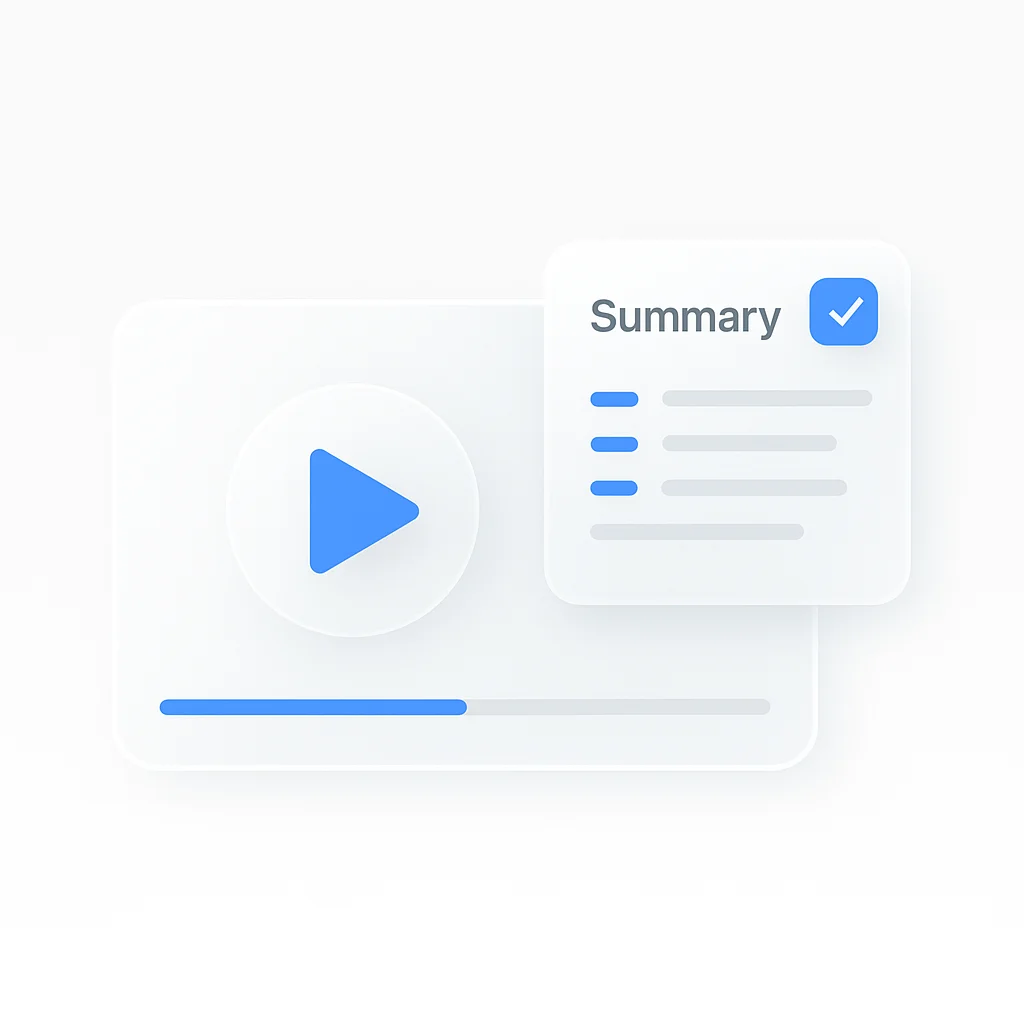
Turn long course videos into focused summaries in minutes. Upload a lesson or paste a course video URL, and the tool pulls out the main concepts, definitions, and key points so you can review a course without replaying every minute.
Why learners use this tool:
- Free processing of 3 course videos monthly (45 min each)
- Delivers high accuracy on clear audio
- Extracts key points, definitions, and examples
- Supports video, audio, and pasted URLs
- Exports to PDF, Word, or text
- Works in 99 languages
The tool handles any course format. Paste a course video link, upload a recording, or record directly in the app. It reads the spoken content and prioritizes what matters for learning, not just a word-for-word transcript.
Course Summary AI - How It Works
Convert a course video to a summary in four steps.
- Paste a course video URL or upload the file
- The tool transcribes and analyzes the lesson
- AI identifies key concepts and structure
- Download the summary as PDF, Word, or text
The free version handles videos up to 45 minutes. Most process in 2-3 minutes regardless of length. The tool builds chapters, marks key points with timestamps, and organizes the summary so you can jump back to the original explanation.
Course Summarizer vs a Plain Transcript
A transcript gives you every word. That is a wall of text you still have to read. A course summarizer goes further:
- It groups the lesson into topics and chapters instead of one long block
- It pulls out definitions, examples, and the core argument
- It links each point back to a timestamp so you can verify it against the video
- It produces a summary you can read in a few minutes instead of a 50-page transcript
Use the transcript when you need the exact wording. Use the summary when you want to understand or revise the lesson quickly.
Who Uses a Course Summarizer
Students
Review recorded course lessons before an exam without rewatching hours of video. Pull definitions, formulas, and key examples into study notes. See also lecture summarizer and AI study guide maker.
Self-paced learners
Summarize online course videos from YouTube and other sources into a personal knowledge base you can search later.
Course creators
Check how a lesson reads in summary form, spot gaps, and reuse the key points for descriptions or recaps. Pair with the lesson outline generator.
Teams
Turn training course videos into short reference summaries the whole team can read instead of sitting through the full recording.
Do More With Your Course Video
Once you have the summary, keep going:
- Generate structured course notes from the same video
- Build a study guide for revision
- Create a quiz from the video to test recall
- Turn key terms into flashcards
FAQ
What is a course summarizer?
A tool that turns course videos into short, organized summaries. Upload a lesson or paste a URL, and it transcribes the content, identifies key concepts, and creates a summary structured for learning rather than a plain transcript.
Is the course summarizer free?
Yes. The free tier includes 3 course videos monthly, up to 45 minutes each, with full features including key point extraction, chapters, and PDF export.
Can I summarize a course video from a URL?
Yes. Paste a course video URL or upload the file. The tool extracts the audio, transcribes it, and creates a summary. Respect each course provider’s terms and only summarize content you are allowed to access.
How accurate is the AI course summary?
The tool delivers high accuracy on clear audio. Results depend on recording quality, accents, and technical terminology. Clearer audio produces better summaries.
Can it create notes and key takeaways, not just a summary?
Yes. Alongside the summary you can generate structured notes, chapter breakdowns, and key takeaways. For a dedicated notes layout, use the course notes generator.
What formats can I export?
Export summaries as PDF, Word document, or plain text. Formatting is preserved across all exports.
Does it work in other languages?
Yes. The tool supports 99 languages and auto-detects the spoken language, or you can select one manually for best results.
How is this different from the lecture summarizer?
Both summarize spoken educational content. The lecture summarizer is tuned for recorded classes and seminars. This tool focuses on course videos and lessons, including content you paste from a URL.