10 Best AI Course Video Summarizers for Notes, Key Takeaways, and Quizzes

On this page
Quick Answer: Best AI Course Video Summarizer 2026
The best AI course video summarizer depends on your needs:
- Best overall: ScreenApp (recording, transcription, AI summaries in one place)
- Best for study materials: Mindgrasp (notes, flashcards, quizzes, AI tutoring)
- Best for YouTube courses: NoteGPT (direct YouTube links, fast processing)
- Best for transcription: Notta (100+ languages, high accuracy)
ChatGPT and other AI assistants cannot summarize course videos because they lack browser access and cannot process uploaded video files. You need a dedicated AI course video summarizer tool to transcribe, extract key points, and generate study materials from lessons.
Related Learning Tools: Explore our best AI meeting assistants for live lecture capture, best AI lecture note taker app for mobile recording, or our best free AI video generators for course material creation.
What Makes the Best AI Course Video Summarizer in 2026?
Need a quick mobile solution? The free ScreenApp mobile app records lectures directly from your phone with AI summaries and transcripts produced automatically, no app installation needed.
Based on testing multiple AI course video summarizers in July 2026, these factors determine tool reliability:
- Transcription Accuracy: Correctly captures technical terminology, names, and key concepts from educational audio
- Note Structure: Organizes content into logical chapters, highlights key takeaways, and preserves context
- Speed: Processing time for typical 60-minute lectures is reasonable and efficient
- Study Materials: Generates useful quizzes, flashcards, and summaries for exam prep
- User Experience: Clean interface without excessive complexity or ads; works across devices
July 2026 update: All tools listed were checked for YouTube compatibility, pricing accuracy, and feature availability in mid-July 2026. Pricing and feature sets may change, so verify current offerings before purchasing.
Best AI Course Video Summarizers Comparison 2026
| Rank | Tool Name | Best For | Video Input | Notes | Quizzes | Languages | Rating |
|---|---|---|---|---|---|---|---|
| 1 | ScreenApp | Overall course summarization | Upload, record, links | Yes | Yes | 99 | ★★★★★ |
| 2 | Mindgrasp | Study materials and quizzes | Lectures, videos, files | Yes | Yes | 20+ | ★★★★★ |
| 3 | NoteGPT | YouTube courses | YouTube links, uploads | Yes | Limited | 40+ | ★★★★☆ |
| 4 | Recall | Personal knowledge base | Videos, web pages, PDFs | Yes | Limited | 40+ | ★★★★☆ |
| 5 | Glasp | Web-based learning | YouTube, web pages | Yes | No | 40+ | ★★★★☆ |
| 6 | Eightify | Quick takeaways | YouTube links | Limited | No | 40+ | ★★★☆☆ |
| 7 | Notta | Transcription focus | Video, audio uploads | Yes | No | 100+ | ★★★★☆ |
| 8 | Otter.ai | Live lectures | Live recording, uploads | Yes | No | 3 | ★★★★☆ |
| 9 | Descript | Course creators | Video uploads, links | Yes | No | Multiple | ★★★★☆ |
| 10 | Summarize Videos | Free option | YouTube, uploads | Yes | No | Multiple | ★★★☆☆ |
AI Course Video Summarizer Pricing 2026
| Tool | Free Plan | Paid Plans | Best Value |
|---|---|---|---|
| ScreenApp | Yes (2 transcriptions, up to 45 min each) | $19/mo Pro, $34/mo Max (annual) | Pro plan |
| Mindgrasp | Limited trial | $10-15/mo Pro | Freemium testing |
| NoteGPT | Yes (limited) | $8-12/mo Pro | Free tier is useful |
| Recall | Free tier | $10-15/mo Paid | Free works for light use |
| Glasp | Free tier | $7-10/mo Premium | Free is sufficient |
| Eightify | Free tier | $5-7/mo Premium | Cheap upgrade option |
| Notta | Limited free | $8-12/mo Pro | Pro plan worth it |
| Otter.ai | 300 min/mo Free | $8.33/mo Pro, $20/mo Business | Pro for serious users |
| Descript | Limited free | $24/mo standard | Enterprise pricing available |
| Summarize Videos | Fully free | None (always free) | Best free option |
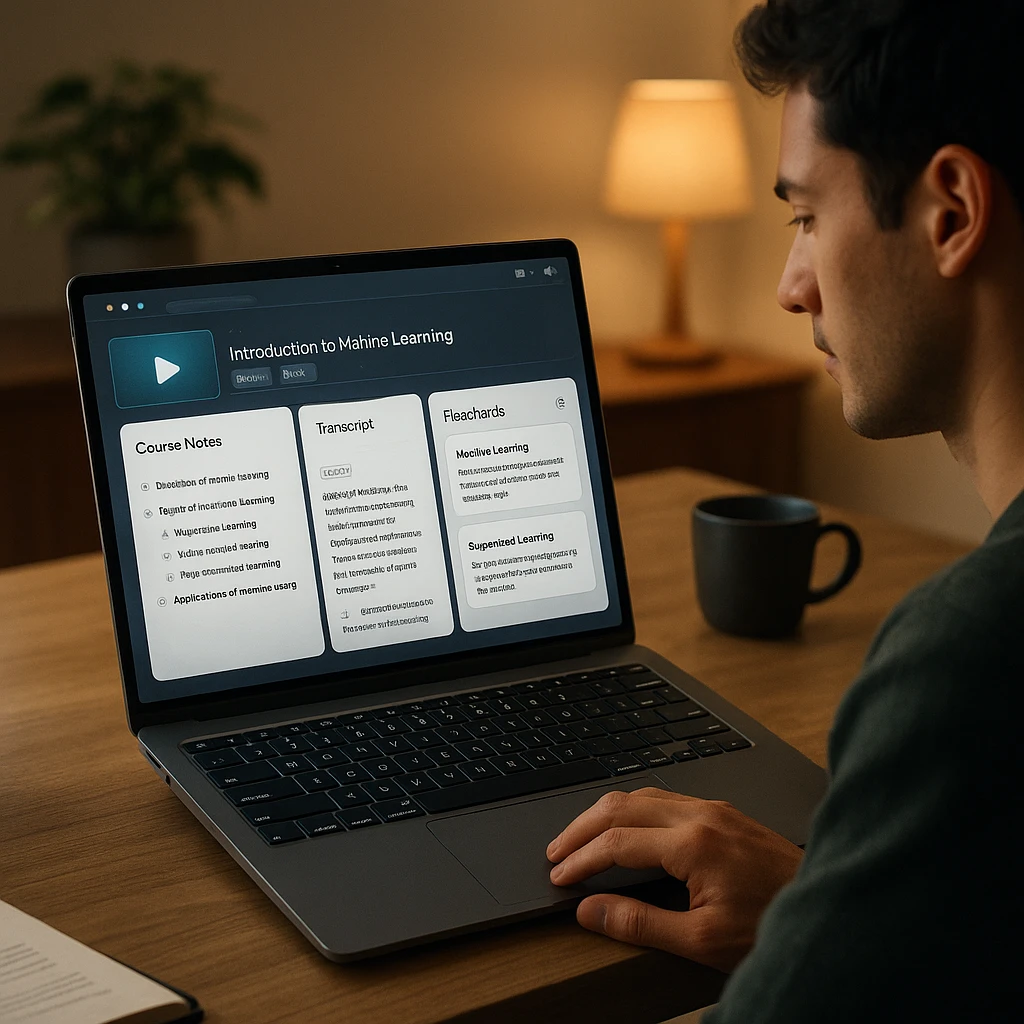
Best AI Course Video Summarizers Reviews 2026
ScreenApp - AI-Powered Course Video Summarizer
Recording, transcription, and AI summarization in one unified platform
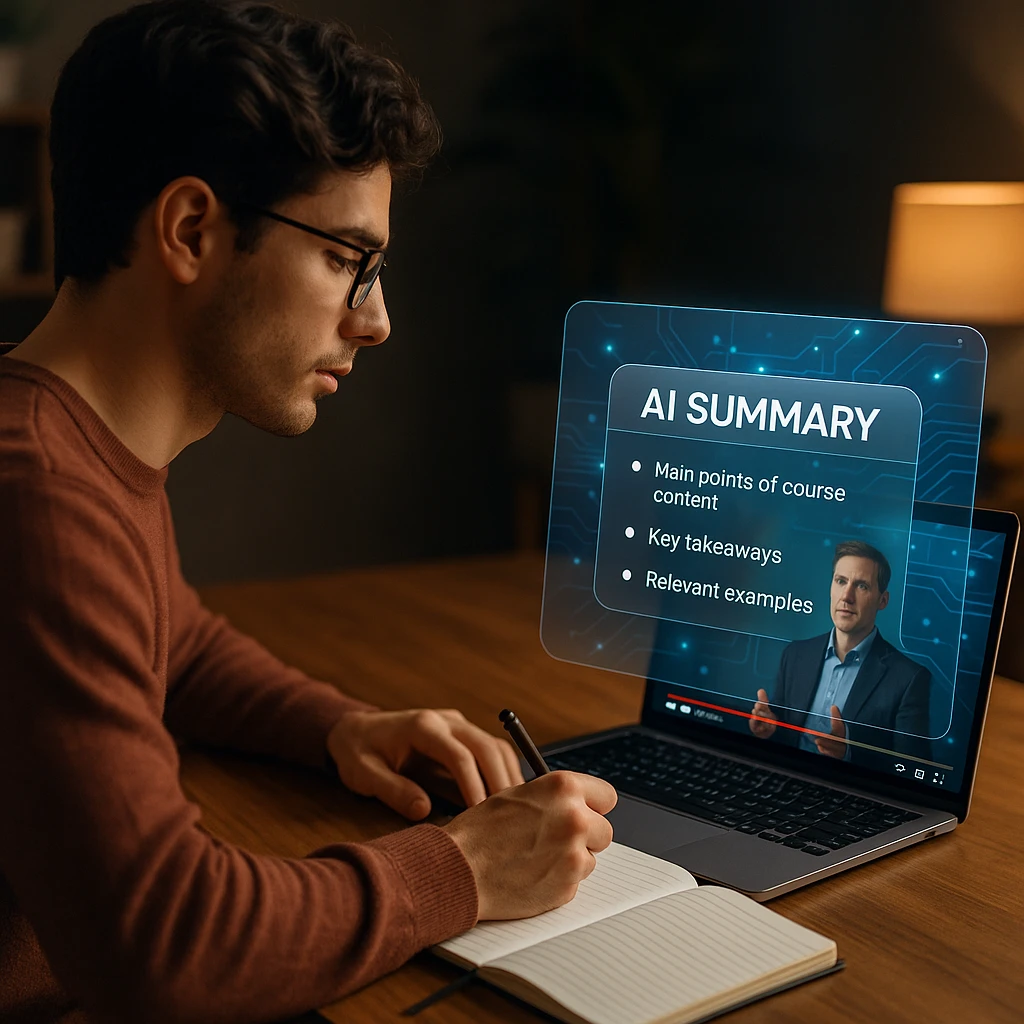
ScreenApp combines course video recording, transcription, and AI-powered summarization in one platform. Students can record lectures directly in their browser, upload existing recordings, or paste YouTube/Vimeo links. The platform automatically generates structured notes, extracts key takeaways, and answers questions about lesson content.
Transparency note: This comparison is published by ScreenApp. We included ScreenApp first because it offers the most complete end-to-end solution for course video workflows. However, if you only need transcription or study materials without recording, specialized tools like Notta or Mindgrasp may be more efficient.
Pros
- • Records lectures directly without special software
- • Generates AI summaries, not just transcripts
- • Ask questions about lesson content in real-time
- • Searchable transcript archive
- • Works across all meeting platforms
Cons
- • AI summaries limited on free tier
- • Paid plans required for teams
- • No quiz generation feature
Best For
Students recording live lectures, professionals in online courses, researchers analyzing webinars, and anyone who wants transcription plus AI-powered learning in one tool.
Mindgrasp - Best for Study Materials
Complete study system with notes, flashcards, quizzes, and AI tutoring
Mindgrasp generates a complete study system from course videos. Upload lectures, videos, PDFs, or links, and the platform creates notes, summaries, flashcards, quizzes, and provides an AI tutor for follow-up questions.
Pros
- •Complete study system in one tool
- •Flashcard and quiz generation
- •AI tutor for follow-up questions
Cons
- •Free tier is trial-only
- •Quizzes need verification
Best For
Students preparing for exams who need comprehensive study materials including notes, quizzes, and flashcards.
NoteGPT - Best for YouTube Courses
YouTube-focused transcription and summarization without file uploads
NoteGPT specializes in YouTube course summarization. Paste a YouTube link, and get an instant transcript with timestamps, a concise summary, and customizable summary lengths. Supports playlist batch processing.
Pros
- •Direct YouTube link support
- •Fast processing times
- •Playlist batch processing
- •Useful free tier
Cons
- •Limited to YouTube-like platforms
- •No quiz generation
Best For
Students taking YouTube-based courses who want fast transcription and summaries without file uploads.
Recall - Best for Knowledge Base
Build searchable knowledge base connecting concepts across multiple courses
Recall saves and connects summaries from videos, web pages, and PDFs. Rather than one-off summaries, it builds a searchable knowledge base and supports spaced-review workflows across multiple courses.
Pros
- •Connects concepts across sources
- •Spaced-review workflows
- •Useful free tier
Cons
- •No quiz generation
- •Requires gradual knowledge building
Best For
Multi-course learners who want to build long-term connections between concepts across different sources and learning paths.
Glasp - Best for Web-Based Learning
Browser-based highlighting and annotation tool for YouTube and web content
Glasp is a browser-based highlighting and note-taking tool. Rather than transcribing raw video, it works with YouTube captions and web page text. Highlight key phrases and build an annotated learning collection.
Pros
- •Browser-based, no downloads
- •Intuitive highlighting
- •Free and lightweight
Cons
- •Requires existing captions
- •No quiz generation
Best For
Learners who prefer highlighting and annotation over AI transcription, especially for YouTube courses with good captions.
Eightify - Best for Quick Takeaways
Generate quick YouTube summaries in under 30 seconds
Eightify generates quick takeaways from YouTube videos in under 30 seconds. Ideal for quickly deciding whether a video is worth your time, not for comprehensive learning.
Pros
- •Instant summaries
- •No processing wait
- •Free tier generous
Cons
- •Very brief summaries
- •YouTube-only
Best For
Quick decisions on whether a YouTube video is worth watching in full; not for comprehensive course learning.
Notta - Best for Multilingual Support
Transcription with 100+ language support and high accuracy
Notta specializes in transcription with 100+ language support and strong speaker identification. When transcription accuracy is the priority, Notta delivers reliable results.
Pros
- •Excellent multilingual support
- •High transcription accuracy
- •Strong speaker identification
Cons
- •No AI summarization
- •Requires manual notes
Best For
Multilingual courses and international content where transcription accuracy and language support are the primary needs.
Otter.ai - Best for Live Classes
Real-time transcription for live lectures and meetings
Otter.ai transcribes live meetings and lectures in real-time. Strong speaker identification and searchable transcript archive. Free tier at 300 minutes per month.
Pros
- •Real-time live transcription
- •Strong speaker identification
- •Searchable archive
Cons
- •Free tier limited to 300 min/month
- •No AI summarization
Best For
Live lectures and real-time class recordings where capturing the audio as it happens is essential.
Descript - Best for Course Creators
Transcript-based video editing for polished instructional content
Descript transcribes video and lets instructors edit video by editing the transcript. Remove filler words, silence, or entire sections without touching the video editor. Built for course creators producing polished content.
Pros
- •Text-based video editing is fast
- •Professional output quality
- •Auto-caption generation
Cons
- •Designed for creators, not learners
- •Expensive for casual use
Best For
Instructors and course creators producing polished educational videos with professional captions and edited course materials.
Summarize Videos - Best Free Option
Completely free YouTube video summarization with no sign-up
Summarize Videos is a completely free YouTube video summarizer. No sign-up required. Paste a link, get a summary instantly. Bare-bones but zero cost.
Pros
- •Completely free
- •No sign-up required
- •Instant summaries
Cons
- •Very basic features
- •YouTube-only support
Best For
Testing whether AI course summarization is useful for you before committing to a paid subscription.
How to Summarize an Online Course Video with AI
Using ScreenApp as the practical example:
Step 1: Record or upload the course lesson (browser recording, file upload, or YouTube link)
Step 2: Transcription automatically begins; review and correct technical terms as needed
Step 3: Generate structured summary with chapters, key takeaways, and definitions
Step 4: Ask follow-up questions about the content for clarification
Step 5: Export and organize notes to PDF, Word, Markdown, or paste into Notion/Google Docs
Limitations of AI Course Video Summarizers
- Transcription errors - Accents, low audio quality, and specialized terminology may reduce accuracy
- Missing visual context - AI cannot fully understand diagrams, equations, code, or demonstrations on screen
- Lost nuance - Brief summaries can remove exceptions, warnings, or examples that matter
- Hallucinations - AI occasionally invents details not present in the original lesson
- Privacy concerns - Verify how uploaded content is stored before using with proprietary course material
Final Verdict
For students in a rush, start with ScreenApp’s free tier. Record your next lecture, generate structured notes, and ask AI questions about the content without repeatedly searching through the full video. Related: see our best AI lecture note taker app for mobile recording and best AI meeting assistants for capturing live discussions.
How we put this together: this is a comparison based on each vendor’s published documentation and pricing pages, checked on the dates shown. We did not run a hands-on benchmark for this article.
FAQ
What is the best AI course video summarizer?
ScreenApp is the best all-in-one option for recording, transcribing, and summarizing course videos. Mindgrasp is best if you need comprehensive study materials with quizzes and flashcards. NoteGPT works best exclusively for YouTube-based courses.
Can AI summarize an entire online course?
AI can summarize individual lessons but not full multi-module courses in one pass. Process each lesson separately and organize summaries by module or topic.
How accurate are AI transcriptions on course lectures?
Do these tools work offline? Most require internet for processing. Some desktop apps like Descript can work offline for editing, but AI analysis typically requires cloud processing.
Can I use AI summaries for exam prep?
Yes, but verify all facts against the original lesson. AI-generated quizzes and flashcards should be spot-checked for accuracy.
Which tool has the best free tier?
Summarize Videos is completely free forever. ScreenApp's free plan covers 2 transcriptions of recordings up to 45 minutes each. NoteGPT and Recall both have useful free tiers.