Best AI Lecture Note Taker App: Free for iPhone and Android (2026)

On this page
Quick Answer: Best AI Lecture Note Taker App
Three lecture note taker apps compared in July 2026:
- Best overall: ScreenApp (background recording, AI summaries, free tier)
- Best for Zoom lectures: Otter.ai (auto-records Zoom, CRM sync)
- Best for Android on a budget: NoteMaster (Android-only, basic free plan)
Free-tier limits were checked against vendor pages in July 2026.
You are sitting in a lecture hall. The professor starts immediately, your laptop is dead, and your phone is the only tool you have. If you are scrambling to type notes by hand or hoping you will remember details later, you are losing information in real time.
Related reading: For a broader look at AI note-taking beyond lectures, see our AI note taker feature guide. If you record meetings as well as lectures, the meeting transcription breakdown covers that side.
Quick picks
Background recording, AI summaries, generous free tier.
Auto-records Zoom lectures. 600 free min/month. Good for hybrid classes.
Android-only. Basic free plan with background recording.
AI Lecture Note Taker Apps Compared
| App | Platform | Background Rec | Live Transcription | Free Tier | Best For |
|---|---|---|---|---|---|
| ScreenApp | iOS, Android | Yes | Yes | 2 transcriptions, up to 45 min each | All-around best for students |
| Otter.ai | iOS, Android | Yes | Yes | 600 min/month | Zoom lectures and CRM sync |
| NoteMaster | Android only | Yes | Yes | 300 min/month | Android on a budget |
| Voice Memos | iOS only | No | No | Unlimited | Backup only (no transcription) |
Features and free-tier limits are from each vendor's published pages. Scores below are editorial.
1. ScreenApp
Best overall iOS + AndroidScreenApp is purpose-built for lecture capture. Record on your phone during class, and the transcript and summary are ready a few minutes after you stop for most recordings. Transcription accuracy is up to 95.8% transcription accuracy on clear English audio in our April 2026 test, though names and technical terms are worth a quick check. That test ran before xAI Grok Speech-to-Text became our default transcription provider, so current results may differ. See the methodology and limitations.
The app is available on both iOS and Android. Both platforms sync notes to your web dashboard automatically, so you can record on your phone during class and review on your laptop later.
Pros
- Transcript and summary ready a few minutes after class for most recordings
- Background recording keeps running with your phone in your pocket
- Free tier: 2 transcriptions of recordings up to 45 minutes each
Cons
- Best results depend on audio quality in the lecture hall
- No direct Zoom integration (manual record needed)
Best for
Students who want a phone lecture recorder with AI summaries and a generous free tier.
2. Otter.ai
Best for Zoom iOS + AndroidOtter.ai works well for students in hybrid or fully remote lecture setups. It integrates directly with Zoom and auto-records when you join a meeting, which is useful if your professor runs class through Zoom or Google Meet. For in-person lectures, it also records in the background with real-time transcription.
During my tests, Otter's transcription was solid on clear English lectures. Speaker identification worked well in panel-style classes where multiple people spoke. The free tier gives you 600 minutes per month, which covers roughly 12 fifty-minute lectures before you hit the paywall.
Pros
- Direct Zoom integration with auto-recording
- Speaker identification for multi-speaker lectures
- 600 free minutes/month covers most students
- CRM sync useful for business students tracking client calls
Cons
- Free tier has monthly caps that run out mid-semester
Best for
Students in Zoom-heavy or hybrid courses who need auto-recording when joining virtual lectures.
3. NoteMaster
Budget Android Android onlyNoteMaster is an Android-only option for students who want basic lecture recording without paying for a premium subscription. It handles background recording and live transcription, though the summary quality is noticeably less polished than ScreenApp or Otter.ai. The interface is functional but minimal.
The 300-minute monthly free tier is enough for about six 50-minute lectures, which may be tight if you have a full course load. That said, for Android users on a strict budget who only need to record a few key classes, it does the job.
Pros
- Free option for Android users
- Background recording works reliably
- Lightweight app that does not slow down older devices
Cons
- Android only (no iPhone support)
- 300 min/month is tight for full-time students
- AI summaries are less detailed than competitors
- No cross-device sync to a web dashboard
Best for
Android students on a tight budget who only need to record a few lectures per week.
Why Students Need a Dedicated Lecture Note Taker
ChatGPT, Google Gemini, and other AI assistants cannot record lectures. They have no microphone access and no way to sit in a classroom for 50 minutes capturing live audio. A dedicated AI lecture note taker app solves three problems that general-purpose tools simply cannot touch.
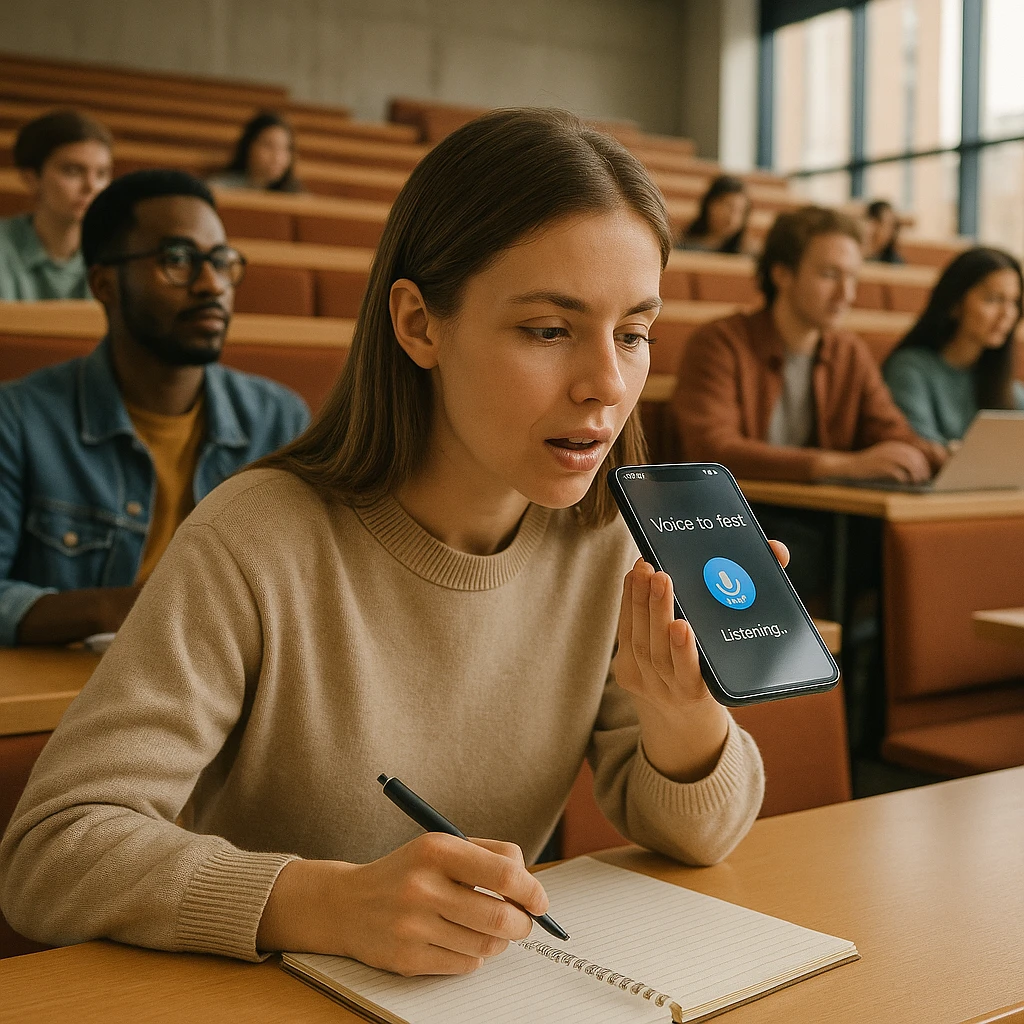
Background Recording
Live Transcription
Words appear on your screen as the professor speaks. Tap to bookmark the moment they say "this will be on the exam." Glance at your phone to confirm you heard a date correctly without asking the professor to repeat it.
Automatic Summaries
After class, the app generates a structured note document with key concepts, deadlines, and definitions extracted. A 50-minute economics lecture produced 7 key concepts and 3 deadlines in 3 minutes instead of 45 minutes of manual typing.
Real Lecture Test Results
Storage Comparison
Standard voice memo apps store recordings locally. A 50-minute recording is roughly 200 MB. Three lectures a week for one semester eats 2-3 GB of phone storage. Cloud-based apps like ScreenApp only store the transcript and summary locally, freeing up space.
Desktop vs. Mobile: The Hybrid Workflow
The mobile app captures audio. The web dashboard turns it into study material. Both pieces matter for different reasons.
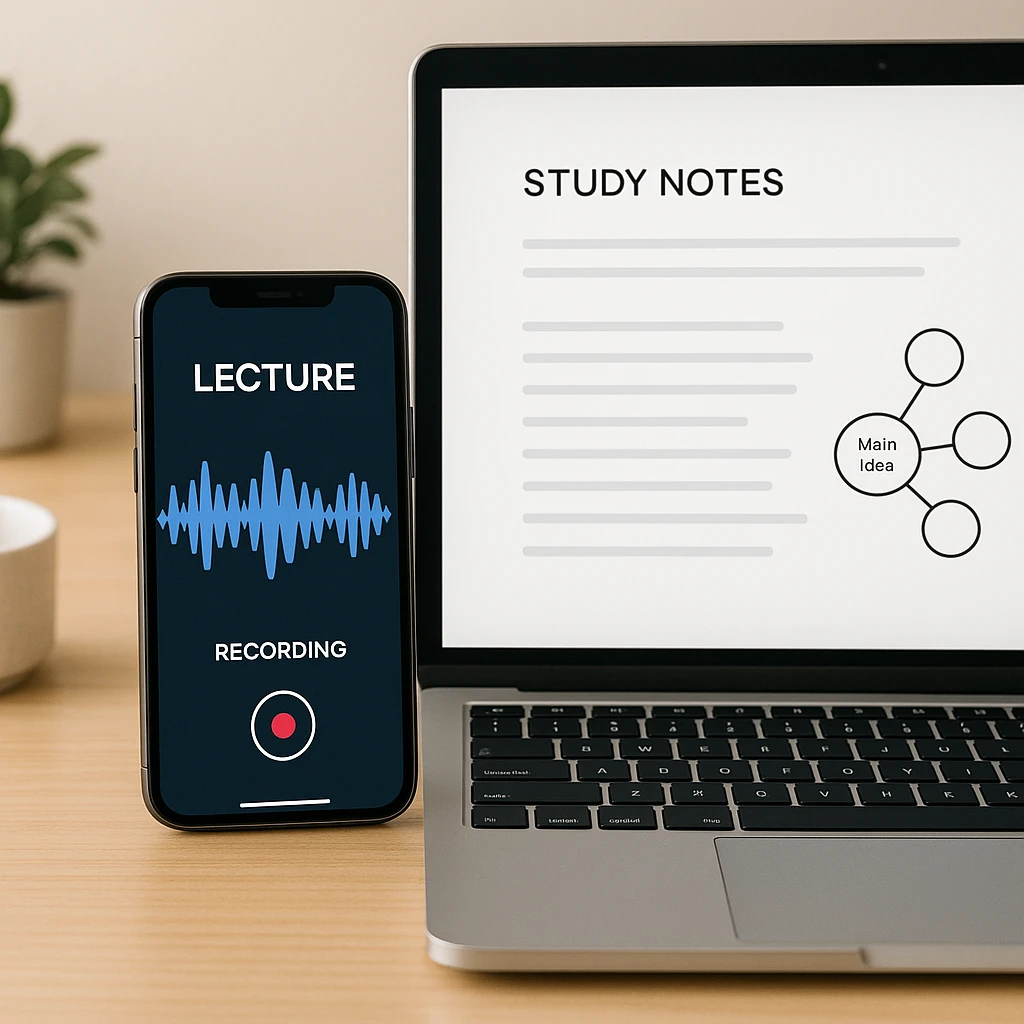
During class (phone)
- Hit record and put your phone in your pocket
- Live transcription appears on screen in the background
- Tap to bookmark key moments (exam dates, assignments)
After class (laptop)
- Open your web dashboard and review the full transcript
- Generate flashcards from key definitions
- Export to Notion, Google Docs, or share with your study group
- Edit transcription errors (rare, but possible with heavy accents)
You capture audio the way humans can (with a phone in a lecture hall) and study the way humans should (on a big screen with interactive tools). ScreenApp’s video summarizer and transcript editor work well on the web side of this workflow.
Offline Recording: Do You Need It?
Most lecture halls have WiFi, and your phone has cellular data. Since these apps transcribe in the cloud, offline recording means you capture audio locally but wait for transcription until you reconnect.
Practical advice
Final Verdict
| Use Case | Best App |
|---|---|
| Best overall lecture note taker | ScreenApp |
| Best for Zoom and hybrid classes | Otter.ai |
| Best free tier for students | ScreenApp (2 transcriptions, up to 45 min each) |
| Best for Android on a budget | NoteMaster |
| Transcript plus AI summary | ScreenApp |
The simplest test: download ScreenApp free and record one real lecture. If it saves you even 10 minutes of note-taking, it has already earned its place on your phone. For related tools, check out how ScreenApp handles meeting transcription and the audio summarizer for recorded content.
FAQ
Is there an AI note taker app for Android?
Yes. ScreenApp and Otter.ai both have full Android versions. NoteMaster is Android-only. All three support background recording and automatic transcription.
What is the best app to record lectures on iPhone?
The best app records in the background, transcribes in real-time, and generates automatic summaries. Apple Voice Memos records but does not transcribe. Otter.ai transcribes and summarizes, with a stronger Zoom integration. ScreenApp does all three.
Does the app need WiFi to record?
No. Recording works offline. Transcription requires WiFi or cellular data because it processes in the cloud. The typical workflow: record offline, then the recording uploads once you reconnect and the transcript is usually ready within a few minutes.
Are my lecture recordings private?
Yes. Recordings and transcripts are encrypted and stored securely. ScreenApp does not use your lectures to train public LLMs or sell data to third parties. You own your notes completely and can delete them anytime.
Can I share lecture notes with my study group?
Yes. After transcription, you can export to PDF, send a shareable link, or copy-paste into a shared Google Doc. All three apps support exporting and sharing.
Which app works best with Zoom lectures?
Otter.ai integrates directly with Zoom and auto-records when you join a meeting. ScreenApp requires you to hit record manually but works equally well for recorded Zoom audio. For live Zoom classes, Otter is slightly better. For in-person lectures, ScreenApp is faster.
How accurate is the transcription?
All three apps were accurate on clear English lectures. Accuracy drops with heavy accents, background noise, or unfamiliar jargon. Test it yourself with the free tier before committing to a paid plan.
What are the free tier limits?
ScreenApp's free plan covers 2 transcriptions of recordings up to 45 minutes each and 3 uploads, with 10 AI chats a month. Otter.ai gives 600 minutes per month, then hits a paywall. NoteMaster provides 300 minutes per month.
Can I record group study sessions?
Yes, but get everyone's consent first. Recording people without permission is illegal in many jurisdictions. Most apps include consent disclosures. Use them. How we put this together: this is a comparison based on each vendor's published documentation and pricing pages, checked on the dates shown. We did not run a hands-on benchmark for this article.