Record a Call, Get the Transcript and Notes
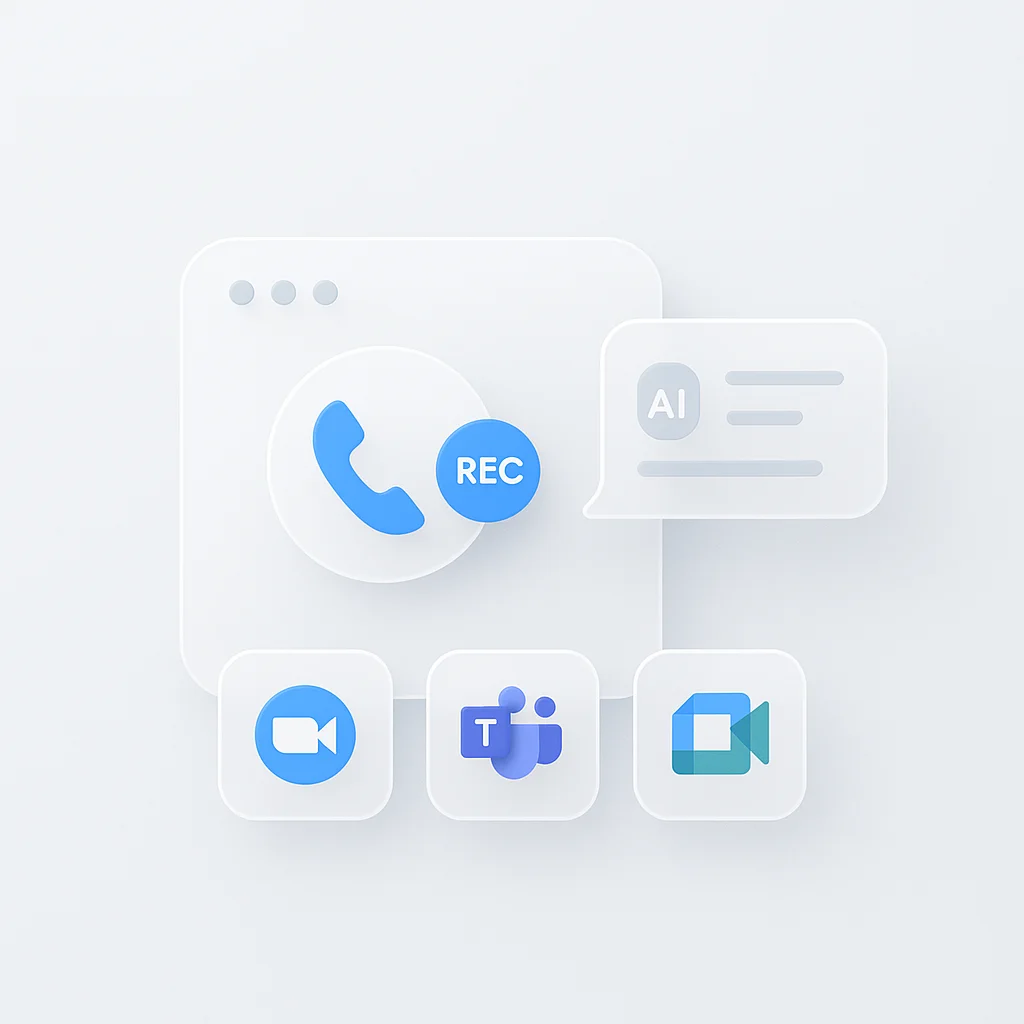
A call recorder captures a conversation and turns it into a transcript with AI notes. ScreenApp records a call three ways: from your browser’s tab and microphone when the call happens on your computer, with a meeting bot that joins Zoom, Google Meet, or Microsoft Teams, or with the mobile app on speaker for an actual phone call. It does not tap a phone line or connect to a carrier, so a phone call has to be picked up by a microphone, on speaker, or through the app.
11,990 calls were recorded and summarized on ScreenApp in the last 90 days, across sales, support, and client conversations. Reading the transcript and the notes instead of the recording turns a long call into a short read.
What you get with every recording:
- A transcript with speaker identification and timestamps, in 100+ languages
- AI notes: a summary plus action items with an owner and deadline, and decisions listed separately
- search across recordings by name or transcript
- AI chat with any recording, so you can ask a follow-up question about what was said
- Export as PDF, DOCX, TXT, SRT and VTT
- Free plan: 2 transcriptions of recordings up to 45 minutes each, with AI chat
Recordings are stored in your account and open on any device where you sign in.
How to Record a Call
- Pick how the call is happening: record from the browser tab and microphone for a call running on your computer, send the meeting bot into a Zoom, Google Meet, or Microsoft Teams link, or open the mobile app and put a phone call on speaker.
- Record: let it run for the length of the call. If you already have a recording from your phone’s call recorder or another app, upload that instead.
- Read the transcript: transcription and AI notes are ready a few minutes after you stop. Search the transcript, jump to a timestamp, or ask a question about the call.
Accuracy depends on the audio. A call taken on speaker in a quiet room gives a cleaner transcript than one played through a laptop’s speaker from across a noisy office. See how we measure accuracy.
Call Recorder vs Other Apps
| Feature | ScreenApp | Otter.ai | Rev Voice Recorder | TapeACall |
|---|---|---|---|---|
| Free plan | 2 transcriptions, up to 45 min each | 300 min/month, 30 min per conversation | Recording free, transcription billed per minute | Not stated |
| AI transcription | Included | Included, within the minute cap | $25.49/mo (AI, billed annually), $1.99/min (human) | Not stated |
| Paid plan | $19/month annual | $8.33/month billed annually, or $16.99 monthly annual | $25.49/month annual | Not stated |
Sources, checked 2026-10-01: ScreenApp pricing, Otter pricing, Rev pricing
- vs Otter.ai: Otter’s free plan caps you at 300 minutes a month and 30 minutes per conversation, and Pro is $8.33 a month billed annually, or $16.99 monthly. Otter records from a desktop app or a meeting bot; it does not tap a phone line either.
- vs Rev Voice Recorder: Rev’s recorder is free but AI transcription is billed by subscription starting at $25.49 a month (billed annually), so a busy week of calls adds up. ScreenApp’s plans include transcription and AI notes.
- vs TapeACall: TapeACall records an actual phone call by merging it into a conference line, which ScreenApp does not do. TapeACall does not publish pricing or a free tier on its own site. ScreenApp records browser calls, joins Zoom, Meet, and Teams with a meeting bot, or records a phone call on speaker through the mobile app, with transcription included from the free plan.
Who Uses a Call Recorder
Sales teams capture client calls and demos, then review the transcript to check what was promised and what the prospect asked for, instead of relying on notes taken during the call.
Customer support teams record calls for quality checks and training, then search the transcript for the exact moment a customer described an issue.
Remote workers keep an accurate record of client meetings and project calls, whether the call ran through Zoom, Teams, or a phone conversation on speaker, without typing notes while they talk.
Legal and compliance teams keep a searchable transcript and recording of a consultation or case discussion, alongside whatever consent process their organization already requires.
Researchers and journalists record an interview on speaker or through a video call, then read the transcript instead of relistening for a quote.