Turn a Recording into a Document
An AI document generator that starts from a recording, not a blank prompt. Upload a video or audio file, paste a link, or record one, and the transcript, speaker labels and formatting come back as a document you can read, search and export.
That is different from most tools called an “AI document generator,” which build a document from a text prompt or a template. This one starts from what was actually said: a meeting, an interview, a lecture, a call.
What you get from a recording:
- A transcript with speaker labels and timestamps, in 100+ languages
- AI notes: a summary, the main points, and action items with an owner and deadline, and decisions listed separately
- Chapters, so a long recording is split by topic
- Ask AI questions about the recording and get answers that point to the moment it happened
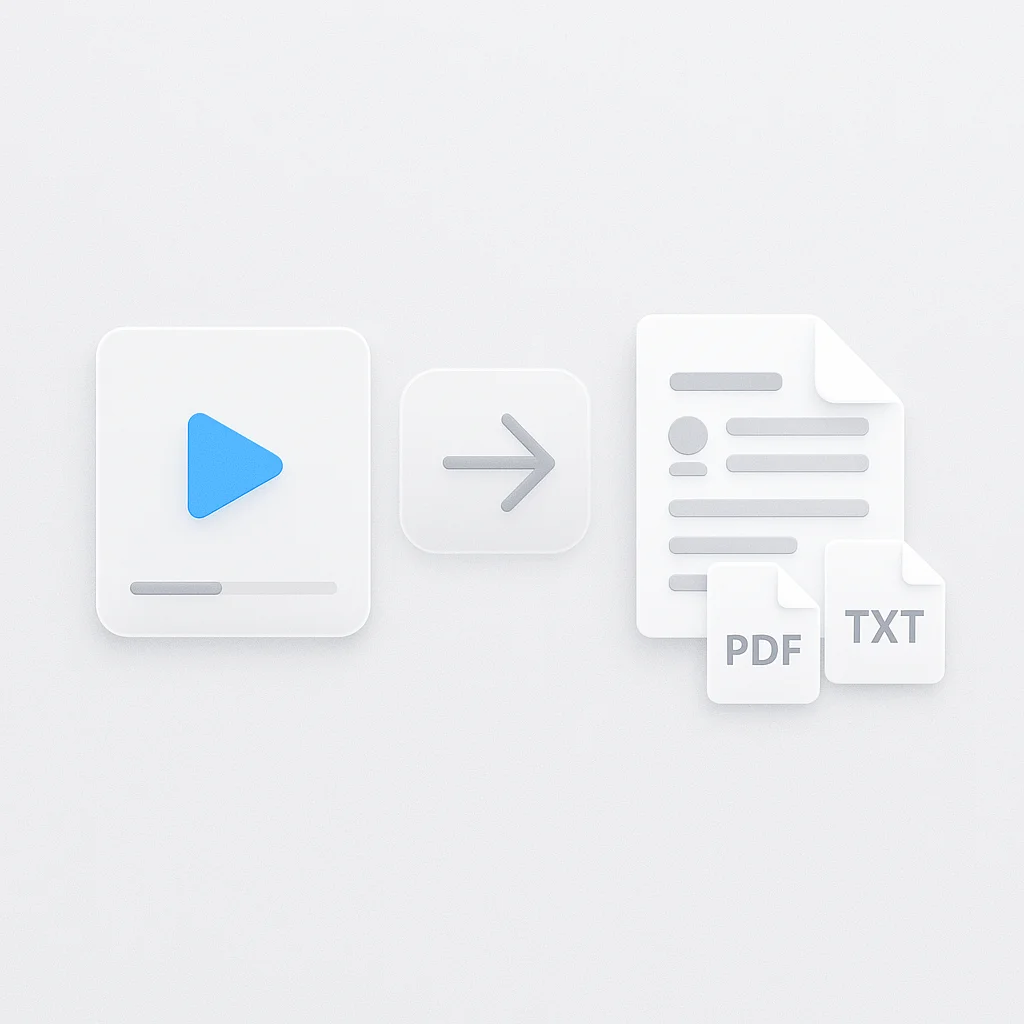
- Export as PDF, DOCX, TXT, SRT and VTT
- Free plan: 2 transcriptions of recordings up to 45 minutes each, with AI chat
How to Generate a Document from a Recording
- Add the recording: Upload a video or audio file, paste a YouTube or media link, or record one directly.
- Let it process: The transcript, speaker labels and AI notes are ready a few minutes after upload.
- Read, ask, and export: Search the transcript, ask AI a question about the recording, then export the document as PDF, DOCX, TXT, SRT and VTT.
Accuracy depends on the audio: clear speech close to the microphone transcribes cleanly, while overlapping speakers or background noise leaves gaps. See how we measure accuracy.
AI Document Generator vs Other Apps
| Feature | ScreenApp | AI Doc Maker | Template.net |
|---|---|---|---|
| Input | Video or audio, uploaded or recorded | a text prompt (files can be attached); not audio or video | a text prompt, voice instructions or an uploaded file |
| Speech to text | Yes, 100+ languages | Not stated | Not stated |
| Export formats | PDF, DOCX, TXT, SRT and VTT | PDF, Word, Excel, HTML and PowerPoint | PDF, DOCX and Google Docs |
| Free plan | 2 transcriptions of recordings up to 45 minutes each | Free, unlimited usage, no signup | Free, no signup, with an upgrade option for quality and speed |
| Paid plan | $19/month annual | Not stated | Not stated |
Sources, checked 2026-09-17: ScreenApp supported languages, ScreenApp pricing, aidocmaker.com, template.net/ai-document-generator
- vs AI Doc Maker: it builds a document from a text prompt (files can be attached); not audio or video, and its output formats are PDF, Word, Excel, HTML and PowerPoint. It has no way to take a recording and transcribe what was said in it.
- vs Template.net: it builds a document from a text prompt, voice instructions or an uploaded file, across a wide catalogue of document types, but the same gap applies: no audio or video is transcribed into the document.
Who Uses an AI Document Generator
Students turn a lecture recording into a document with the transcript, key concepts and any assignments the lecturer mentioned, instead of typing notes during class.
Content creators turn a recorded interview or podcast into a document they can pull quotes and sections from when writing a post or an article.
Businesses turn a recorded call or meeting into a document with a summary, action items with an owner and deadline, and decisions listed separately, so the write-up does not depend on whoever was taking notes.
Researchers turn interview recordings into documents with a transcript they can search and quote from, with a timestamp for every line.
Legal professionals turn a recorded deposition or client meeting into a document with speaker labels and timestamps for reference.