Can ChatGPT Create Videos? What Works Now That Sora Is Gone


On this page
Most articles answering this question are describing a product that no longer exists.
So the honest answer is that ChatGPT is not a video generator and, as of this year, OpenAI does not sell one to consumers at all.
What it is very good at is everything surrounding the render: the concept, the script, the shot list, the prompts you feed into an actual generator, the voice-over copy, the captions, and the edit plan. That is most of the work. It is just not the part that produces an MP4.
Quick Answer
ChatGPT writes the script, storyboard, prompts, captions, and voice-over, and can generate still images. It does not render video. Since Sora closed in April 2026, producing the actual clip means using a separate generator, and ChatGPT is the thing that makes those clips worth generating.
- It can: script, storyboard, prompt, caption, and make still images
- It cannot: render a clip, edit a timeline, or export a video file
- Sora: app dead since 26 April 2026, API ends 24 September
- Cheapest real path: repurpose footage you already have
The Short Answer
No, not in the sense you mean.
Type “make me a video about X” into ChatGPT and you will get a script, or a description of a video, or a set of scene ideas. You will not get a file you can upload anywhere. There is no render button, no timeline, no export.
What confuses people is that this used to be nearly true. Sora was OpenAI’s video model, it was genuinely impressive, and for a while there was a plausible route from a chat prompt to a finished clip inside OpenAI’s own products. That route closed in April.
What Happened to Sora
OpenAI announced the shutdown on 24 March 2026 and closed the web and app experiences on 26 April. The API follows on 24 September 2026.
The reason was money, and the numbers are unusually blunt for a product post-mortem. Sora cost roughly a million dollars a day to run and had brought in about $2.1 million in total revenue across its life. Add a collapsed licensing deal with Disney, ongoing copyright and deepfake headaches, and a company sharpening its margins, and the decision more or less makes itself. The Decoder has the fuller timeline if you want it.
If you generated anything in Sora and have not exported it, the API shuts down on 24 September 2026 and remaining content is deleted after that. Export from sora.chatgpt.com/sunset while it is still up.
Two practical consequences. Any tutorial you find that walks you through generating video inside ChatGPT is describing a dead product, regardless of how recently it was published. And OpenAI currently has no consumer video generator, so “ChatGPT video generator” as a product does not exist, only workflows that route through someone else’s model.
What ChatGPT Actually Does
Split the job into stages and the picture gets clearer. ChatGPT covers most of them.
| Stage | ChatGPT | What you get |
|---|---|---|
| Concept and angle | Yes | Topics, hooks, structure |
| Script and narration | Yes | Dialogue, voice-over copy |
| Storyboard and shots | Yes | Scene table with timings |
| Generation prompts | Yes | Detailed prompts for another tool |
| Still images | Yes | Thumbnails, frames, references |
| Captions and titles | Yes | Caption text, descriptions |
| Rendering the clip | No | Needs a video generator |
| Timeline editing | No | Needs an editor |
| Exporting a file | No | Nothing to export |
Six yes, three no. But the three it cannot do are the ones that produce the thing you actually wanted, which is why the honest framing is “ChatGPT does the pre-production” rather than “ChatGPT makes videos.”
Text to Video, Realistically
“ChatGPT text to video” means two different things and people searching it usually want the second one.
The first is turning writing into a video plan. Paste a blog post and ask for a 60-second script, a scene breakdown, and a prompt per scene. ChatGPT is excellent at this, and it is the part most people skip because it feels like homework.
The second is turning writing into a rendered clip. That needs a generator. ChatGPT hands off; it does not do the render.
Give it the constraints, not the topic
"A video about productivity" gets you mush. Platform, length, audience, and one specific message gets you something usable. The brief is doing more work than the model here.
Get the script, then cut it by a third
First drafts always run long, and narration reads slower than it looks on the page. Ask for a target word count rather than a duration, because word count is something it can actually hit.
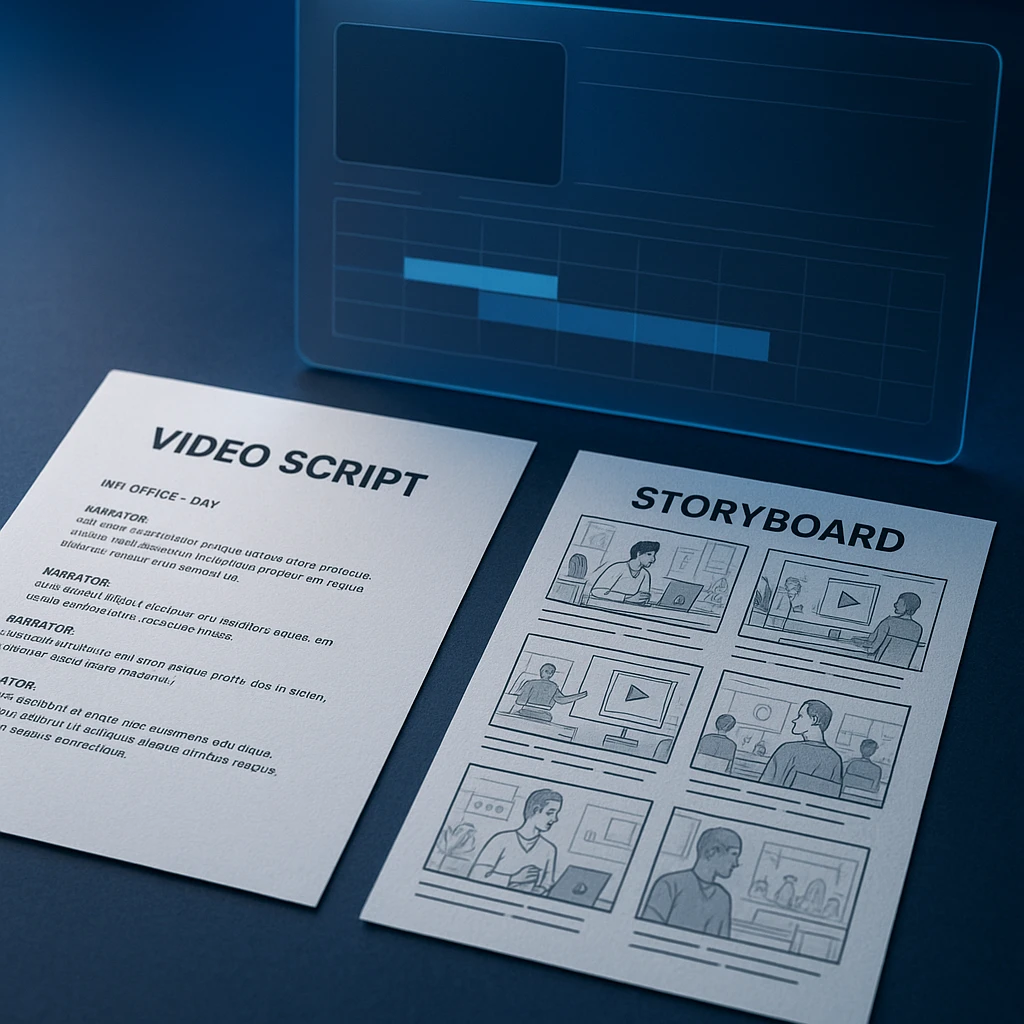
Break it into scenes with a table
Timestamp, narration, what is on screen, camera note. A table forces it to commit to specifics instead of writing atmosphere, and it becomes your shot list.
Turn each row into a generation prompt
One prompt per scene, then take them to whichever generator you use. This is the handoff point, and it is where ChatGPT's contribution ends.
If you have not settled on a generator, the roundup of free AI video generators covers export limits and watermarks, and there is a YouTube-specific comparison if that is the destination.
Making Videos From Photos
ChatGPT can look at a photo and describe it, suggest how it might move, and write the prompt for animating it. It cannot animate it.
That sounds like a small distinction and it is not. An image-to-video prompt has to say what stays fixed as well as what moves, and this is where most attempts fall apart: people describe the motion they want and say nothing about preserving the subject, so the face drifts across the clip.
A prompt worth reusing covers the subject and what must not change about it, the one specific movement you want, what the camera does, how the background behaves, the lighting, the duration, and the aspect ratio. Ask ChatGPT to write that from your photo and it does a good job, because it can see the image and describe what is in it.
Writing a Video Prompt
This is the most transferable thing on the page, because a good prompt works in whichever generator survives the year.
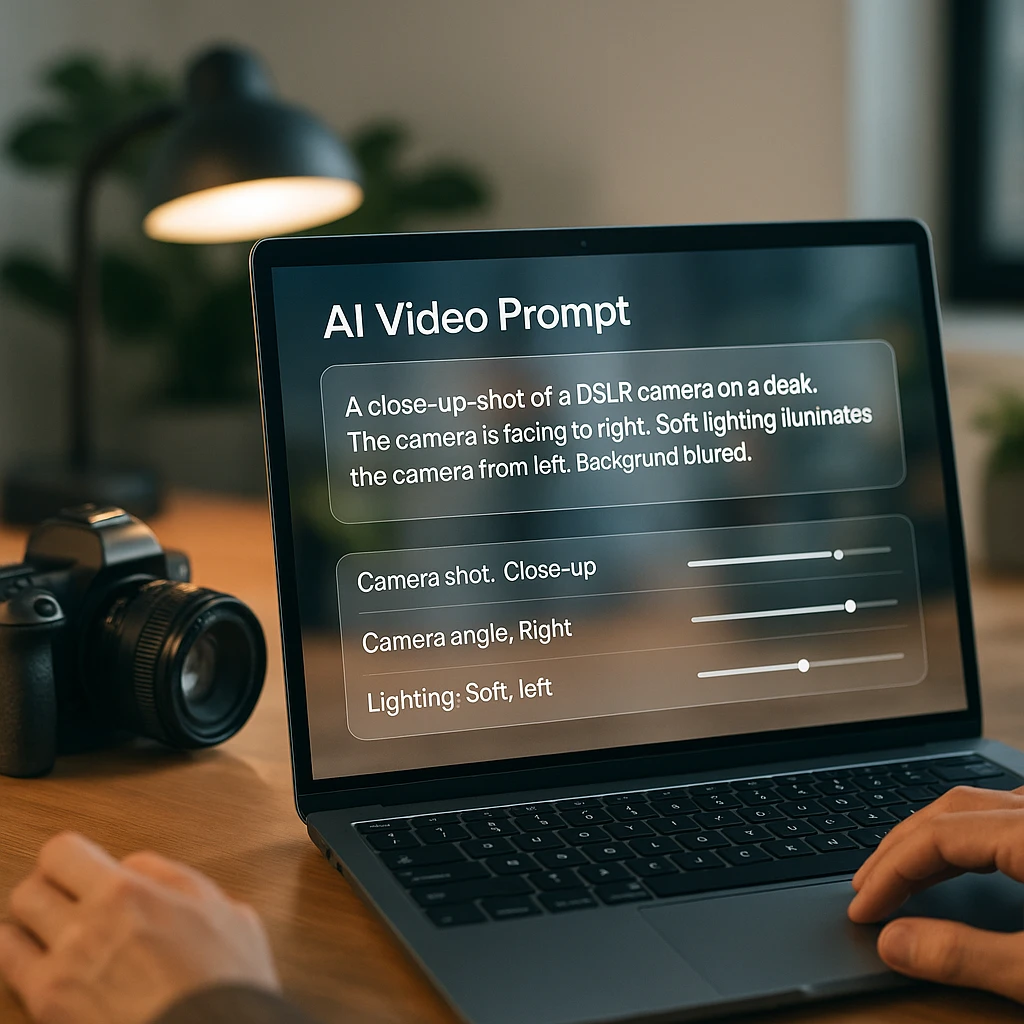
The formula: subject, action, environment, visual style, shot type, camera movement, lighting, mood, duration, aspect ratio, and what to avoid. Miss the last one and you will spend credits regenerating.
"[Subject] [action] in [environment]. [Visual style] look, [shot type], [camera movement]. [Lighting], mood is [mood]. [Duration], [aspect ratio]. Keep [what must stay consistent] unchanged. Avoid [what you do not want]."
"A woman in a grey coat walks along a wet city street at night. Cinematic, medium tracking shot moving with her, neon reflections on the pavement, cool blue key light. Mood is calm and a little lonely. 8 seconds, 16:9. Keep her coat and hair consistent throughout. Avoid text, logos, and other pedestrians."
"A matte black water bottle rotates slowly on a pale concrete surface. Clean commercial look, close-up, slow orbit around the subject, soft diffused light from the upper left. 6 seconds, 1:1. Keep the bottle shape and label position fixed. Avoid reflections that distort the label, and no hands in frame."
"A pair of hands opens a notebook and starts writing at a wooden desk. Warm natural style, overhead shot, slow push in. Morning window light. 5 seconds, 9:16, with the action centred in the upper two thirds so captions can sit underneath. Avoid readable text on the page."
The detail people leave out is the last one in each: what to avoid, and where to leave room for captions. Both save regenerations.
Animated and Explainer Video
Same split as everything else. ChatGPT writes it, something else draws it.
Where it genuinely helps with animation is character consistency, which is the thing that ruins most AI-generated animated sequences. Get it to write one detailed character description, lock it, and paste that identical block into every scene prompt. Not a summary of it, the same text. The moment you paraphrase between scenes, the character starts drifting.
For explainer video specifically, the useful trick is asking for the script and the on-screen text as two separate columns. Narration and captions doing the same job word for word is the most common mistake in explainers, and separating them early stops it.
Can ChatGPT Edit Videos?
Not the video. The plan for editing it, yes, and that turns out to be most of the work.
Give it a transcript and it will find the repetition, tell you where the intro drags, suggest cuts with timestamps, rewrite a clumsy section of narration, and generate chapter markers. What it cannot do is touch your timeline. You take its notes into an editor and make the cuts yourself.
That transcript is the dependency. There is a fuller treatment of what ChatGPT can and cannot do with an existing video in the guide on whether ChatGPT can watch and analyse videos, and the mechanics of getting a file in are covered in uploading video to ChatGPT. The short version is that it needs text, so run the footage through a video to text converter first and work from that.
This is also, quietly, the cheapest way to make video with AI. Not generating new footage at all, but taking something you already recorded, pulling a transcript, and having ChatGPT cut three short clips out of it. No credits, no render queue, and the footage is real.
What It Costs
“Free” attaches to the planning stages and stops there.
| Stage | Free with ChatGPT | Where cost appears |
|---|---|---|
| Script and storyboard | Yes | Message limits on the free tier |
| Prompts | Yes | None |
| Still images | Limited | Daily caps on free accounts |
| Rendering clips | No | Per-generation credits elsewhere |
| Voice-over audio | No | Text-to-speech subscription |
| Editing and export | No | Editor, or a watermark |
So “can ChatGPT create videos for free” has an awkward answer: the half it can do is free, and the half that costs money is the half that makes the video. For what a ChatGPT subscription itself covers, we have a breakdown of ChatGPT pricing.
ChatGPT vs a Video Generator
They are not competitors. Treating them as alternatives is why people end up disappointed with both.
A video generator takes a prompt and returns pixels. It has no opinion about whether your hook works, no memory of the last video you made, and it will not tell you the script is thirty seconds too long. Feed it a vague prompt and it renders a vague clip, beautifully.
ChatGPT is the opposite: strong on structure, judgment, and language, incapable of producing a single frame. It will happily tell you your concept is muddled, which is worth more than another render.
The pairing works because the generator’s main weakness is prompt quality and that is precisely what ChatGPT is for. Most bad AI video is not a model failure. It is someone typing eleven words into a generator and hoping.
Where this leaves ChatGPT genuinely unmatched is repurposing. Point it at an existing transcript and it will restructure one recording into a short script, a blog outline, and five caption variants in a single pass. No generator does that, and it is the highest-return use of it in a video workflow. An AI video summarizer or an AI video watcher gets you to the raw material faster, but the restructuring is ChatGPT’s.
Where This Breaks
Six things go wrong repeatedly, and none are model failures.
| What happens | Why | Fix |
|---|---|---|
| Clip ignores the prompt | Too many instructions at once | One action per clip, then stitch |
| Character changes face | Description reworded per scene | Paste the identical block every time |
| Script runs long | Asked for a duration, not words | Give a word count, roughly 150 a minute |
| Narration sounds robotic | No voice or audience specified | Name the speaker and who they address |
| Captions do not match audio | Built from the draft script | Caption the final recording, not the script |
| Text in frame is garbled | Generators render text poorly | Ban text in the prompt, add it in the edit |
That last one is worth internalising. Do not ask a video model for on-screen text. Generate the clip clean and put the words on afterwards, where you control the font and they are actually legible.
What I Would Actually Do
If you already have footage, start there. Transcribe it, hand the transcript to ChatGPT, and cut three short videos out of one recording. Costs nothing, the footage is real, and it beats anything you would generate this week.
If you genuinely need new footage, use ChatGPT for the script and the per-scene prompts, then take those to a generator. The prompts are where the quality comes from, and the prompts are free.
What I would not do is wait for OpenAI to ship a replacement. Sora lost about a million dollars a day and made $2.1 million total across its life. That is not a product that comes back quickly.
FAQ
Can ChatGPT create videos?
No. It writes scripts, storyboards, prompts, captions, and generates still images, but it does not render video or export a file. Producing the clip means using a separate generator.
Does ChatGPT have a video generator?
Not any more. Sora was OpenAI's video product and the app and website closed on 26 April 2026, with the API ending on 24 September 2026. There is currently no consumer video generator from OpenAI.
Can ChatGPT make videos for free?
The parts it can do are free on a paid plan and mostly free on the free tier, with limits on image generation. Rendering, voice-over, and editing all happen elsewhere and that is where the cost sits.
Can ChatGPT turn text into a video?
It turns text into a video plan: script, scenes, and one prompt per scene. Turning that into moving footage needs a generator. Both get called text to video, which is where the confusion starts.
Can ChatGPT make a video from photos?
It can analyse a photo and write a strong image-to-video prompt from it, including what should stay fixed. The animation itself happens in an image-to-video tool.
Can ChatGPT create animated videos?
It writes the script, character descriptions, and scene prompts. For consistency, reuse one identical character description across every scene rather than rewording it, which is what causes characters to drift.
Can ChatGPT edit an existing video?
It can plan the edit from a transcript: cuts with timestamps, pacing notes, rewritten narration, chapter markers. It cannot touch your timeline, so you apply the changes in an editor.
What happened to OpenAI Sora?
OpenAI announced the shutdown on 24 March 2026, closed the app and website on 26 April, and will end the API on 24 September. It cost around $1M a day to run against roughly $2.1M in lifetime revenue.
Can I still export my Sora videos?
Yes, until the API shuts down on 24 September 2026. Content left after that is deleted permanently, so export anything you want to keep now.
Is ChatGPT better than a dedicated AI video generator?
They do different jobs. ChatGPT handles structure, script, and prompts. A generator renders frames. Most disappointing AI video comes from a weak prompt, which is exactly the gap ChatGPT fills.
How do I turn a ChatGPT script into a video?
Break the script into a scene table, write one generation prompt per scene, render the clips, then assemble them with narration and captions in an editor.
Why does my AI video ignore the prompt?
Usually too many instructions in one clip. Generators handle one clear action well and several poorly. Split it into separate short clips and stitch them together.
Can ChatGPT add text on screen?
It writes the text. Do not ask a video generator to render it, because text in generated footage usually comes out garbled. Generate the clip clean and add words in the edit.
What is the cheapest way to make video with AI?
Repurpose what you already have. Transcribe an existing recording, have ChatGPT restructure it into short scripts, and cut clips from the real footage. No generation credits at all.