Best Free AI Lecture Note Takers for Students (2026)

On this page
You are 40 minutes into a two-hour lecture. The professor is talking fast, there are slides you are half-reading, and you are also supposed to be writing all of this down. You cannot do all three at once. Something gives, and it is usually either your notes or your actual understanding of what was just said.
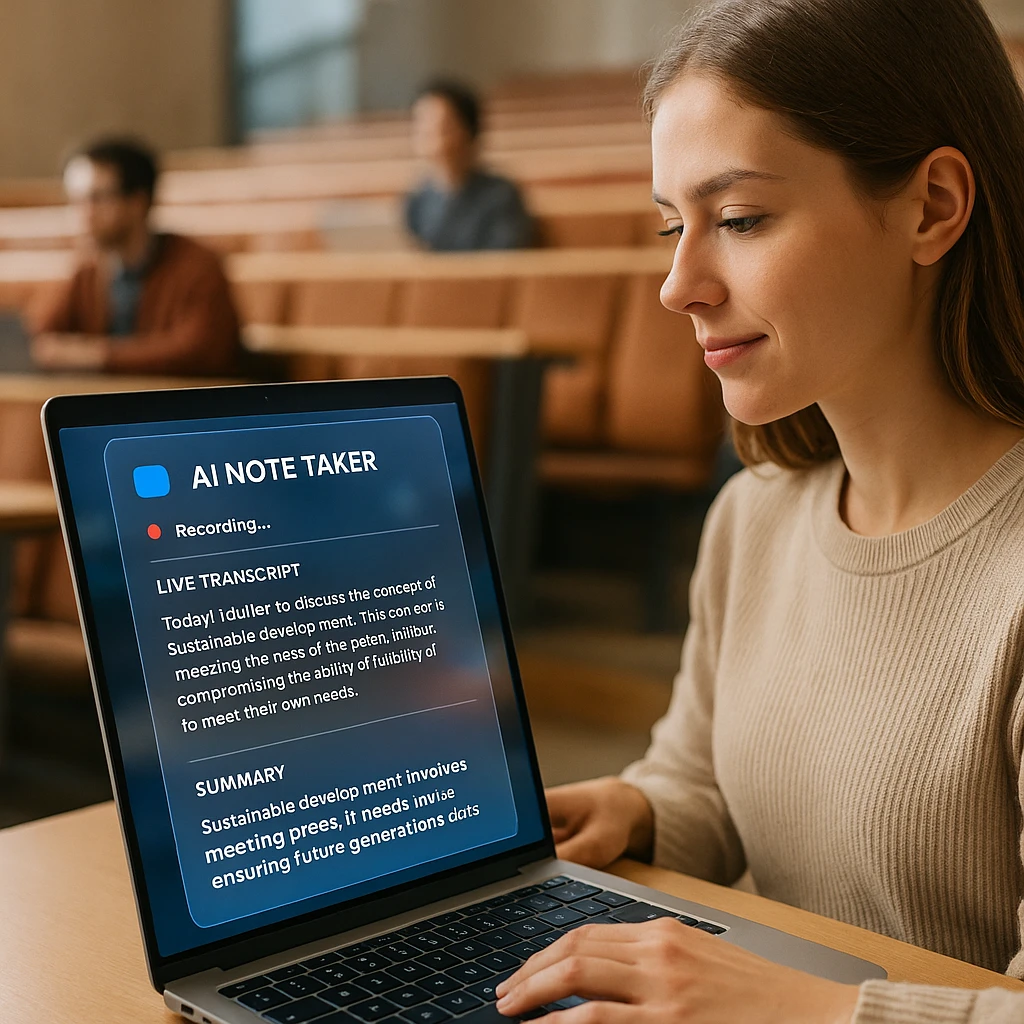
That gap is the whole reason AI lecture note takers exist. The tool listens, transcribes every word, and hands you a summary and clean notes, so your only job in the room is to pay attention.
Here is the catch for 2026, and it is the part the meeting-tool roundups skip. Most AI note takers were built for corporate Zoom calls, and their free tiers are tuned to nudge you into paying. A 30-minute recording cap does not survive a single 50-minute lecture, and it definitely does not survive finals week. So this list only ranks tools whose free tier actually fits a student’s week, with outputs you can study from instead of business meeting memos.
There is real research behind handing off the transcript, too. In a Princeton study, students who typed notes word for word understood the material less than those who wrote selectively (Mueller and Oppenheimer), because transcribing eats the attention you need to actually follow the argument. Let an AI capture the words and you are free to do the part it cannot: think.
And no, ChatGPT will not do this reliably. More on why further down, but the short version is it does not sit and passively listen, and it does not keep the audio. You want a dedicated lecture recorder for the capture, then a chatbot later if you like.
Quick picks
Records up to 2 hours on a paid plan and hands back a transcript, summary, and key points. The free plan is 2 transcriptions of recordings up to 45 minutes each.
Turns notes and PDFs you already have into a study guide. Free, but it does not record live.
Best for flashcards and self-testing. Unlimited flashcards on the free tier.
Good for short in-person seminars, but capped at 300 minutes a month and 30 minutes per recording.
AI lecture note takers compared
| Tool | Best for | Free tier | Records live | Study output |
|---|---|---|---|---|
| ScreenApp | Long lectures | 2 transcriptions, up to 45 min each | Yes | Transcript, summary, key points |
| NotebookLM | Study guides | Free | No, upload only | Study guide, audio overview, mind map |
| Knowt | Flashcards and quizzes | Unlimited flashcards | No, upload only | Flashcards, practice quizzes |
| Otter | Short seminars | 300 min per month, 30-min cap | Yes | Transcript, summary |
| Coconote | All-in-one study | Limited free tier | Yes | Notes, flashcards, quiz, podcast |
| Notta | Multilingual lectures | Monthly minute cap | Yes | Transcript, translation, summary |
| Tactiq | Online lectures | 10 transcripts per month | Yes | Live transcript, summary |
The split is simple once you see it. ScreenApp and Otter capture the lecture live. NotebookLM and Knowt do not record at all, they turn a transcript or PDF you already have into study material. That is why the strongest setup pairs a recorder with a study tool, which I will show at the end.
The best AI lecture note takers
Free-tier numbers below were current when this was written and are the reason each tool ranks where it does. The out-of-ten scores are our editorial read, not a lab benchmark.
1. ScreenApp
Best overall for recording and long lectures
ScreenApp handles the recording half of the job. Open it in a browser, hit record, and it captures desktop audio (a Zoom lecture or a YouTube playback) or your laptop mic (an in-person class), then transcribes it and writes a summary with key takeaways. The free plan covers 2 transcriptions of recordings up to 45 minutes each, so it is a way to test it on a couple of classes rather than a term's worth. A paid plan raises the cap to 2 hours per recording, which covers a full lecture.
Key Features
Pros
- -Handles full two-hour lectures on a paid plan
- -Free recording lets you test it before paying
- -Records desktop audio or your mic
- -Transcript you can search and export
Cons
- -Needs an internet connection
- -Live capture is browser-based, not a native app
- -The free plan is a single 45-minute recording, not a monthly allowance
Best For
Students recording full lectures who want a transcript, summary, and something to study from, all in one place.
2. Knowt
Best for flashcards and active recall
Knowt is not a recorder. It is what you feed a finished transcript into. Paste your lecture notes or a transcript and it generates flashcards and multiple-choice quizzes automatically, then drills you with study modes. The free tier keeps flashcards and notes unlimited, which is unusually generous for this category.
It leans hard into active recall, the study method that actually moves marks, instead of passive rereading. The catch is the input: Knowt is only as good as the transcript you give it, so it works best downstream of a recorder. On its own it captures nothing from the lecture itself.
Key Features
Pros
- -Unlimited flashcards on the free tier
- -Strong active-recall study modes
- -Fast quiz generation from any text
- -A solid free Quizlet replacement
Cons
- -Does not record or transcribe anything
- -Only as good as the transcript you paste in
- -AI features have monthly caps on free
Best For
Turning a lecture transcript into flashcards and practice tests before an exam.
3. NotebookLM
Best for source-grounded study guides
NotebookLM is Google's free study workspace, and it is the best free tool here for making sense of material you already have. Upload lecture transcripts, slide PDFs, and readings, and it builds a study guide, a mind map, and an Audio Overview, a genuinely good AI podcast where two voices discuss your notes. Every answer is grounded in your sources and cites them, so it hallucinates far less than a general chatbot.
The limit is the same as Knowt: it does not record live audio, it only processes files you upload. So the flow is record the lecture elsewhere, drop the transcript into NotebookLM, and let it turn a wall of text into something you can revise from on a commute.
Key Features
Pros
- -Free and genuinely useful
- -Citations cut down on made-up answers
- -Audio Overviews for hands-free revision
- -Handles several sources at once
Cons
- -No live recording, upload only
- -Tied to a Google account
- -Source and length caps on the free tier
Best For
Turning uploaded lecture transcripts and readings into a cited study guide or an audio revision track.
4. Otter.ai
Best for short, in-person seminars
Otter is a strong real-time transcription app, and for a short seminar or a study-group discussion it is genuinely good, with the live transcript scrolling as people talk. It has a polished mobile app and adds an automatic summary on top of the transcript.
The 2026 free plan is where it stumbles for lectures. Otter's Basic tier caps you at 300 minutes a month and, worse, 30 minutes per recording. A 50-minute lecture gets cut in half unless you pay, and you only get three file imports on the whole account. Fine for a 25-minute seminar, painful for a full class schedule.
Key Features
Pros
- -Excellent live real-time transcription
- -Clean, well-built mobile app
- -Speaker identification for discussions
- -Good for short seminars and groups
Cons
- -30-minute per-recording cap cuts full lectures in half
- -300 minutes a month total on free
- -Only three file imports on the whole account
- -English-only on the free tier
Best For
Short in-person seminars and study groups under 30 minutes, or students who will pay for Otter Pro.
5. Coconote
Best all-in-one for turning a lecture into study material
Coconote is the one tool here built from the ground up for students, not repurposed from a meeting app. Feed it a lecture (record in the app, upload audio, or paste a transcript) and it returns organized notes, flashcards, a quiz, and even a podcast-style audio recap in one pass. It is the closest thing to a single-button "make me study material" button.
The trade-off is depth. Coconote is fast and simple, which is the whole point, but it does not give you the long-lecture recording headroom of a dedicated recorder, and the free tier caps how many notes you can make. For a quick turnaround on a 40-minute class it shines. For a two-hour lecture you want to keep and search, pair it with a proper recorder.
Key Features
Pros
- -Notes, flashcards, quiz, and recap in one step
- -Built specifically for students
- -Fast and simple to use
- -No bot joining your call
Cons
- -Free tier caps how many notes you can make
- -Less control than a full recorder
- -Not built for very long lectures
Best For
Students who want notes, flashcards, and a quiz out of one lecture without stringing several tools together.
6. Notta
Best for multilingual lectures and transcription
Notta is a transcription app in the Otter mold, but its edge for students is language coverage. It transcribes and translates across 58 languages, which matters if your lectures are not in English or you are studying a language. It does live transcription, file imports, and AI summaries on top.
The free plan is modest, with a monthly minute cap and a per-recording limit, so like Otter it suits shorter sessions better than back-to-back full lectures. But if your main need is transcribing non-English classes accurately, it is the pick here.
Key Features
Pros
- -Strong multilingual support, 58 languages
- -Live transcription plus translation
- -Clean AI summaries
- -Good mobile app
Cons
- -Free tier has a monthly minute cap
- -Per-recording limit on free
- -Best features sit behind Pro
Best For
Students whose lectures are in another language, or who need transcription and translation together.
7. Tactiq
Best for live online lectures on Zoom or Google Meet
Tactiq is a Chrome extension that transcribes live, right inside Google Meet, Zoom, and Teams. For online lectures and remote seminars that is genuinely handy: switch it on and it captures the transcript in the tab, with no bot joining the call. The free plan gives you 10 transcripts a month plus a few AI credits for summaries.
The limits are its ceiling. Ten transcripts a month covers a light online course load but not a full timetable, and the AI summary credits run out quickly. It also only works for calls running in the browser, so an in-person lecture is out. For remote students on Meet or Zoom, though, it is a clean fit.
Key Features
Pros
- -No meeting bot, transcribes in the tab
- -Works across Meet, Zoom, and Teams
- -Live transcript as the lecture runs
- -Free tier covers a light course load
Cons
- -Only 10 transcripts a month on free
- -Limited AI summary credits
- -Browser calls only, no in-person lectures
Best For
Remote students whose lectures run on Google Meet or Zoom in the browser.
The best lecture note taker app for iPhone and Android
Your laptop is not always open. Sometimes it is a 9am lecture and all you have is the phone in your pocket. Two of these tools handle that well, in different ways.
Otter has a proper native app on iOS and Android, and it is the smoothest phone experience here for a quick seminar. Just remember the 30-minute cap follows you onto mobile, so it will stop halfway through a long class.
ScreenApp takes the other route. There is no app to download. You open it in Safari or Chrome on your phone and record straight from the microphone, which means nothing eating your storage and no app-store update to forget. For iPhone specifically, our lecture recorder for iPhone walks through the exact steps. Knowt and NotebookLM also have apps, but remember what they are for: you still feed them a transcript, they do not capture the room.
My honest advice for a phone-only day: record with a browser recorder so you are not fighting a session cap, then do the flashcards and study-guide part later on whatever device you have.
Can ChatGPT take notes from a lecture?
Short answer: no, not reliably.
ChatGPT does have a Voice mode now, so it is a fair thing to try. But it is built for back-and-forth conversation, not for sitting quietly and listening to a professor for an hour. If the room goes quiet while the lecturer writes on the board, Voice mode assumes the conversation is over and stops. Worse, it does not save the actual audio, so there is no recording to go back to and nothing to re-check when your notes look thin.
The fix is to split the job. Use a dedicated lecture recorder to capture the exact audio and generate an accurate transcript, then paste that transcript into ChatGPT if you want it to draft practice questions or explain a concept you missed. Capture first, chatbot second. Doing it the other way round loses the one thing you cannot get back: what was actually said.
The lecture-to-quiz workflow
No single free tool records, summarizes, and quizzes you well. The trick is stringing two together. Here is the setup I would use the week before a midterm.
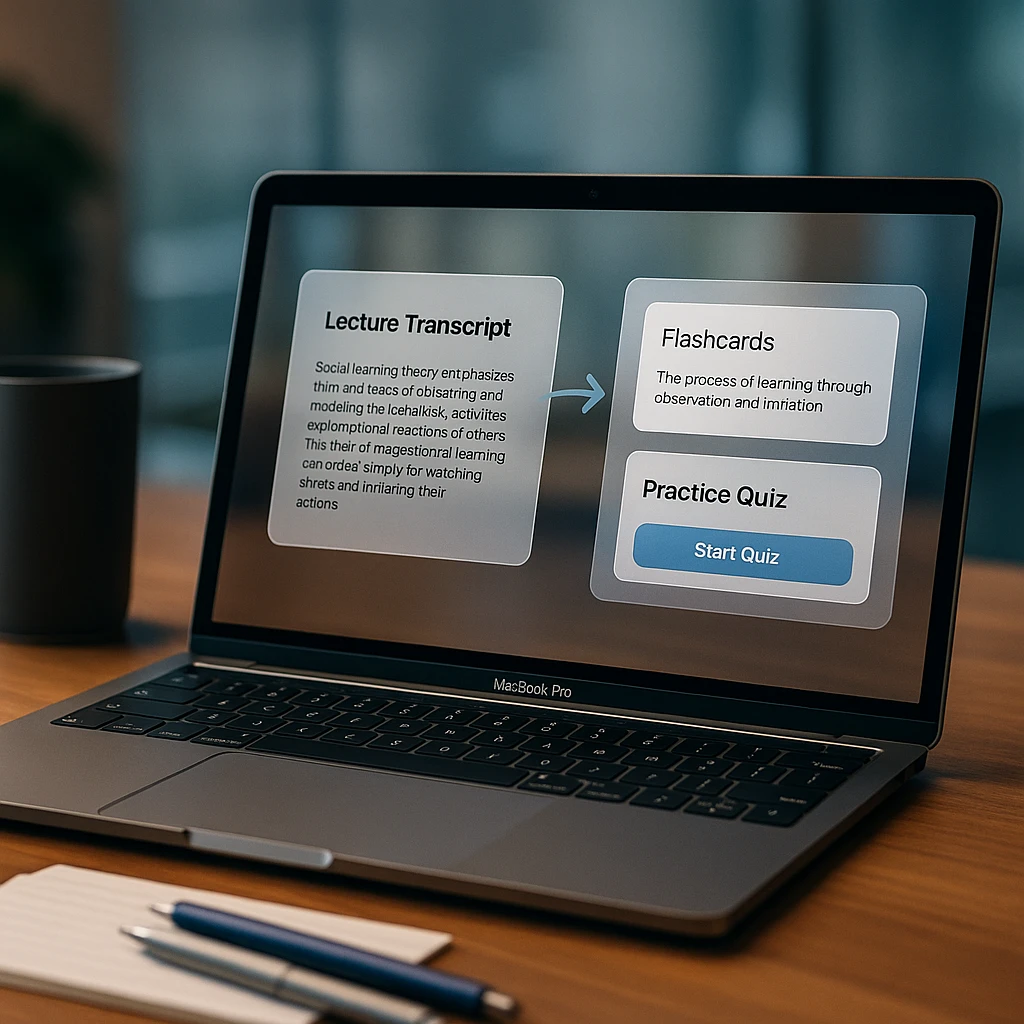
Record the lecture
Use ScreenApp to capture the full hour and generate the raw transcript. This is the source of truth for everything after it.
Read the summary
Skim the AI summary to grasp the core concepts and spot the parts you zoned out for, before you sink time into memorizing anything.
Test yourself
Export the transcript as a PDF and drop it into Knowt or NotebookLM to auto-generate flashcards and a practice quiz. Active recall beats rereading every time.
That middle step is the one people skip. Reading the summary first tells you where your understanding is thin, so you build flashcards for the concepts you actually missed instead of the ones you already knew.
Related guides
- How to record lectures and convert them to text
- Best dictation apps for students and lectures
- Screen record on iPad for teachers and students
- Best mobile AI note-taking apps
- ScreenApp AI lecture note taker
How we put this together: this is a comparison based on each vendor’s published documentation and pricing pages, checked on the dates shown. We did not run a hands-on benchmark for this article.
FAQ
Which AI converts lectures to notes for free?
ScreenApp turns audio straight into a transcript, a summary and key points, though the free plan is 2 transcriptions of recordings up to 45 minutes each rather than an ongoing allowance. NotebookLM is free too, but it needs a transcript or file to work from, since it does not record.
What is the Reddit consensus on the best AI for student notes?
The lecture note-taker threads tend to steer away from anything that caps recordings at 30 minutes, since a single class blows past that. Browser-based recorders that handle a full lecture, plus Knowt for turning notes into flashcards, come up a lot. The recurring warning is to check the per-recording limit, not just the monthly total.
Is there a completely free AI that listens to lectures?
Sort of, with an asterisk. AI transcription costs real money to run, so a tool advertising truly unlimited free use is usually making money another way, often by using your data. The safer bet is a tool that states its limits plainly, like ScreenApp's 2 free transcriptions or NotebookLM's Google-backed free plan, where you know what you are getting and the business model is not you.
What is the best lecture note taker app for iPhone?
Otter has a solid native iPhone app, but the 30-minute recording cap on the free plan is the catch. ScreenApp needs no download at all, you record from the microphone in Safari, which is the better route for a full lecture on a phone.
Do these tools work for recorded video lectures, not just live ones?
Yes. ScreenApp can capture a video lecture playing in a browser tab, and NotebookLM and Knowt happily take an uploaded transcript or file. Otter lets you import files too, but only three of them on the free account.