
Record a Lecture on Your iPhone, Get the Transcript and Notes
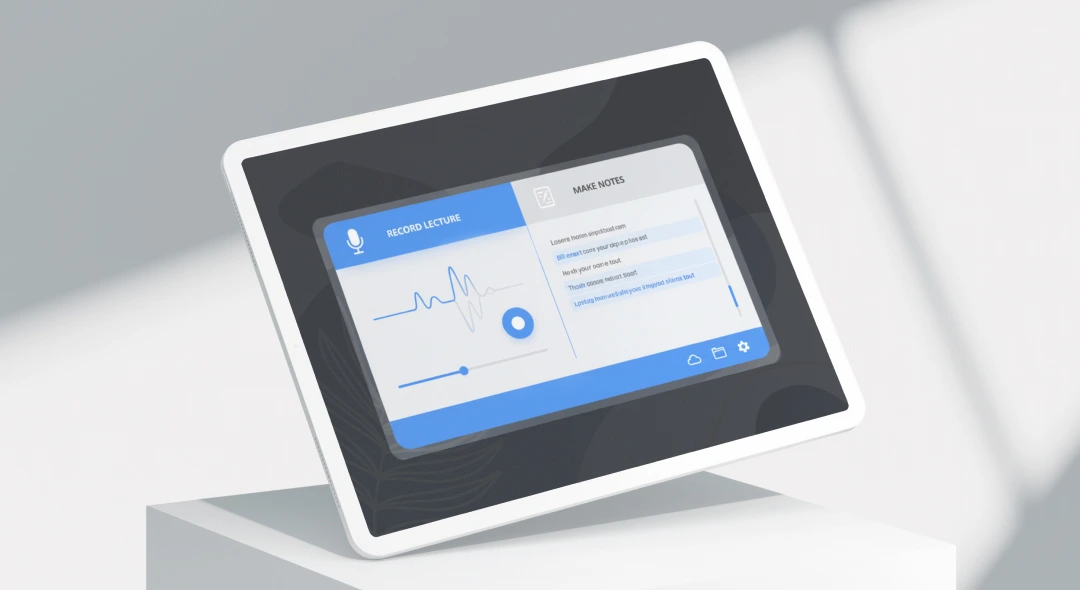
This iPhone lecture recorder captures a class through your phone’s microphone and turns it into a searchable transcript with AI notes. Record live in the lecture hall, or upload a recording you already have, and read the summary afterward instead of re-listening to the whole class.
9,690 lectures were recorded on ScreenApp in the last 90 days, across seminars, tutorials, and study sessions. Your iPhone is already in your bag for every class, so there is nothing extra to carry into the lecture hall.
What you get with every recording:
- A transcript with speaker identification and timestamps, in 100+ languages
- AI notes: a summary, the main concepts, and any assignments or deadlines mentioned
- chapters with timestamps, so a long lecture is split by topic
- AI chat with any recording, so you can ask a question about the lecture and get an answer that points to the moment it happened
- search across recordings by name or transcript
- Export as PDF, DOCX, TXT, SRT and VTT
- Free plan: 2 transcriptions of recordings up to 45 minutes each, with AI chat
Recordings are stored in your account and open on any device where you sign in, including the lecture recorder on desktop and browser.
How to Record a Lecture on Your iPhone
- Start recording: download ScreenApp from the App Store, open the app, and tap record. Place the iPhone on the desk facing the lecturer for the clearest audio.
- Let it run: recording continues until you stop it, iOS and Android apps record offline. If you already have a lecture video from class, upload that instead.
- Read the notes: transcription and AI notes are ready a few minutes after you stop, once the recording has a connection to upload and process. Search the transcript, jump to a timestamp, or ask a question about the lecture.
Accuracy depends on the audio. A phone on the desk near the lecturer works well; a phone at the back of a large hall with side conversations will have gaps. See how we measure accuracy.
iPhone Lecture Recorder vs Other Apps
| Feature | ScreenApp | Otter.ai | Rev Voice Recorder | Notability |
|---|---|---|---|---|
| Free recording | 2 transcriptions, up to 45 min each | 300 min/month, 30 min per conversation | Recording free, transcription billed per minute | Needs Plus ($15.99/year) |
| Transcription | Included | Included within the minute cap | $25.49/mo (AI, billed annually), $1.99/min (human) | Included with Plus |
| AI notes and chapters | Included | Pro, $8.33/month billed annually, or $16.99 monthly | No | No AI summary |
| Offline recording | iOS and Android apps record offline | Otter stores audio locally if the connection drops, with no live transcript | Not stated | Not stated |
| Languages | 100+ | 6 | Not stated | Not stated |
| Paid plan | $19/month annual | $8.33/month annual | $25.49/month annual | $15.99/year |
Sources, checked 2026-10-01: ScreenApp supported languages, ScreenApp pricing, Otter pricing, notability.com/pricing, Rev pricing, Otter offline recording guide
- vs Otter.ai: Otter’s free plan caps you at 300 minutes a month and 30 minutes per conversation, and Pro is $8.33 a month billed annually, or $16.99 monthly. Otter transcribes 6 languages (English, Spanish, French, German, Japanese, and Chinese); ScreenApp transcribes 100+, and its iPhone app records fully offline.
- vs Rev Voice Recorder: Rev’s recorder is free but transcription is pay per minute at $25.49/month (billed annually) for AI transcripts, so a semester of lectures adds up. ScreenApp’s plans include transcription and notes.
- vs Notability: Notability is a handwriting and note-taking app. Audio recording and transcription need the Plus plan at $15.99 a year, and there is no AI summary. ScreenApp’s iPhone app is built around the transcript and the notes.
Who Uses an iPhone Lecture Recorder
College students carry a full course load of back-to-back lectures. Recording each class on the phone already in their pocket means they can review later instead of trying to write everything down mid-lecture.
STEM students deal with equations and diagrams that move fast on the board. A recording lets them pause and replay the difficult section, then check it against the transcript while working through problem sets.
Language learners need to hear pronunciation and grammar explanations more than once. Recording a class on iPhone and replaying the audio alongside the transcript helps vocabulary and phrasing stick.
Graduate students record seminar discussions and supervision meetings, then quote the transcript with a timestamp when writing up their notes afterward.
Study groups record a shared session so everyone can read the same transcript later, rather than relying on whoever happened to take notes that day.
Commuting students turn travel time into review time, reading a transcript on the train or listening back to a recording between classes.