Turn a Workout Video Into a Plan You Can Follow
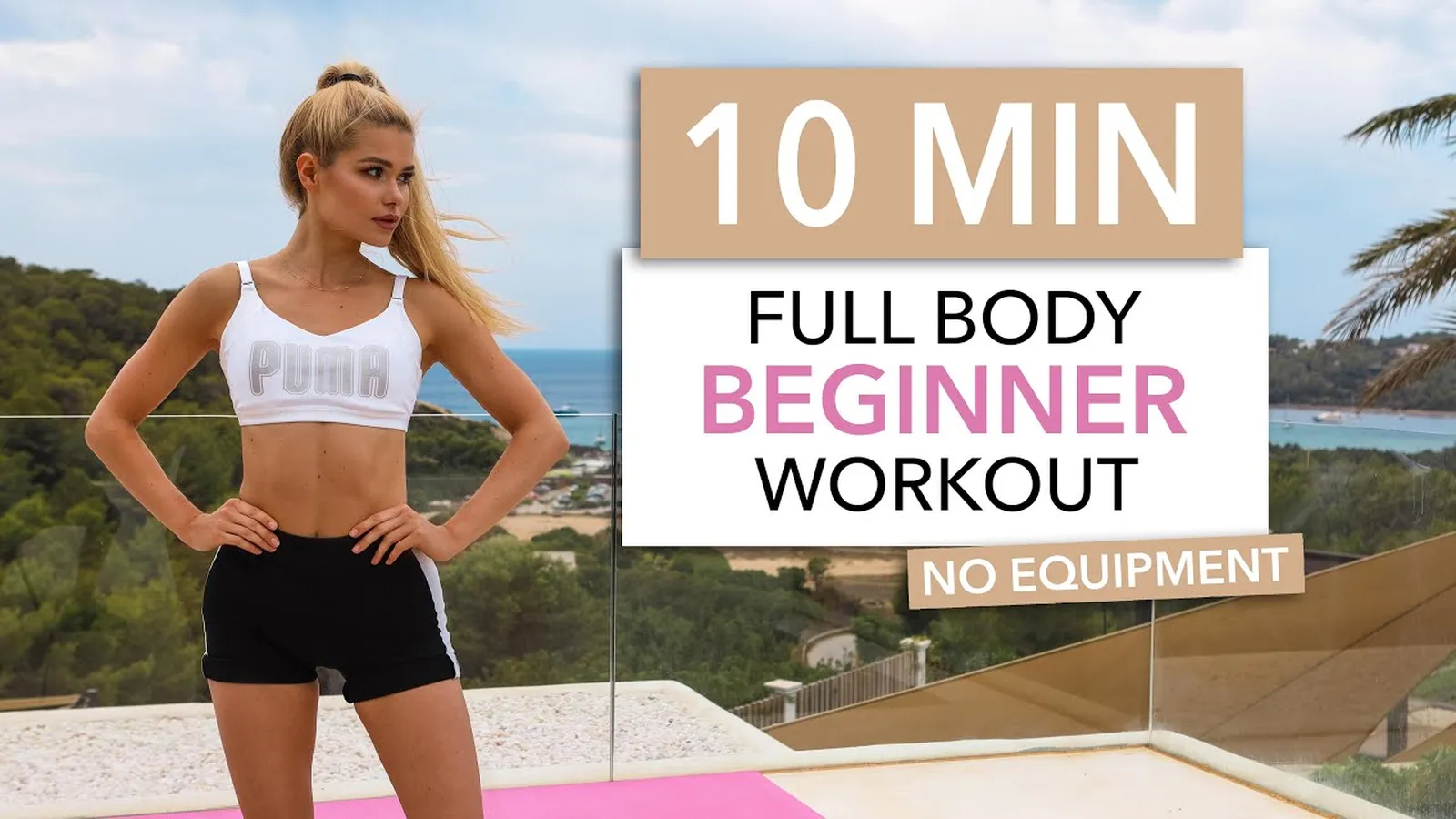
You saved a 45-second leg workout on Instagram. At the gym, you are pausing it between sets, scrubbing back to see the third exercise, and guessing how many reps the creator did. It is a terrible way to follow a routine.
Paste the link into this workout video to plan maker and ScreenApp’s AI watches the video and writes the workout out: each exercise, the sets, the reps or time, the rest, the equipment, and the timestamp where it is shown. Read it on your phone between sets, or download it as a PDF, instead of rewatching.
Every exercise, timestamped
Each move links to the moment it is shown, so you can check the form again.
Sets, reps and rest
Taken from what the creator says, writes on screen or clearly shows.
Equipment list
Dumbbells, bands, a bench, so you know what to grab before you start.
Gaps marked
Anything the video never states is labeled not specified, not filled in.
The Rule: It Never Invents a Workout
This is the part that matters most, so it comes first.
Most workout videos do not say everything. A creator shows three rounds of lunges but never says how many reps. Music plays over the rest periods. The camera cuts before the set ends. An AI that fills those gaps with “typical” numbers is writing its own workout and putting the creator’s name on it.
So every detail in the plan comes from what the video says, writes on screen or shows. Anything else is marked not specified, and you decide what to do with it.
Goes in the plan
What the creator says out loud, what is written on screen, like "3 x 12", and moves and reps that are fully shown.
Marked not specified
Sets nobody counted, rest hidden under music, a set the camera cut away from. The plan says it is missing instead of guessing.
What the Plan Looks Like
This plan is made up to show the format. It is not taken from a real video.
leg-day-reel.mp4, 4 exercises
| Time | Exercise | Sets | Reps or time | Rest | Equipment |
|---|---|---|---|---|---|
| 00:03 | Goblet squat | 3 | 12 | Not specified | Dumbbell |
| 00:14 | Reverse lunge | 3 | 10 each leg | 30 s | Dumbbells |
| 00:26 | Glute bridge | Not specified | Not specified | Not specified | None |
| 00:37 | Wall sit | 2 | 45 s | 60 s | Wall |
The glute bridge is shown but never counted, so the plan says so instead of guessing.
Then keep asking in the same chat: turn it into a three-day split, list only the equipment, or swap the dumbbell moves for bodyweight ones. Changes you ask for are your edits, not the creator’s plan, so keep them apart.
Download Your Workout Plan as a PDF
A table in a chat is fine at your desk. At the gym you want a file. Ask the chat to turn the plan into a document, then download it. AI documents in ScreenApp export as PDF, Word, PowerPoint, Markdown or plain text, and free accounts can download them.
leg-day-plan.pdf
- Goblet squat: 3 x 12, dumbbell
- Reverse lunge: 3 x 10 each leg, rest 30 s
- Glute bridge: sets and reps not specified
- Wall sit: 2 x 45 s, rest 60 s
Same made-up example as the table above.
How to Use the Workout Video to Plan Maker
- Paste the link or upload the video. Links from YouTube, TikTok, Instagram, Facebook, Vimeo and Loom links, direct audio and video links, PDFs and web articles work. Sign in with a free account.
- Read the plan. ScreenApp watches the video and opens a chat that asks for the routine as a table, with timestamps.
- Check the gaps. Click a timestamp to watch the move again, and fill in anything marked “not specified” yourself.
The AI watches videos up to 50 minutes long, and the AI reads video frames, not just the audio, so on-screen text like “3 x 12” or a rest timer is read as well as what the creator says.
Fill the gaps yourself
Find the not specified cells
They are the details the creator never gave.
Watch the timestamp
Sometimes the count is clear when you see it.
Pick a starting number
If not, choose a weight and reps you can do with good form.
A plan with honest gaps is safer than one with confident made-up numbers.
A Plan From a Video, Not a Plan From Scratch
Search for a workout plan maker and most results are AI workout generators: you enter your goal and equipment, and they invent a program. That is a different job.
Invents a plan for you
You enter a goal, your level and your equipment, and it builds a new program. Useful when you have no plan at all.
Writes down a plan you found
You already found a workout you like. It copies that video into a written plan, with timestamps, and marks what the creator left out.
Prompts That Work Well
What It Can and Cannot Do
Good at
- Writing out every exercise with a timestamp
- Reading on-screen text like "3 x 12" and rest timers
- Marking what is missing instead of guessing
- Combining several videos in one folder
Not built for
- Fitness advice: it copies a video, it does not know your body
- Tracking: it does not log your sessions or progress
- Exact rep counts on fast cuts: check the timestamp
- Private videos: the link has to be public, or upload the file
This is not fitness advice. The plan copies what one creator did in one video. It does not know your level, your injuries or your goals. If a move is new to you, watch the form at the timestamp first, and talk to a qualified trainer or doctor before starting anything intense.
Workout Video to Plan Maker vs Other Tools
| Feature | ScreenApp | VideoToText AI | FitSaver | stashd |
|---|---|---|---|---|
| Video sources | YouTube, TikTok, Instagram, Facebook, Vimeo and Loom links, direct audio and video links, PDFs and web articles, or an upload | Takes a video file upload | Instagram, TikTok and Facebook links | TikTok, Instagram and YouTube |
| What it extracts | Exercises, sets, reps, rest, equipment and timestamps | A text workout routine | Extracts exercises, sets, reps and rest timers | Extracts every exercise, set and rep |
| Marks details the video leaves out | Yes | Not stated | Not stated | Not stated |
| Reads on-screen text, not only speech | Yes | Not stated | Not stated | Not stated |
| Download as PDF | Yes | Exports Workout Plan, Text, SRT or VTT | Not stated | Not stated |
| Tracks your workouts | No | Not stated | Yes | Not stated |
| Free option | 10 AI chats a month | 60 minutes a month | 5 workout imports | Not stated |
| Where it runs | Web browser, any device | Not stated | iPhone | Not stated |
Sources, checked 2026-10-14: VideoToText AI workout tool, FitSaver on the App Store, stashd on Product Hunt, ScreenApp pricing
- vs VideoToText AI: its workout page takes a video file upload and gives 60 free minutes a month, with exports as Workout Plan, Text, SRT or VTT. ScreenApp also takes links, reads what is written on screen, and marks the details the video never gives.
- vs FitSaver: an iPhone app that saves workouts from Instagram, TikTok and Facebook links and gives you exercises, sets, reps and rest timers, with 5 free imports. If you want to log every session, a tracking app is the better home for the plan.
- vs stashd: extracts every exercise, set and rep from TikTok, Instagram and YouTube videos. ScreenApp runs in the browser with nothing to install, keeps the timestamps, and tells you what the video never said.
Who Uses This
People who save workouts and never do them, because a Reel is hard to follow mid-set and a written list is not.
Personal trainers turning their own videos into a written version for clients, or checking what a trending routine actually contains before a client asks about it.
Creators who want a written version of their workout for the caption, the description or a PDF for followers.
Anyone building a routine from a few creators they trust, by turning each video into a plan and combining them.