
Download a Twitch Clip as MP4
Paste a Twitch clip link and ScreenApp import a video from a link and download it as MP4 once it has been processed. The importer takes links from YouTube, Vimeo, TikTok, Instagram, Facebook and most other public video links (Twitch, Loom, Dropbox, Google Drive, Pinterest, X, Threads, Douyin, Kuaishou, Bilibili) through a generic importer, so a Twitch clip link goes through the same box as a YouTube or TikTok link.
Because the import lands in your account like any other recording, it is not just a file transfer: you also get a transcript, in 100+ languages, and can chat with an AI about what is in the clip (AI chat with any recording).
What you get:
- The clip imported from Twitch
- A downloadable MP4 once processing finishes, no watermark on any recording or export
- A transcript, in 100+ languages, and AI chat on the imported clip
- trim recordings, if you only want part of the clip
- Free plan: 3 imports to try, with the transcript and AI chat; downloading the MP4 needs a paid plan (see why downloads are a paid feature)
How to Download a Twitch Clip
- Copy the clip link: Open the Twitch clip you want and copy its URL from the address bar or the share button.
- Paste it into ScreenApp: The clip is imported and processed in your account, kept at up to 4K, matching the source resolution.
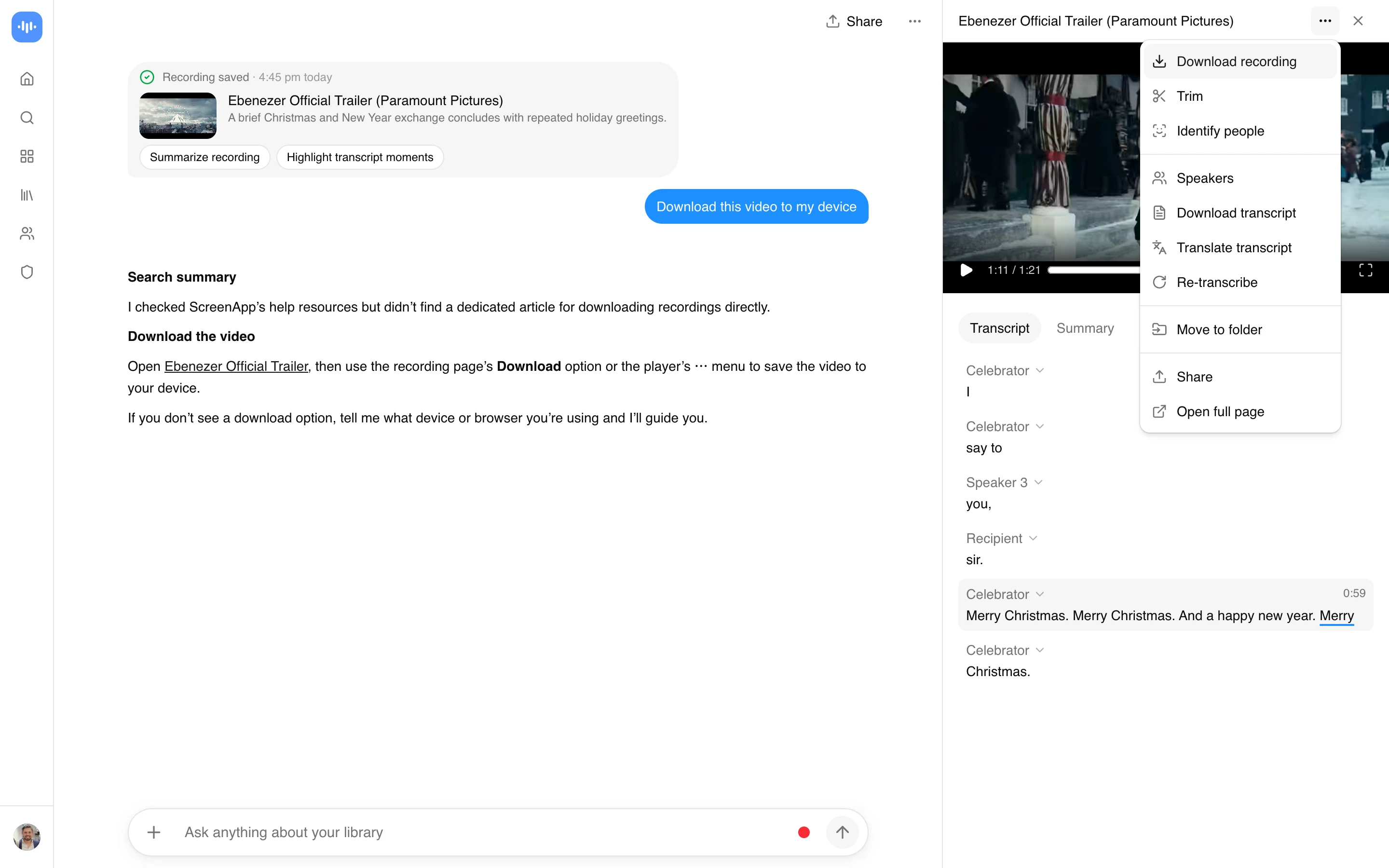
- Download the MP4: Once processing is done, download the file. Downloading needs a paid plan; importing and processing do not.
Only public clips and VODs work. A subscriber-only VOD needs a login the tool does not have, so it cannot be pulled in. The transcript’s accuracy depends on the clip’s audio; see how we measure accuracy.
Twitch Clip Downloader vs Other Apps
| Feature | ScreenApp | Clipr | TwitchDownloader | Streams Charts |
|---|---|---|---|---|
| Free tier | 3 imports free, transcript and AI chat included | Free | Free, open source (MIT license) | Free |
| Paid plan | $19/month annual | Not stated | None, open source | Not stated |
| No software install | Yes (browser-based) | Yes (browser-based) | No (Desktop app (Windows) or command line (Windows, Linux, macOS)) | Yes (browser-based) |
| Resolution options before download | No, the file is kept at up to 4K, matching the source resolution | Not stated | Not stated | Yes: 1080p, 720p, 480p, 360p |
| Watermark | no watermark on any recording or export | Not stated | Not stated | Not stated |
Sources, checked 2026-09-13: ScreenApp pricing, clipr.xyz, github.com/lay295/TwitchDownloader, streamscharts.com/clips/downloader
- vs Clipr: Clipr downloads Twitch clips (Free) in the browser, but it does not add a transcript or AI chat to what you download.
- vs TwitchDownloader: TwitchDownloader is Free, open source (MIT license) and also pulls VODs and chat logs, but it runs as Desktop app (Windows) or command line (Windows, Linux, macOS), not something you paste a link into in the browser.
- vs Streams Charts: Streams Charts lets you pick a resolution before downloading (1080p, 720p, 480p, 360p). ScreenApp does not offer that choice, but adds the transcript and AI chat to the import.
Who Downloads Twitch Clips
Content creators pull a clip into a real editor for a highlight reel or a compilation, instead of screen-recording it off a browser tab.
Streamers keep a copy of their own best moments to reuse in a stream intro or a promotional post, in case the clip is later removed.
Community moderators and esports organizers archive tournament highlights and community moments to share in Discord or on a team’s own channels.
Fans save a clip of a streamer they follow so they still have it if the streamer or Twitch removes the original.
Researchers and journalists keep a copy of a clip as a record of what was said, along with the transcript, in case the source is taken down.