5 Best Twitch Leecher Alternatives in 2026 (Free and Working)

On this page
Twitch Leecher, once the gold standard for downloading VODs, has been discontinued and no longer functions reliably due to Twitch’s API changes. If you’re seeing “410 Gone” errors or infinite loading screens, it’s time to switch to a working alternative.
In 2026, the best Twitch Leecher alternatives not only replace its functionality but improve on it offering features like subscriber-only VOD support, chat downloading, cross-platform compatibility, and real-time stream recording. According to Statista’s streaming data, Twitch averages over 2.5 million concurrent viewers, making reliable VOD downloading tools essential for content archiving and offline viewing.
Related Video Tools: For comprehensive video downloading needs, explore our best YouTube downloader guide for platform-specific solutions, or check out our video downloader feature that supports 1000+ platforms including Twitch. Additionally, our AI video summarizer can help you analyze downloaded content efficiently.
Is Twitch Leecher Still Working?
No. The original developer (Franiac) archived the project in 2021, and Twitch's API updates have rendered the last version non-functional for most users. Using it now poses security risks as unmaintained software no longer receives security patches or compatibility updates.
What Makes a Good Twitch Video Downloader?
Based on testing multiple Twitch VOD downloaders in early 2026, these factors determine tool reliability:
- Subscriber-Only VOD Support: Ability to download private content with proper authentication
- Chat Replay Downloading: Archive complete chat logs alongside video content
- Cross-Platform Compatibility: Works on Windows, macOS, Linux, and mobile devices
- High-Quality Downloads: Support for 1080p 60fps and higher resolutions
- Live Stream Recording: Capture streams in real-time while they’re broadcasting
- API Reliability: Regular updates to maintain compatibility with Twitch’s changes
Best Twitch Leecher Alternatives Comparison 2026
| Rank | Tool | Best For | Platform | Sub VODs | Price |
|---|---|---|---|---|---|
| 1 | TwitchLink | True Successor | Win, Mac | ✅ | Free |
| 2 | TwitchDownloader | Chat Archives | Win, Linux, Mac | ✅ | Free |
| 3 | 4K Video Downloader+ | Simplicity | Win, Mac, Android | ❌ | Freemium |
| 4 | Untwitch | Web-Based | Browser | ❌ | Free |
| 5 | VOD Saver | Mobile Access | iOS, Android | ✅ | Free/Ads |
Quick Recommendation: For desktop users seeking a true Twitch Leecher replacement, TwitchLink offers the most similar interface and feature set. For archivists who need chat logs, TwitchDownloader provides unmatched functionality. For casual mobile users, VOD Saver delivers reliable offline viewing.
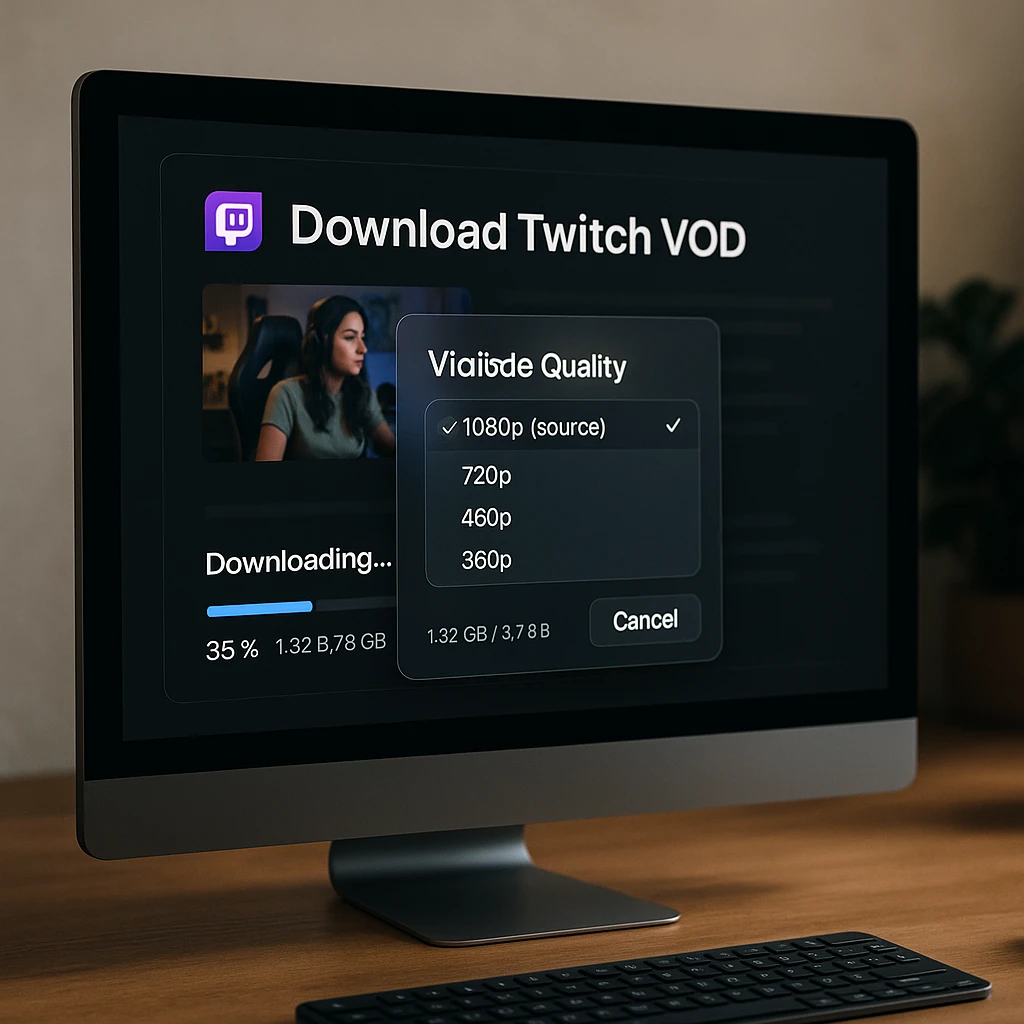
Best Twitch VOD Downloader Tools 2026
TwitchLink - Best Overall Twitch Leecher Alternative
True spiritual successor with modern API support
TwitchLink is widely considered the true spiritual successor to Twitch Leecher. It mimics the clean, easy-to-use interface of the original while running on modern code that works with Twitch's 2026 API changes. Unlike many other Twitch video downloader tools, it has a dedicated button for subscriber-only downloads, provided you have a valid subscription to that channel. The tool's recent macOS support (v3.3.0+) fills a huge gap left by the original Twitch Leecher, making it the best Twitch downloader for Mac users.
Key Features
- ✓ Downloads VODs, clips, and live streams in real-time
- ✓ Mac and Windows support (cross-platform compatibility)
- ✓ Audio-only mode to save specific audio tracks (great for avoiding DMCA music)
- ✓ Subscriber-only VOD support with secure login
- ✓ 1080p 60fps downloads with quality selection
Pros
- • Nearly identical interface to original Twitch Leecher
- • Regular updates for Twitch API compatibility
- • macOS support added in recent versions
- • Completely free and open source
- • No installation bloat or bundled software
Cons
- • No built-in chat download feature
- • Requires desktop installation (no web version)
- • Limited batch processing compared to alternatives
Best For
Desktop users seeking the closest experience to Twitch Leecher. Perfect for streamers archiving their own content, viewers saving subscriber-only VODs, and Mac users who need reliable Twitch VOD downloading. Ideal for those who want a familiar interface without learning a new tool.
TwitchDownloader - Best for Chat Archives
Powerhouse tool for downloading VODs with chat replays
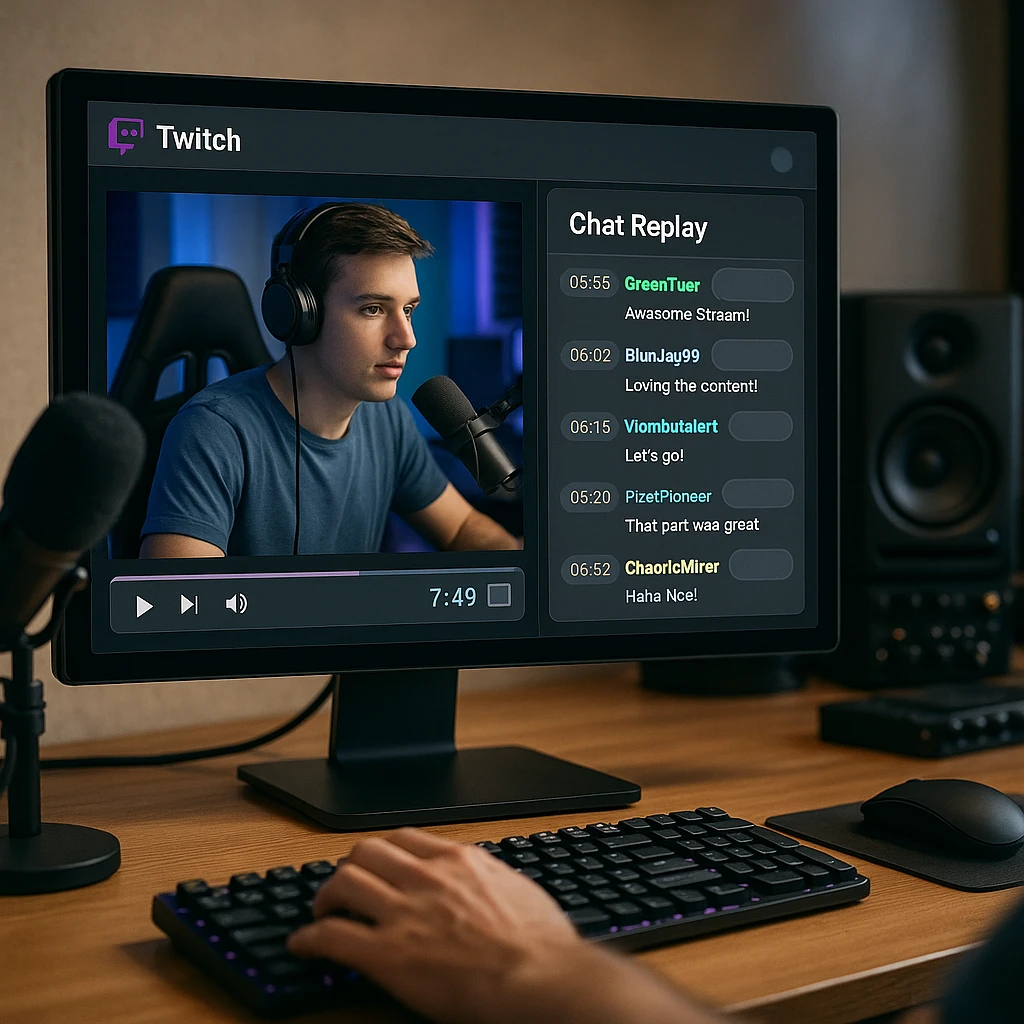
TwitchDownloader stands out as the best Twitch VOD downloader with chat for archivists and content creators. Created by user lay295, this tool offers a unique feature: complete chat log downloading. You can download the entire chat replay along with the video and even render it into the video file, allowing you to see audience reactions during playback. According to Twitch's engineering blog, understanding viewer engagement through chat is crucial for content analysis, making this tool invaluable for streamers and researchers.
Standout Feature
TwitchDownloader can bake chat directly into your downloaded video or save it separately as JSON/TXT files. This chat render feature is perfect for creating highlight reels, reaction compilations, or preserving the full streaming experience for archival purposes.
Key Features
- ✓ Chat render: Bake chat into video or save as .json/.txt file
- ✓ Smart trimming: Crop video by time before downloading to save space
- ✓ OAuth support: Input login token to access restricted content safely
- ✓ Both GUI (Windows) and CLI (Linux/Mac) versions available
- ✓ Batch processing for multiple VODs simultaneously
Pros
- • Unique chat downloading and rendering capabilities
- • Advanced trimming and editing options
- • Active GitHub community and regular updates
- • Completely free and open source
- • Cross-platform CLI for Linux and macOS
Cons
- • GUI only available for Windows
- • More technical interface than TwitchLink
- • Chat rendering can be time-consuming for long VODs
Best For
Streamers creating highlight compilations, archivists preserving complete streaming experiences, content creators who need chat context for analysis, and researchers studying viewer engagement. Essential for anyone who wants to archive Twitch streams with full chat history. For analyzing downloaded content, explore our [AI video summarizer](/features/ai-summarizer) for automated content insights.
4K Video Downloader+ - Best for Simplicity
One-click downloading for multiple platforms
4K Video Downloader+ is the industry standard for users who want a "set it and forget it" tool that works across YouTube, Twitch, Kick, and other platforms simultaneously. While less specialized than TwitchLink for Twitch-specific features (no chat download), it's incredibly reliable for grabbing public VODs in 1080p 60fps. This tool is particularly valuable for content creators who work across multiple streaming platforms and need consistent download quality.
Key Features
- ✓ Smart Mode: Set preferred quality once, future links download instantly with those settings
- ✓ Cross-platform: Works on Windows, macOS, Ubuntu, and Android
- ✓ Supports Twitch, YouTube, Kick, Vimeo, and 1000+ other platforms
- ✓ Playlist and channel downloading capabilities
- ✓ Clean interface with minimal learning curve
Pros
- • Extremely user-friendly interface
- • Reliable Android app for mobile downloading
- • Regular updates for platform compatibility
- • Supports multiple streaming platforms beyond Twitch
- • Professional customer support
Cons
- • Free version limits to 30 downloads per day
- • Cannot download subscriber-only Twitch VODs
- • No chat downloading capability
- • Premium features require subscription
Best For
Casual users who want simple, reliable downloads without technical setup. Perfect for content creators working across multiple platforms (Twitch, YouTube, Kick) who need one unified tool, and for organizations embedding multimedia content into digital adoption software for scalable training. Ideal for Android users who want mobile downloading capabilities. For broader video downloading across 1000+ platforms, check our [video downloader feature](/features/video-downloader).
Untwitch - Best Web-Based Twitch Downloader
No installation required for quick downloads
For users who cannot install software (e.g., on work computers or shared devices), Untwitch is the most reliable web-based Twitch VOD downloader. While most online converters fail with videos longer than 30 minutes, Untwitch handles full VODs by allowing you to split them into manageable segments. According to Cloudflare's CDN documentation, web-based downloaders face bandwidth limitations, which is why Untwitch implements segment-based downloading for longer content.
Key Features
- ✓ No installation required - works in any browser
- ✓ Select specific time segments (e.g., "Download from 01:00:00 to 02:00:00")
- ✓ Works on any operating system with a web browser
- ✓ No account registration required
- ✓ Mobile-friendly interface
Pros
- • Zero installation or setup required
- • Works on locked-down or shared computers
- • Segment selection for precise clip extraction
- • Completely free to use
- • Cross-platform compatibility
Cons
- • 1-hour limit per download segment
- • Requires splitting long streams into multiple downloads
- • No subscriber-only VOD support
- • Dependent on web server availability
Best For
Users on work computers, school devices, or any situation where software installation isn't possible. Perfect for quick clip extraction from longer streams. Ideal for mobile users who want browser-based downloading without app installations. Great for occasional downloaders who don't need advanced features.
VOD Saver - Best Mobile Twitch Downloader
Offline viewing on iOS and Android devices
VOD Saver represents the best solution for mobile Twitch video downloading on both iOS and Android platforms. The Android version includes a "Login" feature that allows account verification to download subscriber-only VODs directly to your SD card. The iOS version works around Apple's restrictive file system by serving as a background manager, enabling audio-only downloads for listening to streams like podcasts while the screen is off.
Android Features
- • Direct SD card downloads
- • Account login for subscriber VODs
- • Background downloading
iOS Features
- • Audio-only download mode
- • Background audio playback
- • Podcast-style listening experience
Key Features
- ✓ Native mobile apps for iOS and Android
- ✓ Subscriber-only VOD support on Android with account login
- ✓ Audio-only downloads for podcast-style consumption
- ✓ Offline viewing without internet connection
- ✓ Background playback for multitasking
Pros
- • Only mobile-focused solution in this list
- • Subscriber VOD support on Android
- • Audio-only mode saves storage space
- • Optimized for mobile data usage
- • Free with ad support
Cons
- • Limited iOS functionality due to Apple restrictions
- • Ad-supported free version
- • No desktop version available
- • Storage-intensive for long VODs
Best For
Mobile-first users who want offline viewing on commutes or travel. Perfect for podcast-style consumption of Twitch streams, Android users needing subscriber VOD access on-the-go, and iOS users who want audio-only background playback. Great for users with limited mobile data who want to download on Wi-Fi for later viewing.
How to Download Subscriber-Only Twitch VODs
Standard downloaders will fail on subscriber-only VODs because they cannot access restricted content without authentication. You must use a tool that supports secure login to download private content you have permission to access.
Using TwitchLink for Subscriber VODs
Step 1: Open TwitchLink and Navigate to Settings
Launch the TwitchLink application and click the Settings icon (gear) in the top-right corner of the interface.
Step 2: Click the Login Button
In the Settings menu, locate the "Login" button. This opens a secure browser window directed to Twitch.tv's official authentication page.
Step 3: Log In with Your Subscribed Account
Enter your Twitch credentials for the account that holds the active subscription to the channel. TwitchLink uses OAuth 2.0 for secure authentication without storing your password.
Step 4: Download the Subscriber-Only VOD
Copy the subscriber-only VOD link from Twitch and paste it into TwitchLink's search bar. The tool will now detect your subscription permission and allow the download to proceed.
Security Note: TwitchLink and TwitchDownloader use OAuth 2.0, the same authentication method used by official Twitch apps. Your login credentials are never stored by the downloader the tool only receives a temporary access token that expires. According to OAuth 2.0 specifications, this is the industry standard for secure third-party authentication.
Troubleshooting Common Twitch Download Errors
The "410 Gone" error indicates that the VOD has been deleted from Twitch's servers. This can happen for several reasons:
- The streamer manually deleted the VOD
- Twitch automatically deleted the VOD due to DMCA strikes
- The VOD exceeded Twitch's retention period (14 days for non-affiliates, 60 days for affiliates/partners)
Solution: Unfortunately, if the VOD is truly deleted from Twitch's servers, no downloader can retrieve it. To prevent this in the future, download important VODs immediately after they're published. Tools like TwitchLink support real-time downloading during live streams, allowing you to capture content before it's potentially deleted.
Network Error 2000 typically appears when trying to download VODs with Twitch Leecher or outdated downloaders. This error occurs because:
- The tool is using deprecated API endpoints that Twitch has disabled
- Your IP address has been temporarily rate-limited by Twitch
- The downloader's authentication method is no longer supported
Solution: Switch to an actively maintained alternative like TwitchLink or TwitchDownloader. These tools receive regular updates to maintain compatibility with Twitch's API changes. If you encounter rate limiting, wait 15-30 minutes before attempting another download, or use a VPN to rotate your IP address.
Twitch automatically mutes sections of VODs containing copyrighted music to comply with DMCA regulations. According to DMCA guidelines, streaming platforms must remove or mute unauthorized copyrighted content.
Solution: There are two approaches to avoid muted audio:
- Download During Live Stream: Use TwitchLink's real-time recording feature to capture the stream while it's live, before Twitch's audio detection system processes the VOD
- Audio-Only Mode: TwitchLink's audio-only download feature can sometimes preserve more audio than standard downloads, though sections flagged by Twitch will still be muted
Important: If the source audio is already muted by Twitch servers in the VOD, no downloader can recover it unless you recorded it live before the muting occurred.
Once a VOD is deleted from Twitch's servers, it cannot be downloaded by any tool. However, there are some potential recovery methods:
- Check Third-Party Archives: Some communities maintain VOD archives for popular streamers
- Contact the Streamer: Some streamers maintain personal backups and may share upon request
- YouTube Uploads: Many streamers upload VOD highlights to YouTube
Prevention: The best approach is preventive. Download important VODs immediately after they're published. Set up automated downloading with tools like TwitchDownloader's CLI version to archive streams from favorite channels automatically. For analyzing archived content, explore our [video transcription service](/transcription) to create searchable text records.
Comparison: Twitch Leecher vs Modern Alternatives
| Feature | Twitch Leecher | TwitchLink | TwitchDownloader | 4K Video DL+ |
|---|---|---|---|---|
| Still Working in 2026 | ❌ | ✅ | ✅ | ✅ |
| macOS Support | ❌ | ✅ | ⚠️ CLI Only | ✅ |
| Subscriber VOD Support | ⚠️ Broken | ✅ | ✅ | ❌ |
| Chat Download | ❌ | ❌ | ✅ | ❌ |
| Real-Time Recording | ❌ | ✅ | ⚠️ Limited | ❌ |
| Audio-Only Mode | ❌ | ✅ | ❌ | ⚠️ Basic |
| Security Updates | ❌ Abandoned | ✅ Active | ✅ Active | ✅ Active |
Security Warning: Twitch Leecher has not received security updates since 2021. Using abandoned software poses risks including unpatched vulnerabilities, data breaches, and malware. According to CISA's end-of-life software guidelines, unmaintained applications should be replaced with actively supported alternatives.
Alternative: Archive Twitch Streams with AI Analysis
Beyond basic downloading, modern tools can help you extract insights from archived Twitch content. ScreenApp’s video downloader supports Twitch and 1000+ other platforms, adding AI-powered features like automatic transcription, content summarization, and searchable archives.
Key Benefits for Twitch Content:
- Download and transcribe VODs simultaneously
- Create searchable text archives of stream conversations
- Generate summaries of multi-hour streams
- Extract key moments and highlights automatically
- Analyze viewer engagement through chat patterns (when combined with chat logs)
For streamers and content creators, this approach transforms passive VOD archives into actively searchable knowledge bases. If you download subtitles alongside your VODs, you can convert them between formats like SRT, VTT, or ASS depending on your editing software. Learn more about AI video analysis for streaming content.
Choose Your Twitch Leecher Alternative
With Twitch Leecher officially discontinued, these five alternatives provide reliable solutions for downloading Twitch VODs, clips, and live streams in 2026. Whether you need the familiar interface of TwitchLink, the advanced chat archiving of TwitchDownloader, the cross-platform simplicity of 4K Video Downloader+, the web-based convenience of Untwitch, or the mobile flexibility of VOD Saver, there’s a working solution for your needs.
The best Twitch VOD downloader for you depends on your specific requirements: desktop vs. mobile, subscriber content access, chat archiving needs, and preferred platforms. All five tools offer free options and receive regular updates to maintain compatibility with Twitch’s evolving API.
For users who want to go beyond basic downloading to extract insights from archived content, explore ScreenApp’s video analysis tools that combine downloading with AI-powered transcription, summarization, and searchable archives. Transform your Twitch VOD collection into a searchable knowledge base with automated content analysis.
Related Resources:
- Best screen recording software for capturing live streams
- Video to notes converter for extracting key points from VODs
- AI meeting recorder for professional streaming content
FAQ
Is Twitch Leecher still working in 2026?
No. The original developer (Franiac) archived the Twitch Leecher project in 2021, and Twitch's subsequent API updates have rendered the last version non-functional for most users. Using it now poses security risks as unmaintained software no longer receives security patches or compatibility updates. The best Twitch Leecher alternative in 2026 is TwitchLink, which offers a nearly identical interface with modern API support.
Can I download a Twitch stream while it's live?
Yes. TwitchLink supports real-time downloading, allowing you to start capturing a stream while the broadcaster is still live. This feature is excellent for preserving content that might be deleted immediately after the stream ends or for avoiding muted audio sections that Twitch applies to VODs post-stream. Real-time recording captures the stream before Twitch's copyright detection system processes the audio.
What is the best free Twitch VOD downloader?
The best free Twitch VOD downloader depends on your needs. TwitchLink is the best overall free option with a familiar interface, macOS support, and subscriber VOD capabilities. TwitchDownloader is best for users who need chat logs and video together. Untwitch is the best free web-based option requiring no installation. All three are completely free and open source with no hidden fees or download limits.
How do I download subscriber-only Twitch VODs?
To download subscriber-only Twitch VODs, you need a downloader that supports OAuth authentication, such as TwitchLink or TwitchDownloader. In TwitchLink, go to Settings → Click "Login" → Authenticate with your Twitch account that has an active subscription → Paste the subscriber VOD link. The tool uses OAuth 2.0 for secure authentication without storing your password, only receiving a temporary access token to verify your subscription status.
Can I download Twitch VODs on Mac?
Yes. TwitchLink added macOS support in version 3.3.0+, making it the best Twitch VOD downloader for Mac users. 4K Video Downloader+ also offers native Mac support with a simplified interface. TwitchDownloader provides a command-line interface (CLI) for macOS, though it's more technical to use. For web-based downloading without installation, Untwitch works on any Mac browser.
Why do downloaded Twitch VODs sometimes have muted audio?
Twitch automatically mutes sections of VODs containing copyrighted music to comply with DMCA regulations. According to DMCA guidelines, platforms must remove unauthorized copyrighted content. Tools like TwitchDownloader have an "Unmute" attempt feature, but generally, if the source audio is muted by Twitch servers, downloaders cannot recover it. The best solution is to download streams in real-time using TwitchLink before Twitch's audio detection system processes the VOD.
What is the best Twitch video downloader for Android?
For Android devices, VOD Saver is the best dedicated Twitch downloader with support for subscriber-only VODs through account login. 4K Video Downloader+ also offers a reliable Android app with multi-platform support (YouTube, Twitch, Kick). Both allow direct downloads to your SD card for offline viewing. VOD Saver is free with ad support, while 4K Video Downloader+ has a freemium model with 30 daily downloads on the free tier.
Can I download Twitch clips with these tools?
Yes. Most Twitch VOD downloaders also support clips. TwitchLink, TwitchDownloader, and 4K Video Downloader+ all handle Twitch clips alongside full VODs. Simply paste the clip URL into the downloader just as you would with a VOD link. Clips are typically faster to download due to their shorter length, and they don't have the same muted audio issues as VODs since they're manually curated by streamers or viewers.
How do I fix Twitch Error 410 Gone when downloading VODs?
The "410 Gone" error indicates the VOD has been deleted from Twitch's servers. This happens when: (1) The streamer manually deleted the VOD, (2) Twitch removed it due to DMCA strikes, or (3) The VOD exceeded Twitch's retention period (14 days for non-affiliates, 60 days for affiliates/partners). Unfortunately, if the VOD is truly deleted, no downloader can retrieve it.
Is it legal to download Twitch VODs?
Downloading Twitch VODs for personal archival use falls into a legal gray area. According to Twitch's Terms of Service, users should not download content without permission. However, downloading your own streams for backup purposes is generally acceptable. Downloading others' content without permission, especially for redistribution or commercial use, violates Twitch's TOS and may infringe copyright laws.