Save a Public Snapchat Video Before It Disappears
Most of what people want to save from Snapchat cannot be pulled by any tool. A view-once snap is deleted from Snapchat’s servers the moment it’s opened. A private story only reaches the friends added to it. What a link-based downloader can actually reach is public content: a Spotlight video or a public profile story, the kind of link you’d get from the app’s own “Copy Link” share option.
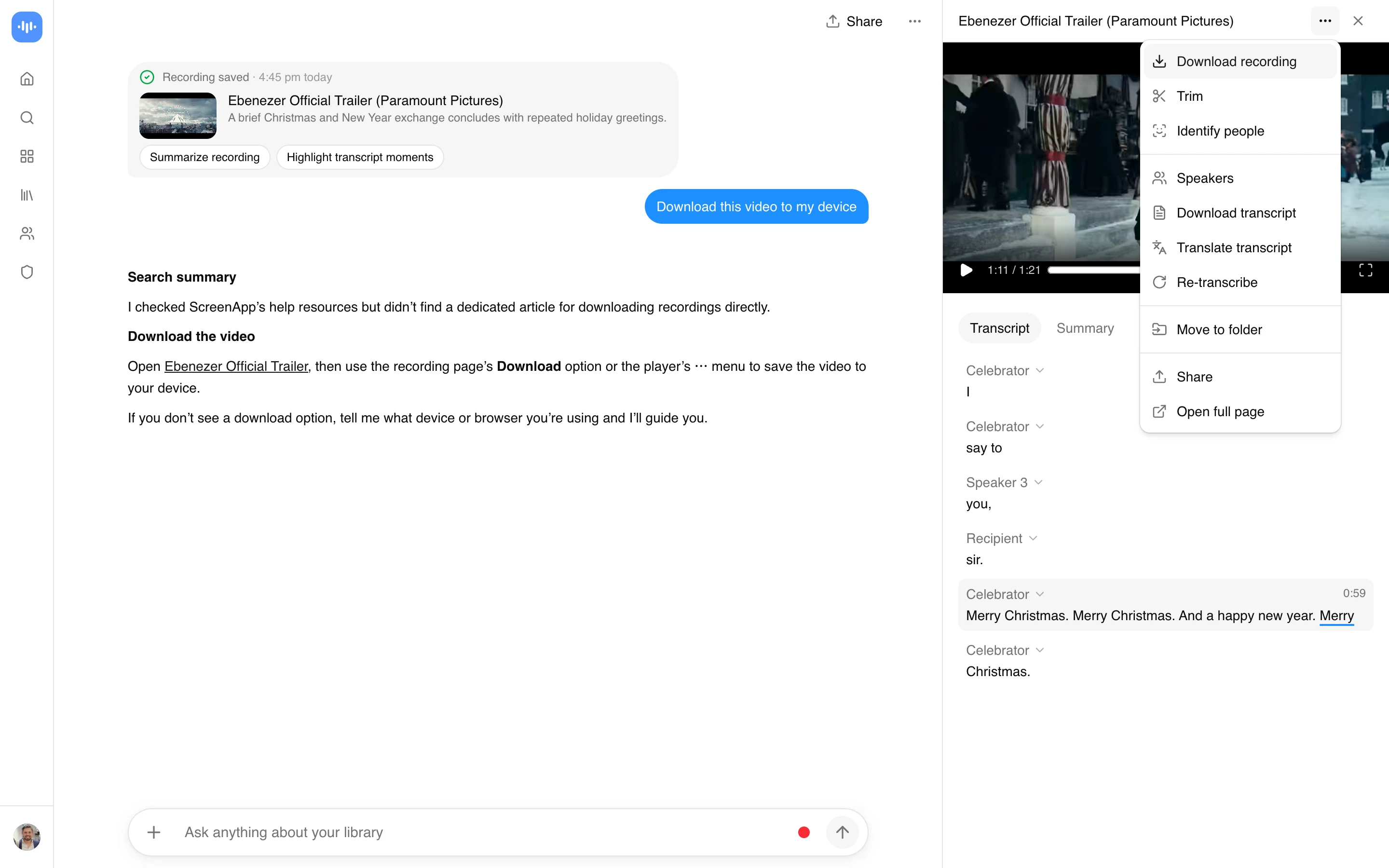
Paste one of those public links here and ScreenApp import a video from a link and download it as MP4 once it has been processed. It works with YouTube, Vimeo, TikTok, Instagram, Facebook and most other public video links (Twitch, Loom, Dropbox, Google Drive, Pinterest, X, Threads, Douyin, Kuaishou, Bilibili) through a generic importer. The import lands in your account, so alongside the video you also get a transcript in 100+ languages and AI chat on it, not just a file.
What you get:
- The video imported from a public Snapchat link
- A downloadable MP4 once processing finishes, no watermark on any recording or export
- A transcript and AI chat on the imported video
- up to 4K, matching the source resolution
If your link is to your own saved Snap rather than a public Spotlight or story, saving it to Memories inside Snapchat first and then uploading that file, or screen recording it, works more reliably than any link-based downloader, because Snapchat’s own app has direct access to a Snap that a public link never does.
How to Download a Snapchat Video From a Link
- Copy the link. In Snapchat, open the Spotlight video or profile story, tap the share icon, and choose “Copy Link”. This only produces a working link for public content; a private story or a snap sent to you in chat won’t have a shareable public link.
- Paste it into ScreenApp. The video is imported and processed in your account, the same way a YouTube or TikTok link would be.
- Download the MP4. Once processing finishes, download the file. Importing and getting the transcript are free to try; downloading the MP4 needs a paid plan.
Only a link that Snapchat still serves publicly will import. If the creator deleted the post, the story has aged past public view, or the link needs a Snapchat login, the import fails, and no tool can bypass that. See how we measure accuracy for how the transcript is scored.
Snapchat Video Downloader vs Other Tools
| Feature | ScreenApp | StoryGrab | ViewSnapStories |
|---|---|---|---|
| Stated quality | up to 4K, matching the source resolution | 4K | Original source quality (no re-encoding stated) |
| Watermark | no watermark on any recording or export | No | Not stated |
| Price | Import free, MP4 download needs a paid plan | Free, unlimited use | Free |
Sources, checked 2026-09-13: ScreenApp pricing, storygrab.io/en1, viewsnapstories.com/video-downloader
- StoryGrab claims 4K output and Free, unlimited use, and says it covers highlights and public snaps by username as well as Spotlight and stories, wider than what ScreenApp’s importer targets.
- ViewSnapStories claims Original source quality (no re-encoding stated) and is Free, split across separate story and Spotlight downloader pages.
Neither competitor’s download claims can be verified from the outside, and this page doesn’t repeat them as fact, only as what their own pages say. What ScreenApp adds that neither states: the import keeps a transcript and lets you ask an AI about the video, because it lands in your ScreenApp account rather than just producing a file.
Understanding Snapchat’s Terms of Service
Snapchat’s ephemerality is the point of the product for most of what people post there. A link-based downloader can only ever reach the public content Snapchat itself already serves to a logged-out request, which is why Spotlight and public profile stories work and everything else, by design, does not.
Downloads that fit what a public Snapchat poster intended:
- Your own Spotlight posts, your own public stories
- Public Spotlight content from creators who cross-post the same clip to TikTok or Instagram
- Brand or marketing content posted for reach, not privacy
Downloads that cut against it:
- A friend’s story from a private circle you weren’t meant to keep
- A view-once snap, since Snapchat’s own UX signal there is “do not save”
- Anything you’d be uncomfortable showing the person who posted it
Copyright in a Snap or Spotlight clip belongs to whoever filmed it. Downloading a public file doesn’t transfer those rights, and reposting someone else’s downloaded Snapchat content elsewhere is a copyright risk unless you have permission or a genuine fair-use case such as commentary or news reporting.
Who Uses a Snapchat Video Downloader
Creators saving their own Spotlight and story posts. Snapchat’s Memories feature holds your own snaps, but not as a clean bulk export. Creators who post to Snapchat and cross-post the same clip to TikTok or Reels use a link-based import to pull the public version back out, or save the original to Memories and upload it directly.
Brand and social teams tracking public competitor posts. A competitor’s public Spotlight video or profile story is worth keeping for a trend deck or a creative review before it ages out of public view. The import also gives you a transcript, which is faster to scan than replaying the clip.
Journalists working from a public Spotlight clip. A newsworthy moment posted publicly to Spotlight can be pulled in and transcribed while it’s still live, then referenced with a written record of what was said rather than a re-watch.
Anyone documenting their own content for reuse. If you posted something to Snapchat and want it back as a file with a transcript, importing the public link (or uploading a copy saved from Memories) gets you both.