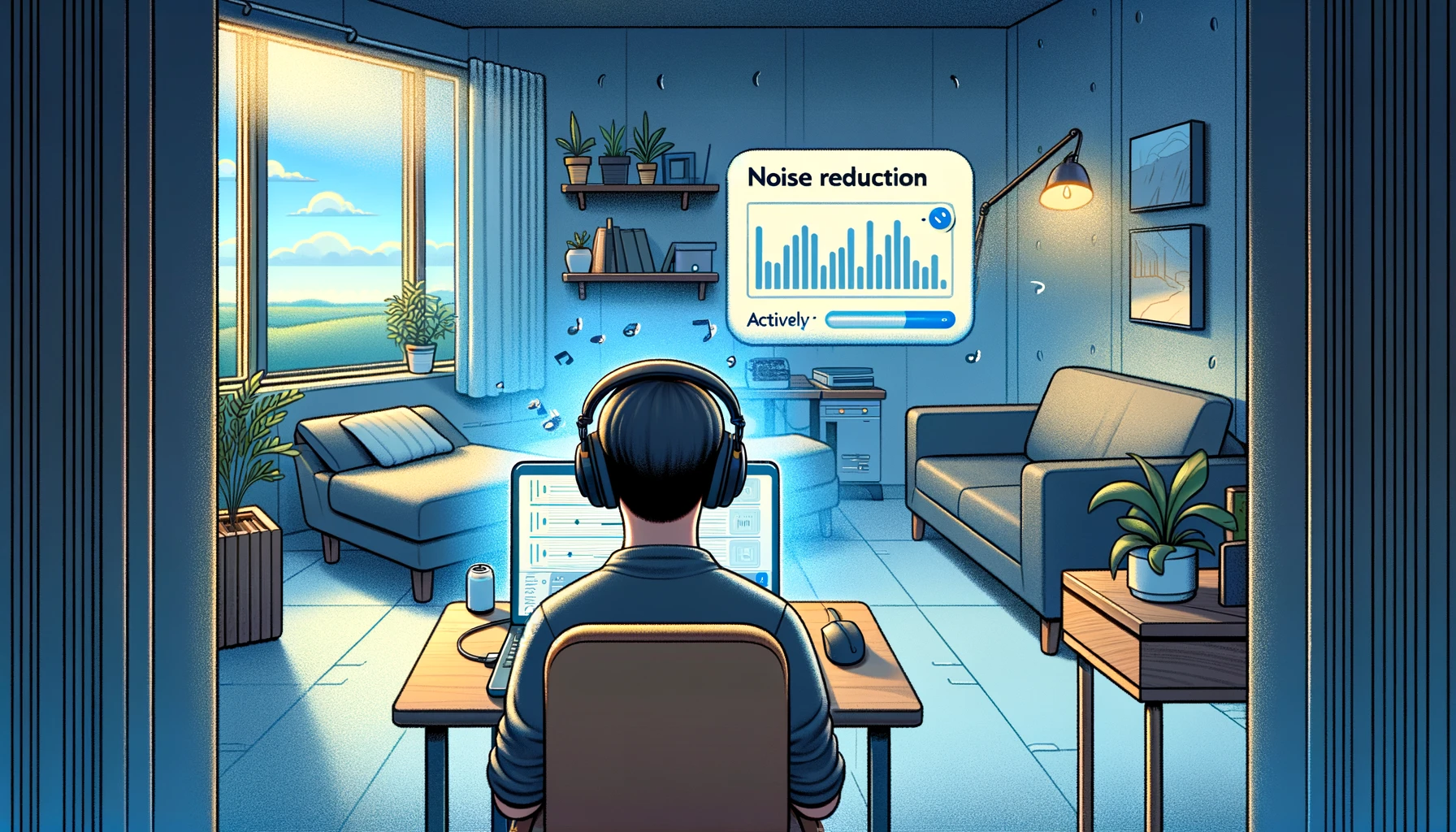

Noise Cancellation - Professional Audio Clarity
ChatGPT and AI assistants cannot process your audio or video files because they only accept text and image input. This noise cancellation tool analyzes uploaded files directly, cancels unwanted background noise, and provides broadcast-quality audio - capabilities that text-based AI chatbots don’t have for audio processing.
Free noise cancellation eliminates ambient sounds from recordings instantly. Upload audio or video files and AI cancels traffic noise, wind, keyboard typing, air conditioning, fan hum, and crowd chatter. Download noise-free files in seconds with pristine voice clarity.
Why use this noise cancellation tool:
- Noise cancellation works entirely in your browser
- Cancel background noise online free with no limits
- AI processes video files and audio recordings
- Free noise canceling with 95%+ voice preservation
- Download MP3, WAV, or original format
- Noise cancellation supports 100+ formats
- No signup required for instant processing
Remote workers clean video call recordings. Content creators cancel ambient noise from outdoor filming. Podcasters eliminate environmental sounds from home recordings.
How Noise Cancellation Works
Using this free noise cancellation tool takes three simple steps:
-
Upload audio or video file - Noise cancellation accepts MP3, WAV, M4A, MP4, MOV, and 100+ formats. Drag files directly or paste YouTube URLs for instant import.
-
AI cancels background noise automatically - Adaptive noise canceling algorithms analyze audio to identify and eliminate unwanted ambient sounds. The tool processes traffic noise, wind, keyboard typing, mouse clicks, air conditioning hum, fan noise, refrigerator buzz, crowd chatter, and electrical interference while preserving voice clarity and natural tone.
-
Download noise-canceled audio instantly - Click download to get clean files in seconds. Export as MP3 for smaller files or WAV for highest quality. Noise cancellation processes efficiently while maintaining audio fidelity.
Noise cancellation completes in 30-90 seconds for most files. Unlike noise-canceling headphones or real-time software, this tool works on existing recordings without specialized hardware.
Free Noise Cancellation vs Other Tools
| Feature | ScreenApp | Krisp | NVIDIA RTX Voice | Descript | Adobe Podcast |
|---|---|---|---|---|---|
| Free tier | Unlimited files | 60 min/day | Free (NVIDIA GPU) | 10 files/month | Free |
| Browser-based | Yes | Desktop app | Desktop app | Desktop app | Yes |
| Video file support | Yes | Audio only | Audio only | Yes (paid) | No |
| Works without GPU | Yes | Yes | No (NVIDIA only) | Yes | Yes |
| No signup required | Yes | No | No | No | No |
| Pricing (paid) | $19/month | $8/month | Free | $24/month | Free |
Key differences:
- vs Krisp: Krisp costs $8/month Pro for unlimited real-time noise canceling. ScreenApp provides free noise cancellation with video support and browser access without desktop software installation.
- vs NVIDIA RTX Voice: NVIDIA RTX Voice is free but requires NVIDIA GPU hardware. This noise cancellation tool works on any device with a browser, no specialized hardware needed.
- vs Descript: Descript offers Studio Sound but limits free tier to 10 files. ScreenApp provides unlimited free noise cancellation online without file restrictions.
- vs Adobe Podcast: Adobe Podcast Enhanced Speech is free for speech but requires signup. ScreenApp offers noise cancellation free with no account needed, plus handles video files.
Who Needs Noise Cancellation
Remote Workers: Clean recordings from home offices with ambient noise. Cancel air conditioning, traffic, construction, and household sounds from Zoom, Teams, or Meet calls. Professional audio for client presentations and meetings.
Content Creators: Cancel background noise from YouTube videos, TikToks, and Instagram content. Eliminate wind from outdoor filming, traffic from street interviews, crowd noise from events. Broadcast quality without controlled recording environments.
Podcasters: Remove environmental noise from home studio recordings. Cancel HVAC noise, refrigerator hum, computer fan noise, and outdoor traffic. Clean guest interviews recorded in various uncontrolled locations.
Students: Clean lecture recordings captured in noisy classrooms or libraries. Cancel ambient conversations, shuffling, and air conditioning. Improve study materials with clear professor audio.
FAQ
Is noise cancellation really free?
Yes, ScreenApp offers 3 free files with AI noise cancellation included. For unlimited files, the Growth plan costs $19/month (annual billing) or $30/month and includes 50 AI credits monthly, unlimited recordings, and transcription features. No watermarks on any tier.
What types of noise can AI cancel?
AI noise cancellation eliminates traffic sounds, wind noise, keyboard typing, mouse clicks, air conditioning hum, fan noise, refrigerator buzz, computer fan noise, electrical interference, crowd chatter, ambient conversations, shuffling sounds, and construction noise. Works on consistent ambient noise.
How is noise cancellation different from noise removal?
Noise cancellation and noise removal refer to the same process - using AI to eliminate unwanted background sounds while preserving voice. The terms are interchangeable. Some tools use “cancellation” to emphasize real-time processing, while “removal” implies post-processing.
Does noise cancellation work without special hardware?
Yes, this tool works in any web browser without requiring noise-canceling headphones, NVIDIA GPUs, or specialized audio interfaces. Upload files and AI processes them using cloud computing. No hardware dependencies.
Can I cancel noise from video files?
Yes, upload MP4, MOV, AVI, or any video format. Noise cancellation extracts audio, processes it to cancel background sounds, and returns the cleaned file. Use the cleaned audio for video editing or download as standalone audio.
Will noise cancellation affect voice quality?
No, AI preserves 95%+ voice clarity while canceling ambient noise. Adaptive algorithms distinguish human speech from background sounds using frequency analysis and spectral modeling. Voice remains natural without robotic artifacts.
What audio formats can I upload?
Upload MP3, WAV, M4A, AAC, FLAC, OGG, WMA, AIFF, and 100+ audio formats. For video files, use MP4, MOV, AVI, MKV, WebM, or any standard format. Noise cancellation converts formats automatically and lets you download in MP3 or WAV.