

The Loom Someone Sent You Has No Download Button
Here is the usual situation: a coworker sends you a Loom, you need it saved (for a records folder, to edit a clip out of it, to re-share after the link expires), and there is no download option. That is not a glitch. Loom lets whoever recorded the video turn downloading on or off, and a lot of people leave it off without thinking about it. So the recipient is stuck watching in the browser with no way to keep the file.
Paste the Loom share link here and the tool pulls the MP4 to your device. It works on the public loom.com/share/... links you can already open and watch, free, with no extension and no Loom login of your own.
- Paste a Loom share URL and download the MP4
- Works even when the recorder left the download button off, as long as you can view the video
- Works from the share link on desktop and mobile, nothing to install
- Free to save the file
- Public or link-shared Loom videos, not workspace-private ones you cannot open
If you want more than the file, ScreenApp already has a Loom video summarizer that transcribes and summarizes a Loom, and the general video downloader hub covers other platforms.
Why Loom’s Own Download Is Often Missing
Loom’s download toggle sits with the video owner, not the viewer. On a workspace plan an admin can disable downloading across the whole team, and on individual videos the recorder chooses per clip. When it is off, the three-dot menu simply has no Download entry for you, and Loom’s own help just tells you to ask the owner to turn it on. That round trip (“can you re-share with download enabled?”) is the friction this skips for videos that are already public to anyone with the link.
What it does not do, and should not: reach workspace-private videos you cannot open, or password-gated Looms you were not given access to. If the link asks you to sign in or request access, that is Loom’s access control, and no downloader legitimately gets around it. The honest line is the same as for any share tool: save what you are allowed to view, and respect that a Loom is usually someone’s work recording.
Paste the Link, Get the File
- Open the Loom and copy its share URL (the
loom.com/share/...address from the address bar or the Share button). - Paste it into the field on this page.
- Download. The MP4 saves to your Downloads on desktop, or your device’s Downloads on mobile.
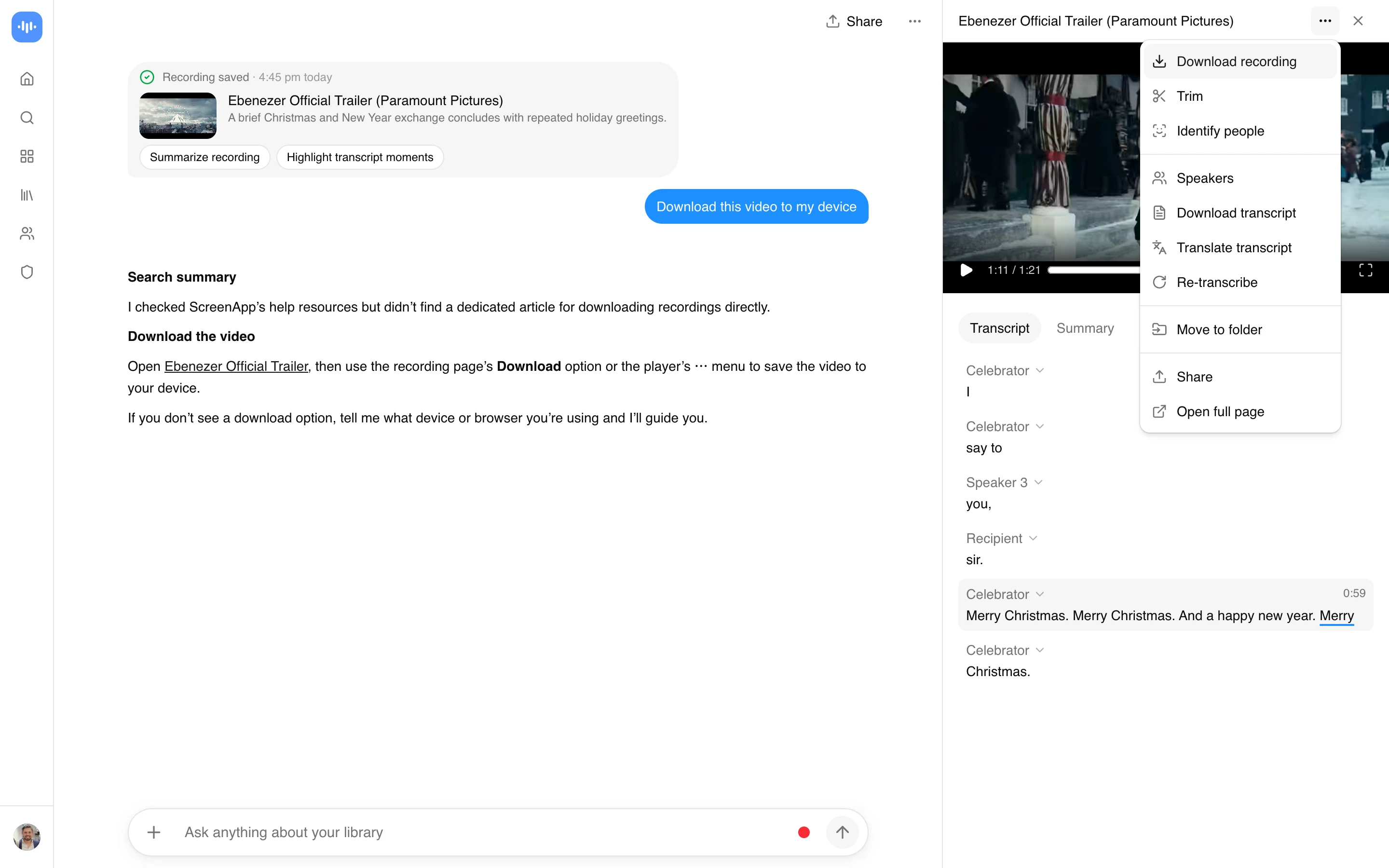
Because it runs off the share link, it is the same three steps on a phone as on a laptop. No Loom desktop app, no browser extension, and no Loom account of your own. You do need a free ScreenApp account, since the video imports into your library.
Do More Than Save It
A Loom is usually a talk-through: a demo, a walkthrough, a standup, a bug report. Once you have the file, the same import can turn that talking into text. Get a transcript and a written summary with the Loom video summarizer or the general AI video summarizer, ask the video questions with timestamped answers using the AI video watcher, run scene and content detection with the video analyzer, or turn it into a formatted write-up with video to document. The import runs on ScreenApp’s servers, not on this page. Importing and the transcript are free; the free plan covers 2 transcriptions of recordings up to 45 minutes each, and downloading the MP4 needs a paid plan, from $19/month billed annually on Pro.
Who Saves Loom Videos
Employees keeping a copy of a walkthrough before they change teams or the workspace cleans out old videos. The knowledge in a Loom disappears when the link does, so people save the ones that matter.
Clients and contractors sent a Loom by an agency, who want the file for their own records rather than a link that might expire or get revoked. And anyone repurposing a recorded demo into another format, where having the MP4 (and then a transcript) beats re-recording the same explanation.
Privacy and Copyright
Save only Loom videos you have a reason to keep: your own recordings, videos shared with you, or content you are authorized to reuse. A Loom is usually someone’s work recording, so downloading and resharing one without the owner’s permission can breach their trust and Loom’s terms, and that responsibility is yours. This tool works only with Loom videos you can already view, never workspace-private or access-gated ones.
On privacy, you never hand your Loom login to ScreenApp: only the share link is sent. The import itself runs on ScreenApp’s servers, so the video does pass through your ScreenApp account, and it, along with any transcript or summary you generate from it, is covered by ScreenApp’s privacy policy.