
Convert a FLAC File to MP3
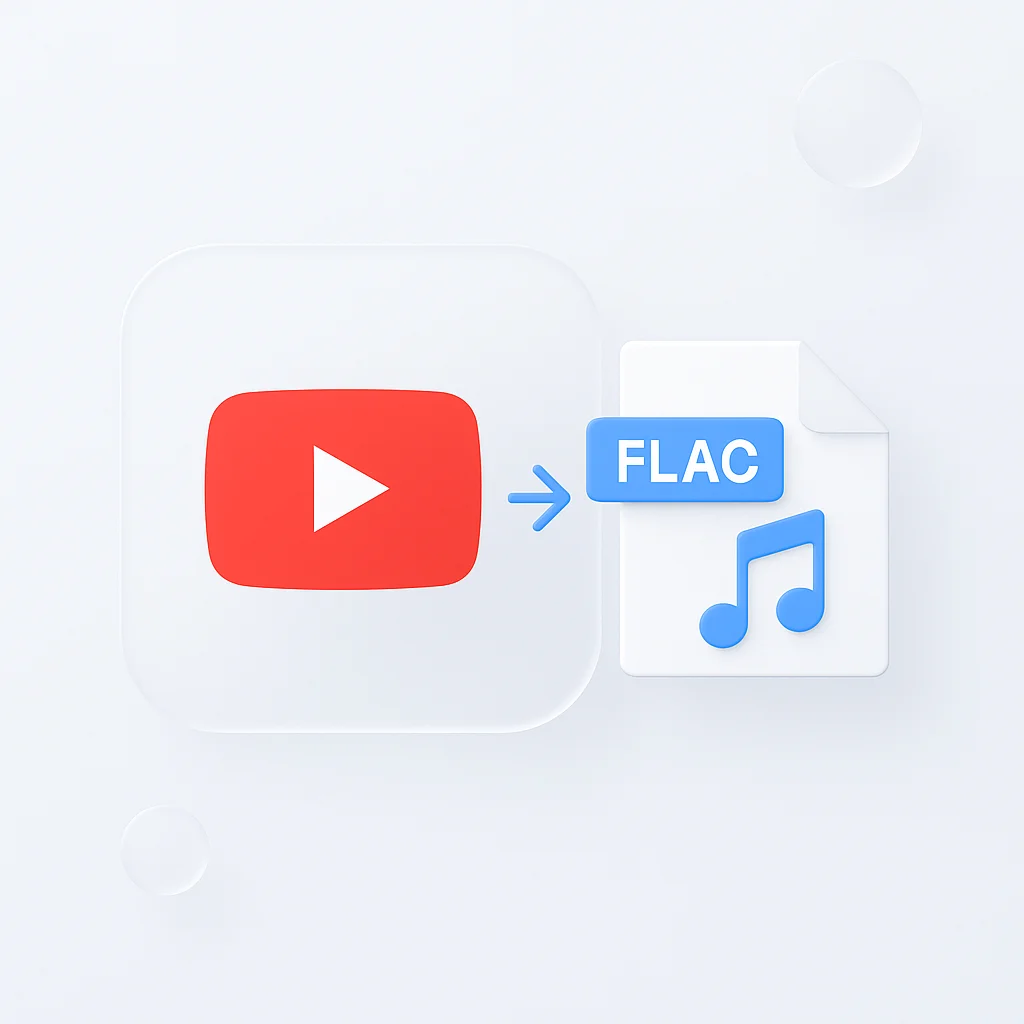
FLAC is a lossless format, so the files are bigger than they need to be for everyday listening or sharing. This converter takes an uploaded FLAC file and turns it into a standard MP3 that plays on any phone, laptop, or music app.
Upload the file, wait for the conversion, and download the MP3. There is no software to install and nothing to configure first.
What you get:
- An MP3 file converted from your FLAC upload
- A file that plays on iPhone, Android, desktop, and in car audio systems
- A free account (Yes, free (no card)), and no watermark on any recording or export
- A free online tool that takes files up to 2 GB
How to Convert FLAC to MP3
- Upload the FLAC file: Drop it in from your computer, phone, or tablet, or paste a link to a hosted file.
- Let it convert: The converter processes the audio and produces an MP3 version automatically.
- Download the MP3: Save it to your device, or keep it in your ScreenApp account to share a link instead of the file itself.
The output keeps the original recording’s audio; the converter does not add effects or change the content, only the format and file size. Source quality still matters, so see how we measure accuracy if the file also needs a transcript.
FLAC to MP3 Converter vs Other Apps
| Feature | ScreenApp | CloudConvert | FreeConvert | Convertio |
|---|---|---|---|---|
| Free plan limit | 3 uploads, up to 2 GB in the free online tool | 10 conversions a day, up to 1 GB | 20 minutes a day, up to 1 GB | Not stated, up to 1 GB |
| Paid plan | $19 a month annual | pay-as-you-go conversion credits, no flat monthly plan shown | $12.99 a month (Basic) | $6.99 a month annual (Lite) |
Sources, checked 2026-09-12: ScreenApp pricing, CloudConvert pricing, FreeConvert pricing, freeconvert.com/webm-to-mp4, convertio.co, convertio.co/pricing/
- vs CloudConvert: CloudConvert’s free tier gives 10 conversion credits a day and caps files at 1 GB, then moves to pay-as-you-go credits with no flat monthly price shown. ScreenApp’s free plan covers 3 uploads, and the free online tool takes files up to 2 GB.
- vs FreeConvert: FreeConvert’s free tier is capped at 20 minutes of conversion a day and 1 GB per file, and its Basic plan is $12.99 a month.
- vs Convertio: Convertio’s site does not state a daily free-tier limit, only a 1 GB file size cap. Its Lite plan is $6.99 a month billed annually.
Who Converts FLAC to MP3
Audiophiles and music collectors keep a FLAC library for quality but convert a copy to MP3 for a phone or a car stereo that does not need the full lossless file.
DJs and music producers work with FLAC samples and masters, then convert to MP3 for DJ software and gear that expects the smaller, compressed format.
Podcast creators master an episode in FLAC, then convert it to MP3 because that is what Spotify, Apple Podcasts, and most hosting platforms expect.
Mobile listeners convert FLAC downloads to MP3 to save space on a phone with limited storage while keeping a good-sounding file.
Car audio system users convert FLAC files to MP3 because many car stereos and older head units do not play FLAC at all.