Get Your Thesis Interviews Into Text
You have the interviews. Now you have all that audio to type up before your supervisor sees a single finding, and a deadline that does not move. Every hour spent typing is an hour not spent analyzing.
Upload the recordings and ScreenApp gives you a transcript with the interviewer and participant separated and timestamps you can click. You correct it against the audio, then export it. You still do the analysis and the writing, and the transcript needs your read before you quote it.
Interviewer and Participant
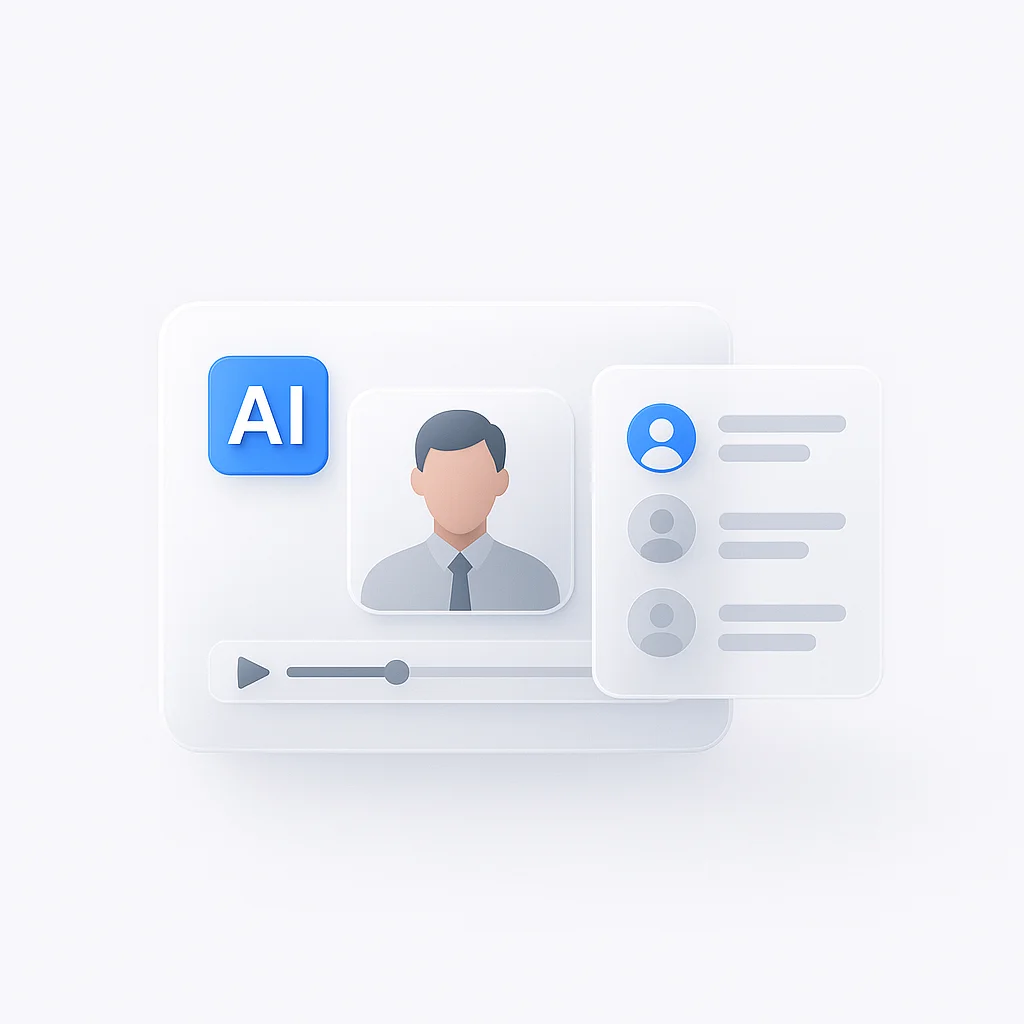
ScreenApp adds speaker identification, which you can rename to codes such as P01.
Check Before You Quote
In ScreenApp, clicking a moment in the transcript jumps the player to that point in the recording.
Several Interviews at Once
ScreenApp supports bulk upload of multiple files, which suits a whole round of interviews.
Take It Into Your Draft
Download the transcript as PDF, DOCX, TXT, SRT and VTT.
How It Fits Into a Thesis
Fieldwork and transcription
Record the interviews, upload them, review the speaker labels and correct the text. Keep the original recording, because your examiner may ask to hear the source.
Analysis and writing
Export the transcript, code it in your own software or by hand, and quote it in your chapters. The analysis is yours.
How to Use It
- Add each interview. Upload the audio or video file using the box above.
- Label the speakers. You can click a speaker label to rename it, match it to a team member, or reassign a single segment, so labels match your participant codes.
- Correct, then export. Fix names and terms, then download the transcript for your analysis.
Make the transcript ready for your appendix
Use participant codes
P01, P02, never real names.
Correct as you listen
Fix the lines you plan to quote.
Keep a clean copy
Export once the edits are done.
Check your university's rules on storing recordings and on what an appendix may contain.
What You Can Do With It
Master's and PhD interviews
Transcribe a full round of interviews for your findings chapters.
Pilot interviews
Turn a first few interviews into text to test your guide and questions.
Supervisor meetings
Record and transcribe feedback sessions so nothing is lost.
Focus groups
Separate several participants in one recording and rename each to a code.
This tool is one of the research interview tools, built around a recording, a transcript and the questions you ask of it.
If you also record lectures and seminars, see university transcription.
Questions to Ask After
What It Can and Cannot Do
Good at
- Turning interview audio into labeled, timestamped text
- Letting you correct the text and check it against the audio
- Exporting a file you can use in your analysis and appendix
Not built for
- Writing or analyzing your thesis: that stays with you
- Coding or a codebook, which ScreenApp does not provide
- Replacing your ethics approval or university data rules
Who Uses It
Master’s students with a stack of interviews for a dissertation.
PhD researchers running several rounds of fieldwork.
Supervisors who ask for transcripts of pilot interviews.
Research assistants hired to prepare transcripts for a study.