Transcribe Interviews in the Language They Were Spoken
Fieldwork does not always happen in English. Interviews may be in Dutch, Spanish, Hindi or a mix of languages in the same conversation, and a transcript that gets the words wrong makes the analysis unreliable from the start.
Upload the recording and ScreenApp transcribes it with a label for each speaker and clickable timestamps. It covers 100+ languages as a documented minimum. Coverage is not the same as equal accuracy in every language, so plan to review the result, especially for dialects, names and mixed speech.
Many Languages
ScreenApp covers 100+ languages as a documented minimum.
Speaker Labels
ScreenApp adds speaker identification, which you can rename to participant codes.
Terms and Names
For local place names and specialist terms, set up custom vocabulary for transcription.
Correct and Export
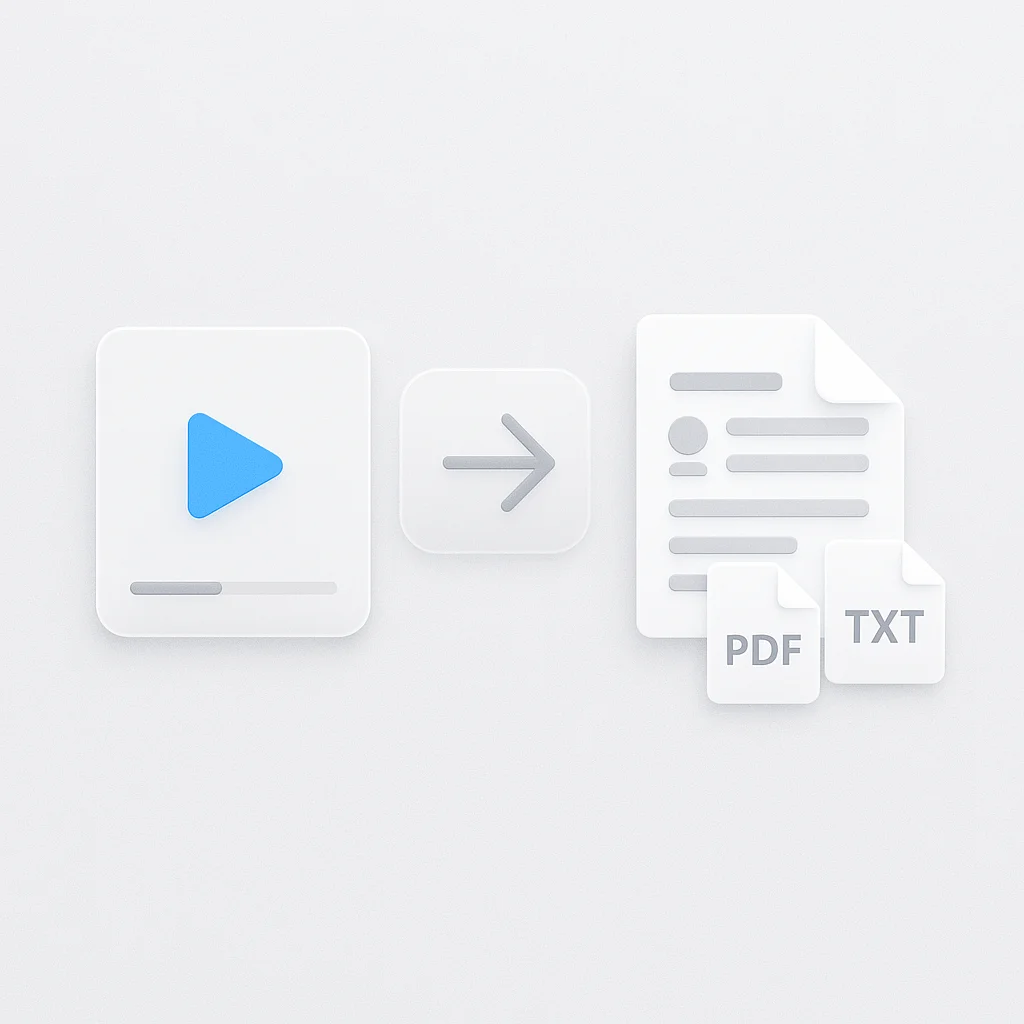
Edit the text, then download as PDF, DOCX, TXT, SRT and VTT.
How the Review Works
It writes what it hears
The transcript follows the language in the recording. Accuracy varies by language and audio quality.
You check the doubtful parts
In ScreenApp, clicking a moment in the transcript jumps the player to that point in the recording. A native speaker reading the key passages is the best check.
How to Use It
- Add the interview. Upload the audio or video file using the box above.
- Check the language. Make sure the transcript is in the language that was spoken.
- Review and export. Fix names and terms, rename the speakers, then download the transcript.
Review the parts that matter most
Find the key lines
The quotes you plan to cite.
Play each one
Compare the text with the audio.
Correct the text
Save the fix to the recording.
Machine transcripts of less common languages need more review than English. Budget time for it.
What You Can Do With It
International fieldwork
Transcribe interviews in the language participants chose.
Migrant and community research
Handle interviews where participants speak several languages.
Cross-country studies
Use the same workflow for interviews in different countries.
Archive recordings
Make older oral history audio searchable as text.
This tool is one of the research interview tools, built around a recording, a transcript and the questions you ask of it.
For the general workflow from recording to transcript, see research transcription.
Questions to Ask After
What It Can and Cannot Do
Good at
- Transcribing interviews in many languages, with speaker labels
- Letting you correct the text and check it against the audio
- Making recordings searchable as text
Not built for
- Promising equal accuracy in every language or dialect
- Translating the transcript, which this page does not claim
- Replacing a native speaker for sensitive or quoted passages
Who Uses It
Researchers working abroad who record interviews in local languages.
Social scientists studying communities that speak more than one language.
Oral historians with recordings in several languages.
Development and health evaluators who interview participants in their own language.