Convert URL to MP4: Free Online
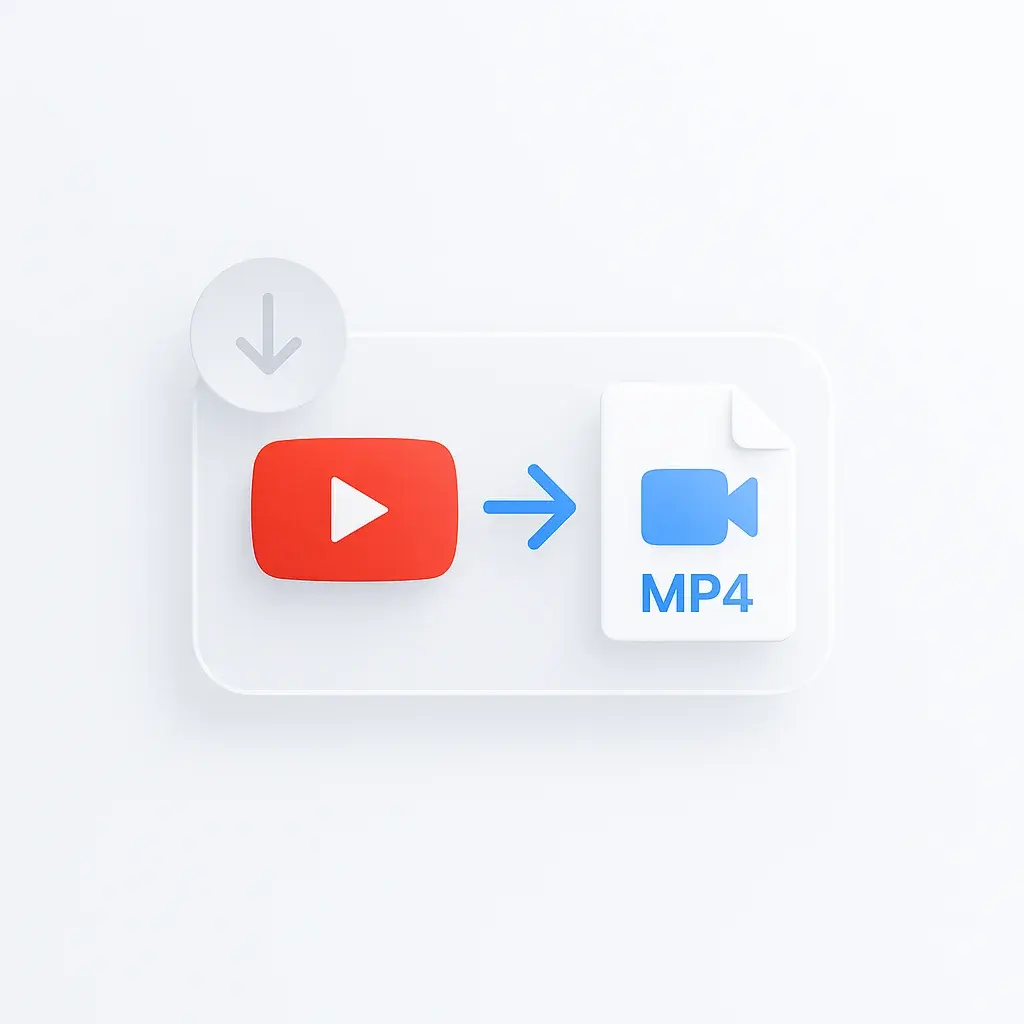
Paste any URL from YouTube, TikTok, Instagram, Facebook, or 1000+ other sites and get a downloadable MP4 file in seconds. Free URL to MP4 converter, no software, no signup, no daily limits.
One paste-and-go workflow handles every link you’d otherwise wrestle with: a YouTube watch URL, a TikTok share sheet, an Instagram Reel, a Facebook video that looks gated but is actually public, a Vimeo embed on a marketing page. The converter fetches the source across 1000+ sites and returns a plain MP4 file, not a .webm, .m3u8 playlist, or proprietary streaming container that needs a separate player. Use it as a link to MP4 converter, video link to MP4 tool, or website to MP4 downloader.
What you get:
- HD quality up to 1080p, with 720p and 480p options
- Most conversions finish in under 60 seconds
- HTTPS-encrypted processing in the browser
- Files deleted from the server right after you download
- Works on desktop, tablet, and mobile, no app needed
How to Convert URL to MP4
- Copy the video URL from YouTube, Instagram, TikTok, or any supported site.
- Paste the link and pick your quality: 1080p, 720p, or 480p.
- Click convert and download the MP4 when it’s ready.
This URL to MP4 converter works with YouTube, Vimeo, Facebook, Instagram, TikTok, Twitter, and 1000+ other sites. Original quality is kept intact. If you only need the audio, use extract audio from videos for MP3, WAV, or AAC output. For YouTube-specific MP3 downloads, see the YouTube to MP3 converter.
What kind of URL do you have?
Different links behave very differently. Use the table below to figure out what kind of URL you’ve copied and what the converter will do with it.
| URL type | What it looks like | What you get | Common issues |
|---|---|---|---|
| YouTube watch URL | youtube.com/watch?v=ABC123 or youtu.be/ABC123 | MP4 muxed from highest-quality stream available | Age-gated needs sign-in; private won’t work |
| YouTube Shorts URL | youtube.com/shorts/ABC123 | Vertical MP4 in source quality | Some Shorts are music-locked and may refuse |
| TikTok URL (web) | tiktok.com/@user/video/123.. | Watermark-free MP4 in source quality | Private accounts won’t work |
| TikTok share URL (mobile) | vm.tiktok.com/ZxXxXx/ | Resolved to full URL, then MP4 | Some short URLs expire after 24h |
| Instagram Reel/Post URL | instagram.com/reel/ABC123 | MP4 in source quality | Private profiles need login on Instagram side first |
| Facebook video URL | facebook.com/watch/?v=123 or fb.watch/abc | MP4 in source quality | Login-walled videos won’t work |
| Twitter/X video URL | x.com/user/status/123.. | MP4 in source quality | Spaces audio is a separate flow |
Direct .mp4 link | https://cdn.example.com/clip.mp4 | The file as-is | Signed S3 URLs expire (often after 1-24h) |
HLS playlist (.m3u8) | https://stream.example.com/master.m3u8 | Segments fetched and muxed into MP4 | DRM-protected HLS won’t work (Widevine/FairPlay) |
DASH manifest (.mpd) | https://video.example.com/manifest.mpd | Segments fetched and muxed | DRM streams won’t work |
blob: URL from a browser player | blob:https://.. | Won’t work directly, needs the original source URL | Find the source via the page’s Network tab in DevTools |
| iframe embed URL | <iframe src="https://player.vimeo.com/.."> | Resolved to source video, then MP4 | Private embeds may require referer headers |
| Signed CDN URL | URL with ?Expires=..&Signature=.. | MP4 while the signature is valid | Expires fast, fetch quickly after copying |
| Social share short link | instagr.am/p/ABC, t.co/abc | Resolved to full URL, then handled per platform | Some redirects break if the source removes the post |
Can’t find the URL? Get it from DevTools
When a page won’t let you right-click or share the video, open DevTools (F12 in Chrome/Firefox, Cmd+Opt+I on Mac). Go to the Network tab, filter by media, then play the video. The largest file ending in .mp4, .m3u8, or .mpd is the source. Right-click it and copy the URL.
Paste that into the converter. If it’s a .m3u8 or .mpd manifest, the converter handles segment fetching and muxing for you. If it’s a blob: URL, you need the request URL one row up in the Network list, that’s the real source.
How It Compares
| Feature | ScreenApp | CloudConvert | FreeConvert | Online-Convert | Convertio |
|---|---|---|---|---|---|
| Free tier | 1 free recording + 7-day Growth trial | 25/day (1GB limit) | 20/day (1GB limit) | Credit-based | 100MB file limit |
| Paid tier | $19/month annual | $9.50/month | $9.99/month | $9.99/month | $9.99/month |
| File size limit (free) | 3 videos | 1GB | 1GB | Credit-limited | 100MB |
| Registration required | No (for trial) | Optional | Optional | Optional | Yes |
| HTTPS encryption | Yes | Yes | Yes | Yes | Yes |
| Auto-delete files | Immediate | After 24 hours | After 24 hours | Not specified | After 24 hours |
| HD quality (1080p) | Yes | Yes | Yes | Yes | Yes |
| Platform support | 1000+ sites | Limited | Limited | Limited | Limited |
ScreenApp costs more per month than CloudConvert, FreeConvert, Online-Convert, and Convertio, but it supports over 1000 video sites directly (the others handle fewer) and deletes files immediately instead of holding them for 24 hours. The Business plan at $34/month annual removes file size caps and daily limits entirely.
Who Uses It
Content creators pull reference clips and tutorial footage. Students and educators save lectures and course videos for offline study. Social media managers archive competitor posts, viral content, and campaign assets before they get taken down.
FAQ
Is this MP4 converter safe?
Yes. Every conversion runs over HTTPS, files are deleted from the server right after download, and there’s no software to install. No account or personal information is required, and your URLs aren’t shared with third parties.
How do I use it?
Paste a video URL, choose 1080p, 720p, or 480p, and click convert. The MP4 downloads automatically once processing finishes.
How do I convert a URL to MP4?
Copy the video URL, paste it into the converter, pick 1080p, 720p, or 480p, then click convert. URL and link mean the same thing here, so any public video address works. Output is a standard MP4 file ready to play, edit, or share.
Is this a link to video converter or a link to MP4 converter?
Both. The tool takes any supported video link and returns an MP4 file, which is the most compatible video format. If you need WebM, MOV, or another container, convert the MP4 in a desktop editor after download.
How do I download MP4 from a link?
Paste the link, pick the quality, and click convert. The MP4 downloads to your device once processing finishes. Three steps, no signup, no install.
Do I need to install anything?
No. It runs entirely in your browser on desktop, tablet, or phone.
Which sites does it support?
YouTube, Facebook, Instagram, TikTok, Twitter, Vimeo, and 1000+ others. Paste any public video link to start.
What format do I get?
MP4, which plays on virtually every device, player, and editor without conversion.
Are there daily limits?
The free trial gives you 3 videos. Paid plans lift that cap. Unlike CloudConvert (25/day) or FreeConvert (20/day), there’s no hard daily ceiling on paid tiers.
Do you store the converted files?
No. Files are deleted from the server immediately after you download them, and links are never logged or shared.
Real-World Performance
Last tested: April 22, 2026. Results run on ScreenApp's own infrastructure.
| Metric | Measured | Test setup |
|---|---|---|
| Typical conversion time | Under 60 seconds | Most 5-10 minute clipsApril 22, 2026 |
| Maximum output quality | 1080p HD | From source videos that support itApril 22, 2026 |
| Supported platforms | 1000+ | YouTube, TikTok, Instagram, Facebook, Twitter, Vimeo and moreApril 22, 2026 |