11 Best Free Note Taking Apps: Real Free Limits Compared (2026)

On this page
“Free” is where note apps play their games. Evernote’s free plan now stops you at 50 notes total. Bear lets you write for free but charges for sync. Obsidian is genuinely free forever, until you want your notes on a second device. So a list of “free note taking apps” is only useful if it tells you where each free tier actually ends, and that is what this one does.
The short version: Notion, Google Keep, and Apple Notes are truly unlimited for text. Obsidian and Joplin are unlimited if you handle sync yourself. And for voice, the picture flips: almost every app treats transcription as a paid feature, which is the gap ScreenApp’s free tier fills with 2 free transcriptions and 3 uploads.
One reason to care about the voice side at all: the well-known Mueller and Oppenheimer study found that verbatim typing hurts understanding, and recording plus reviewing lets you listen first and process later instead of racing the speaker.
Quick picks
600 free transcription minutes a month; voice and meetings become organized notes.
Unlimited pages free for individuals; databases and wikis included.
Unlimited quick notes with zero friction and zero cost.
Unlimited local notes with linking; sync is the paid part.
Quick Comparison: Best Free Note Taking Apps
| App | Best for | Voice AI free? | Where the free tier ends |
|---|---|---|---|
| ScreenApp | AI transcription and voice notes | Yes | 2 transcriptions, 3 uploads |
| Notion | Organization and databases | Limited | AI features need a paid plan |
| Google Keep | Quick capture | Basic | Genuinely unlimited |
| Obsidian | Personal knowledge base | No | Official sync is paid |
| OneNote | Microsoft users, handwriting | Basic | OneDrive storage quota |
| Evernote | Web clipping, scanning | No | 50 notes total, 1 notebook |
| Apple Notes | Apple ecosystem | Basic | Apple devices only |
| Bear | Markdown writing on Apple | No | Sync requires subscription |
| Joplin | Privacy, self-hosting | No | Bring your own sync |
| Standard Notes | Encrypted notes | No | Formatting and extensions paid |
| Simplenote | Plain text, minimalists | No | Genuinely unlimited |
Free-tier limits checked in July 2026; they change often (Evernote's 50-note cap arrived overnight in late 2023), so confirm before committing your notes anywhere.
1. ScreenApp
Best free pick for voice notes and meetings
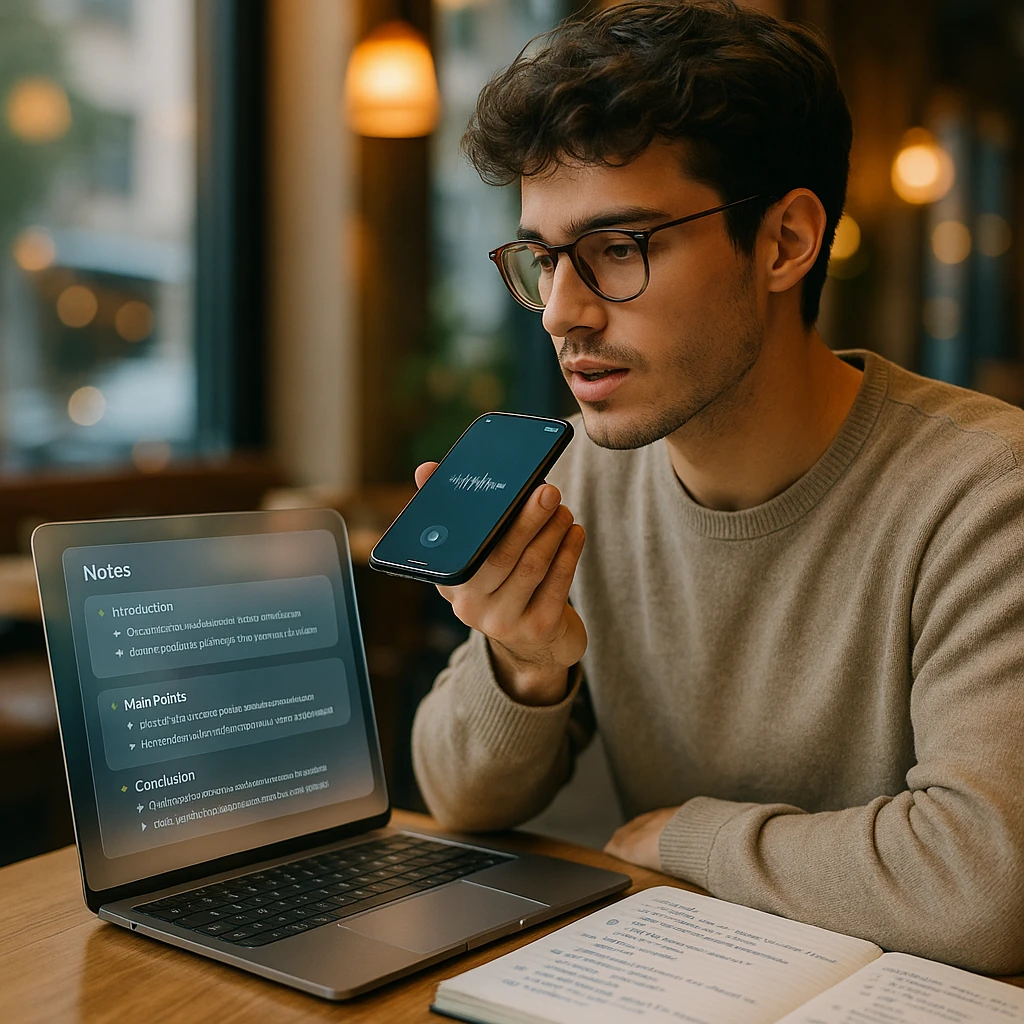
We build ScreenApp, so weigh this ranking accordingly; the checkable reason it sits first is the free voice tier. Every other app on this list treats transcription as a premium feature or a basic afterthought, while ScreenApp's free plan includes 2 transcriptions and 3 uploads: record a voice memo, upload an audio file, or capture a meeting, and the AI returns searchable text with a summary and action items. For typed notes alone, the apps below do the job; for spoken material (lectures, calls, thinking out loud), this is the one you can test without paying.
What the free tier includes
Limits and best for
The free plan stops at 2 transcriptions of recordings up to 45 minutes each and 3 uploads; regular recorders will need a paid plan. Best for students recording lectures and professionals whose notes start as speech rather than typing.
2. Notion
Best free app for organization and databases
Notion gives individuals unlimited pages and blocks free, and the flexible block structure covers everything from a grocery list to a full project database with kanban boards and calendars. It is the strongest free choice for people who want their notes to become a system: templates, linked pages, dashboards. Two honest caveats: the AI features sit behind the paid plan, and the flexibility is itself the tax; for a quick thought, opening Notion feels like opening a workshop to sharpen a pencil.
What the free tier includes
Limits and best for
AI requires payment, and the mobile app runs heavy. Best for organized thinkers building wikis, project trackers, and structured knowledge on a free plan.
3. Google Keep
Best free app for quick capture
Google Keep is the app for the three seconds between having a thought and losing it. Open, type, done, synced. The free tier is the whole product: unlimited notes, labels and colors, reminders that can trigger by location, voice notes with basic transcription, and OCR on photos of whiteboards and receipts. It falls over exactly where you would expect: no AI summaries, thin organization, and long-form notes turn into unmanageable yellow rectangles.
What the free tier includes
Limits and best for
Capture, not composition. Best as the fast inbox that feeds a heavier system like Notion or Obsidian.
4. Obsidian
Best free personal knowledge base
Obsidian stores everything as plain markdown files on your own disk, then layers linking, a graph view, and a huge plugin ecosystem on top. Free covers unlimited notes and full data ownership; nothing is held hostage in someone's cloud, and if Obsidian vanished tomorrow your notes would still open in any text editor. The catch is sync: the official service is paid, so a second device means paying or wiring up your own solution. The learning curve is real too. Nobody builds a second brain in an afternoon. If you would rather build that knowledge base with a team instead of solo, Bit.ai is a free collaborative alternative that keeps documents and wikis in shared workspaces.
What the free tier includes
Limits and best for
Official sync is the paid part, and there is no voice transcription. Best for long-term connected knowledge you intend to keep for decades.
5. Microsoft OneNote
Best free app for Microsoft users and handwriting
OneNote ships free with a Microsoft account and does two things the rest of this list mostly cannot: proper handwriting with recognition (excellent on a tablet with a stylus) and audio recording that timestamps against your typed notes, so clicking a line of notes jumps to that moment of the recording. The infinite canvas suits messy, spatial thinkers. The interface has looked the same for a decade, sync can crawl on big notebooks, and the free ceiling is really your OneDrive storage quota.
What the free tier includes
Limits and best for
Dated interface, occasional sync lag. Best for Windows and Office households, students with a stylus, and anyone who wants audio tied to typed notes.
6. Evernote
Web clipping and scanning, on a shrunken free tier
Evernote earns its place with a warning label. The web clipper is still the best way to save an article with formatting intact, and the document scanner handles receipts and whiteboards well. But the free plan was cut to 50 notes total in one notebook, which converts "free note app" into "extended demo" the month you hit the cap. If you were an Evernote free user in the unlimited era, this is the reason your app started nagging.
What the free tier includes
Limits and best for
50 notes, 1 notebook, tight device limits. Best only if clipping and scanning matter more to you than volume, or as a paid plan.
7. Apple Notes
Best built-in option for Apple users
Apple Notes went from an afterthought to genuinely capable: unlimited notes, solid iCloud sync, handwriting recognition, and on Apple Intelligence devices, voice transcription and smart features at no cost. For an all-Apple household it is the zero-setup answer, and the honest question is whether you need anything else. The wall is the ecosystem: no Windows, no Android, and the newest AI features need recent hardware.
What the free tier includes
Limits and best for
Apple devices only. Best default for iPhone-and-Mac people who want capable notes without installing anything.
8. Bear
Best free markdown writing app on Apple
Bear is the prettiest writing surface on this list, and that is a real feature: markdown, tags, focus mode, and typography good enough that writing in it is a small pleasure. Free covers unlimited notes on a single device; syncing between your Mac and iPhone is what the subscription buys. Writers who live on one machine can use it free forever. Everyone else should price the subscription against how much the design matters to them.
What the free tier includes
Limits and best for
Apple-only, paid sync, no AI. Best for writers and developers who value the writing experience over features.
9. Joplin
Best free private, open-source notes
Joplin is the open-source answer: markdown notes, end-to-end encryption, plugins, and no company between you and your data. Sync is bring-your-own (Dropbox, OneDrive, or your own server), which is either a chore or the entire point, depending on why you are here. The interface is more functional than pretty, and there is no AI anywhere, which its target audience considers a feature.
What the free tier includes
Limits and best for
You assemble the sync yourself. Best for privacy-first users and self-hosters who want their notes off other people's clouds.
10. Standard Notes
Best free encrypted notes with sync included
Standard Notes makes one trade clearly: you get end-to-end encrypted notes that sync across devices free (the thing Bear and Obsidian charge for), and in exchange the free tier is plain text only, with formatting, markdown, and extensions behind the paid plan. The project is built around longevity promises, which matters if your notes need to outlive apps and trends.
What the free tier includes
Limits and best for
Plain text on free; features cost. Best for security-conscious users who want encrypted sync without paying or self-hosting.
11. Simplenote
Best free plain text notes, everywhere
Simplenote (from Automattic, the WordPress company) is exactly its name: plain text notes that sync instantly across every platform, with tags and version history, completely free with no premium tier lurking. No formatting, no images, no voice, no AI. As the fallback app that will always open fast and never surprise you with a paywall, it has outlived flashier competitors for a reason.
What the free tier includes
Limits and best for
Text only, on purpose. Best for minimalists and quick reference notes that need to be everywhere.
How to Choose the Best Free Note Taking App
Start from what your notes are made of, because that decides everything else.
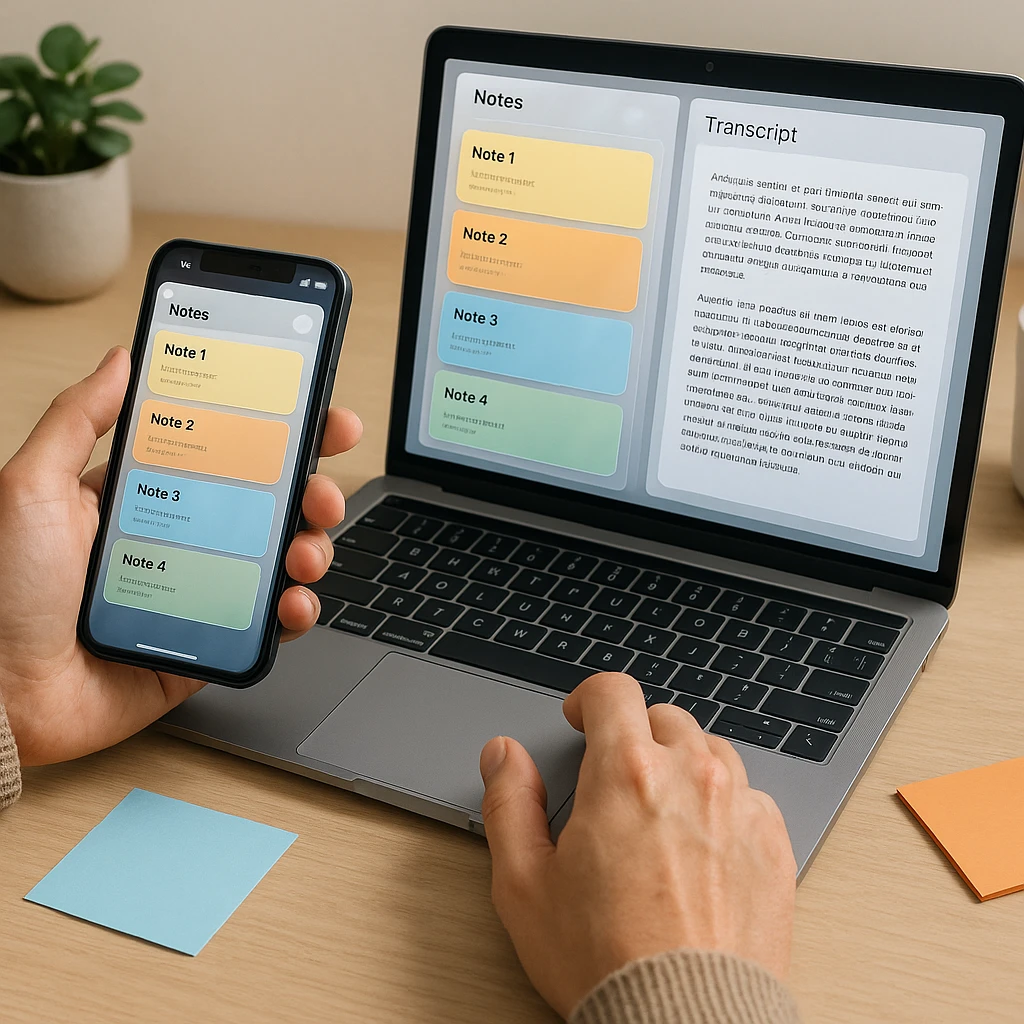
If your notes start as speech (lectures, meetings, ideas on a walk), pick ScreenApp, because free voice AI is rare and the free plan is enough to test it; students should also look at the dedicated free AI lecture note takers comparison. If your notes are a system, Notion. If they are three-second captures, Google Keep. If they are a decades-long knowledge base, Obsidian, and accept the sync question. All-Apple households can honestly stop at Apple Notes now. And if the requirement is that nobody else can ever read them, Joplin or Standard Notes, depending on whether you want to host the sync yourself.
The one mistake to avoid: picking by feature list instead of by free-tier shape. An unlimited app you tolerate beats a beautiful app whose cap you hit in week three (see: Evernote).
Best Note Taking Apps: Free vs Paid
The paid upgrade usually buys one of four things: sync (Bear, Obsidian), volume (Evernote’s caps, ScreenApp’s free caps), AI (Notion), or collaboration (nearly everyone’s team features). Before paying anywhere, name which of the four you are actually short of; most people discover it is sync or volume, and that the cheapest fix is switching apps rather than upgrading one.
For phone-first note taking specifically, our mobile AI note apps guide compares the same category with iOS and Android in mind, and if your notes come out of meetings, the automated meeting notes guide covers the capture-to-action-items pipeline in more depth.
Related Resources
- Note Taking App - AI-powered note taking
- Best Mobile AI Note Taking Apps - Phone-specific options
- Best Free AI Lecture Note Takers - For students recording classes
- AI Note Taker - Video to notes conversion
- Meeting Note Taker - Automatic meeting notes
- The Complete Guide to Automated Meeting Notes - The capture-to-actions workflow
FAQ
What's the best free note taking app overall?
For AI features and voice transcription, ScreenApp has a free tier that includes AI transcription. For general organization, Notion works well. For pure simplicity, Google Keep.
Are free note taking apps safe?
Major apps use encryption and secure cloud storage. For maximum privacy, Joplin and Standard Notes offer end-to-end encryption where even the company can't read your notes.
Do free note taking apps have AI?
Most free tiers exclude AI features. ScreenApp includes AI transcription and summaries in its free tier, capped at 2 transcriptions.
What's the best free note taking app for students?
Students benefit from voice transcription for lectures. ScreenApp handles lecture recording and creates study notes automatically. Notion works well for course organization.
Can I use free note taking apps for work?
Yes, though team collaboration often requires paid plans. For personal productivity, free tiers work well. For meeting notes specifically, ScreenApp captures calls without disrupting participants.