Cornell Notes Template 2027: Free PDF, Word and Examples

On this page
A Cornell notes template divides the page into three zones: a wide column on the right for what you write during class, a slim cue column on the left for the questions you add later, and a summary block at the bottom of each page, written after class. Below you can download the free template as a PDF for printing or a Word file for typing, or choose from the other layouts on offer. Every design fits on a single page, costs nothing, and needs no account.
Free Cornell Notes Template
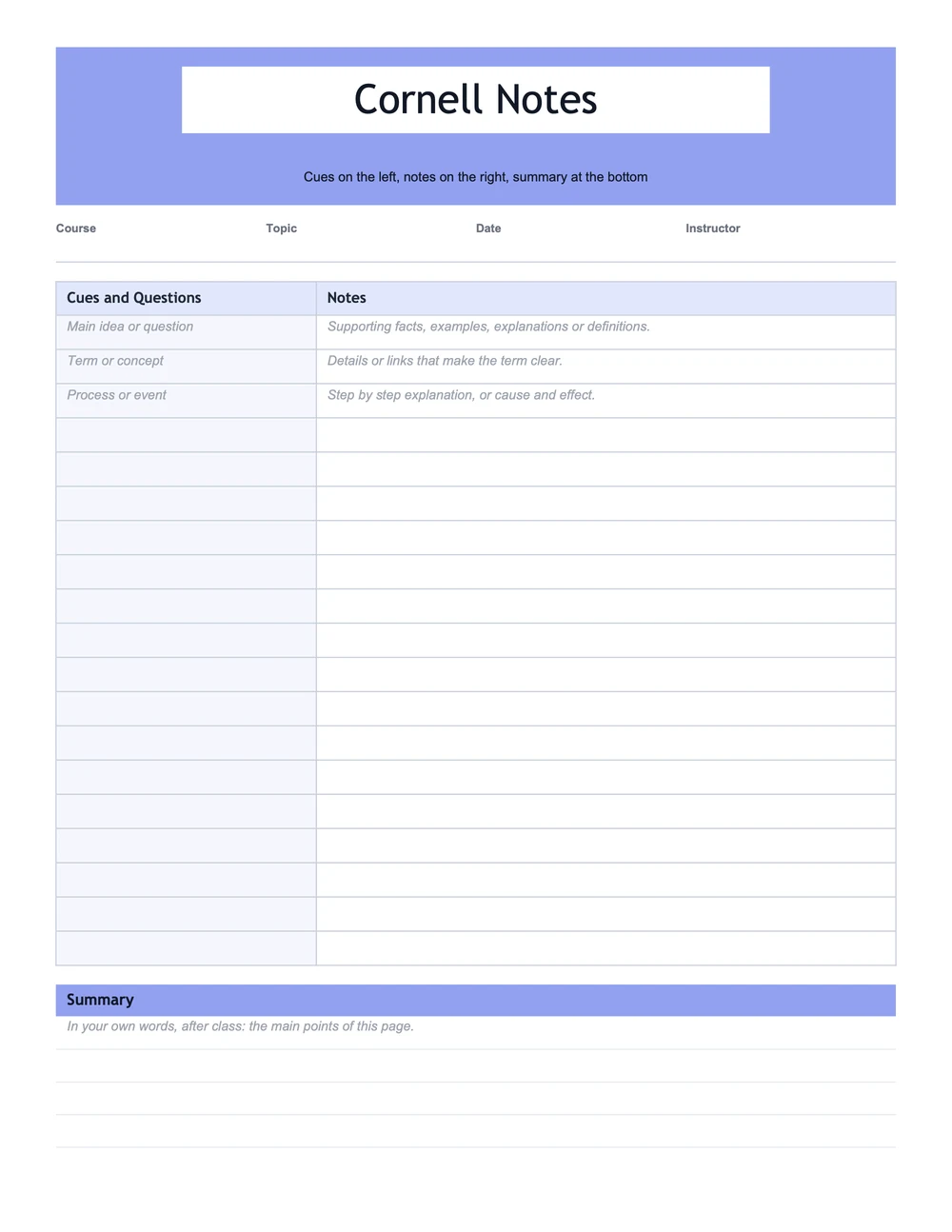
Here you get the classic arrangement. The top strip holds name, course, date and topic. Cues run down the left, notes fill the right, and the summary waits at the bottom. Two paper sizes are included, US Letter and A4.
Classic Cornell Notes Template
A one-page sheet with grey prompts in the first rows that show what goes in each column, and a summary bar at the bottom. Print it, or type straight into the Word version.
US Letter
A4
Want the Cornell notes template in Google Docs? Send the Word file up to Google Drive and launch it in Google Docs. The table survives the trip, lines and headings included, and every row accepts typing.
More Cornell Notes Templates
You can arrange those three parts a few different ways. Whichever layout matches your note-taking style is the right one.
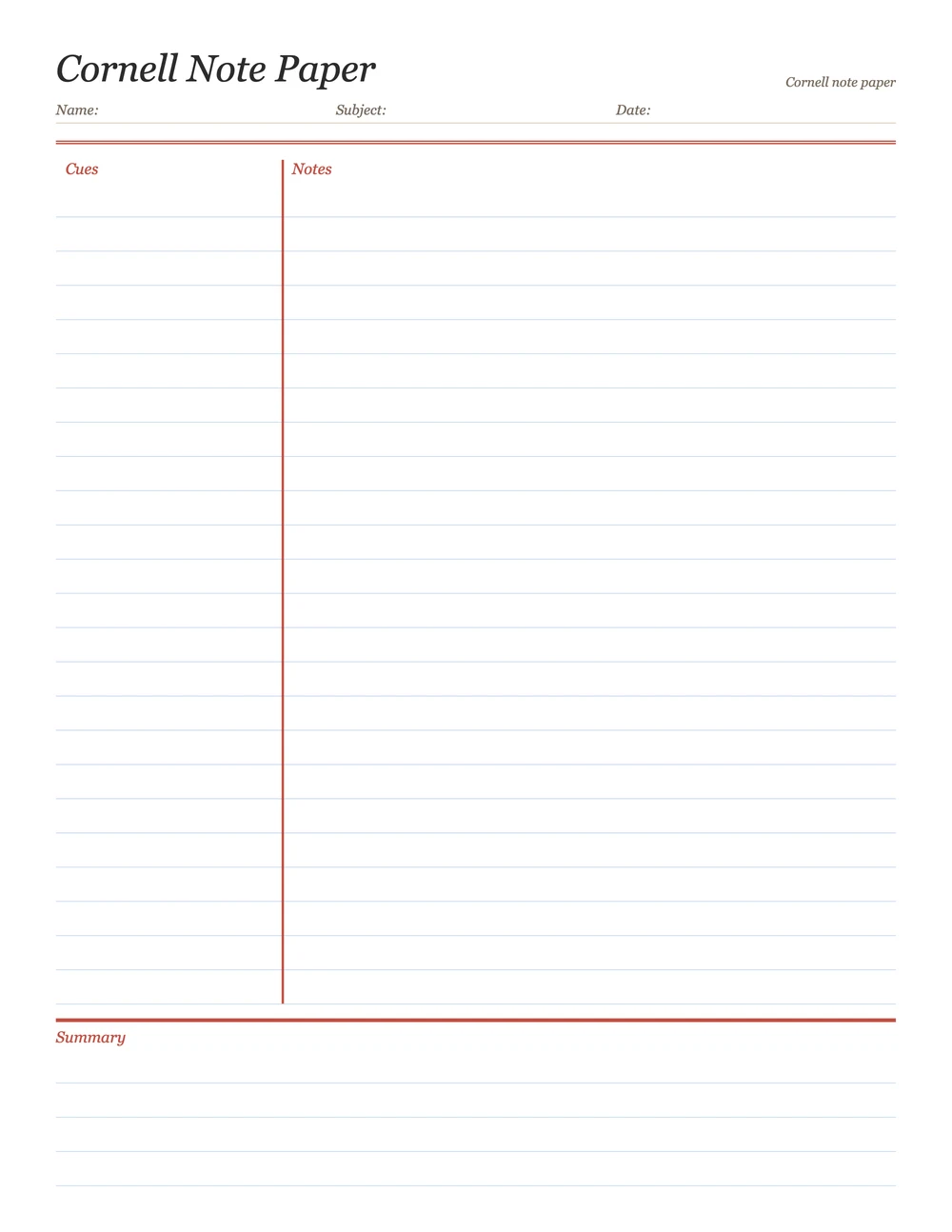
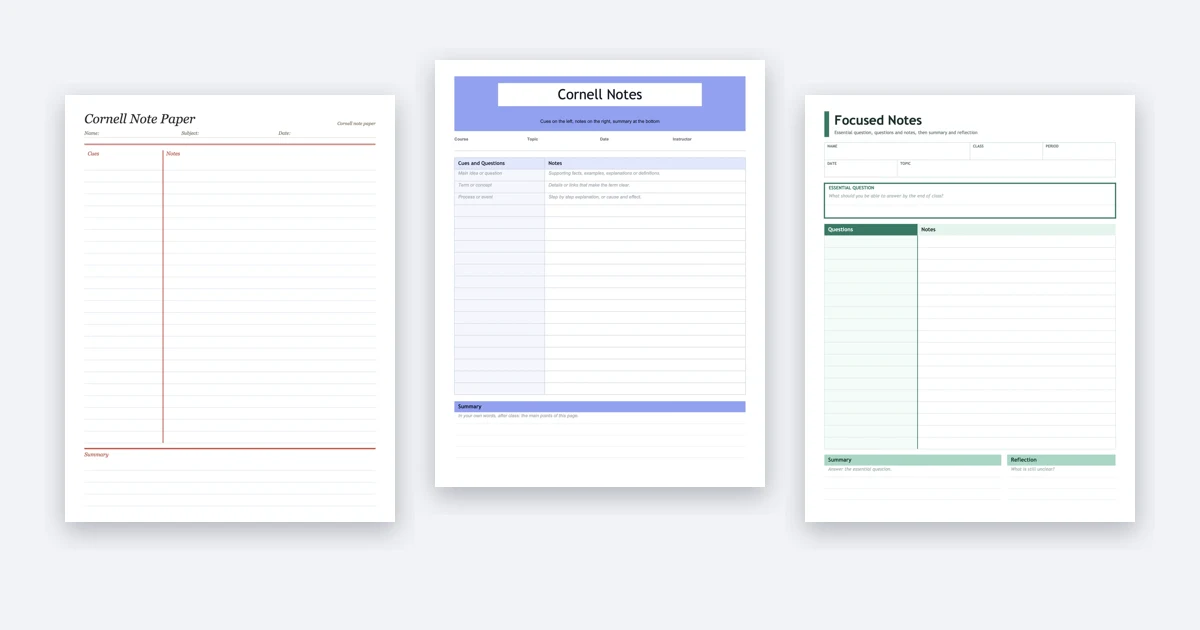
Cornell Note Paper
Lined paper with a red margin line for cues. No boxes, just lines, for handwriting in class.
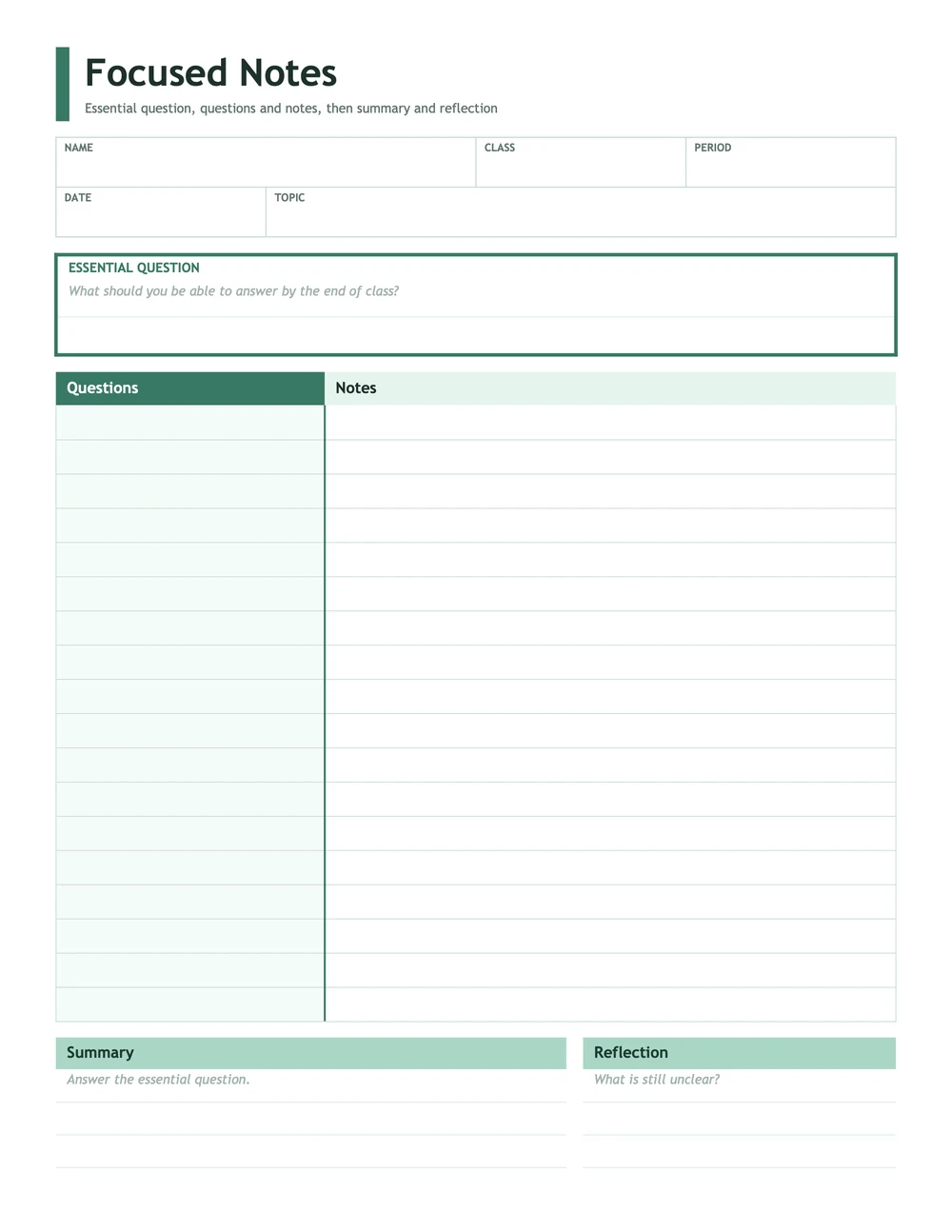
Focused Notes Template
Boxed form fields, a framed essential question, and summary beside reflection. Best for AVID and high school classes.
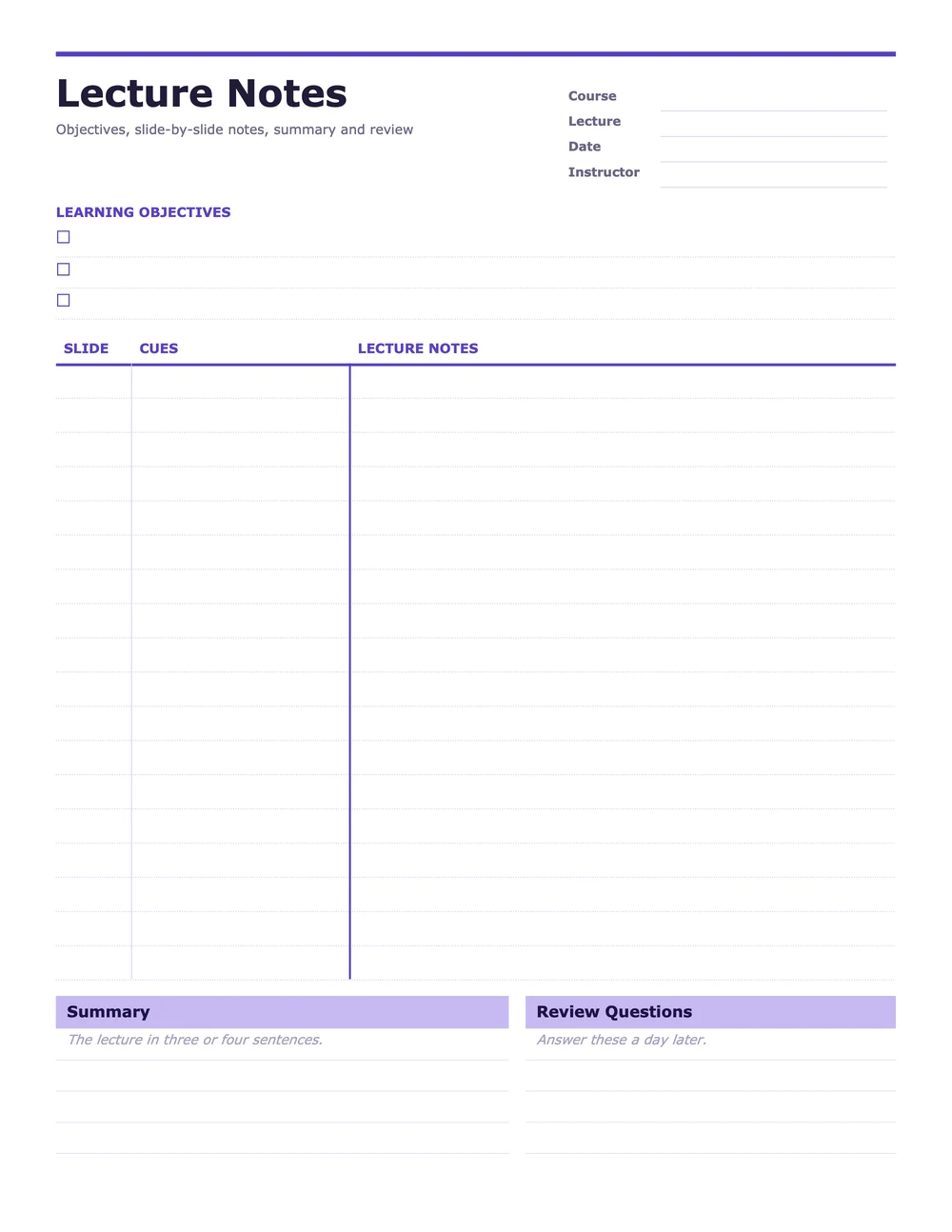
Lecture Notes Template
A slide-number column, a checklist for learning objectives, and summary beside review questions. Best for college lectures.
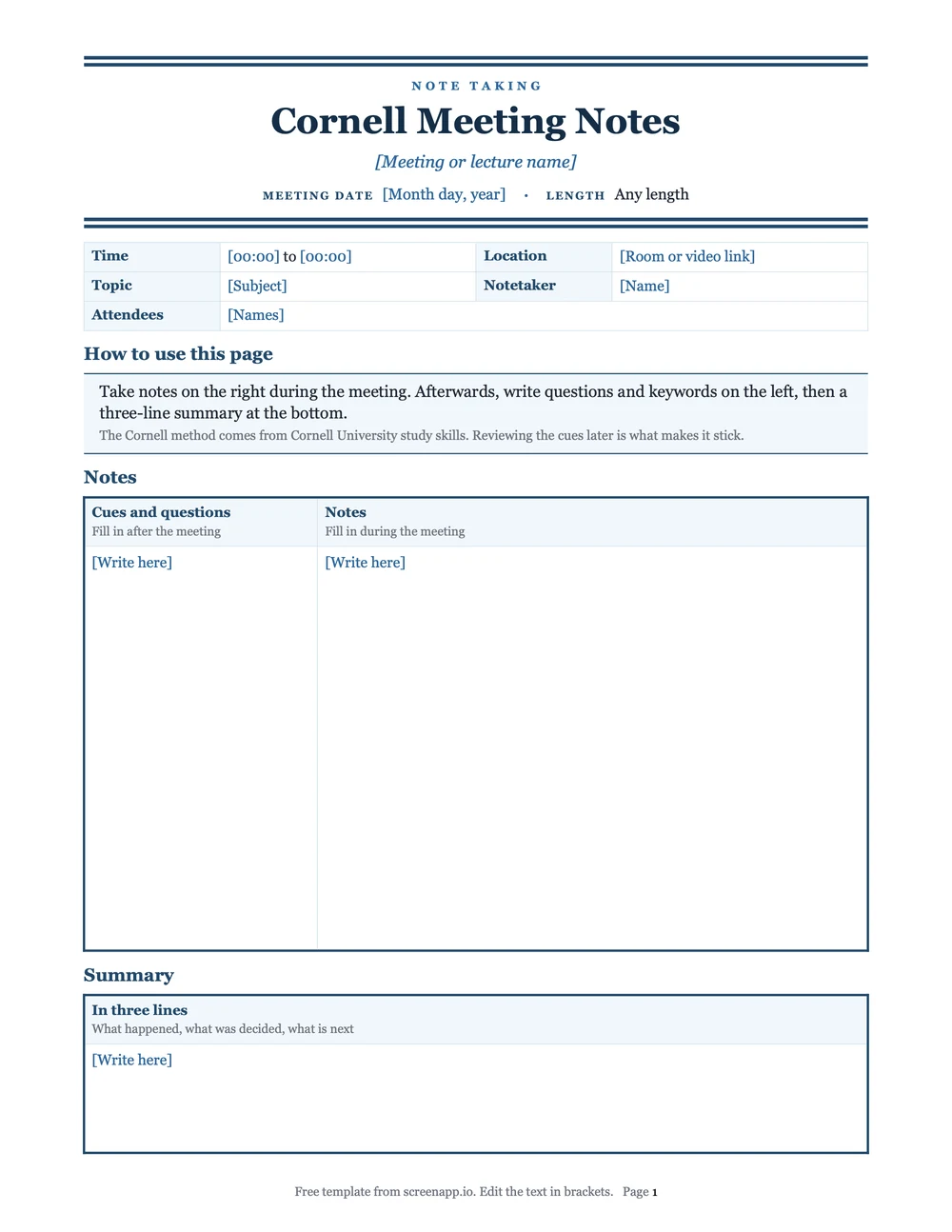
Cornell Meeting Notes
The Cornell layout for work meetings. More layouts are in our meeting notes templates.
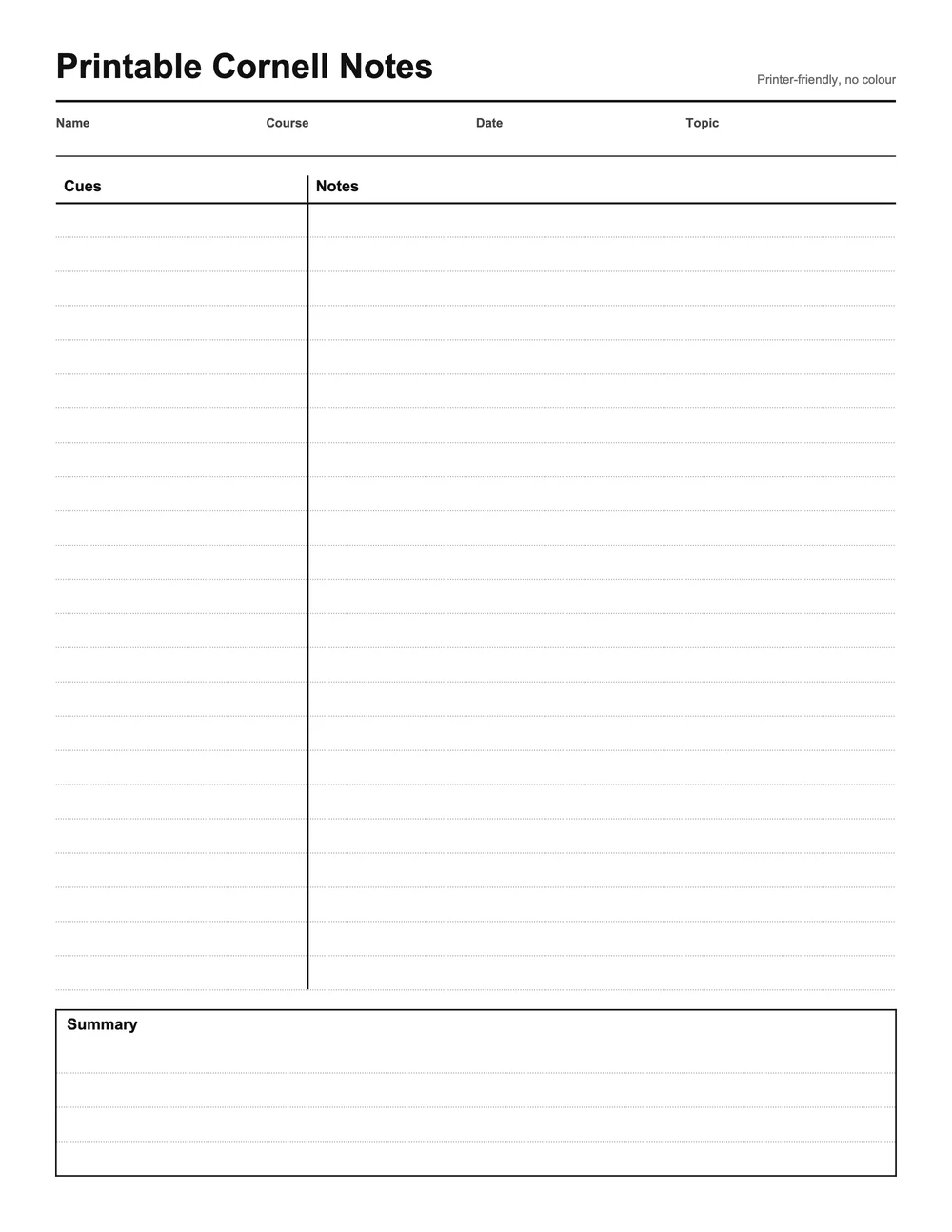
Printable Cornell Notes
Light greys only, no colour fills, so it prints cleanly on any printer and saves ink.
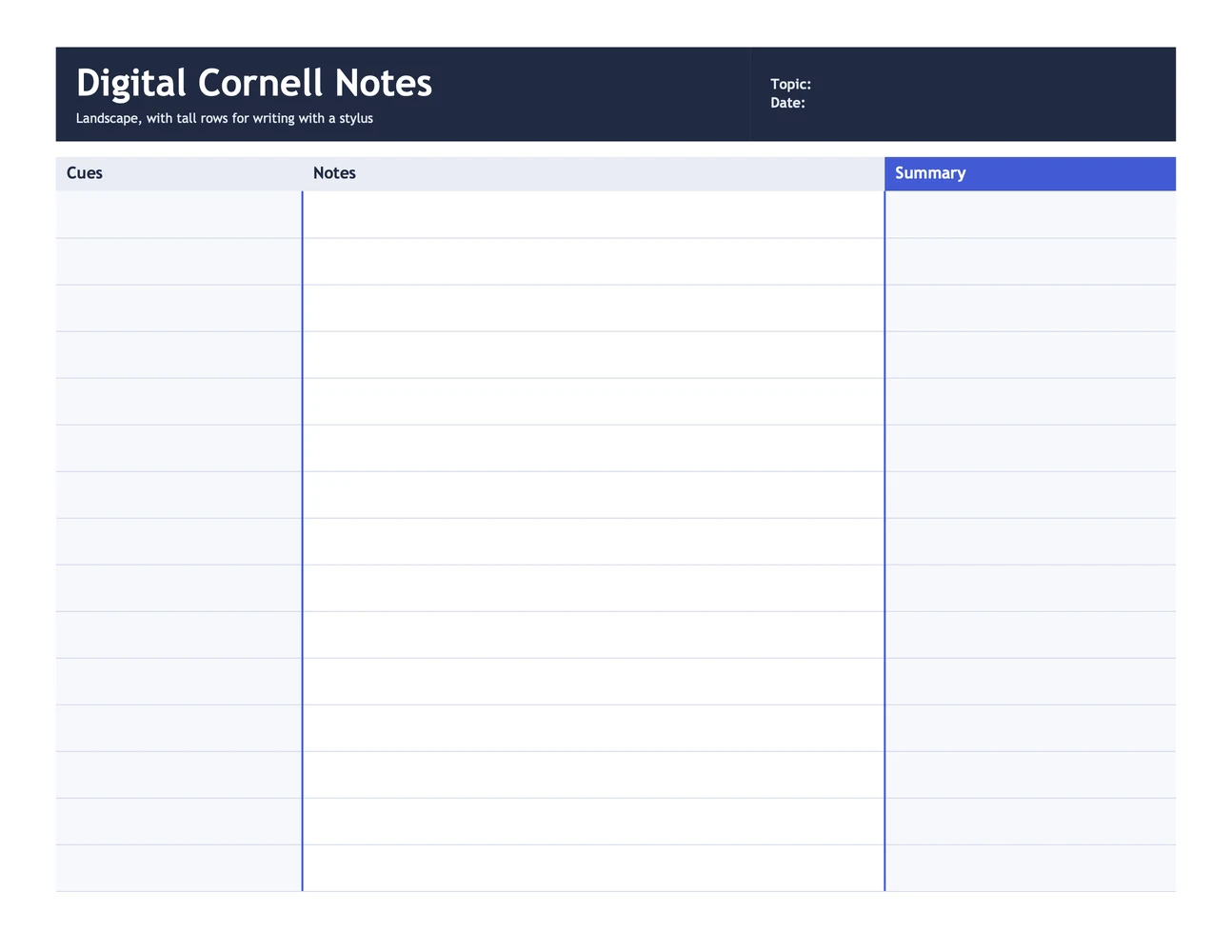
What AVID calls focused note-taking gets its own layout here. A Cornell page in many AVID classrooms opens with an essential question, and the closing summary gives the answer. Rules change from school to school, so verify what your class expects.
Cornell Notes Templates by Subject
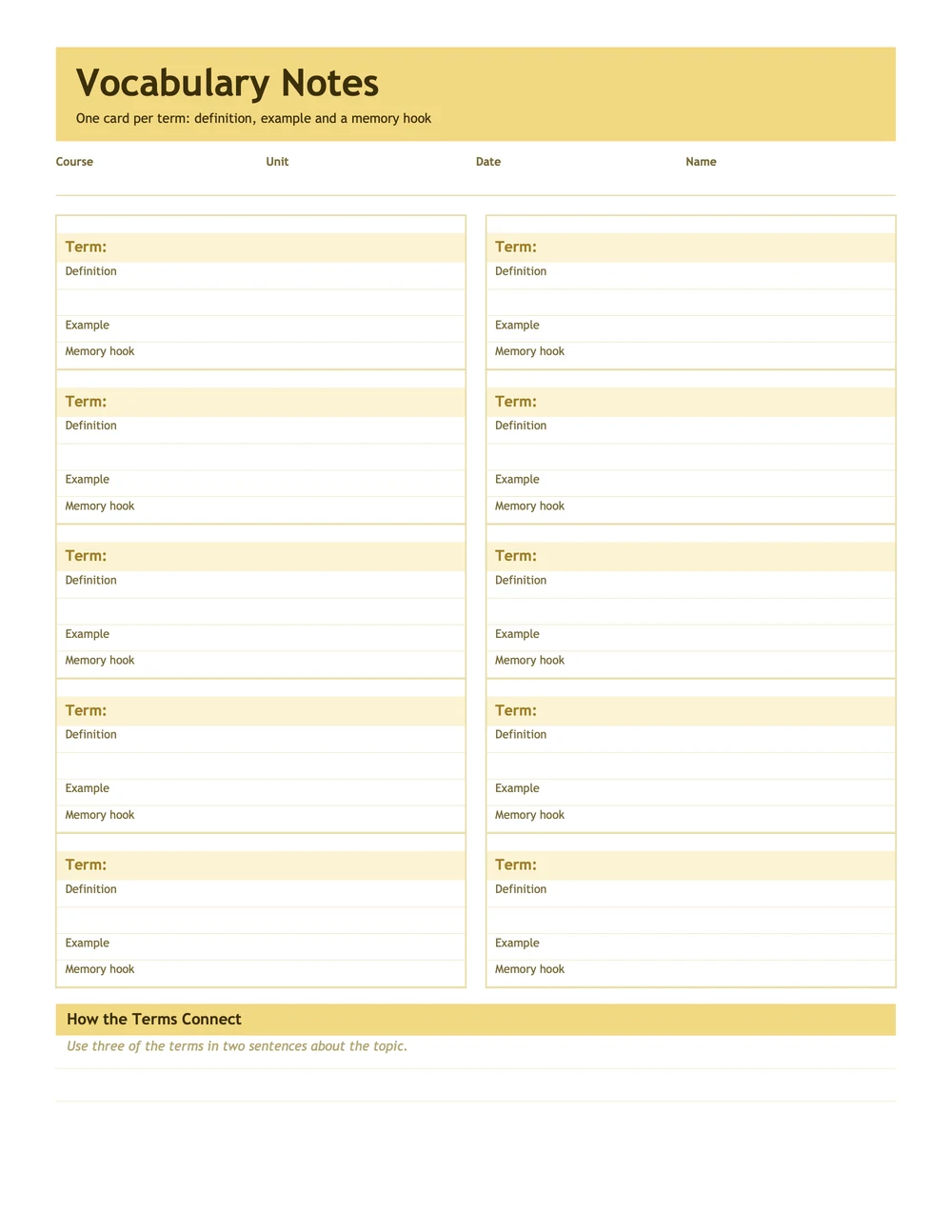
Some subjects need more than a cue column and a notes column. These four add the part each one is missing: graph paper for math, a diagram box for science, quotes and page numbers for reading, and a row per term for vocabulary.
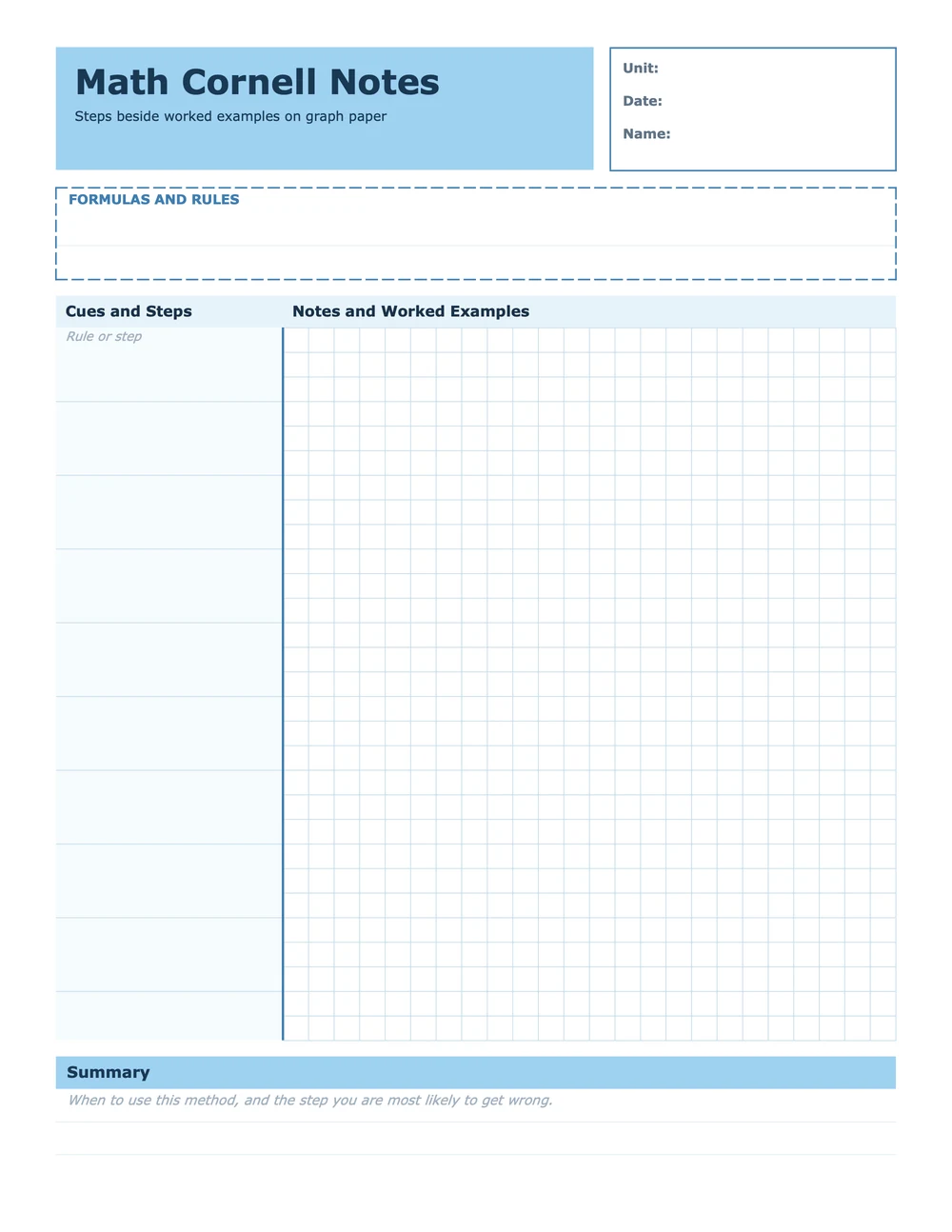
Math Cornell Notes
A cue column beside graph paper for worked examples, plus a box for formulas and rules.
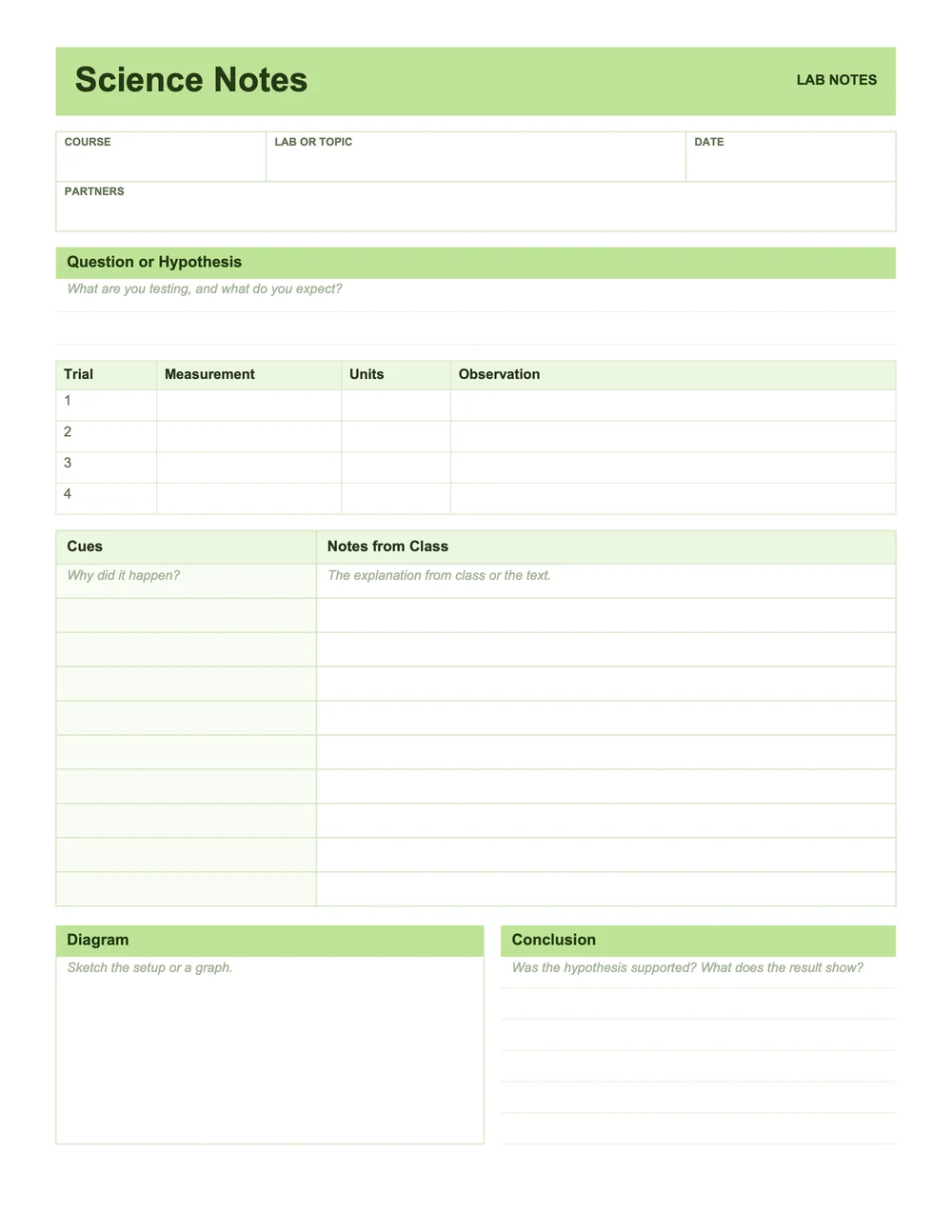
Science Notes
Lab notes: a hypothesis, a data table for trials, cues and notes, and a diagram beside the conclusion.
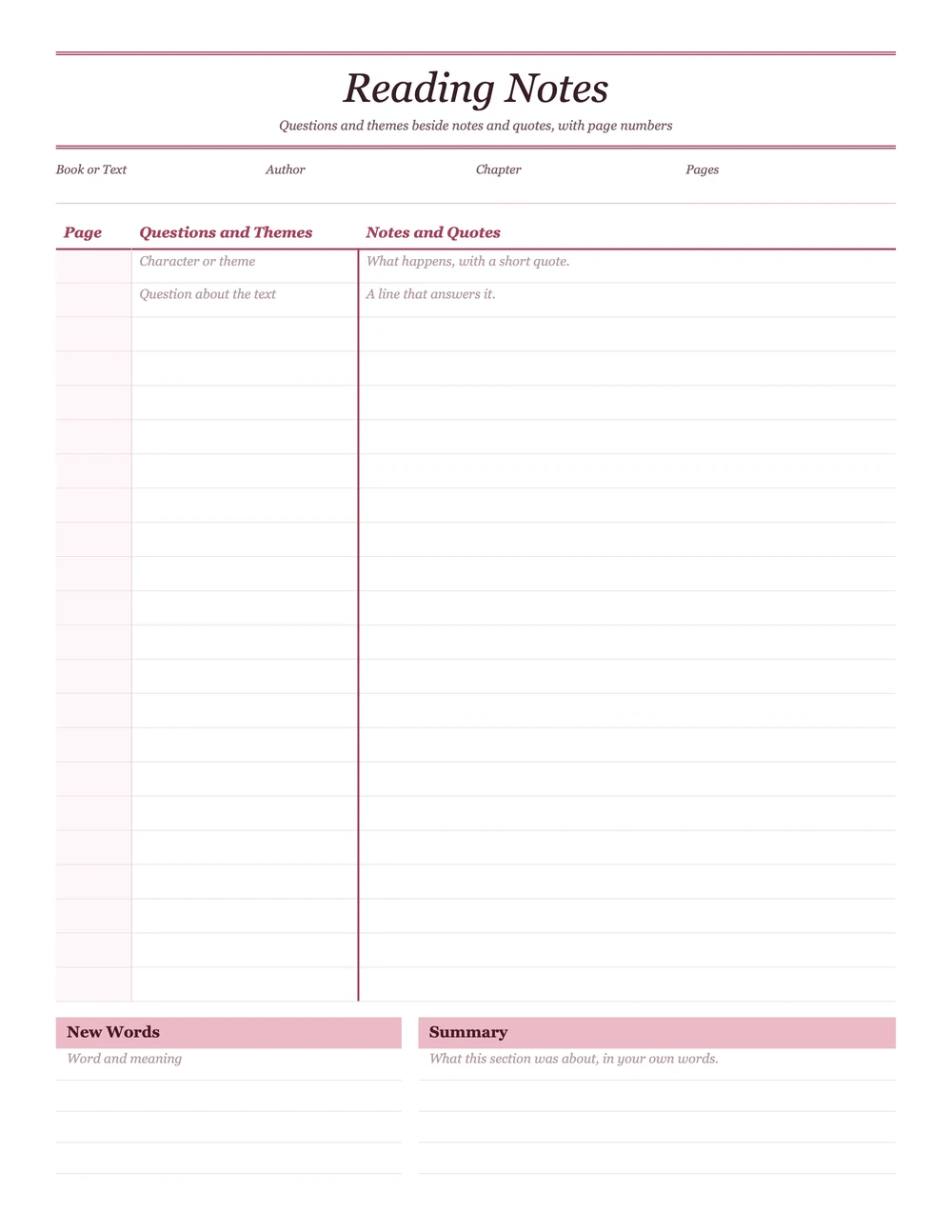
Reading Notes
A page-number column beside questions and quotes, with new words and a summary side by side.
A math page works best when the notes column holds a full worked example, not just the formula. The how to take Cornell notes guide has more on cue questions for each subject.
Cornell Notes Examples
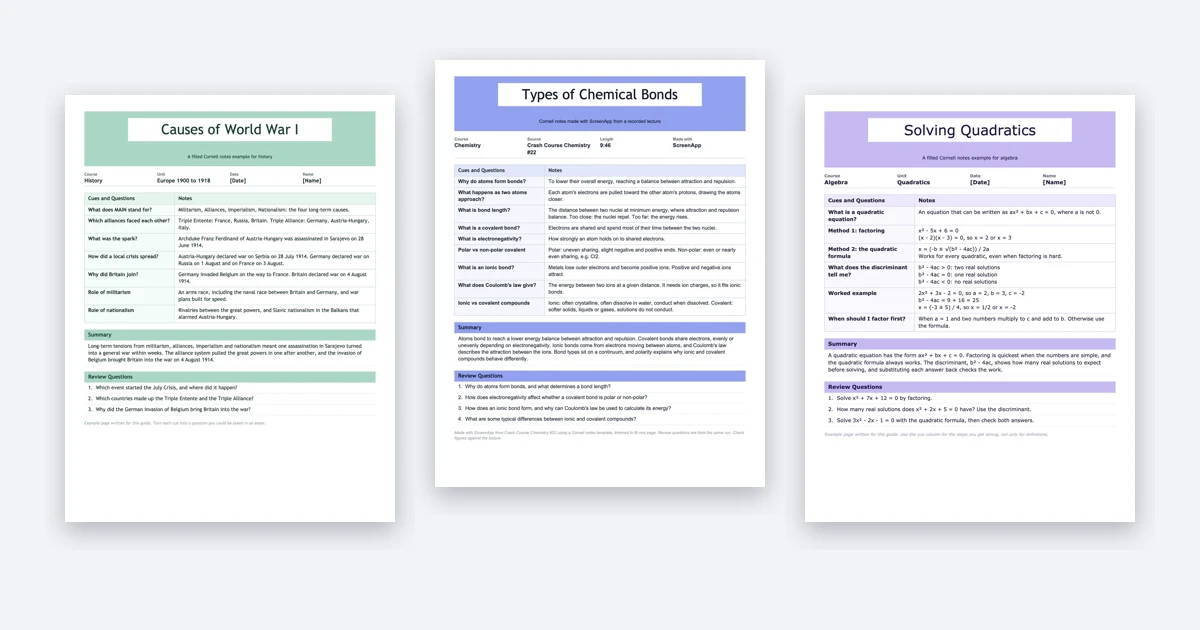
Layout is all a blank template can show you. What fills each part is what these completed pages demonstrate. Grab any of them to study the format or print one as a model.
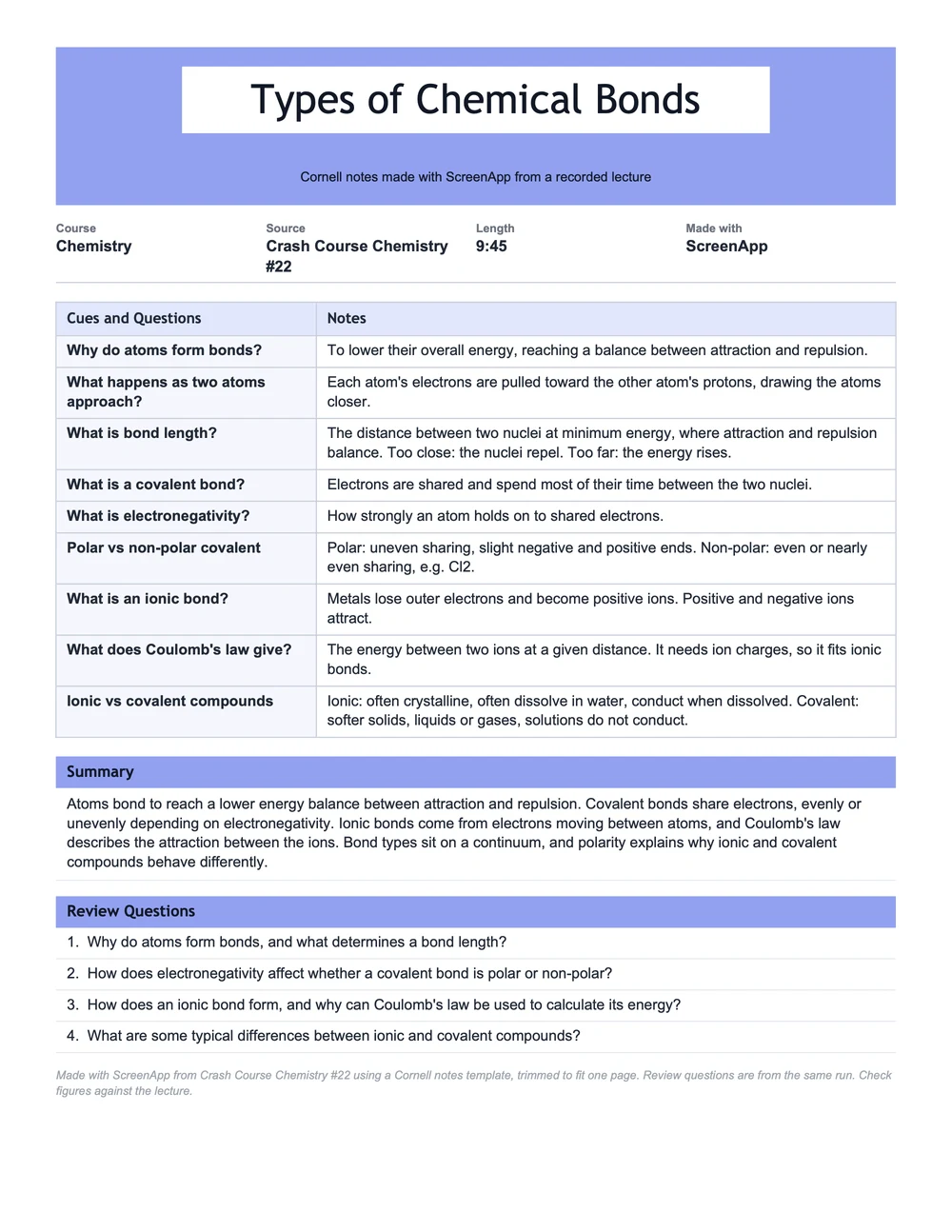
Chemistry Example
Types of chemical bonds, made with ScreenApp from Crash Course Chemistry #22.
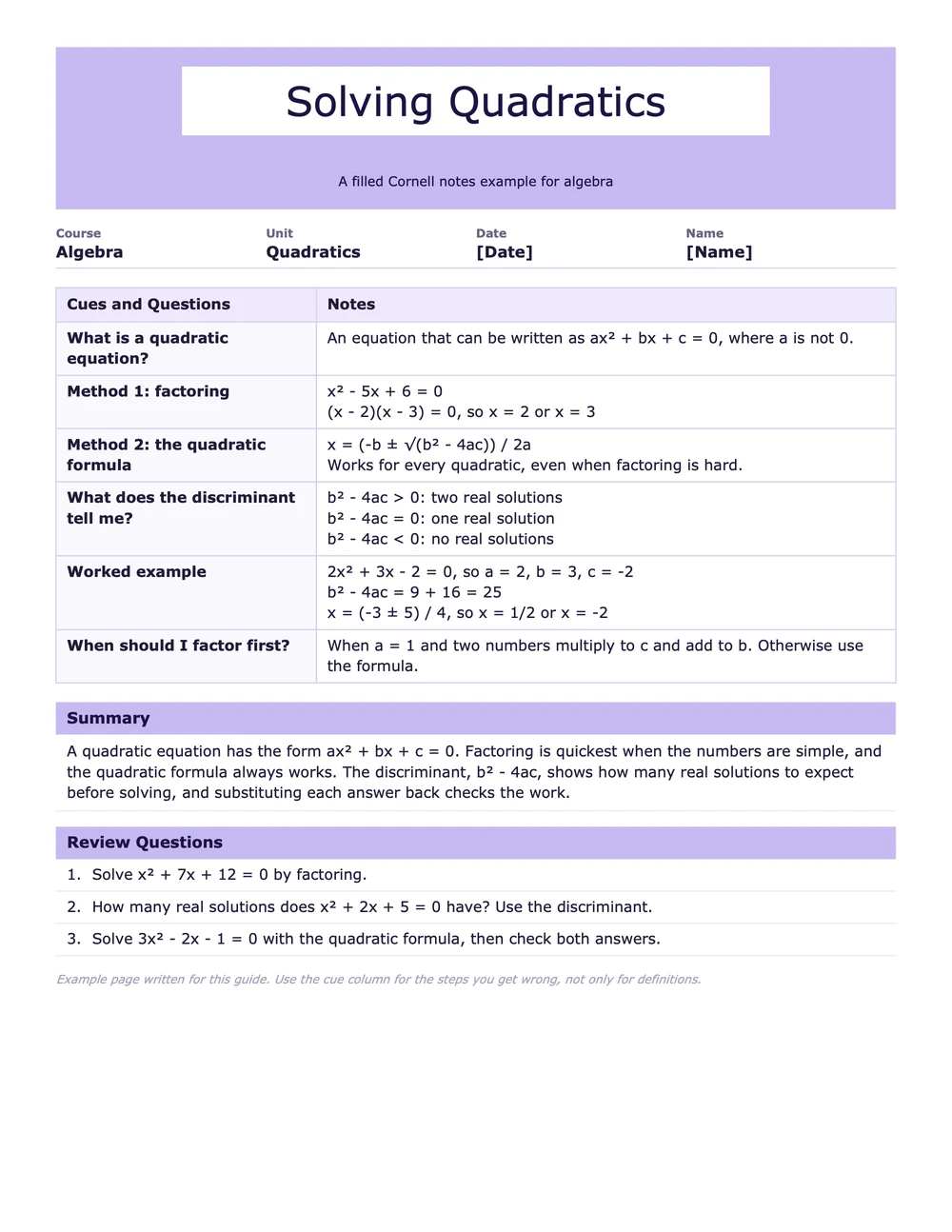
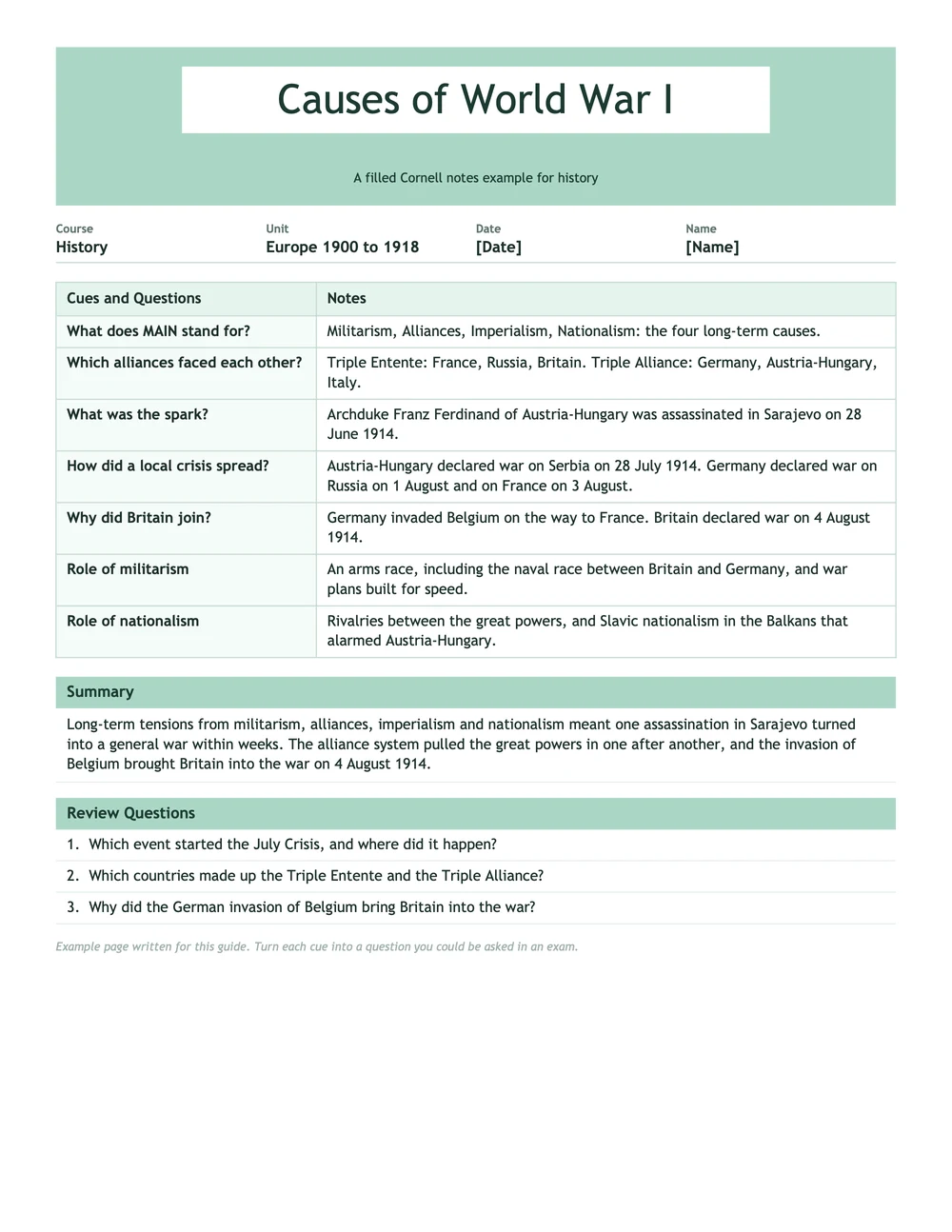
Study the cue column on each page. Real cues work as questions someone might put to you, like “What does the discriminant tell me?”, rather than plain labels. The math page aims its cues at the steps students get wrong. Dates on the history page each become a reason.
Only the chemistry page came from an actual recording. We fed a lecture through a Cornell template in ScreenApp and trimmed the output to one page. A bond length in one row of the full result looked wrong, so we dropped it. Before revising from AI notes, verify the numbers against the lecture.
How to Use a Cornell Notes Template
The handout Cornell published names five steps: record, questions, recite, reflect and review. They land on the template as follows:
- Record. Class time belongs to the notes column alone. Write short phrases rather than full sentences.
- Questions. Once class ends, get a question or key term into the cue column, set beside each block of notes.
- Recite. Block the notes from view and say each cue’s answer aloud.
- Reflect. Think about the links between ideas. Where do they meet what you already know?
- Review. Circle back to your notes, at least ten minutes every week, as Cornell’s handout instructs.
After class, write the summary in your own words at the bottom. Every step comes with examples in our guide on how to take Cornell notes, plus what to do when the lecturer outruns your pen.
How Wide Should the Cue Column Be?
Your cue column needs to be narrow so notes keep most of the page, and wide enough for a short question. Ours takes roughly 30% of the width. Cornell's own handout gives no measurement at all, so widen yours when questions run long.
PDF or Word: Which File Should I Use?
Print the PDF, or pull it into any PDF app and write with a stylus. Typing notes, editing fields or resizing columns is what the Word file is for. It also opens in Google Docs once you upload it to Google Drive.
What If One Lecture Fills More Than a Page?
Print the sheets you need. Each page keeps the cue column going, and each page gets one summary. Cornell's handout puts that summary at the bottom of every page, so a single sheet stands on its own when you review.
Turn a Recorded Lecture Into Cornell Notes
Cornell notes are hardest to keep up with while class is running. Record the lecture and the rush goes away. ScreenApp takes a Cornell layout you save once as your own template, runs it over a lecture recording or a YouTube lecture, and hands back a PDF you can download. It produced this table from the Crash Course lecture:
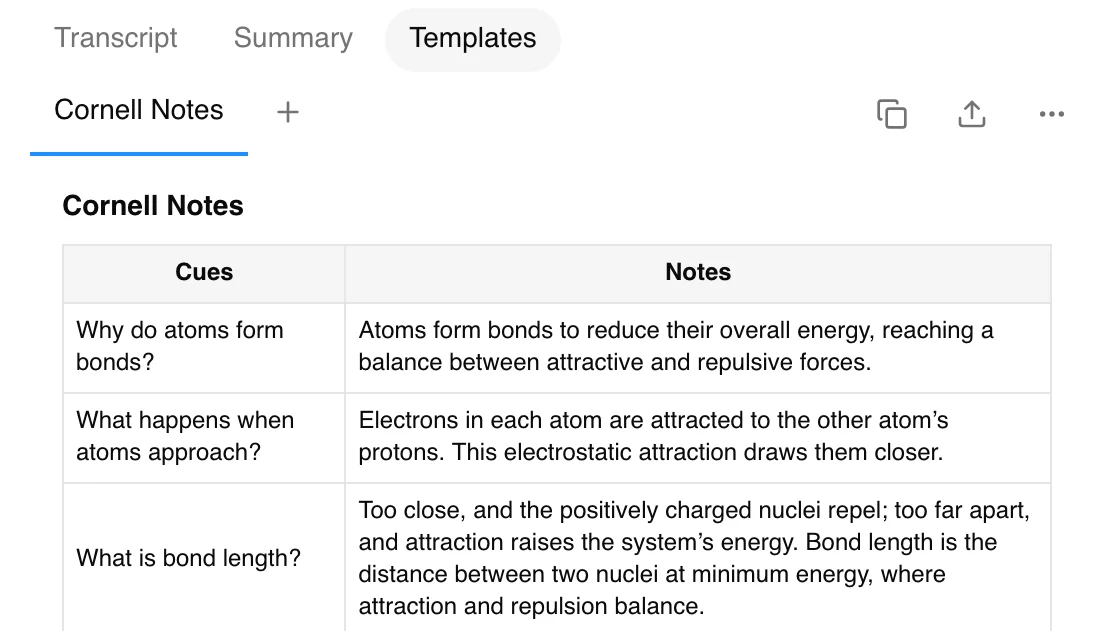
Head to the Cornell notes generator page, where you can copy the template instructions and find the steps that set it running on every new recording. The recite, reflect and review work stays with you. That’s where the bulk of learning happens.
Get Your Next Lecture as Cornell Notes
Record the class or upload the file, run a Cornell template, and keep the PDF.
- Cue questions and notes in lecture order
- Download as PDF, Word, PowerPoint, Markdown or plain text
- Free plan: 2 transcriptions of recordings up to 45 minutes each in total. Pro starts with a 7-day trial on annual plans only and needs a card, then charges $228 for the year unless you cancel during the trial
After notes in a free layout instead? Summaries, study notes and PDFs from any lecture video are covered in our guide to turning a video into notes. Still weighing Cornell against outlining, mapping and charting? Our overview of note-taking methods does the comparison.
Print It, Then Do the Work
What a template hands you is the page itself. Everything beyond that belongs to the method: notes taken in class, questions written afterward, a summary in your own words, and a quick review once a week. Try the classic sheet first. If the lined paper or the lecture layout suits you better, switch. For that first week, keep a filled-in example within reach.
FAQ
What Are the Three Sections of a Cornell Notes Template?
Class notes belong in the column on the right. The cue column runs down the left, ready for questions and key terms you write after class. At the bottom of the page you'll find the summary area.
Is There a Free Cornell Notes Template?
Yes. All the templates here download as a PDF or Word file at no charge, and you never sign up. There are ten designs, a meeting version and three filled examples.
Can I Use a Cornell Notes Template in Google Docs?
Yes. Send the Word file up to Google Drive and Google Docs opens it without trouble. The table survives, the lines survive, and typing into each row works.
Is There a Cornell Notes Template for Word?
Every design includes a Word file made for typing. Its cue column, notes column and summary already sit in a table, so you can start straight away.
What Is the Difference Between Cornell Notes and Focused Notes?
AVID calls its note-taking routine focused notes. The Cornell layout shows up in many AVID classes, with an essential question at the top and the summary answering it.
Who Created the Cornell Note-Taking System?
It was developed by Walter Pauk, a Cornell education professor, who described it in his book How to Study in College.
Can AI Fill In a Cornell Notes Template?
Start from a recorded lecture and the answer is yes. ScreenApp lets you save a Cornell template once, then run it on the recording to get cues, notes and summary filled in. Names and numbers need checking against the lecture, and the recite and review steps remain yours to do.